MCPEDL » Maps » City Maps » Apocalyptic City for MCPE

Apocalyptic City Map for Minecraft PE

Trusted File
Version MCPE 1.0.0 - 1.26.23 for Android
Get it for free!
Download
Author: Brandon Taylor
Published: 21 May 2026
Download Best Maps

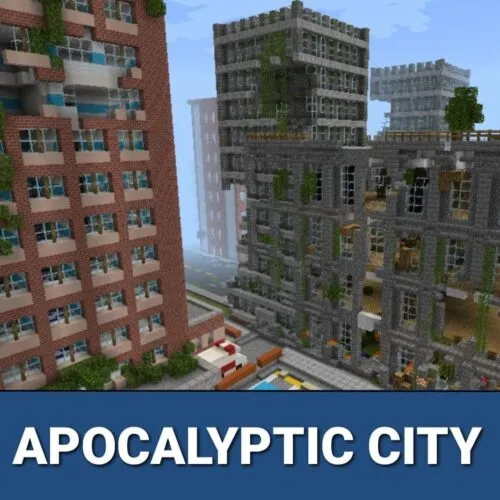
Download Apocalyptic City Map for Minecraft Bedrock and explore four abandoned city locations filled with zombie hordes, hidden loot, and post-apocalyptic atmosphere — all for free.

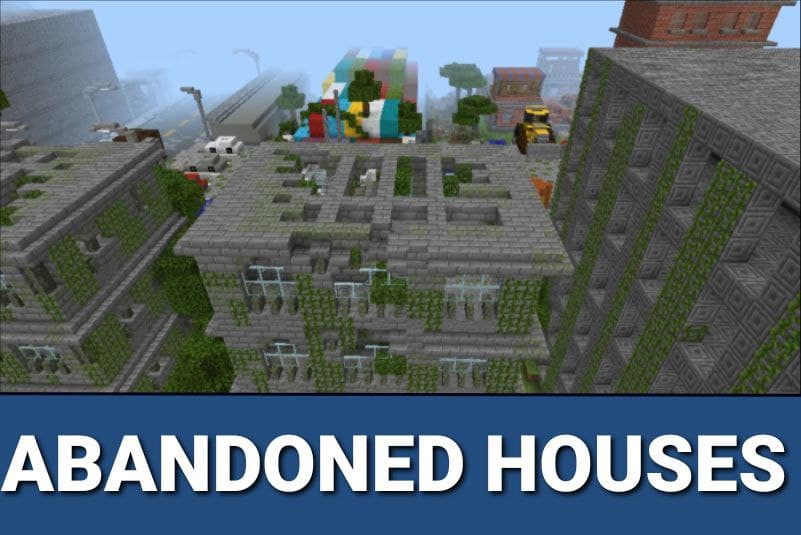
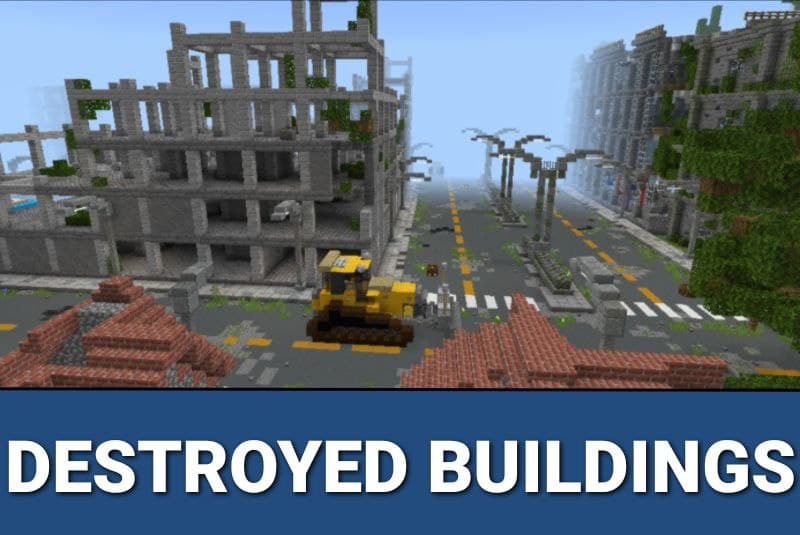
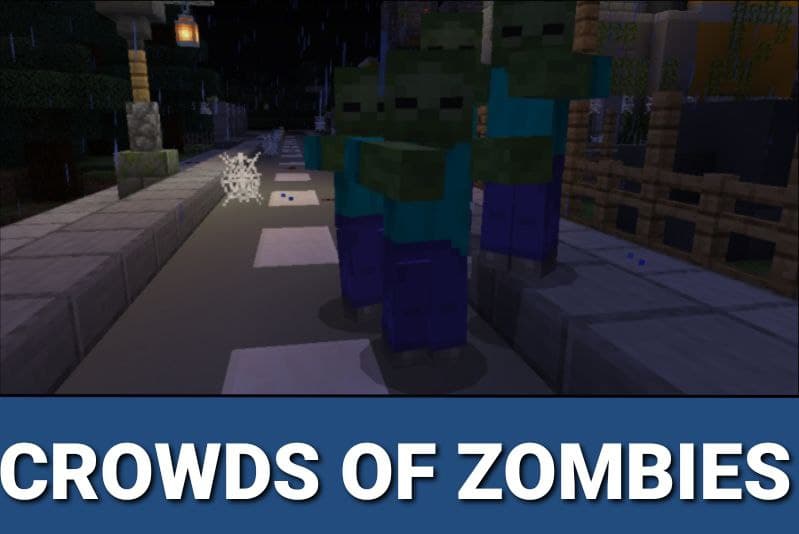
Each map variant drops players into a ruined world with no safe zones. Buildings are empty, roads are deserted, and the only inhabitants left are the undead. The goal is simple: survive long enough to find resources and push further into the city.

Multiplayer is supported across all variants. Bring friends to explore the ruins together or compete in Hunger Games-style matches on the same map.

Four Abandoned Cities to Survive

Apocalyptic City

A large open city built specifically for Hunger Games sessions. Loot chests are already placed across the map, so players can start competing immediately after loading in.

The map works in both survival and creative mode, making it easy to explore the full layout before starting a serious run. Experimental Mode must be enabled for all event triggers to work correctly.

Zombie Apocalypse City

Players land in the center of a modern metropolis taken over by infected mobs. Resources are scattered inside abandoned houses — finding them is essential before the zombie crowds close in.

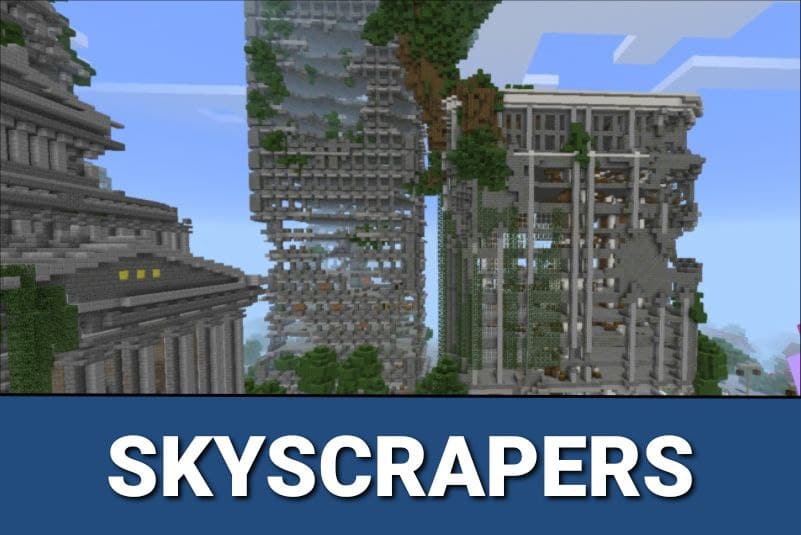
The main objective: reach the top floor of a skyscraper and build a base above the horde. Every floor below is dangerous.

Zombiepolis

The largest and most detailed variant. Zombiepolis is a full city with overgrown streets, collapsed buildings, and moss-covered walls reclaimed by vegetation. Every structure has its own backstory.

Key locations across the map include:

  • An abandoned hotel hiding secrets in its corridors — dangerous to explore alone;
  • the Ace Tower, where the clock hands froze at the moment the city died;
  • a crumbling skyscraper with a destroyed basement and unstable floors;
  • the empty City Hall, once the center of civic life, now completely overrun;
  • a central plaza surrounded by buildings — the best spot for fighting incoming zombie waves.
Zombiepolis has no mod restrictions. Any third-party addon works here, so players can build their own scenarios on top of the existing world.

The map supports multiplayer for cooperative exploration and role-playing sessions. Bring a group and divide the city between you.

Post Apocalyptic

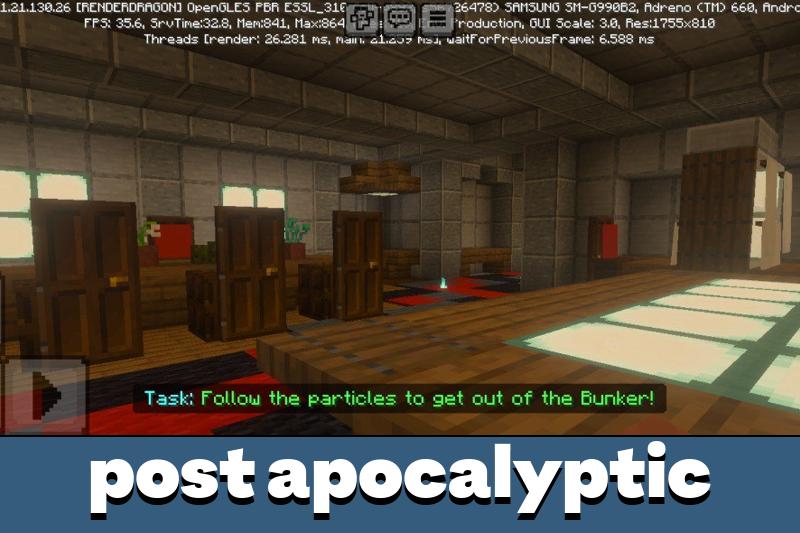
This variant starts differently. Players spawn inside a bunker and must find the exit before they can reach the destroyed world above. The city outside has been devastated by a catastrophic event — no hints, no guidance.

More abandoned and ruined locations are available in the city maps collection for Minecraft Bedrock.

Installation on Android

Download the .mcworld file and tap it on your Android device. Minecraft Bedrock imports the map automatically. Before loading any variant, enable Experimental Mode in world settings — some triggers and mob spawners depend on it.

Parameter Details
Platform Android
File format .mcworld
Genre Survival / Horror / Adventure
Variants Apocalyptic City, Zombie Apocalypse City, Zombiepolis, Post Apocalyptic
Key locations Hotel, Ace Tower, Skyscraper, City Hall, Central Plaza, Bunker
Game modes Survival, Creative
Multiplayer Supported
Experimental Mode Required
Browse more free maps on the Minecraft Bedrock maps — city, survival, horror, and adventure.

Full installation instructions are available in the guide on how to install maps on Android.

Recommended:

FAQ

How to install Apocalyptic City Map for Minecraft PE?

Download the .mcworld file and tap it on your Android device. Minecraft Bedrock imports the map automatically — no need to move files manually. Before starting, open world settings and enable Experimental Mode so all zombie spawners and event triggers work correctly.

Can I explore Apocalyptic City Map with friends?

Yes, all race variants support multiplayer. The host creates or opens the world and invites friends to join. Most variants support up to 4 players at the same time.

The map is not loading correctly — what should I check?

Make sure Experimental Mode is enabled in the world settings before you load the map. Without it, mob spawners and scripted events may not trigger. Also verify you are using a compatible version of Minecraft Bedrock on Android.
Comments