MCPEDL »
Download Texture Packs for Minecraft PE
Download Texture Packs for Minecraft PE and upgrade Bedrock Edition on Android: realistic visuals, HD resource packs, PvP textures and FPS boost styles — all in .mcpack format.
Tap any download below to import a pack in one click, then turn it on under Resource Packs. Every texture pack on this page is free.
The average rating of all articles in the category is displayed.
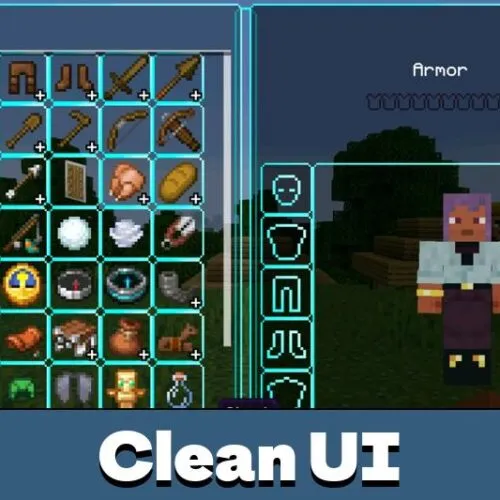
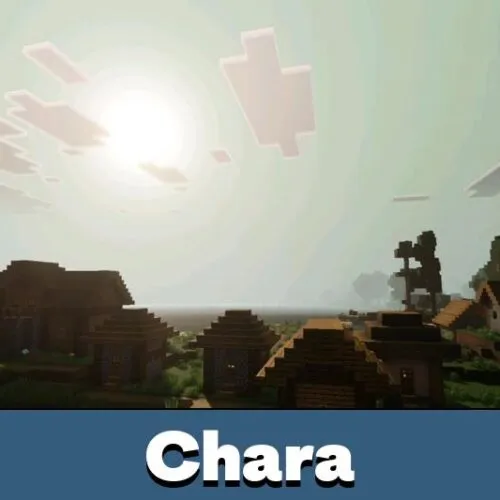
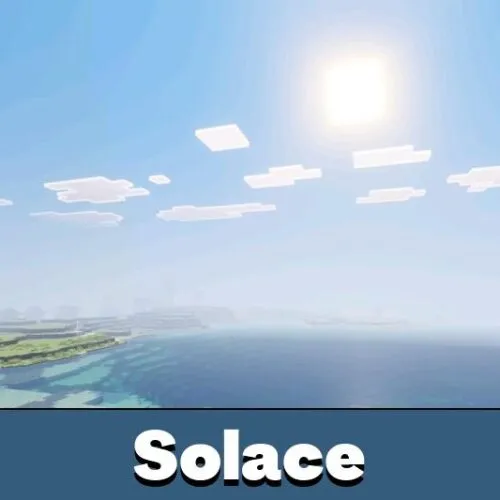
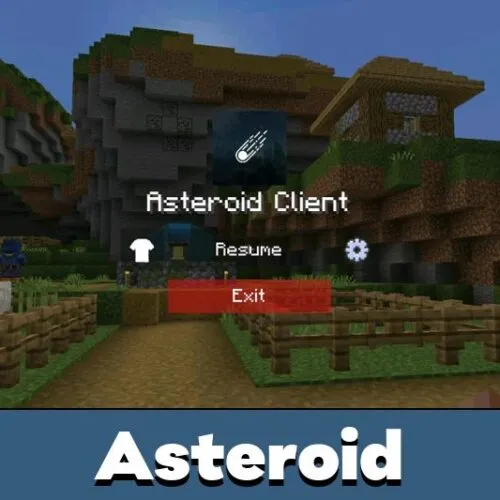
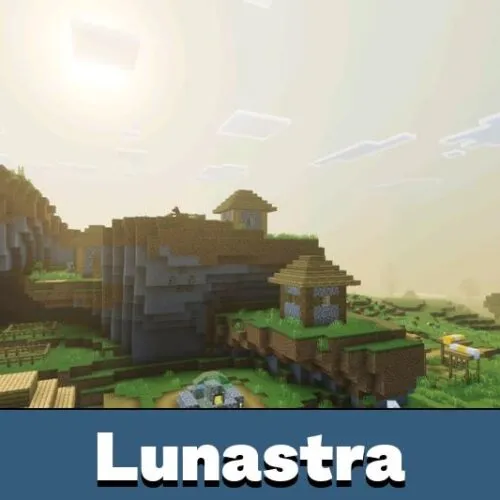
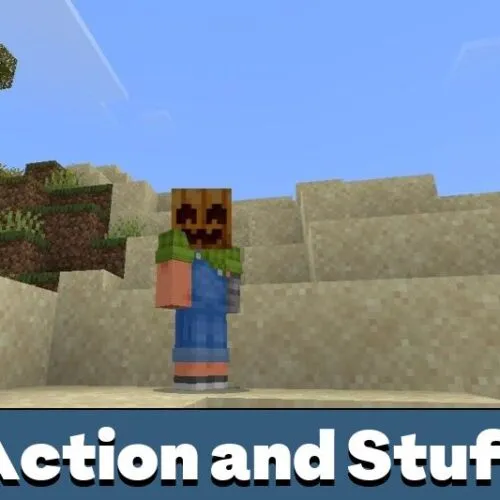

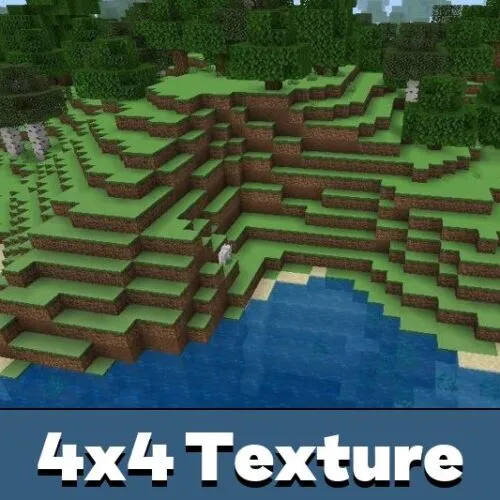
What Texture Packs Change in Minecraft PE
A texture pack — also called a resource pack — changes how Minecraft looks without touching the gameplay. It can redraw blocks, items, the hotbar, armor, the sky and menus while leaving your worlds and progress untouched.
Texture packs are not shaders. Shaders change lighting, shadows and water reflections; texture packs change the surfaces themselves. The two can run together, and shaders live in a separate Shaders category.
Resolution: 16x, 32x and HD Packs
The number in front of a pack — 16x, 32x, 128x — is the pixel resolution per block. 16x matches the default Minecraft look and runs smoothly on every phone, which is why most PvP players use it.
32x and 64x add detail at a small performance cost. 128x and higher are HD packs with realistic surfaces, sometimes with PBR or RTX support, and they need a powerful device to stay smooth.
Pack Styles in This Category
The tag bar at the top filters packs by style. Realistic and HD packs push detail and immersion. Faithful and default-style packs keep the original look but cleaner. PvP and utility packs sharpen swords, ores and armor for combat visibility, while UI packs restyle the HUD, inventory and menus. FPS boost packs strip detail to raise frame rate on weak hardware.
Installing and Enabling Packs on Android
Most packs download as .mcpack files — tap the file and Minecraft imports it automatically. Some larger packs ship as .zip archives for manual import. For the full walkthrough, see how to install texture packs on Android.
After import, open Settings → Global Resources, tap the pack and activate it. To apply it to one world only, use Resource Packs inside that world's settings instead.
Performance and Common Fixes
HD packs look better but use more memory and can drop FPS on low-end Android devices. If the game stutters, switch to a lower-resolution or FPS boost pack. Each pack page lists its supported Bedrock version range — update Minecraft first if a pack will not import.
If a pack imports but nothing changes, it is not active in Global Resources. If the wrong textures show up, another pack sits higher in the active list — drag yours to the top to give it priority.
FAQ
Which file format should I download?
Most packs use .mcpack and import in one tap. Some authors also provide .zip files for manual import.
Why didn't the pack import?
Usually an unsupported Minecraft version, a damaged file, or Android opening the file with the wrong app instead of Minecraft.
Why are textures missing or broken?
The pack is outdated for your Bedrock build, conflicts with another pack, or sits too low in the active list.
What does 16x, 32x or 128x mean?
It is the pixel resolution per block. 16x is the default and fastest; higher numbers add detail but can lower FPS on weak phones.
Can I use several packs together?
Yes, but they can conflict. The order in Global Resources decides which textures, icons and UI win.
Which packs are best for weak Android phones?
16x, lightweight and FPS boost packs run best on devices with low RAM or older hardware.