MCPEDL »
Download Maps for Minecraft Bedrock Edition
Download Maps for Minecraft Bedrock on Android: survival islands, parkour tracks, city builds, horror adventures and multiplayer worlds — all packed as .mcworld files.
Tap any download button below and the world imports into Minecraft Bedrock Edition with one click. No setup, no extra apps — every map on this page is free.
The average rating of all articles in the category is displayed.
What Are Minecraft Bedrock Maps?
A Minecraft Bedrock map is a custom world packed by a community creator and shared as a single download. Open it on your phone and you spawn inside someone else's build — a finished city, a parkour course, a horror story or a survival challenge.
Maps in this category are made for Bedrock Edition only. Java Edition uses a different save format, so the files here will not open in the Java version of Minecraft.
Map Genres Available Here
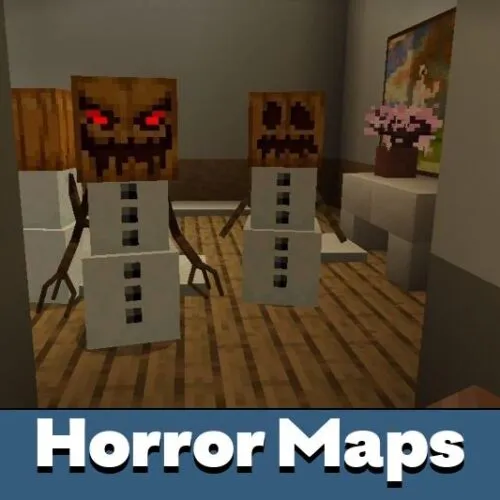
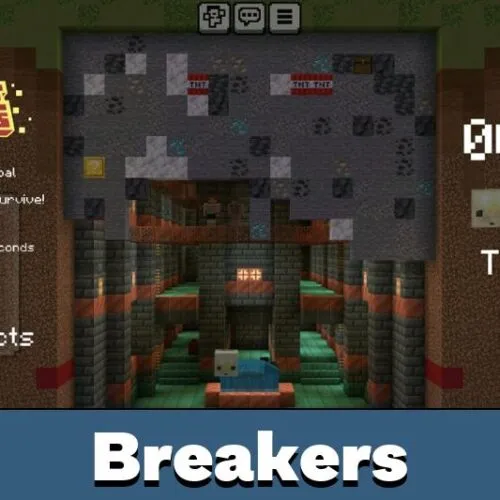
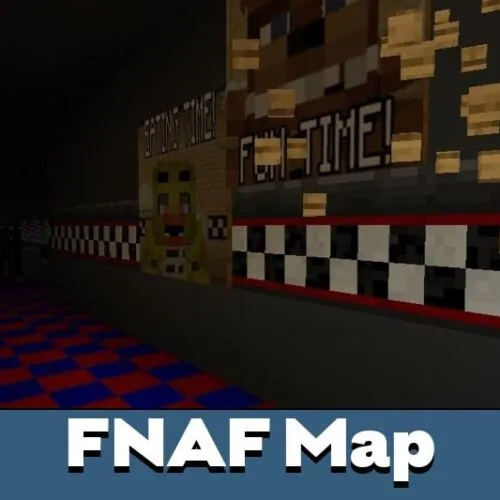
The tag bar at the top of the page filters worlds by genre. Survival and skyblock maps throw you into a resource-starved start. Parkour and mini-game maps test reflexes. Adventure and horror maps lean into storytelling, with custom dialogue and scripted events.
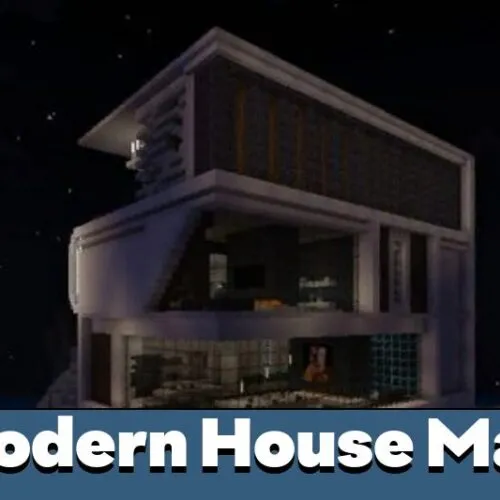
City, house and creation maps showcase builds — modern megacities, medieval castles, working redstone contraptions. Multiplayer and PvP arenas are designed for groups on the same Realm or LAN.
MCWorld and ZIP — How the Files Work
.mcworld auto-import
Most worlds here come as .mcworld files. This is the native Bedrock format. Tap the file in your Downloads folder and Minecraft imports the world automatically — it appears in your Play list within seconds.
One-tap workflow: download the file, tap it in your file manager, choose Minecraft. The game opens with an "Import Started" message and adds the world to your library.
.zip archives (manual install)
Some older or larger worlds ship as .zip archives. These need manual installation — extract the folder and move it into the minecraftWorlds directory. The full walkthrough is in the Android map installation guide.
Compatibility, Add-ons and Backups
Each map description lists the supported Bedrock version range. A world built for 1.20 usually opens in 1.21 and later, but newer worlds can fail on older game versions. Update Minecraft first if a map refuses to import.
Some maps require companion add-ons or resource packs to render custom blocks and behaviors. The author notes this on the map page along with the extra download links.
Back up your existing worlds before installing a new one. On Android, worlds live in /storage/emulated/0/games/com.mojang/minecraftWorlds/ — copy this folder somewhere safe so an update or a failed import cannot wipe your progress.
Multiplayer and Cross-Platform Play
Custom maps support standard Minecraft Bedrock multiplayer. Host a world on your Android device and invite friends through your Microsoft account, or upload the world to a Realm so a group can join from Xbox, PlayStation, Switch, Windows or other Android phones.
For cross-platform play to work, every player needs the same game version and any required add-ons installed on their device.