Baixar Effortless Building Mod para Minecraft Bedrock coloca ferramentas de construção precisas, ações de clipboard, formas prontas e uma automação pensada para toque em todo mundo que você abrir. O addon troca a rotina bloco por bloco por seleção de volumes, colocação a distância e colagem instantânea, então torres, pontes e pedreiras a céu aberto ficam prontas com uma fração dos toques de sempre. O Effortless Building Mod para Minecraft Bedrock 1.26 mantém as regras do modo sobrevivência e só assume a metade repetitiva do trabalho.
O que o Effortless Building Mod muda para quem constrói no MCPE?
Quem passa noites em muros de mansão, anéis rodoviários, pontes suspensas ou minas a céu aberto sabe quanta parte desse tempo é pura repetição. Mods de construção para Minecraft PE bem feitos atacam exatamente esse desperdício, e o addon Effortless Building transforma centenas de toques em poucas ações confirmadas.
O kit resolve quatro tarefas ao mesmo tempo: colocar, remover, copiar e mover seções inteiras de uma obra. Os blocos continuam saindo do seu inventário, então a economia de um mundo de sobrevivência segue igual.
Trocar de modo está a um menu de distância, sem ficar enterrado em submenus. Quem joga Effortless Building Mod no celular ganha mais aqui, porque um toque errado na tela estraga uma fileira inteira de blocos muito mais vezes do que um clique de mouse.
O foco é velocidade de edição e controle limpo da geometria, não itens ou mobs novos. Projetos longos param de consumir noites inteiras de cliques manuais.
Easy Build
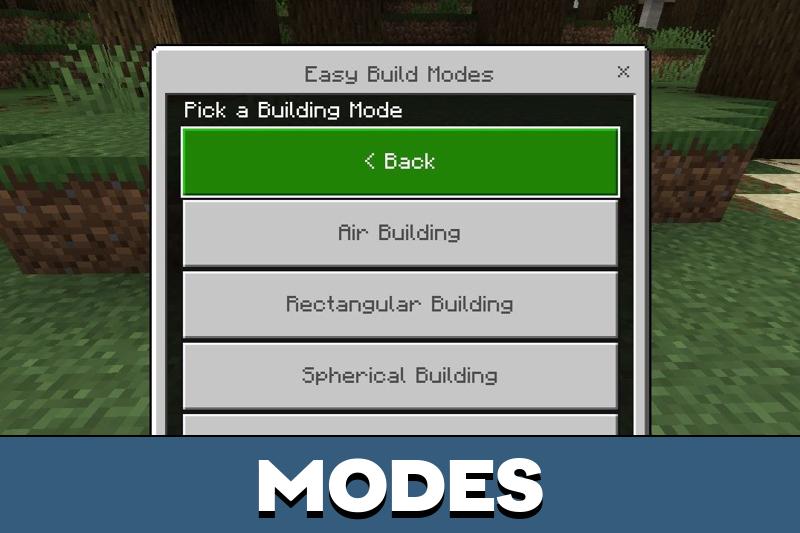
Tudo passa por dois estados: construção e destruição. Cada um traz a própria lista de formas e os próprios interruptores, então a mesma ferramenta age de um jeito diferente conforme a fase do projeto.
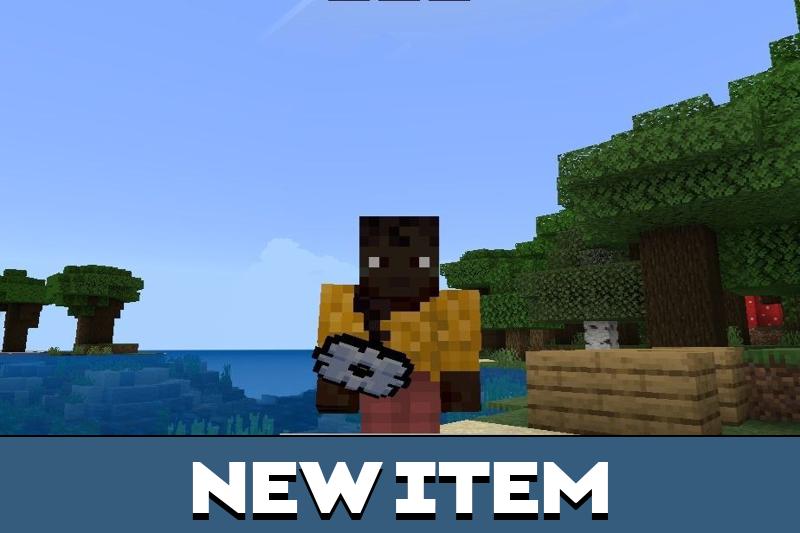
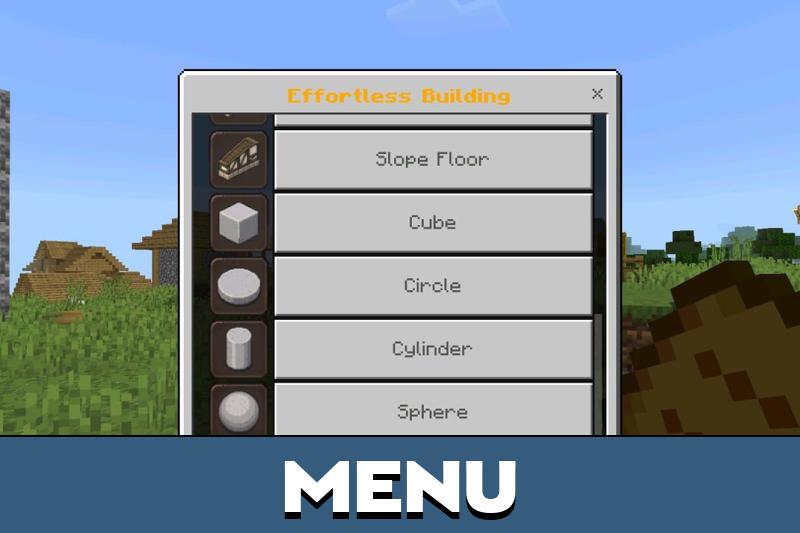
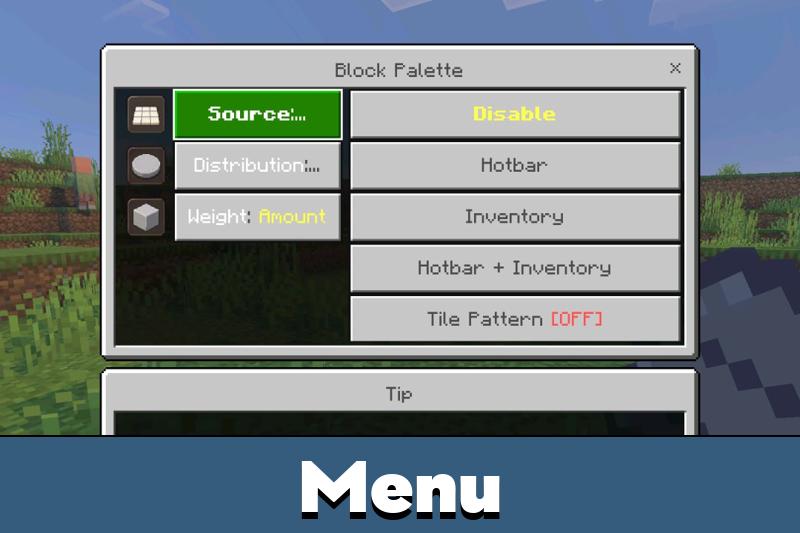
O menu de controle abre pelo item dedicado do inventário. De lá você escolhe uma forma, ajusta a distância de trabalho e define se a próxima ação preenche ou limpa o espaço.
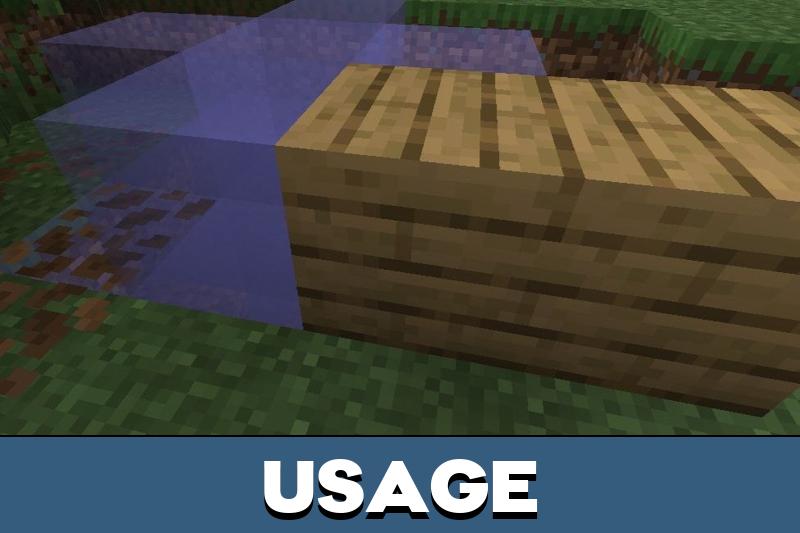
Construção
Os preenchimentos retangulares seguram a maior parte do serviço nas sessões de Effortless Building Mod Minecraft PE 1.26: alicerces, plataformas, estruturas de quartos, pisos largos e longas muralhas defensivas sobem de uma só vez, e não fileira por fileira.
Formas esféricas e cônicas assumem a geometria difícil: cúpulas, torres pontudas, tetos de observatório e volumes decorativos curvos que dão dor de cabeça no olhômetro. O addon calcula o contorno, o que elimina o chute e o erro de um bloco que arruína a simetria.
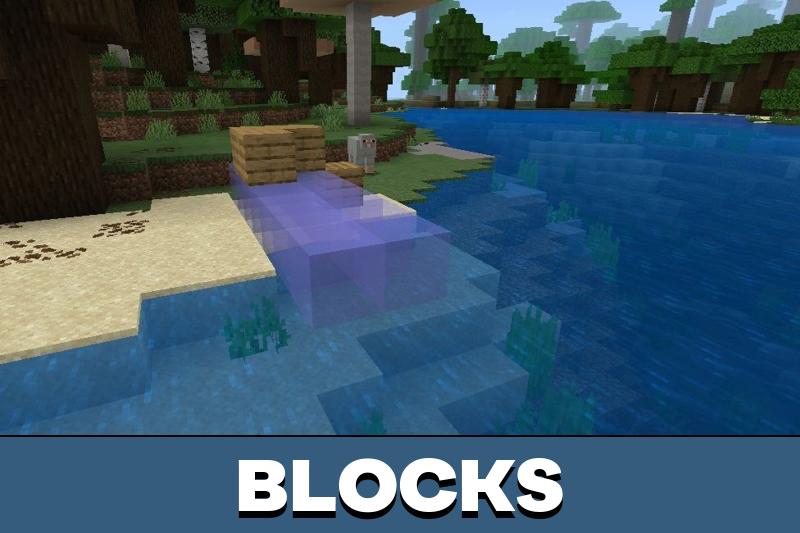
A colocação aérea amplia ainda mais o alcance. Jogadores de Minecraft Bedrock conseguem posicionar blocos a distância sem pisar no ponto exato, o que ajuda em vãos de ponte, fachadas altas, plataformas flutuantes e qualquer coisa pendurada sobre um abismo.
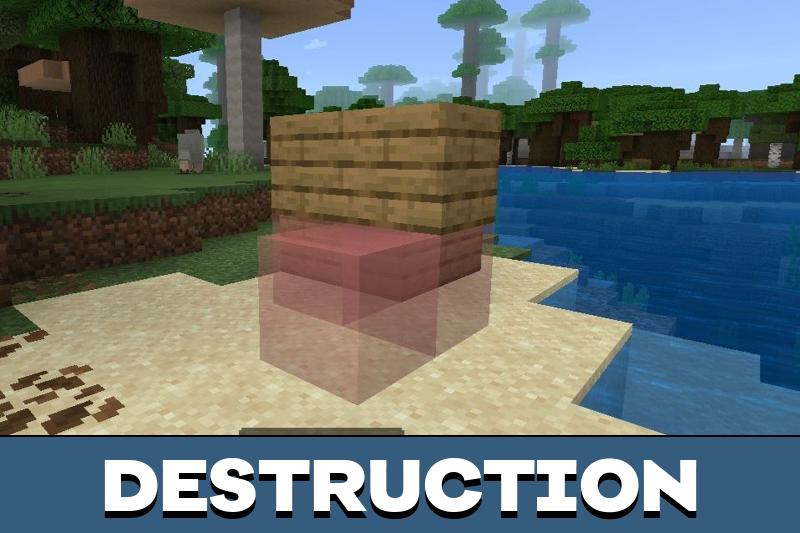
Destruição
A remoção segue a mesma lógica ao contrário. Você marca uma forma ou um volume, confirma, e a massa selecionada desaparece sem dezenas de golpes soltos.
É o caminho rápido para nivelar terreno, escavar uma encosta ou abrir uma pedreira que desce até as camadas de cavernas. Como o volume é definido antes de a ação disparar, muros e interiores já prontos ao lado ficam intactos.
Clipboard do Effortless Building
O clipboard trabalha a partir de dois cantos marcados. Escolha Cortar ou Copiar, caminhe ou voe até o novo local e cole a seleção inteira como um único objeto.
Quem usa Effortless Building MCPE recorre a isso para bairros, casas em fileira, torres repetidas e projetos compartilhados em servidor, porque alas e fileiras idênticas sobem mais rápido do que refazendo tudo do zero.
O clipboard compensa em tudo que se repete: quartos, escadas, fachadas decorativas ou uma seção completa de um povoado.
Effortless Building v1.2
Para quem usa Effortless Building no Minecraft Bedrock, esta versão apertou a estabilidade da colocação e deixou o toque mais previsível. Os menus respondem antes, as ações de clipboard parecem menos frágeis e a colocação a distância para de se desviar em sessões longas.
Quem ainda está num cliente antigo pode guardar o download do Effortless Building Mod Minecraft PE 1.21 para mundos que nunca foram migrados, já que o esquema de controle é o mesmo que os jogadores aprenderam.
Effortless Building v3.1
A versão 3.1 divide a camada de interface em três subpacotes: Small, Big e No Custom UI. Small virou o padrão no celular, enquanto administradores podem forçar um layout de formulários simples.
A compatibilidade com outros addons de interface também melhorou, e agora uma opção por jogador cuida da troca de ações do livro, então quem divide o mesmo mundo não briga mais pelo mesmo esquema de controle.
Effortless Building Mod: perguntas e respostas
Onde baixar o Effortless Building Mod para Minecraft Bedrock?
Os arquivos estão nesta página: pegue o que corresponde à branch do seu cliente e leve os dois pacotes se estiverem separados. Fora uma cópia funcionando do Minecraft Bedrock Edition no aparelho, não é preciso mais nada.
Como instalar o addon Effortless Building no Android ou iOS?
Abra o arquivo .mcaddon baixado e o Minecraft importa sozinho os pacotes de comportamento e de recursos. Depois edite o mundo onde você quer construir, ative os dois pacotes nas configurações, ligue as opções experimentais que o addon pedir e a ferramenta de construção aparece no inventário.
Qual tamanho de interface funciona melhor para quem joga Effortless Building Mod no celular?
Small é o padrão nos celulares e deixa mais espaço para os controles na tela. Big combina com tablets e telas largas, enquanto No Custom UI volta aos formulários simples para quem tem outros addons de interface em conflito.
O addon muda as regras da sobrevivência?
Não. Os blocos continuam saindo do inventário, os mobs agem como sempre e nada é entregue de graça: as ferramentas só definem com que rapidez os blocos que você já tem são colocados ou removidos.
O clipboard consegue mover uma construção pronta para outro lugar?
Sim. Marque os dois cantos opostos, escolha Cortar para levar o original ou Copiar para deixá-lo de pé, e cole a seleção em qualquer outro ponto do mesmo mundo.
Arquivo confiável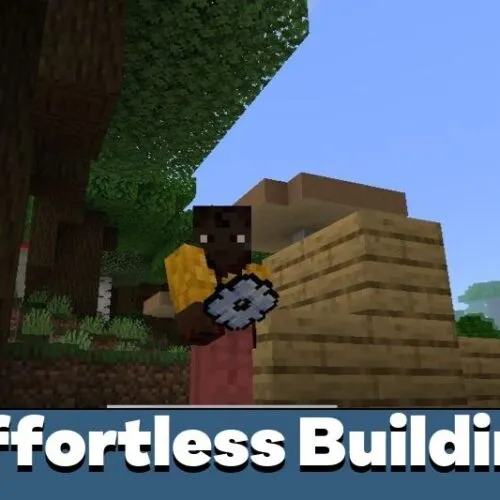

| Nome | Versão | Arquivo |
|---|---|---|
| Easy Build | 1.21.90 – 1.26.60 | |
| Effortless Building v1.2 | 1.21.90 – 1.26.60 | |
| Effortless Building v3.1 | 1.21.90 – 1.26.60 |
Veja também

Comentários
Deixe uma resposta
The clipboard feature sounds really useful for city builds. I like tools that save time without making the whole project feel messy.
This addon saved me tons of time on my survival base. I can build towers and walls in seconds, and the copy feature is amazing for repeating structures. Works smoothly on my phone and makes creative ideas easier to realize.