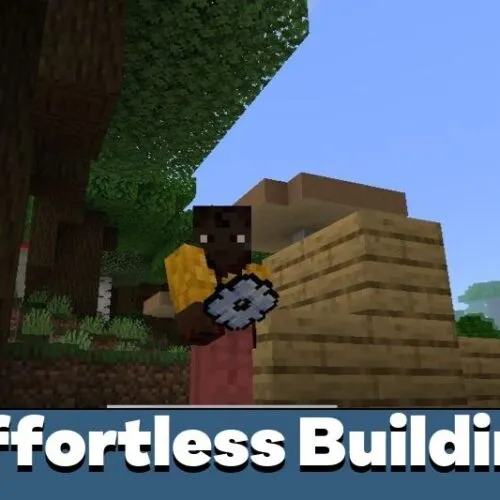
Download Effortless Building Mod for Minecraft Bedrock to get precision construction tools, clipboard actions, shape presets, and touch-friendly automation inside every world you open. The addon trades block-by-block routine for volume selection, distance placement, and instant pasting, so towers, bridges, and open quarries come together in a fraction of the usual taps. Effortless Building Mod for Minecraft Bedrock 1.26 keeps vanilla survival rules while taking over the repetitive half of the work.
What does Effortless Building Mod change for MCPE builders?
Anyone who spends evenings on manor walls, ring roads, suspension bridges, or strip mines knows how much of that time is pure repetition. Well-made construction mods for Minecraft PE cut straight into that overhead, and the Effortless Building addon turns hundreds of taps into a handful of confirmed actions.
The kit covers four jobs at once: placing, removing, copying, and relocating whole sections of a build. Blocks still come out of your inventory, so the economy of a survival world stays exactly where it was.
Mode switching sits one menu away instead of being buried in submenus. Effortless Building Mod mobile players gain the most here, because a stray tap on a touchscreen ruins a full block row far more often than a mouse click does.
The focus is editing speed and clean geometry control, not new items or mobs. Long projects simply stop eating whole evenings of manual clicking.
Easy Build
Everything runs through two states: Construction and Destruction. Each one carries its own shape list and its own toggles, so the same tool behaves differently depending on the stage of the project.
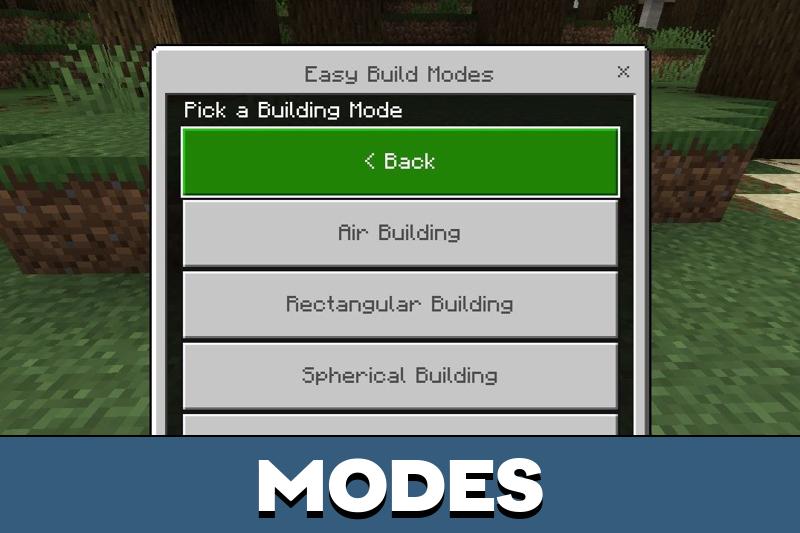
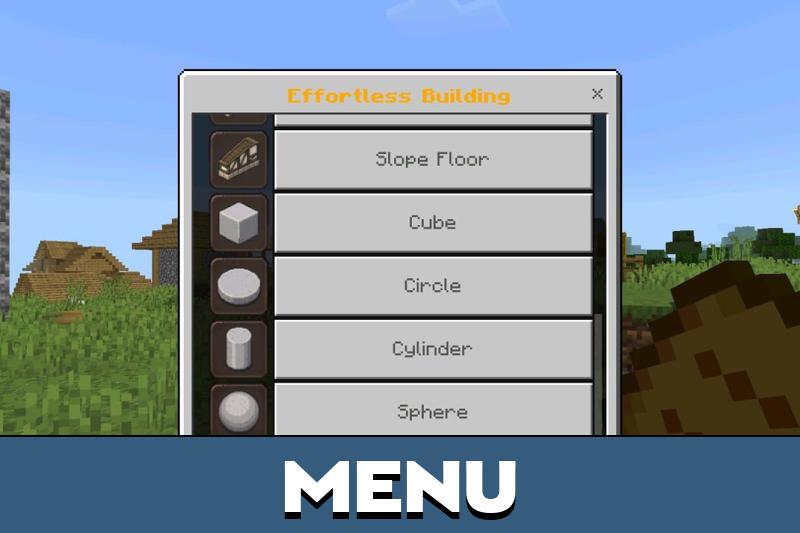
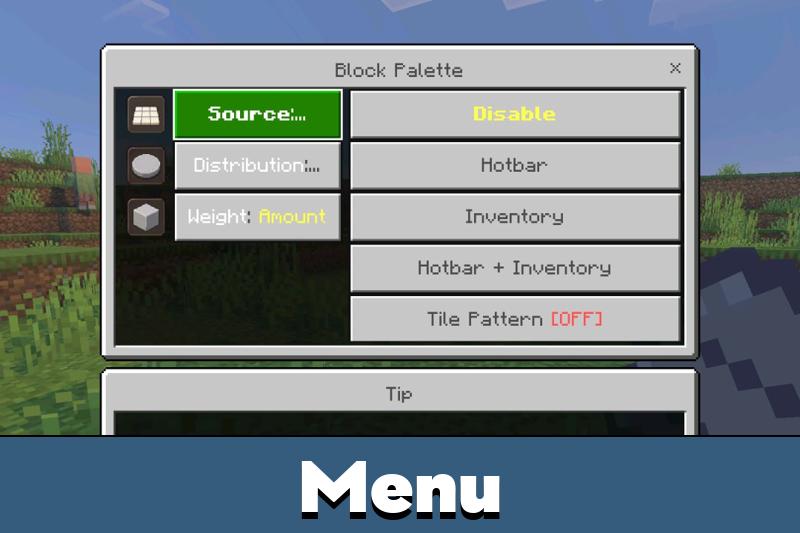
The control menu opens from the dedicated item in the inventory. From there you pick a shape, adjust the working distance, and decide whether the next action fills space or clears it.
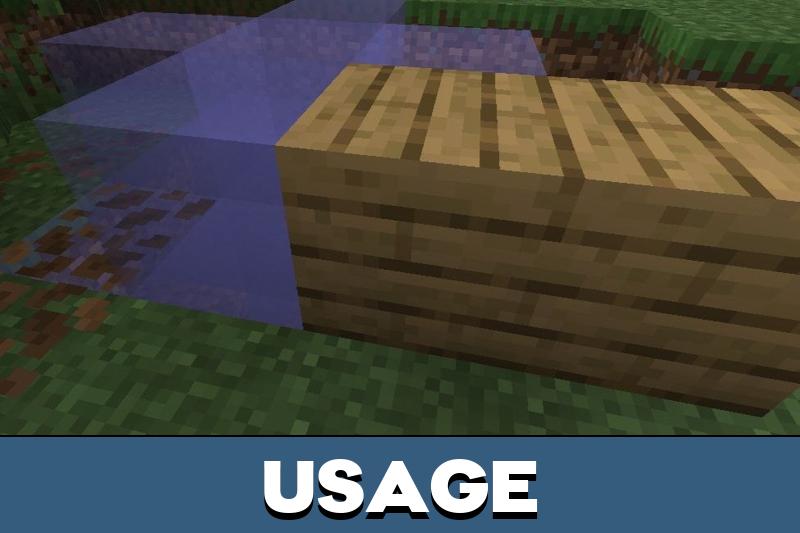
Construction
Rectangular fills carry most of the load in Effortless Building Mod Minecraft PE 1.26 sessions: foundations, platforms, room shells, wide floors, and long defensive walls go up in one pass instead of row by row.
Spherical and conical shapes take over for harder geometry — domes, spires, observatory roofs, and curved decorative volumes that are painful to eyeball manually. The addon calculates the outline, which removes the guesswork and the off-by-one mistakes that ruin symmetry.
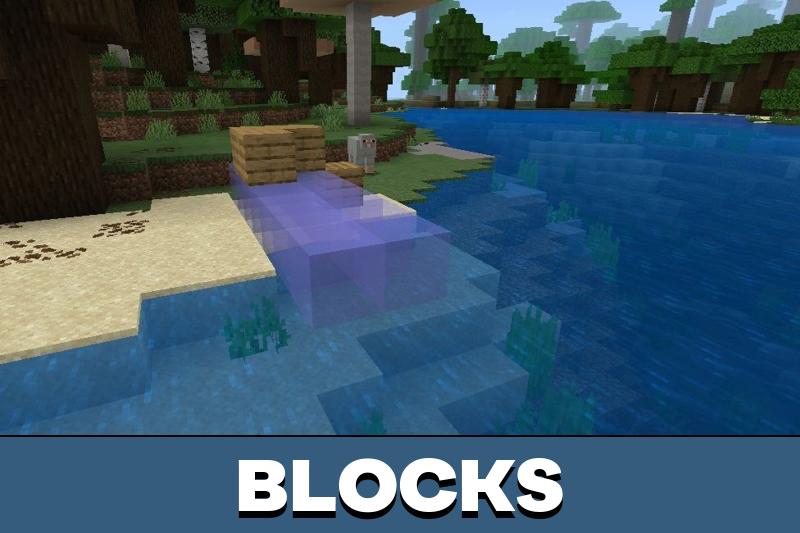
Air placement extends the reach further. Bedrock builders can set blocks at a distance without standing on the spot, which helps with bridge spans, tall facades, floating platforms, and anything hanging over a drop.
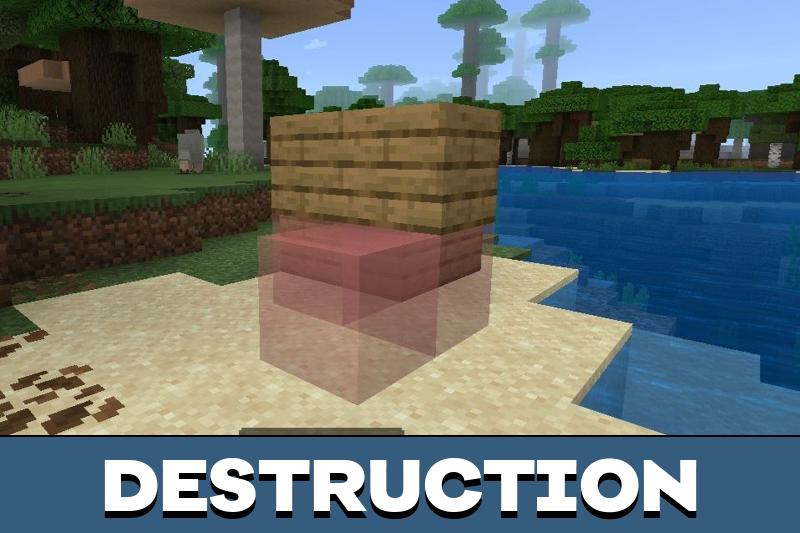
Destruction
Removal follows the same logic in reverse. You mark a shape or a volume, confirm it, and the selected mass disappears without dozens of separate swings.
That is the fast path for levelling terrain, hollowing out a hillside, or opening a quarry that runs deep into the cave layers. Because the volume is defined before the action fires, finished walls and interiors next to it stay untouched.
Clipboard for Effortless Building
The clipboard works from two marked corners. Choose Cut or Copy, walk or fly to the new spot, and paste the whole selection as one object.
Effortless Building MCPE users lean on this for city districts, terraced housing, repeated towers, and shared server projects, since identical wings and rows go up far faster than a rebuild from scratch.
The clipboard pays off on anything repeated — rooms, staircases, decorative facades, or a full section of a settlement.
Effortless Building v1.2
For Effortless Building Bedrock users, this build tightened placement stability and made touch input more predictable. Menus answer quicker, clipboard actions feel less fragile, and distance placement stops drifting during long sessions.
Anyone still on an older client can keep the Effortless Building Mod Minecraft PE 1.21 download for worlds that were never migrated, since the control scheme matches what players already learned.
Effortless Building v3.1
Version 3.1 splits the interface layer into three subpacks: Small, Big, and No Custom UI. Small became the default on phones, while a plain form-based layout can be forced by admins who prefer it.
Compatibility with other interface addons improved as well, and a per-player option now handles book action swapping, so people sharing one world no longer fight over the same control layout.
Effortless Building Mod: questions and answers
Where can I download Effortless Building Mod for Minecraft Bedrock?
The files are on this page — take the one that matches the branch your client runs, and grab both packs if they are listed separately. Nothing else is required beyond a working copy of Minecraft Bedrock Edition on the device.
How do I install the Effortless Building addon on Android or iOS?
Open the downloaded .mcaddon file and Minecraft imports the behavior and resource packs by itself. Then edit the world you want to build in, attach both packs in the settings, switch on any experimental options the addon asks for, and the build tool shows up in the inventory.
Which interface size works best for Effortless Building Mod mobile players?
Small is the default on phones and leaves the most room for on-screen controls. Big suits tablets and wider displays, while No Custom UI falls back to plain forms for anyone whose other interface addons clash with it.
Does the addon change survival rules?
No. Blocks still come from your inventory, mobs behave as usual, and nothing is handed over for free — the tools only decide how quickly the blocks you already own get placed or cleared.
Can the clipboard move a finished build to another place?
Yes. Mark the two opposite corners, pick Cut to relocate the original or Copy to leave it standing, then paste the selection anywhere else in the same world.



The clipboard feature sounds really useful for city builds. I like tools that save time without making the whole project feel messy.
This addon saved me tons of time on my survival base. I can build towers and walls in seconds, and the copy feature is amazing for repeating structures. Works smoothly on my phone and makes creative ideas easier to realize.