MCPEDL » Cheats » Wurst Cheat for MCPE

Wurst Cheat for Minecraft PE

Trusted File
Version MCPE 1.21.0 - 1.21.132 for Android
Download Wurst cheat for Minecraft PE to reveal chests, health values, and ores during gameplay.

Download How to Install?
Author: Brandon Taylor
Published: 1 February 2026

Download Wurst Cheat for Minecraft PE is a utility that exposes hidden world elements and entity data to simplify survival gameplay on mobile. The cheat focuses on visual detection tools and status overlays, allowing faster resource tracking and situational awareness without changing core mechanics.

Wurst Cheat for Minecraft PE

The cheat is designed as a lightweight cheat layer for Minecraft Bedrock Edition. Core systems remain unchanged, while specific visual helpers are applied to highlight objects, containers, and entity states within the world.

Wurst

The Wurst cheat provides three focused features that reveal information normally hidden by default rendering. Each feature works independently and targets exploration, combat awareness, or mining efficiency. The cheat is often used alongside other content , including other cheats for MCPE, where visibility can be limited.

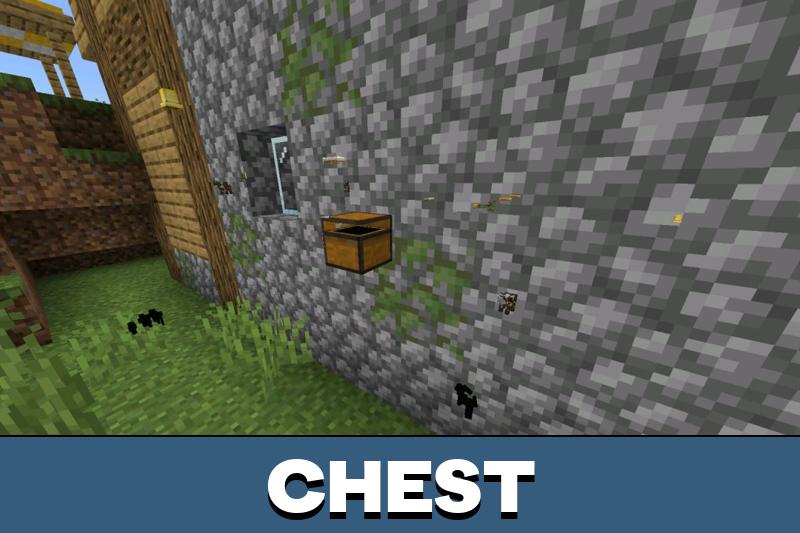
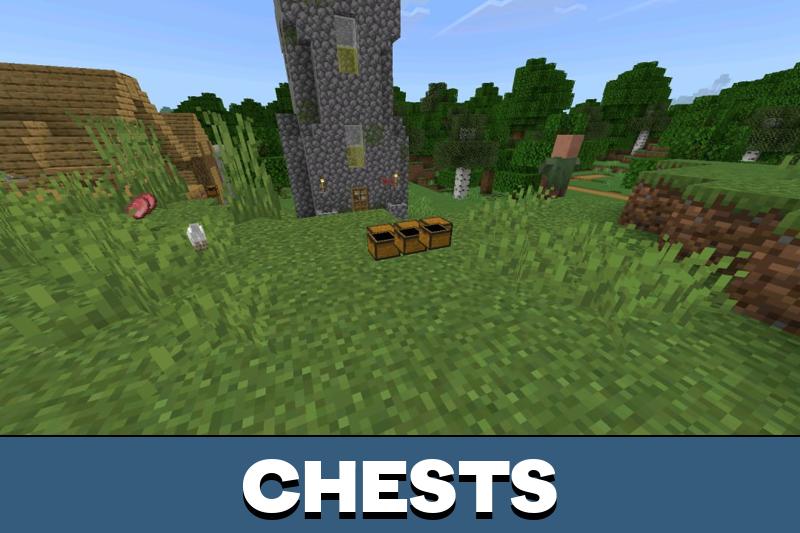
Chest Finder

Chest Finder highlights storage blocks through walls and terrain. Containers such as chests are outlined visually, making them easier to locate in structures, caves, or underground rooms. This feature reduces time spent searching and helps identify loot locations quickly.

Only container blocks are affected. World generation and loot tables remain unchanged.

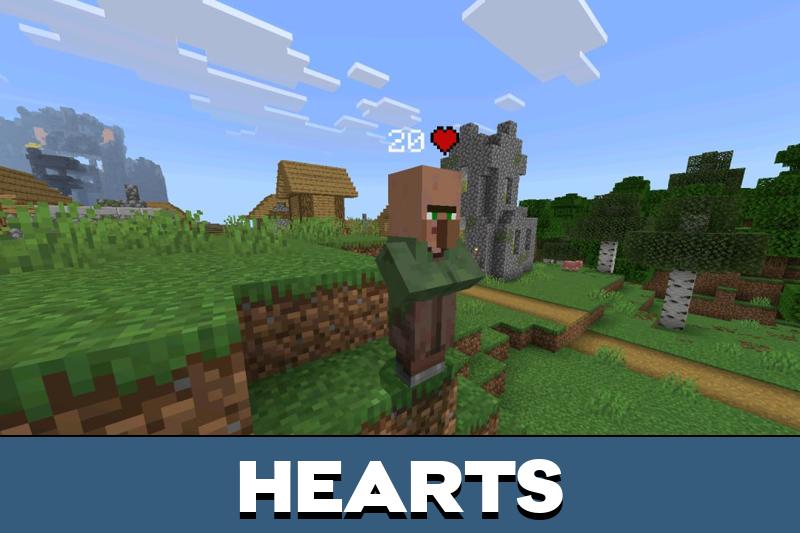
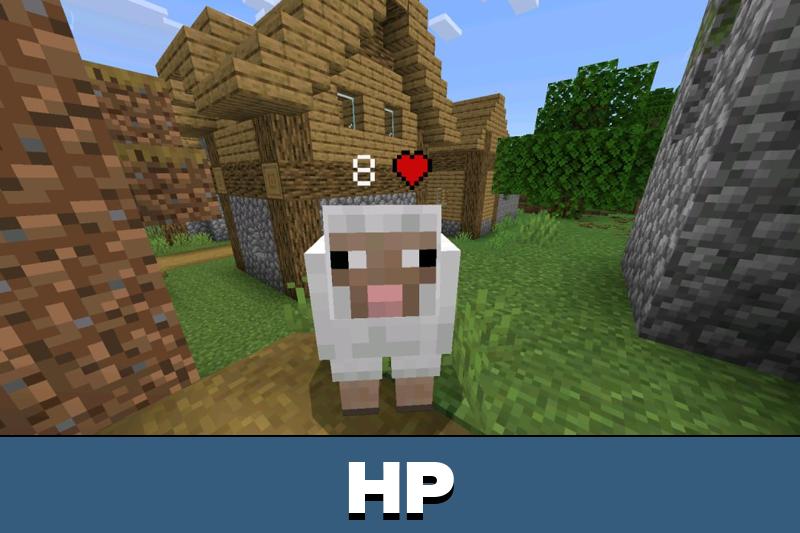
Health Tags

Health Tags display numeric health values above entities. Hostile mobs and other living targets show their current status in real time, allowing better timing during fights and retreats. The overlay updates dynamically as damage is taken.

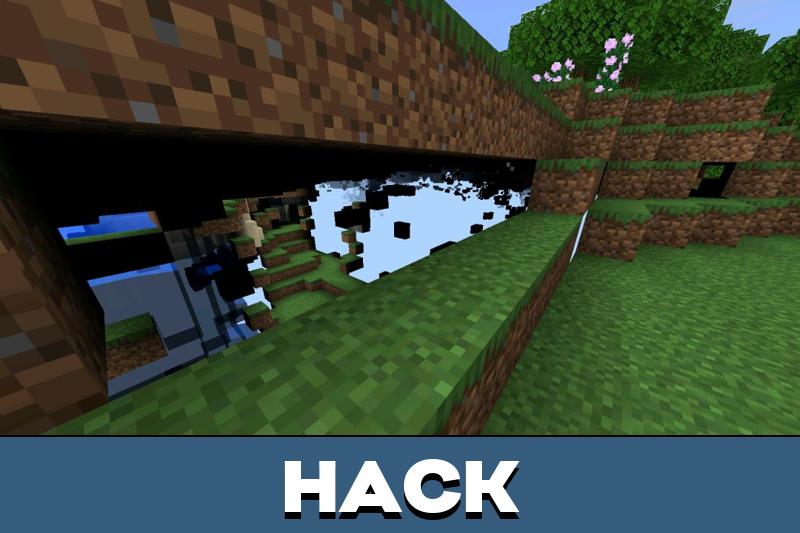
X-Ray

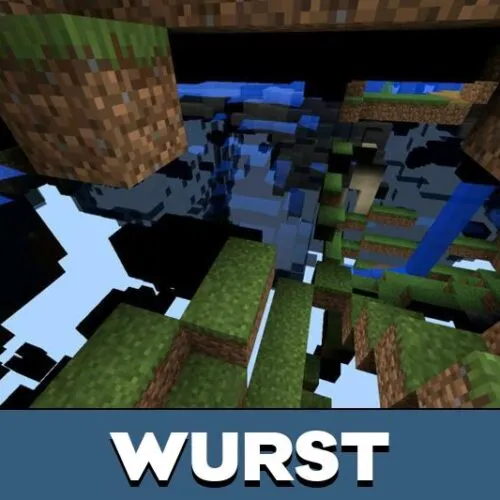
X-Ray modifies block visibility to reveal ores and selected materials underground. Non-essential blocks become transparent, while valuable resources remain visible. This simplifies mining routes and reduces unnecessary digging.

The feature improves navigation efficiency without adding new items or progression paths.

FAQ

Does this cheat change game mechanics?

No, it only adds visual overlays and detection helpers.

Is it compatible with Bedrock on mobile?

Yes, it is designed specifically for mobile Bedrock gameplay.

Can features be used separately?

Yes, each function works independently.

Does it add new items or blocks?

No, it only modifies visibility and UI data.
Comments