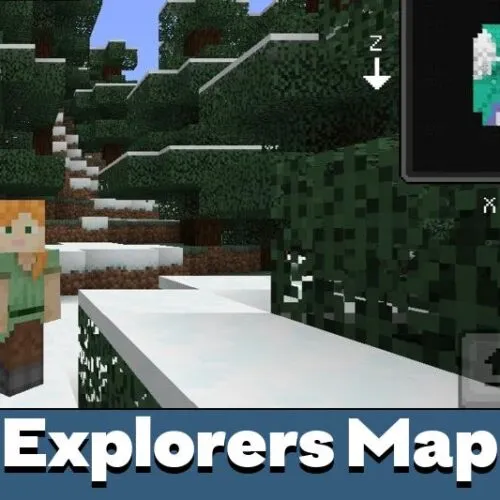
Download Explorers World Map Mod for Minecraft PE: explore every biome with an on-screen minimap and advanced navigation tools!
What does Explorers World Map Mod add to MCPE?
Venturing across the Minecraft PE world often leads to forgotten paths, misplaced bases and lost treasures. Explorers World Map Mod solves this problem by displaying the world terrain directly on your interface. Biome boundaries, rivers, mountains and cave entrances become easier to track, reducing the chance of wandering aimlessly. The addon is especially useful during long expeditions, raids or resource hunts, and pairs perfectly with utility mods for Minecraft PE.
Players who enjoy discovering villages, shipwrecks or rare structures will appreciate the ability to keep orientation without constantly opening maps. The HUD layout is customizable, so both minimalist survivors and data-focused explorers can adjust visibility, scale and color palette to their taste. This simple upgrade drastically improves navigation through large worlds.
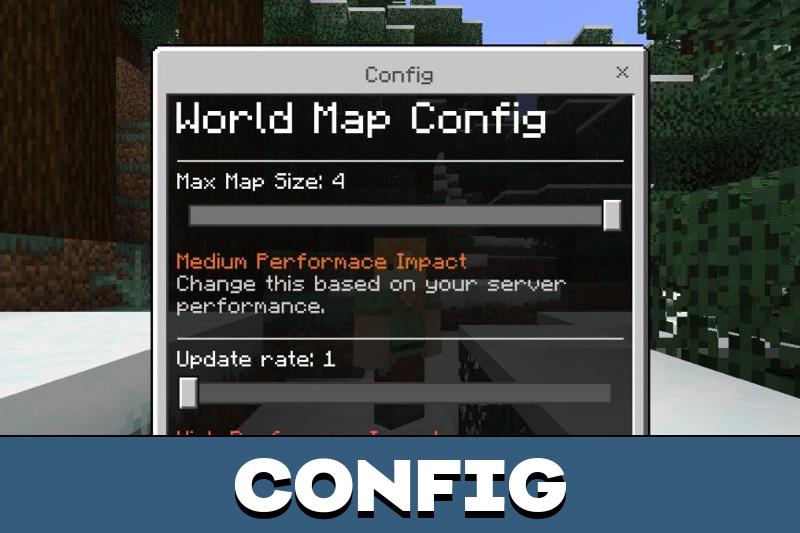
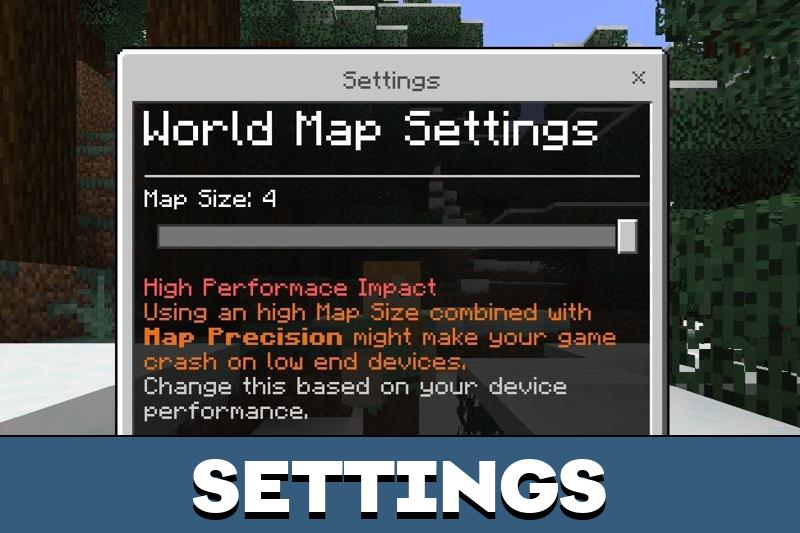
A separate settings menu allows users to fine-tune display options and performance.
Explorers World Map Mod Features
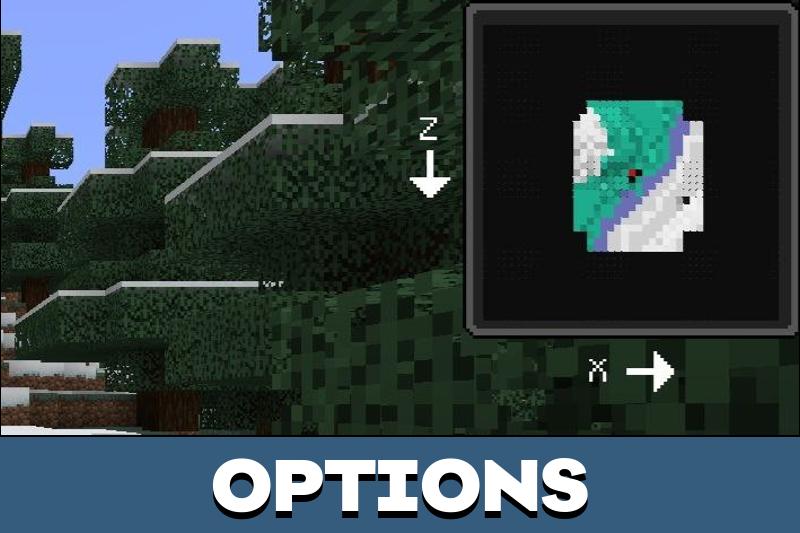
The core advantage of the mod is a real-time minimap that sits on the screen, showing terrain, player position and surrounding environment. Unlike vanilla maps that must be held in hand, this overlay remains visible during mining, combat and building. It’s an essential tool for travel-heavy gameplay, survival world-building or RPG-style campaigns.
The minimap updates automatically as you move, reflecting nearby terrain and elevation changes.
The mod also supports exploration tracking — players can mark points of interest and later return without guessing direction. This makes world navigation more intuitive, especially on multiplayer servers where bases and routes need coordination. Travelers can configure icons, zoom level and even shape of the map frame for immersion.
How to use the map?
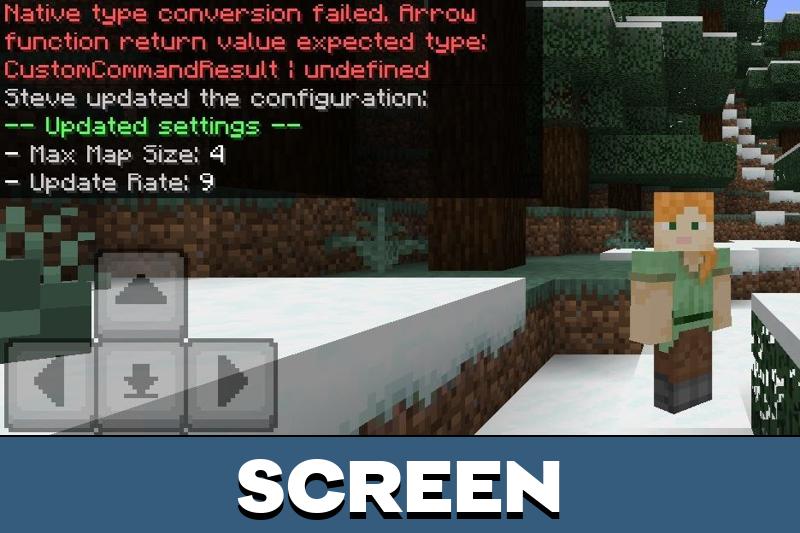
All map settings are available through the simple command /settings, opening a user-friendly control panel. Players can toggle features, change UI placement, and manage transparency. The map can be moved to any corner of the screen or enlarged for better viewing in new worlds.
Size, transparency, zoom level and overall positioning can be adjusted instantly.
This flexibility lets each player adapt the addon to their preferred gameplay style — compact UI for PvP, large view for exploration, or transparent overlay for building without visual clutter.
Some adventurers use this addon with waypoint mods to create travel routes or safe paths through nether biomes. The minimap also helps locate structures from afar, giving the user spatial awareness even in complex landscapes, lush jungles or snowy mountains.
Additional commands
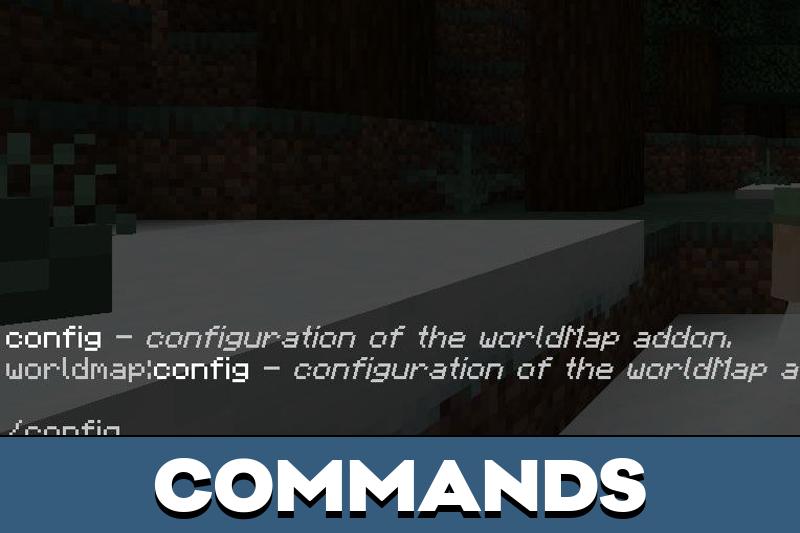
The addon includes several commands for advanced control in Minecraft PE:
- /config — full settings and behavior configuration;
- /map — manage map visibility and functions;
- /minimap — detailed UI customization and extra display parameters.

Comments