Minecraft 26.0 (1.26.0) APK

Trusted File
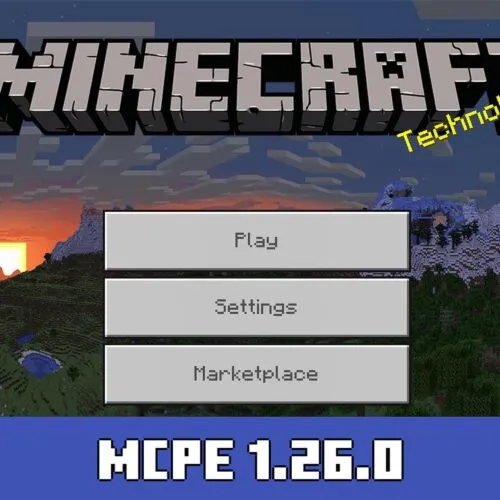

Version MCPE 26.0 for Android
Download Minecraft 26.0 APK free for Android (1.26.0 Release) with performance fixes, updated features, and smoother gameplay.
Download Download Minecraft APK Latest version
Author: Brandon Taylor
Published: 10 February 2026

Download Minecraft 26.0 / 1.26.0 APK free for Android and get the official Bedrock 2026 Release with practical gameplay fixes, cleaner mob visuals, and improved performance. Minecraft 1.26.0 is the stable Android build designed for smoother survival gameplay, fewer crashes, and better device compatibility on phones and tablets.

What’s New in Minecraft 26.0 / 1.26.0 Bedrock Release?

  • New year-based numbering system: 2026 versions now begin with “26”
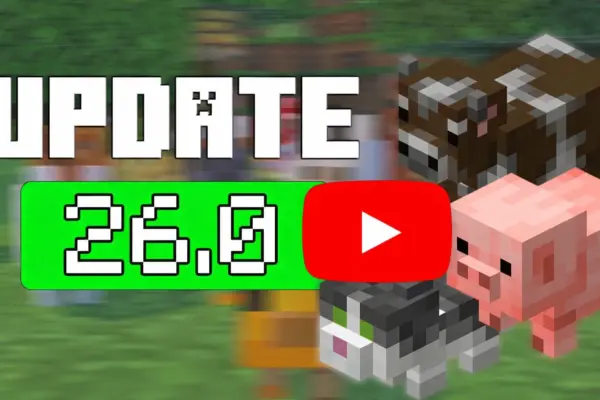
  • Improved baby mob models and updated visual consistency
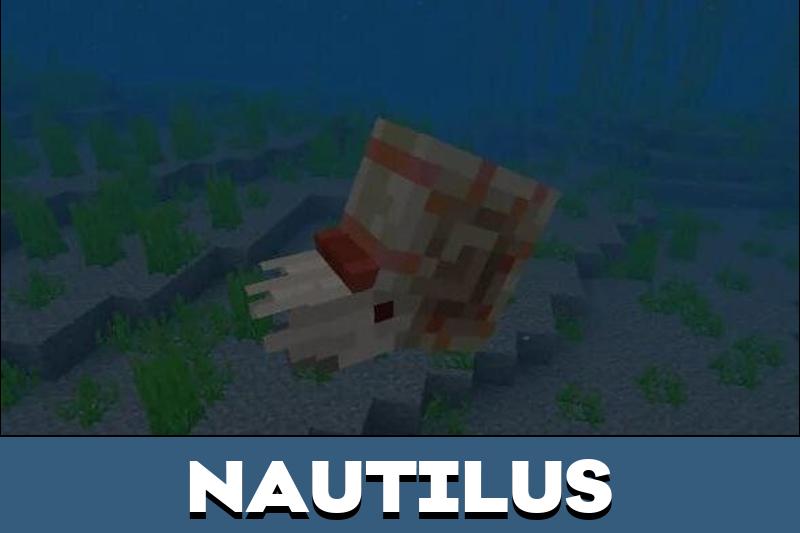
  • Nautilus swimming behavior refined with smoother movement logic
  • Nether Portals can be ignited with lava again
  • UI adjustments and interaction fixes for a better mobile experience
  • Stability improvements, including reduced crashes on low-memory Android devices

About Minecraft 1.26.0 for Android

Minecraft 1.26.0 is the official Bedrock Release version for Android devices, also known as version 26.0 in the 2026 update cycle. This stable build focuses on performance improvements, refined mob visuals, and smoother overall gameplay on mobile.

Version Info and Requirements

Edition Minecraft Bedrock for Android
Version 26.0 / 1.26.0 (Stable Release)
Install Format APK
Release Channel Official Bedrock Release
Compatibility Modern Android phones and tablets

New Mobs, Mounts, and Gameplay Changes

Baby Mob Redesigns

Several baby mobs received updated models and textures, including cow, pig, wolf, rabbit, cat, chicken, and sheep. Spawn Eggs now create the baby form directly, making testing and creative gameplay more intuitive in Minecraft Bedrock 26.0.

Underwater Mount Improvements

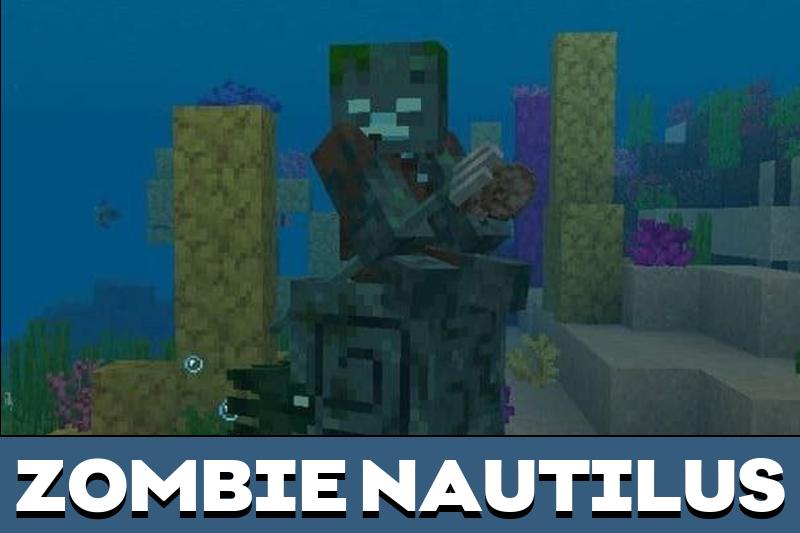
The Nautilus and its variants move more naturally in water. Pathfinding has been improved, edge collisions are reduced, and swimming animations look smoother during normal gameplay.

Performance and Bug Fix Improvements

Portal and World Fixes

Nether Portal ignition with lava works correctly again. Several gameplay edge cases were corrected, including issues related to End gateway teleportation and world interaction inconsistencies.

Android Stability Enhancements

Minecraft 1.26.0 includes Android-focused stability fixes that reduce startup crashes on low-memory devices and improve overall loading reliability. UI scaling adjustments and input refinements also help gameplay feel cleaner on touch screens.

Device Compatibility on Android

Minecraft Bedrock 26.0 / 1.26.0 APK is designed to run on a wide range of Android devices. For best performance, keep enough free storage space, close heavy background apps, and avoid enabling many add-ons during the first launch. If you previously joined a Beta or Preview program, leaving it before installing the Release version helps prevent update conflicts.

If you want to explore the full update branch, visit:
Minecraft 26 / 1.26 Downloads

Common Install Problems on Android

  • App not installed: Remove older modified builds before installing the official Release APK.
  • Conflict with existing package: Uninstall previous Beta or Preview versions completely, then reboot and install again.
  • Crash on startup: Restart your device, free up storage, and launch once without resource packs or add-ons.
  • Installation blocked: Allow installation from your browser or file manager in Android settings, then retry.

Download and Install

Download Minecraft 26.0 / 1.26.0 APK free for Android if you want the official Minecraft 1.26.0 stable Release with performance fixes, improved visuals, and consistent mobile gameplay.

After downloading, open the APK file on your phone, allow installation permissions if prompted, and launch the game once setup is complete. Your existing worlds should remain compatible with this stable release build.

Safety and Release Notes

This page focuses on the official Bedrock Release details and clear install steps. Minecraft 26.0 / 1.26.0 is the stable version and does not include Preview or experimental Beta features. Always verify your file before installation and keep backups of important worlds.

FAQ

What is new in Minecraft 26.0 / 1.26.0 APK for Android?

Minecraft 1.26.0 introduces the 2026 version numbering system, improved baby mob visuals, smoother Nautilus swimming mechanics, and multiple performance fixes. This Bedrock Release focuses on stability improvements and cleaner gameplay on Android devices.

Is Minecraft 26.0 / 1.26.0 APK different from Preview or Beta?

Yes. Minecraft 26.0 / 1.26.0 is the official stable Bedrock Release build. Preview and Beta versions may include experimental features that are not finalized and can cause instability or compatibility issues on Android.

Can I keep my worlds after installing Minecraft 1.26.0?

In most cases your existing worlds remain available after installing Minecraft 1.26.0 APK. However, it is recommended to back up important saves before updating to avoid potential data loss.

Why does Minecraft 26.0 APK show “App not installed” on Android?

This usually happens if a Beta, Preview, or modified build is already installed on your device. Completely uninstall previous versions, restart your phone, and then install the official Minecraft 26.0 / 1.26.0 APK again.

Is Minecraft 26.0 / 1.26.0 APK free to download?

Minecraft 26.0 / 1.26.0 APK refers to the official Bedrock Release version for Android. Always verify the version number before installation and ensure you are installing the correct stable build.

Comments

  1. I download the clone one cuz for some reason, but when I tested it out the ui is still the same as v1.21.132 why its happening?
    the baby mob are there but the ui is not change

    1. The clone version keeps most of the previous UI design, so seeing the 1.21-style interface is normal.
      Version 26.0 mainly updates gameplay elements like baby mobs and internal systems, while major UI changes are released gradually or only in specific previews.

      If you want the newest interface, try installing the latest beta/preview build instead of the clone release.

      1. Make sure you have enough free storage and that “Install from unknown sources” is enabled in your Android settings. If it still won’t install, try clearing your browser’s download cache, download the APK again, and check that the file isn’t corrupted. Also confirm your device meets the minimum Android version for Minecraft 26.0. If problems continue, install via a different APK mirror or update your Android system first.

  2. Installed 26.0 on my phone and the portal bug finally stopped annoying me. The baby mobs look cleaner too, and the game feels a bit smoother overall.