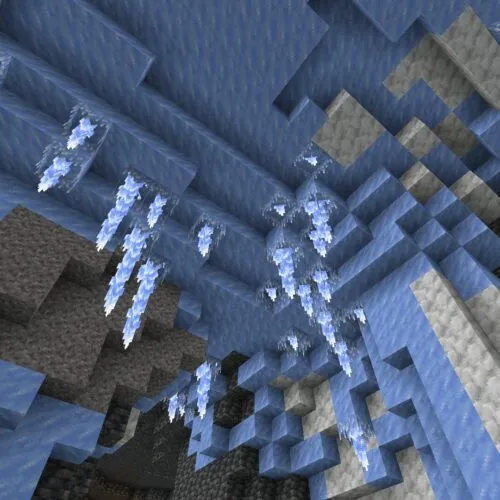
Download Minecraft 26 / 1.26 APK
Download Minecraft 26 / 1.26 APK free for Android and get new gameplay mechanics, better performance, smoother multiplayer, and improved visuals. The APK adds Xbox Live and Realms support, and runs reliably on compatible phones and tablets.
Minecraft 26 / 1.26 Releases and Betas
The list below covers every Minecraft 26 / 1.26 build for Android, from stable releases and hotfixes to beta versions. Each entry opens a page with version details, release notes, and a direct download.
Looking for an older version?
Scroll down to browse all available Minecraft PE releases, including previous stable builds, beta and preview versions.The average rating of all articles in the category is displayed.
Minecraft 26 / 1.26 APK Versions
Download Minecraft 26 / 1.26 APK for Android and follow the 2026 update line, with smoother performance, multiplayer fixes, and a steady stream of new content. Every build sits on this page, from stable releases to beta tests.
This page helps you compare Release and Beta builds, pick the APK you need, and set it up on a compatible device.
| Build branch | Gameplay focus |
|---|---|
| Release | Stable survival, multiplayer sessions, Realms connectivity |
| Beta | Early access to new mobs, blocks, and mechanics |
New builds in the Minecraft Bedrock Edition 1.26 line ship across 2026. You can install a current Android version, track each change, and switch between stable updates and test releases.
Key Update Themes in Minecraft 26 / 1.26
This update line expands underground exploration, world interaction, and survival balance on modern phones. Each drop adds its own mobs, blocks, and biomes instead of one large patch.
Tiny Takeover
Tiny Takeover redesigns every baby animal and gives them fresh models. It adds the Golden Dandelion, a flower that keeps baby mobs from growing up, plus name tags you can craft instead of only finding.
Chaos Cubed
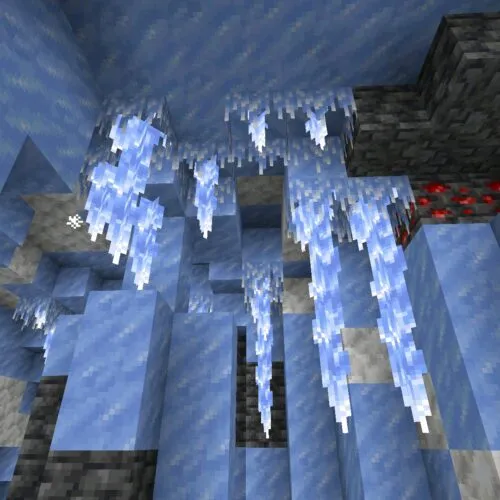
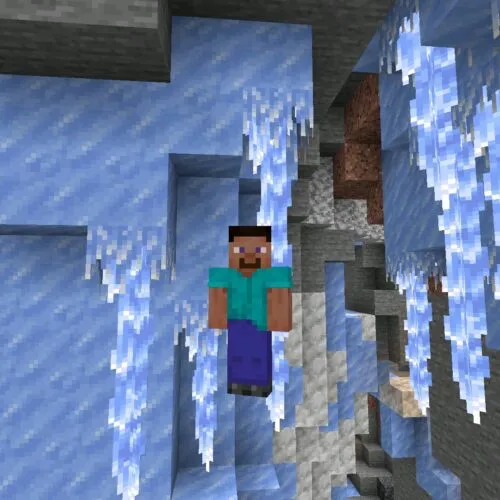
Chaos Cubed opens sulfur caves underground and fills them with new sulfur and cinnabar blocks. It also adds the sulfur cube, a mob that shifts its behavior while you fight it.
Drop 3
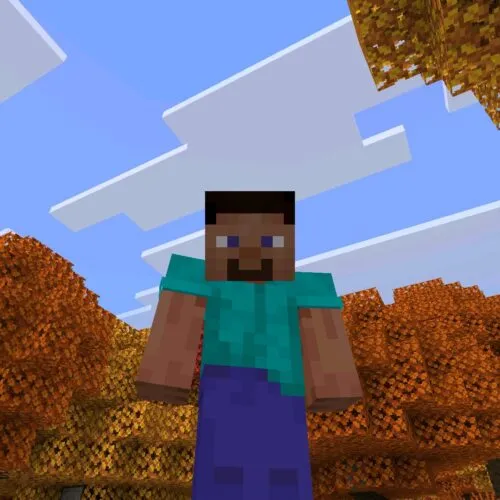
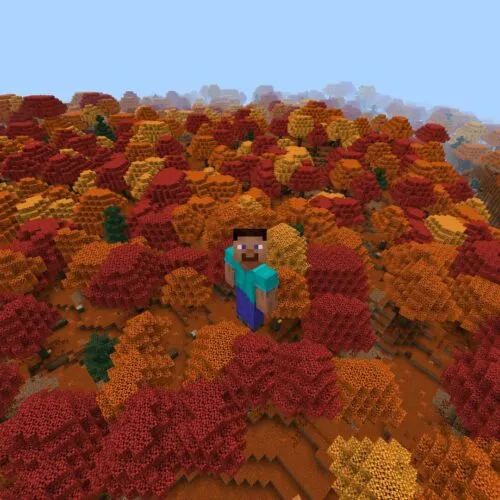
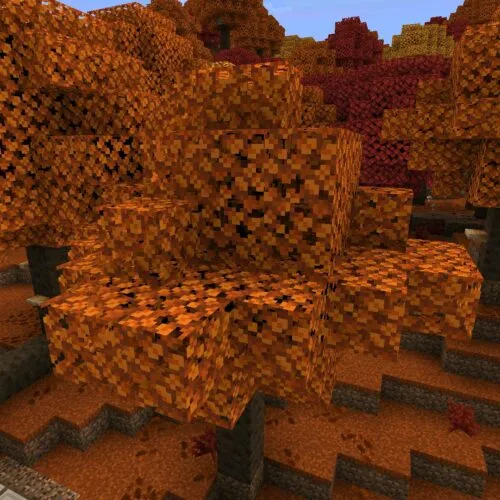
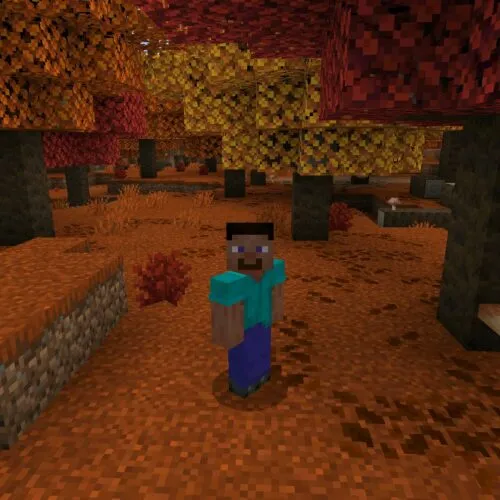
Drop 3 is the test wave of the line and runs in beta for now. It previews the Dappled Forest biome, Poplar wood, Shelf Mushrooms, Red Shrubs, Abandoned Camp sites, and Wool Stairs and Slabs in every dye color.
Gameplay Improvements in 2026 Update
The Minecraft 2026 cycle refines survival play and steadies mobile performance. Newer builds improve cave balance, mob behavior, and world interaction while smoothing rendering and multiplayer.
- Better cave exploration flow and resource spread
- More reactive blocks and world interactions
- Wider survival scenarios with adaptive mobs
- Smoother multiplayer and fewer loading issues
- Cleaner graphics rendering and broader device support
To get these changes on your device, choose a build from the Minecraft PE 1.26 line and install the APK in a few steps:
- Select the build you want.
- Download its APK from the version page.
- Check Android compatibility and free space.
- Open the game and try the new features.
To compare other version lines, open the main download Minecraft APK page with the full Android archive.
How to Install Minecraft APK on Android
Installing an APK lets you set up the game by hand, without Google Play. This helps when you want a specific Minecraft Bedrock 1.26 version, whether an older release or a fresh test build.
Follow these steps to install the APK the right way:
- Download the APK for the Minecraft PE 1.26 version you chose.
- Open Android settings and find Security or Privacy.
- Turn on installs from your browser or file manager.
- Find the downloaded file in storage.
- Tap it and confirm the install.
- Wait for it to finish, then open the game.
This works for every Minecraft PE version. Only the file changes with the build you pick.
Minecraft 1.26 Patches and Hotfixes
Between drops, Mojang ships a Minecraft patch 1.26 build that fixes crashes and loading errors. A patch like this carries no new content, only stability fixes.
Every Minecraft patch 26 update lands in the list above when it ships. If a release acts up, a later patch on the same line usually clears it.
Minecraft 1.26 System Requirements
The MCPE 1.26 builds are made for current Android phones. Smooth play still depends on your hardware and free space.
- Android 8.0 or newer
- 3 GB RAM, 4 GB recommended
- 1.5 GB of free storage
- ARM64 (arm64-v8a) processor
FAQ
Is Minecraft 26 the same as 1.26?
Yes. The name Minecraft 26 is a short form of 1.26, and both point to the same 2026 update line.
Can I download a Minecraft 1.26 APK for free?
Yes, Minecraft 1.26 is free to download here. You only need an Android device that meets the requirements above.
Is it safe to install a Minecraft APK on Android?
It is safe when the file is checked before download and comes from a source you trust. Keep your usual device security on during the install.
Why do I need to enable unknown sources?
Android blocks installs outside Google Play by default. Turning on unknown sources lets the system add APK files by hand.
Does Minecraft 1.26 work offline and with Xbox Live?
Single-player runs offline on the same APK. Realms, servers, and Xbox Live sign-in need a connection.
What if a Minecraft APK does not install?
Check the system requirements, free space, and unknown sources. Then make sure the file downloaded fully and try again.
Can I install older versions the same way?
Yes, every Minecraft PE version uses the same APK steps. Only the file you download changes.
Will my worlds be deleted after installing a new version?
Worlds usually stay on the device. Still, back them up before you move to a different build.