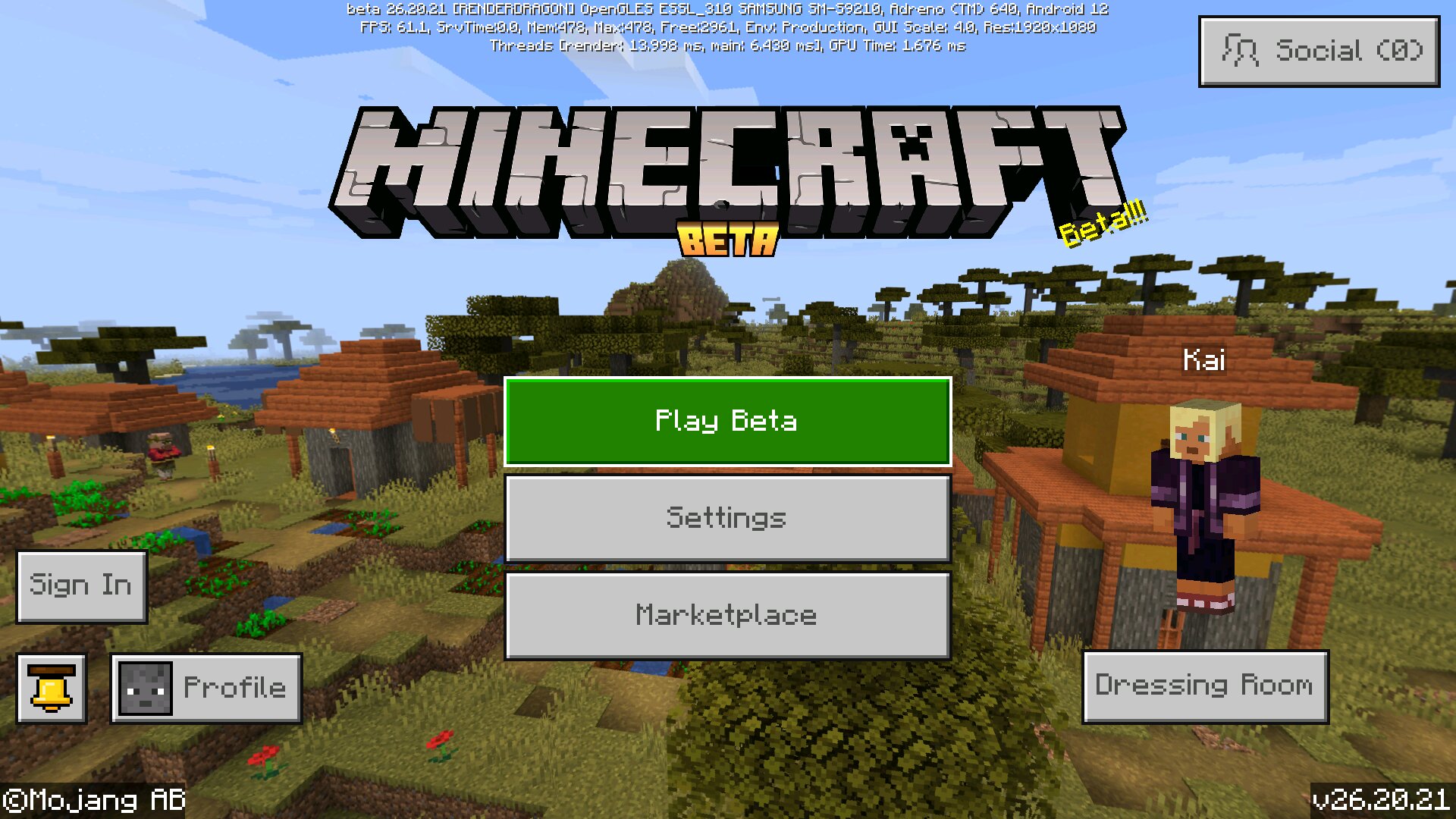
Download Minecraft 26.20.21 / 1.26.20.21 APK for Android and test a new Beta build with small but useful fixes for mobile gameplay. This update from Mojang is not a content-heavy release, but it improves visuals, baby mob textures, input behavior, UI scrolling, and overall stability on supported devices. Players who want download Minecraft APK files for phone can use this page to understand what changed before install.
This Beta version focuses on polish rather than new mechanics. It fixes annoying bugs in Bedrock, updates several baby mob visuals and sounds, and improves how menus behave on screens with notches or rounded corners. If you also need other builds from the same branch, check download Minecraft PE 1.26 versions.
What is New in Version 26.20.21
| Area |
Change |
| Blocks |
Tall Seagrass and Bone Meal behavior now works correctly. |
| Graphics |
Baby Bee textures were updated, and lighting in empty chunks was fixed in Vibrant Visuals mode. |
| Mobs |
Several baby mob animations and textures were corrected, including wolves, snow foxes, slimes, and zombies. |
| Input and UI |
Joy-Con input, iOS physical keyboard behavior, and safe area scrolling were improved. |
| Performance |
Mojang fixed crashes related to Molang logging and a PlayStation FAQ page. |
Visual and Mob Fixes
Baby mobs now look and sound more consistent
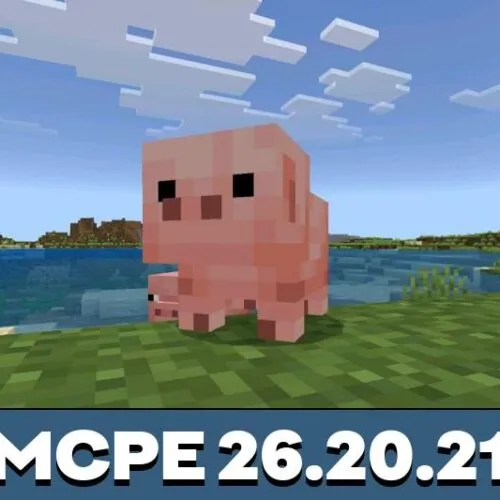
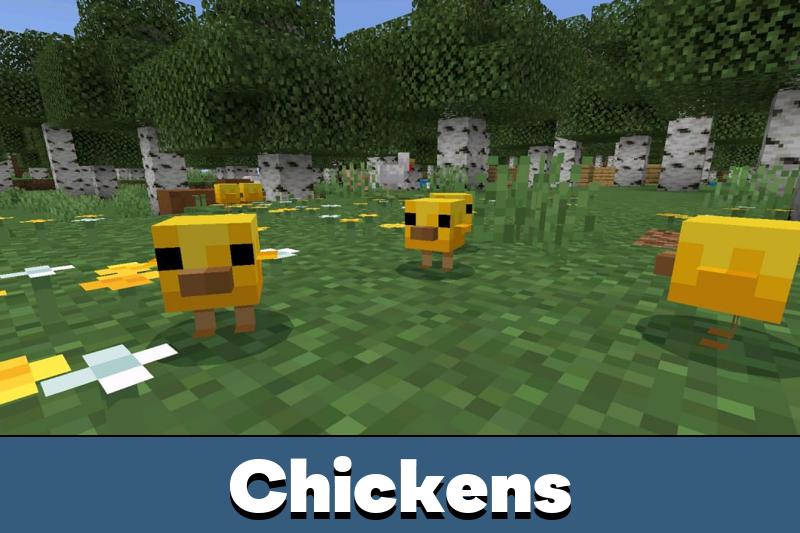
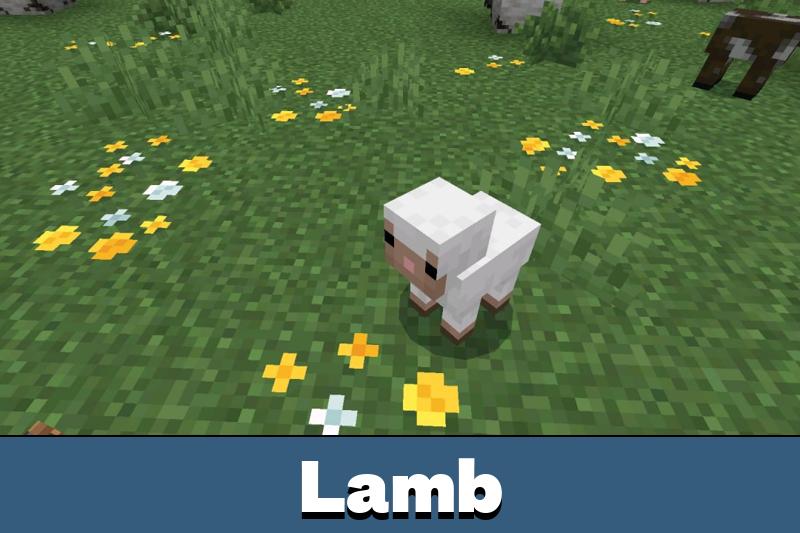
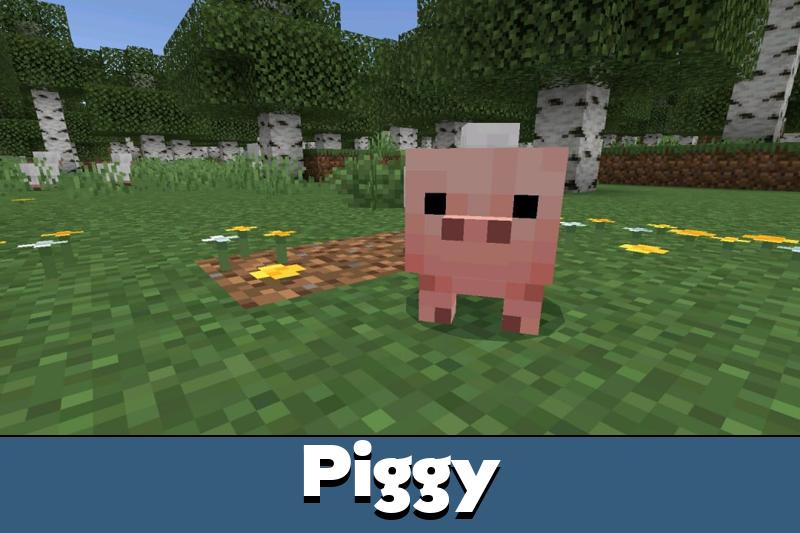
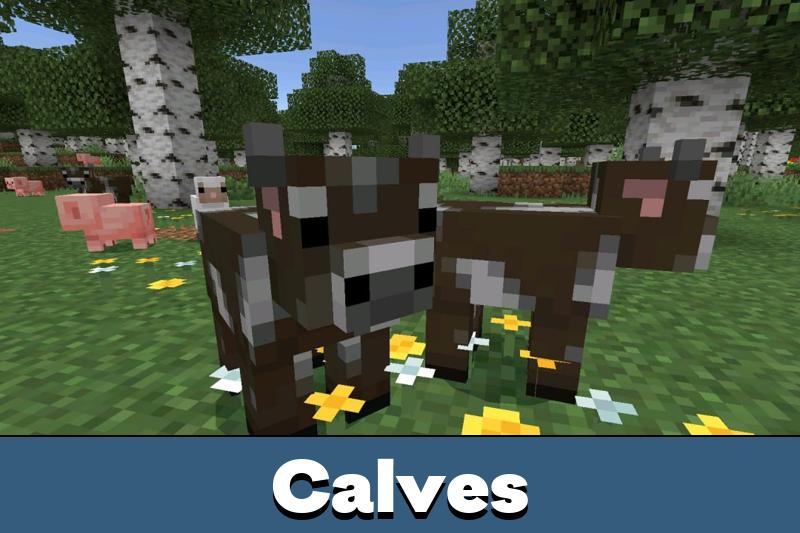
Some of the most noticeable fixes in Minecraft Bedrock 26.20.21 are cosmetic. Baby Bees now match adult Bee styling better, baby Snow Fox sleeping eyes use the correct dark blue tone, and Baby Wolf legs sit in the right position. Baby spawn sounds for Pig, Cat, Chicken, Horse, and Wolf also now play with the correct pitch.
Smoother animation behavior
Slime family bounce animation no longer snaps awkwardly, rabbits stop using idle animation while leashed, and Baby Zombies are no longer shown levitating when riding baby mobs. These are small details, but they make gameplay feel cleaner on mobile.
This Beta build is mainly about bug fixing and polish. It does not introduce a major feature set, so it is best for players who want to test stability, visuals, and interface improvements before a wider release.
Controls and Interface
Better menu behavior on modern phone screens
Ore UI screens now scroll more naturally on devices with notches, rounded corners, or safe zones. Instead of cutting content off, the interface moves more smoothly under the protected screen area, which is especially useful on Android phones with edge-heavy displays.
Input fixes for controllers and keyboards
Changing from handheld to docked Joy-Cons no longer blocks input, and physical keyboard text handling on iOS was corrected. Backspace and caret movement should now behave normally instead of repeating actions.
Version Information
| Type |
Minecraft Beta version |
| Build |
26.20.21 / 1.26.20.21 |
| Platform focus |
Android phone and other Bedrock-supported devices |
| Main purpose |
Bug fixes, visual corrections, UI cleanup, and stability updates |
How to Install
Download Minecraft 26.20.21 / 1.26.20.21 APK only if you want to test the Beta branch on Android. Install the APK on a compatible phone, allow installation from the required source, and launch the game after setup is complete. Because this is a Beta version, saving a backup of worlds before update is the safer option.
If the goal is to test bug fixes in Minecraft PE without extra content changes, this build is a clean and practical update. It is especially relevant for players who care about interface comfort, baby mob polish, and fewer visual inconsistencies.
Safety and File Check
Before installing Minecraft 26.20.21 / 1.26.20.21 apk on Android, check that the file name matches the version, the package is complete, and the download page clearly labels the build as Beta. Avoid replacing important worlds without backup, and do not expect full release-level stability from preview software.
Source: https://feedback.minecraft.net/hc/en-us/articles/44351318785165-Minecraft-Beta-Preview-26-20-21





Comments