Download Minecraft 26.20.22 / 1.26.20.22 APK for Android and test a new Beta update focused on gameplay polish, graphics fixes, improved mob behavior, and updated social features. This technical build continues the Minecraft 1.26.20 development cycle and brings a wider set of stability improvements for mobile players. Those who plan to download Minecraft APK files can review the main changes here before installing this test version.
This Beta release is not built around large survival content additions, but it improves multiple core systems across gameplay, visuals, multiplayer, captions, and Realms. Developers refined combat-related behavior, fixed graphical issues in Vibrant Visuals, corrected mob hitboxes, expanded Party System support on Android, and added several user interface improvements. If you want to explore more builds from this branch, open the Minecraft 26 APK download category for more Beta, Preview, and Release versions.
What is New in Minecraft 26.20.22 / 1.26.20.22
This Beta version focuses on technical improvements rather than major content additions. It updates social tools, improves caption controls, fixes visual bugs, refines mob hitboxes, and adds several useful Realms and multiplayer changes for Bedrock players on Android.
| Area |
Change |
| Gameplay |
Knockback behavior, fall damage sounds, and general interaction logic were improved. |
| Graphics |
Vibrant Visuals received broader support, lighting bugs were fixed, and several items now render more correctly. |
| Mobs |
Baby mob hitboxes were corrected, armor placement improved, and visual behavior became more accurate. |
| Party and Realms |
Party text chat, Android support, Realms Hub, Realm Admin role, and party travel into Realms were added or expanded. |
| Accessibility |
Closed captions now have more settings for timing, location, and hidden sound categories. |
| Stability |
Several crashes and infinite loading problems were fixed across multiplayer and system behavior. |
Gameplay Improvements
This build improves regular survival and multiplayer sessions by making combat and world interaction more consistent on mobile devices.
Combat behavior feels more predictable
One of the noticeable gameplay adjustments in Minecraft 26.20.22 / 1.26.20.22 is the refined combat feel. Knockback behavior was improved so encounters look and feel more natural during fights. This makes close-range combat easier to read and helps mobile players keep better control in survival situations.
Better interaction and world logic
Developers also fixed several issues affecting general gameplay flow. Offline multiplayer now avoids most cases of infinite loading, and fall damage sound effects trigger more correctly when an entity hits the ground. These changes are small individually, but together they make the game feel more stable and less inconsistent during normal play.
This Beta version focuses mainly on stability, visual consistency, and multiplayer convenience. It is useful for players who want to test platform improvements and system fixes before the wider release rollout.
Graphics and Visual Changes
Visual polishing is one of the main goals of this test build, especially for players using modern Android devices and advanced graphics settings.
Vibrant Visuals support was expanded
This update adds Vibrant Visual support for Shelf blocks, Nautilus Armors, Happy Ghast Ropes, Music Disc: Lava Chicken, and Music Disc: Tears. Resource pack lighting behavior was also corrected, including per-biome directional light orbital offsets, which helps custom visual setups behave more accurately inside Bedrock worlds.
Lighting bugs were cleaned up
Several graphical issues were fixed in this version. Mushrooms on the back of mooshrooms now have more accurate illumination, and the MERS texture for Baby Lazy Panda was updated. These are not huge visual overhauls, but they reduce strange rendering problems and improve presentation across different environments.
Mob Behavior Updates
Minecraft 26.20.22 / 1.26.20.22 also improves how multiple baby mobs behave, look, and interact with the world.
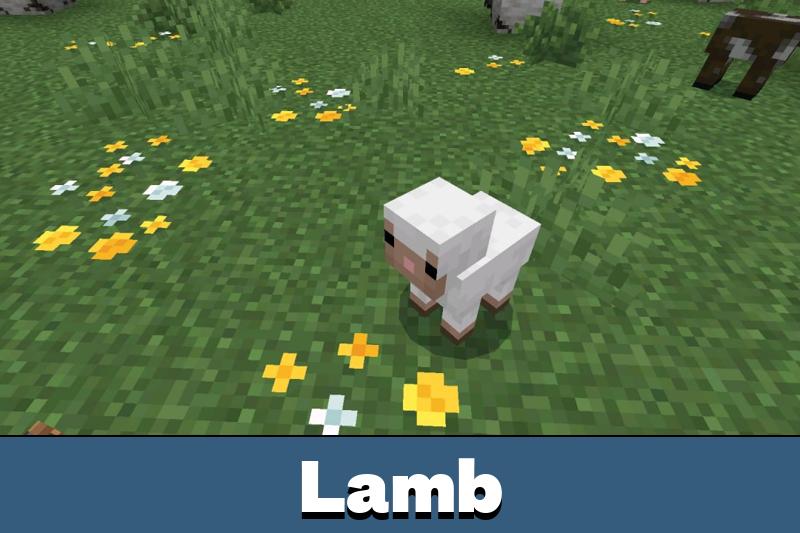
More accurate hitboxes for baby mobs
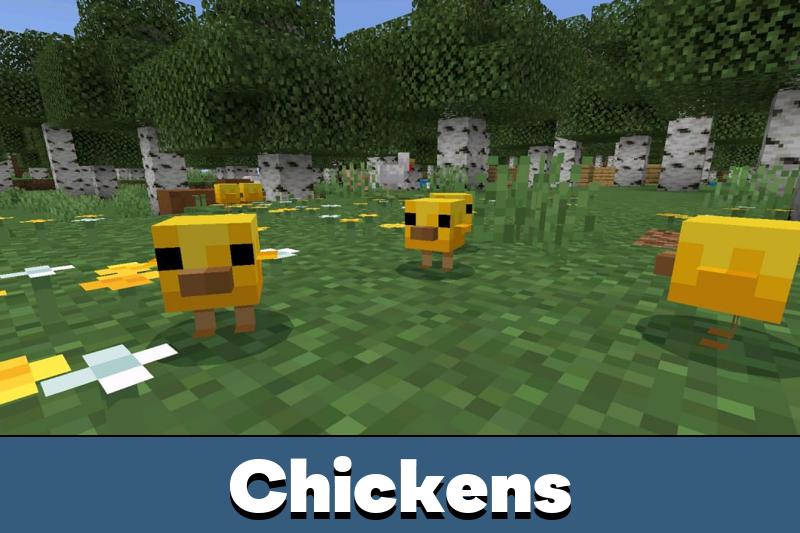
Baby Camel, Baby Hoglin, and Baby Zoglin now have hitbox sizes that better match their model geometry. Several other entities were adjusted as well to behave closer to Java standards, including Baby Villager, Baby Zombie Villager, Baby Zombie, Baby Husk, Baby Piglin, Baby Zombie Piglin, Baby Squid, Baby Glow Squid, Baby Fox, Gurgle, and even Adult Chicken.
Armor and particles look more natural
The baby humanoid chestplate armor is now centered more correctly on the mob model, which improves the visual appearance of armored baby entities. Golden Dandelion growth particles also now emit from above Baby Mobs instead of from inside them, making this effect look cleaner and less broken during gameplay.
Party System and Realms
One of the most useful parts of this Beta update is the expansion of social and Realm-related tools for Bedrock players.
Party chat now follows players between worlds
The Party System has been upgraded with text chat available through the Social Drawer. This separate party chat is not tied to a single world and can travel with the group between worlds, Realms, and supported featured servers. The feature is now available on Xbox, Windows, iOS, and Android, which makes it especially relevant for mobile users in this version.
More control for Realm owners
Realms also received major interface and management improvements. A new Realms Hub now combines world management, member activity, settings, and other controls into one place. Owners can also assign a new Realms Admin role to trusted members, while support for joining Realms with a Party adds more flexibility for group play.
Realm access became more reliable
This build also fixes a softlock issue that could happen when a player attempted to join a Realm without being a member. In addition, party members will only follow the party leader into a Realm if they are already part of that Realm, which makes the system behavior clearer and more predictable.
User Interface and Accessibility
The update adds several practical interface improvements that matter on phones, tablets, and other Bedrock devices with different screen sizes and play styles.
More closed caption controls
Players now get additional settings for closed captions, including how long captions remain visible, where they appear on screen, and whether specific sound categories should be hidden. This includes options for hiding the player’s own sounds, ambient noises, and other audio groups, which makes the accessibility system much more flexible.
Display scaling is more reliable
Another useful fix corrects incorrect UI scaling when changing resolution. On Android devices with different display sizes or custom settings, this can make menus and interface elements more readable and easier to use.
World and Item Adjustments
This build also includes smaller world generation and item-related fixes that improve consistency across different kinds of gameplay.
New world generation option
It is now possible to generate single biome Dripstone Cave worlds. This is a niche but interesting addition for players who want unusual survival starts, testing environments, or custom challenge worlds.
Cleaner item effects and progression logic
Golden Dandelion growth particles now appear above Baby Mobs instead of inside them, which improves visual clarity. On the technical side, recipe and custom item handling also received fixes, helping the overall item system behave more consistently in worlds that use extra content or custom packs.
Stability and Performance
Stability is a key focus of Minecraft 26.20.22 / 1.26.20.22, and this version includes several fixes that make testing safer on Android devices.
Crash fixes for Realms and system behavior
Developers fixed a crash tied to Realms region bindings when indexing out-of-bounds region data. Another crash related to extra Joy-Con controller prompts was corrected, and an additional system crash that could appear while suspending the title during syncing user data was also fixed.
Better reliability for everyday mobile play
These technical fixes matter because Beta builds often introduce instability even when the visible changes seem minor. Here, the main benefit is a more reliable test environment for players who want to check new Party System, Realms, caption, and graphics behavior without constant interruptions.
Version Information
This version belongs to the Minecraft 1.26.20 Beta branch and is aimed at players who want to test the latest Bedrock changes before the full stable rollout.
| Type |
Minecraft Beta update |
| Version |
26.20.22 / 1.26.20.22 |
| Platform focus |
Android phones, tablets, and other Bedrock devices |
| Main purpose |
Gameplay polish, hitbox corrections, graphics fixes, Party and Realms improvements, accessibility updates, and stability fixes |
How to Install
Install Minecraft 26.20.22 / 1.26.20.22 APK only if the goal is to test Beta features on Android devices. Download the file from a trusted page, allow installation from the selected source, and launch the game after setup is complete. Because this is a test build, backing up important worlds before updating is recommended, especially before checking multiplayer, Realms, or experimental behavior. You can also browse the Minecraft PE 26 category to compare this build with other versions from the same update branch.
Minecraft 26.20.22 / 1.26.20.22 Beta is a practical test build for players who want improved social tools, corrected mob behavior, cleaner visuals, and better overall stability before the next wider Bedrock rollout.
Safety and File Check
Before installing Minecraft 26.20.22 / 1.26.20.22 apk on Android, make sure the file version matches the update branch, the package is complete, and the download page clearly marks the build as Beta or Preview. Avoid replacing important worlds without backup, and remember that test versions may still contain unresolved bugs even after major fixes.
Source: https://feedback.minecraft.net/hc/en-us/articles/44573082558349-Minecraft-Beta-Preview-26-20-22




Comments