Download Minecraft 26.20.26 / 1.26.20.26 APK for Android if you want a Bedrock beta that already feels more usable on mobile, not just more experimental. This build is relevant for players who follow the 1.26 branch closely and want to test current features with fewer rough edges in day to day gameplay.
Why Minecraft 26.20.26 feels more practical on Android
Minecraft PE 26.20.26 / 1.26.20.26 Download continues the active Bedrock beta cycle, but this version stands out because it improves how existing test content behaves instead of only adding more ideas on top. For mobile players, that matters. A beta becomes much more interesting when the mechanics are easier to read, menus behave more clearly, and the world feels less fragile during normal play sessions.
This is a Beta version of Minecraft Bedrock Edition for Android devices. It is intended for testing upcoming changes, so some systems, balancing, and interface behavior may still change before the final release.
Core changes in Minecraft Bedrock 26.20.26
- Sulfur Cube knockback now reacts more clearly to hit angle, player position, and damage amount
- Damaged armor now gives nuggets when smelted
- Waterloggable blocks now play their placement sound correctly when placed in water
- Blocks can only be placed above a flowerpot while crouching
- Ghost item behavior with Jukebox and Composter interactions while holding armor has been fixed
- Realms Admin log has been added to the new Realms Hub
- Realms Stories issues have been reduced with loading and crash fixes
- Several interface details were corrected for HUD text, emoji rendering, and touch settings visibility
Sulfur Cube now reacts in a clearer way
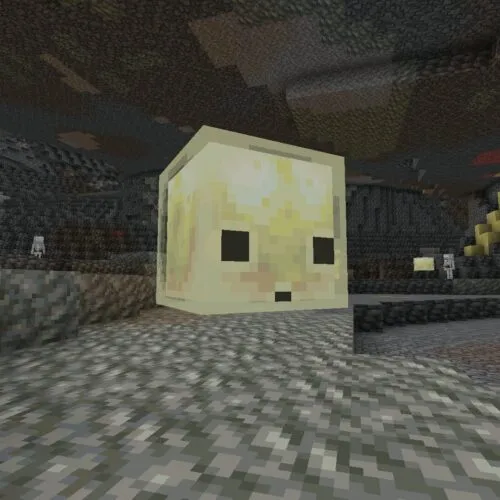
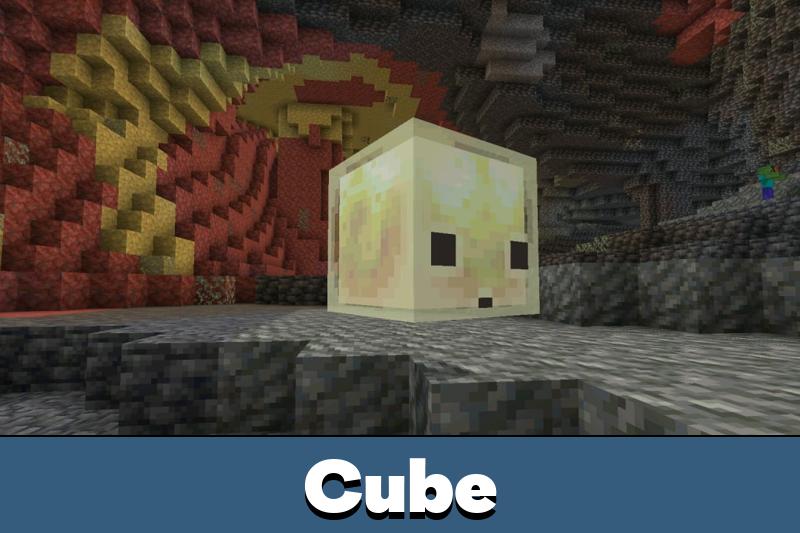
The Sulfur Cube remains the most distinctive gameplay element in MCPE 26.20.26 / 1.26.20.26, but here the focus is on how it responds to the player. It now moves differently depending on where it is hit, how strong the hit is, and whether the attacker is positioned above or below it. That gives the mob a more readable physical response and makes interactions feel less random on a phone screen.
Instead of looking like a passive experiment, the mob now behaves more like a mechanic that players can actively test. This gives the beta a stronger sandbox feel and makes sulfur themed exploration more engaging in real use.
Sulfur caves still matter, but this update is about refinement
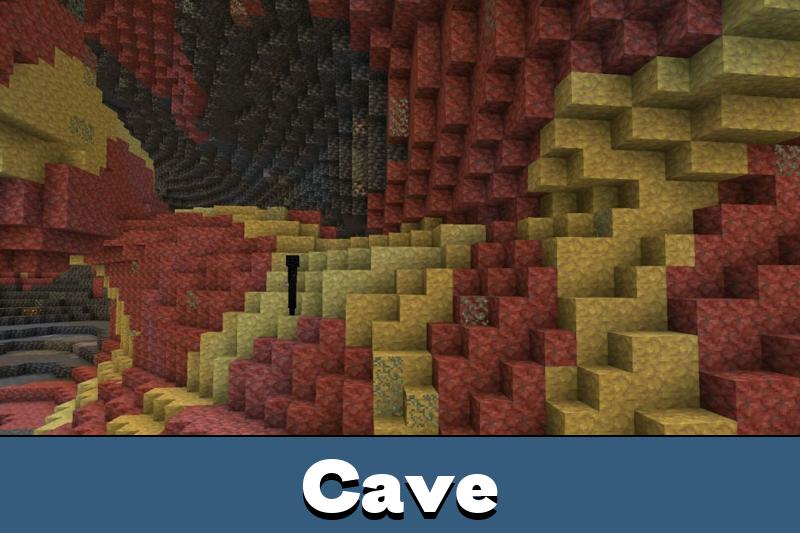
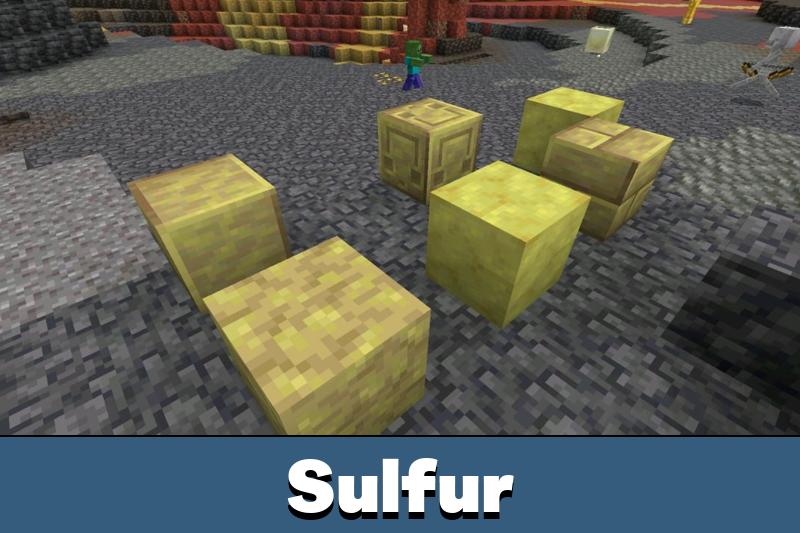
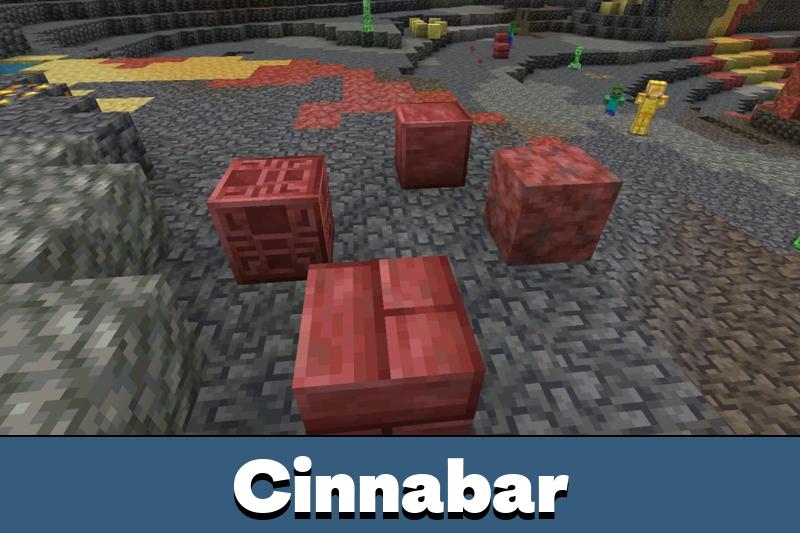
Sulfur Caves, Sulfur Springs, Potent Sulfur, and the sulfur and cinnabar block sets still define the identity of this beta branch. However, version 26.20.26 is less about introducing these features for the first time and more about making the branch feel more coherent. That is useful for Android users who want a better picture of what the next Bedrock drop is becoming, not just a showcase of disconnected concepts.
Gameplay fixes outside the sulfur theme
This build also improves ordinary gameplay systems. Smelting damaged armor now returns nuggets, which makes the result feel more logical and useful. Placement above flowerpots now requires crouching, which reduces accidental actions. Another fix removes ghost items that could appear when interacting with a Jukebox or Composter while holding armor.
Even a small sound detail was corrected here. Waterloggable blocks placed in water now play the expected placement sound, which helps building actions feel more complete and less buggy during mobile play.
Realms and interface updates
Minecraft 26.20.26 also moves the online side forward. Realms Admin log is now part of the new Realms Hub, which gives more visibility into what is happening in a Realm. At the same time, this beta fixes a crash in Realms Stories on high member count Realms and resolves the problem where the Members tab did not load correctly.
The interface also received smaller but meaningful fixes. Some missing short lived strings were restored, emoji rendering in small HUD tooltips was corrected, and the Delayed Breaking Blocks setting now appears correctly for specific touch control modes. These are quiet improvements, but on Android they make the game feel less messy.
Install guidance for Android players
Download the APK only from a page that clearly marks the build as Beta and shows the exact version number. After installation, players who want to compare surrounding releases can use minecraft pe 26 versions as a simple navigation point inside the broader 1.26 line. That makes it easier to understand whether this beta is the right fit or whether a different branch is more practical.
Why this version is worth checking
This beta matters because it gives a more accurate test environment. It is not simply showing off sulfur themed content anymore. It is improving how that content behaves, while also reducing friction in Realms, interface behavior, and regular item interaction. For Android players, that makes the build more useful as an actual preview of the update path rather than just a technical snapshot.
Minecraft Bedrock 26.20.26 / 1.26.20.26 is a stronger beta for mobile players who want experimental content with better interaction logic, cleaner Realms behavior, and more readable gameplay responses.
Version information
| Edition |
Minecraft Bedrock Beta |
| Version |
26.20.26 / 1.26.20.26 |
| Platform |
Android phone |
| Type |
APK beta test build |
| Main focus |
Sulfur Cube behavior, gameplay fixes, Realms updates, UI polish |
| Developer |
Mojang |
File safety and version check
Before installing any Minecraft 26.20.26 / 1.26.20.26 apk, check whether the page separates Beta builds from stable releases, displays the exact version, and describes the current feature set accurately. If a page talks only in generic terms and does not reflect the actual focus of this build, it may be outdated or mislabeled. It is also smart to back up important worlds, avoid modified packages with unclear contents, and remember that installation responsibility and local licensing rules remain with the user.
Official source
Minecraft Beta & Preview 26.20.26 official changelog: https://feedback.minecraft.net/hc/en-us/articles/44927450403725-Minecraft-Beta-Preview-26-20-26






Comments