Download Sit Mod for Minecraft Bedrock: add natural resting poses, block-based relaxation, bed interactions, easy controls, and better roleplay comfort to your mobile world.
Sit Mod for MCPE
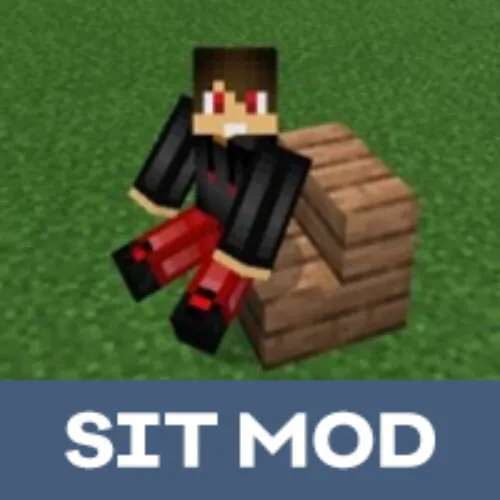
Sometimes after mining, building, or fighting mobs, players want to stop and rest. Sit Mod gives the main character a simple way to sit down, lie down, and use blocks as places for relaxation.
Minecraft PE becomes more comfortable for roleplay, houses, cafes, camps, and multiplayer servers. The addon does not change survival balance, but it adds a useful body action that feels natural during everyday gameplay.
Players can use it with chairs, stairs, slabs, beds, and many common blocks. It makes interiors feel more alive because Steve is no longer forced to stand everywhere.
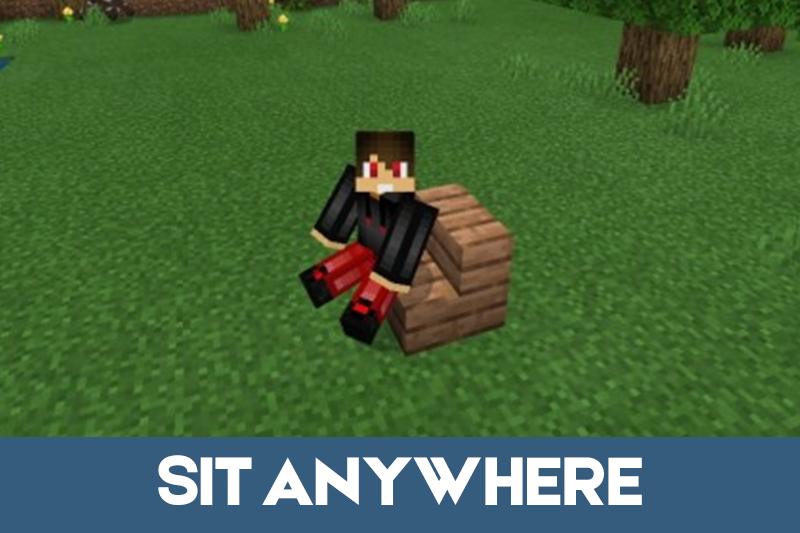
Sit Anywhere
Sit Mod for Minecraft PE lets the character rest in different places. In older versions, players could use the command /function sit to change position immediately.
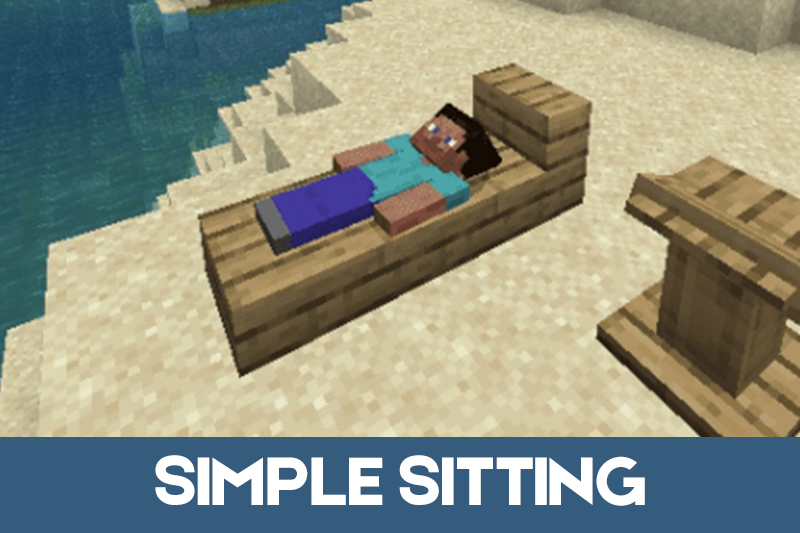
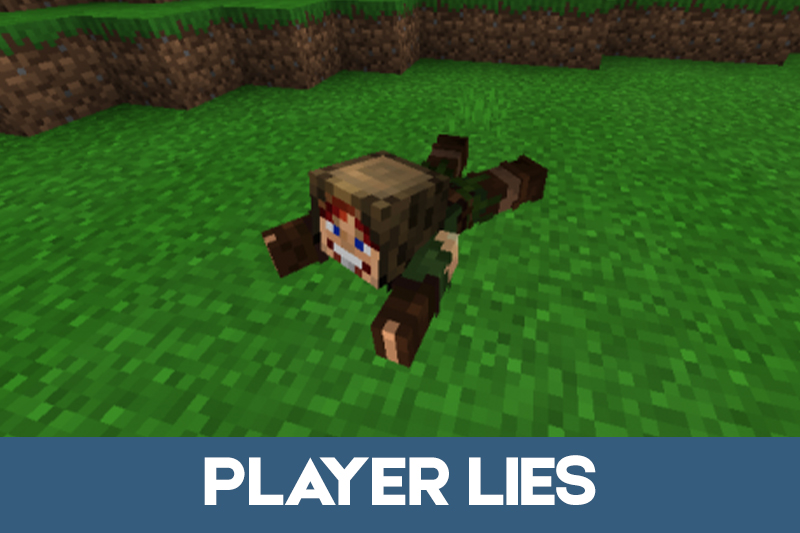
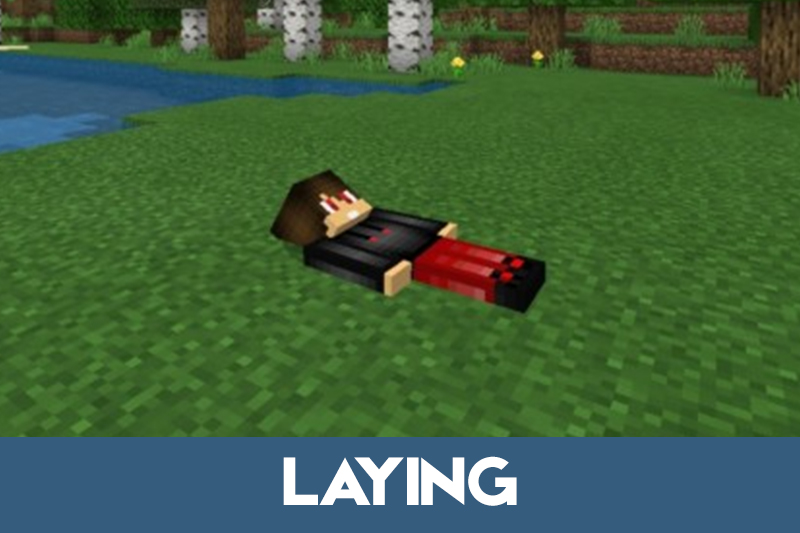
Using the command again from a sitting position could switch the player into a lying pose. This made the feature useful for screenshots, roleplay rooms, and small multiplayer scenes.
Sitting is best used in houses, camps, villages, and roleplay builds where players want the world to feel less static.
Some versions also support multiplayer commands for other players. This helps server owners prepare scenes or give characters a specific pose during events.
Simple Sitting
Simple Sitting allows players to rest on almost any block. A character can sit on furniture, stairs, slabs, and other surfaces without needing a special chair item.
The idea fits worlds where players build cafes, kitchens, bedrooms, schools, or public areas. Seating makes these builds feel more complete and easier to use with friends.
For players who enjoy new character actions, movement options, and roleplay abilities, Skills Mods for Minecraft Bedrock Edition can add more practical features to custom worlds.
Lying down can also be used as another resting option. Players can return to a normal position by pressing movement or jump controls.
This feature is simple, but it changes how interiors are used. A table, fire pit, balcony, or camp now feels like a real place to stop.
The Sit Mod addon is especially useful on mobile because it does not require complicated interaction. Players can rest quickly and continue exploring.
More gameplay additions for survival, roleplay, and world customization can be found in Mods for Minecraft.
More Body Actions
This version works in creative and survival modes. The basic animation of the game stays familiar, but players can change body position with simple controls.
Minecraft Bedrock Edition users can sit by looking forward, while lying down may require looking up in some versions. To return to standing, players can use sneak or jump.
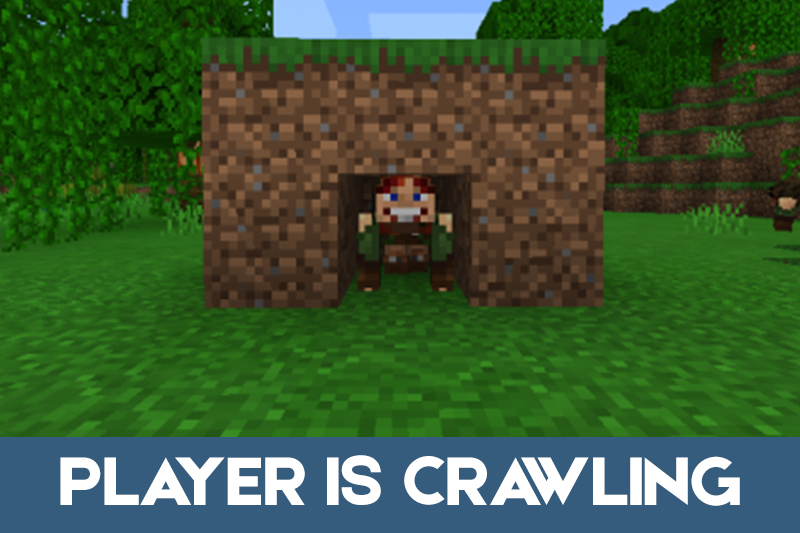
The main character can also crawl forward in certain setups. This creates more movement variety for roleplay scenes, small passages, and custom challenges.
Players should be careful on high blocks. If the block breaks while the character is moving or resting, a fall can still cause health loss.
Empty-hand controls make the newest version easier to use. Look down, tap the block, and jump when you want to stand again.
Sit Anywhere v2
Download Sit Mod for Minecraft Bedrock with Sit Anywhere v2 to sit without commands, held items, or crafted chairs. Empty your hand, look down, and tap the block.
The addon supports stairs, slabs, carpets, snow layers, hay bales, flowers, moss, and beds without setting spawn or skipping the night.

The no-command sitting is the best part. I would use this mostly in bases, because chairs always look weird when you cannot actually sit.