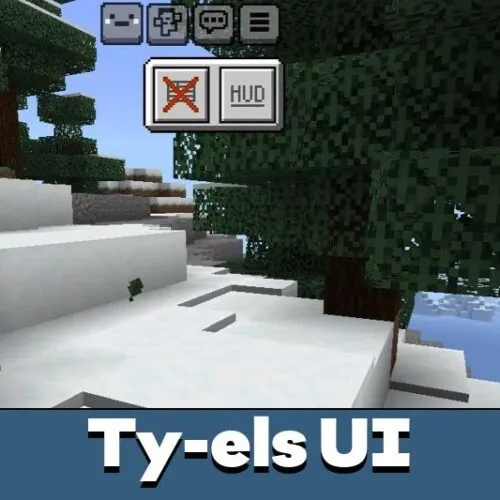
Download Ty-els UI Texture Pack for Minecraft PE to keep the vanilla atmosphere while making the interface cleaner, faster, and more convenient for mobile gameplay.
Ty-els UI Texture Pack for Minecraft PE
Minecraft PE has a familiar interface that many players enjoy, but long play sessions on a phone often reveal small inconveniences. Ty-els UI Texture Pack for Minecraft PE is designed to refine the interface without changing the core style of the game. The pack focuses on usability, clarity, and smoother interaction with menus and settings.
This texture pack slightly redesigns buttons, improves navigation, and updates interface sounds. These changes feel natural and do not distract from gameplay. Players can continue using their favorite addons and texture packs alongside this one without conflicts.
Those who enjoy interface customization can also explore utility texture packs for Minecraft Bedrock Edition, which expand control options and visual comfort.
Ty-els UI Texture Pack Features
Ty-els UI Texture Pack introduces a range of interface improvements that make everyday actions faster and more intuitive. The pack is stable and works best with the classic profile recommended by the developer.
Main features include:
- Updated menu layout with clearer navigation
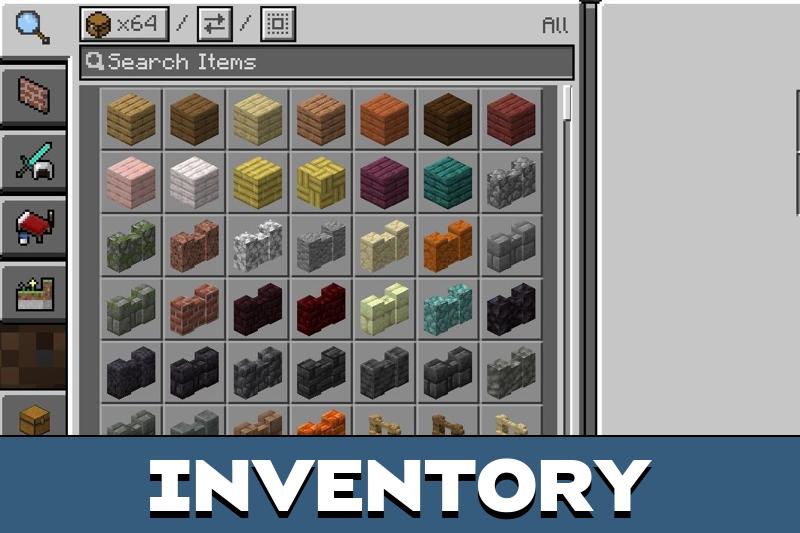
- Improved inventory interaction
- Refined button placement for touch screens
- Adjusted interface sounds
Inventory management becomes easier thanks to improved touch controls. Players can move or remove items more comfortably, which is especially useful during building and survival gameplay.
The redesigned interface also adds quick access to recently played worlds in Minecraft PE.
Screen
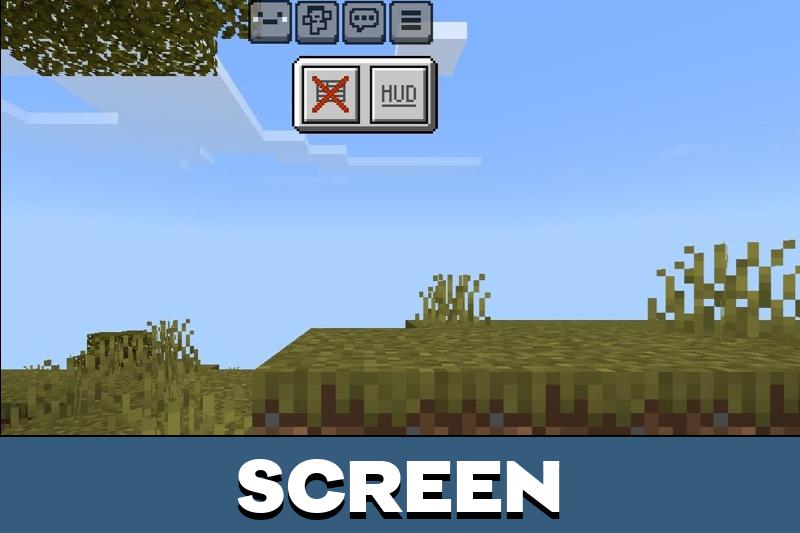
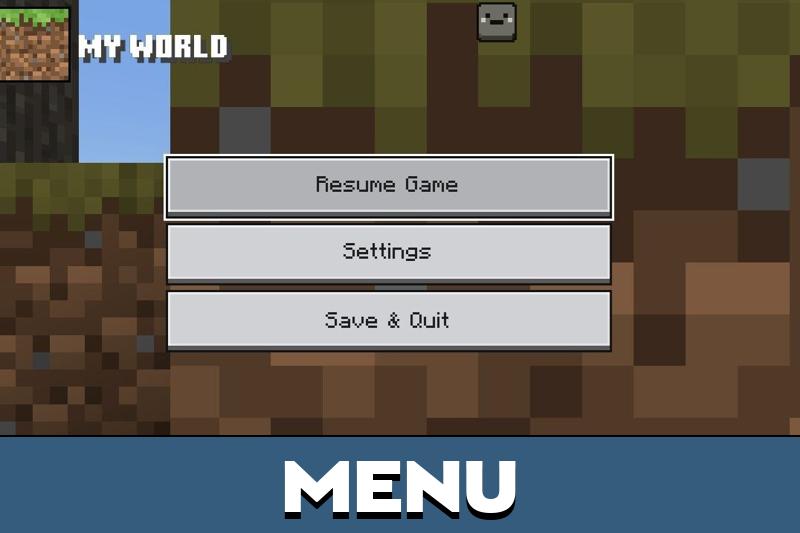
After installing Ty-els UI Texture Pack, the start screen becomes more structured. A side menu inspired by the Marketplace layout appears, allowing faster access to worlds and settings.
Additional buttons are added to improve navigation without cluttering the screen.
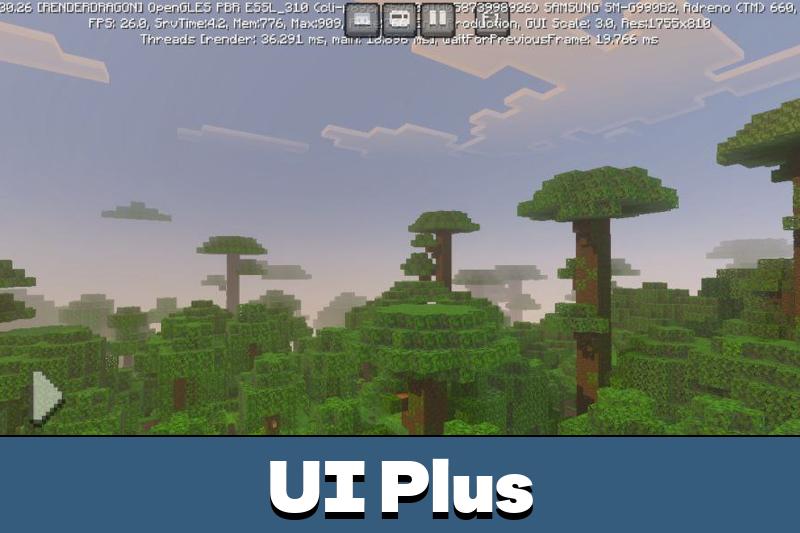
The pack also introduces a special HUD screen. It displays useful information such as player progress, item data, and available inventory space. This helps players make faster decisions during exploration and crafting.
Settings
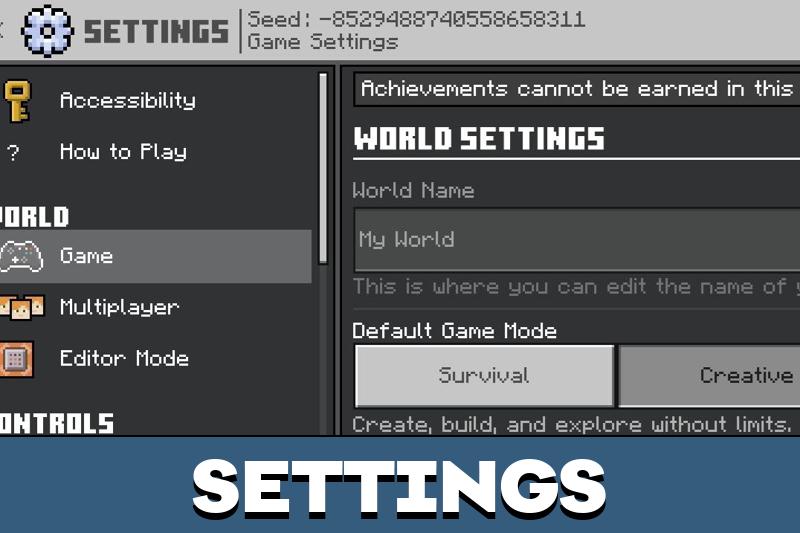
The settings menu receives a noticeable redesign. Instead of long lists, players see clear buttons that are easier to tap on mobile screens. This layout improves readability and reduces accidental clicks.
Quick settings options are another important addition. By opening the settings and tapping the button in the corner of the screen, players can instantly adjust camera angle, brightness, view distance, and other key parameters.
These changes help adapt the game to different lighting conditions and play styles.
UI Plus
UI Plus expands the functionality of the interface even further. Minecraft Bedrock Edition players gain access to additional layout elements and interface tweaks that enhance overall control.
This version is suitable for players who want more flexibility without turning the interface into something unfamiliar. It keeps the vanilla feel while offering modern usability improvements.
Download Ty-els UI Texture Pack for Minecraft Bedrock if you want a cleaner interface, faster navigation, and a more comfortable mobile experience without changing gameplay mechanics.




I really like how clean the menus feel now. Everything is easier to tap on my phone, and the new HUD helps a lot during survival without ruining the vanilla vibe.