Download Zebra Shader for Minecraft PE: make colors softer, lighting warmer, weather calmer, water clearer, and the world more natural without changing gameplay mechanics.
What does Zebra Shader add to Minecraft PE?
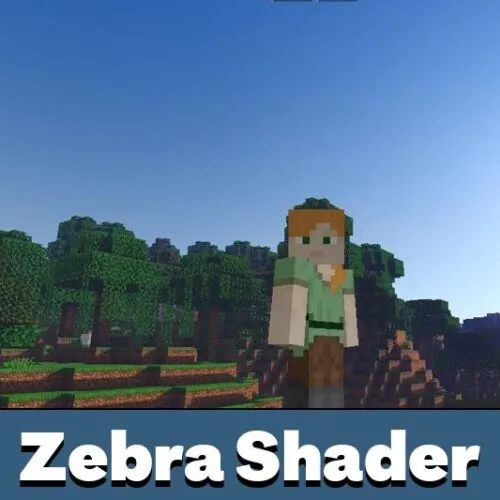
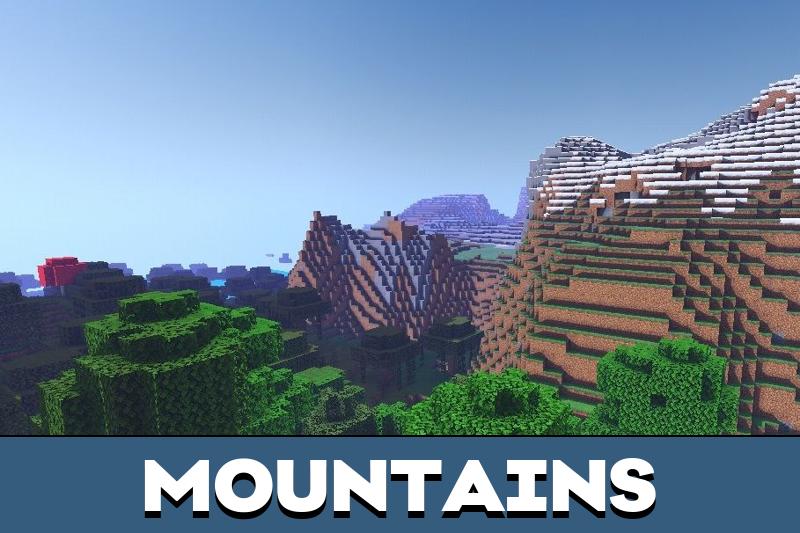
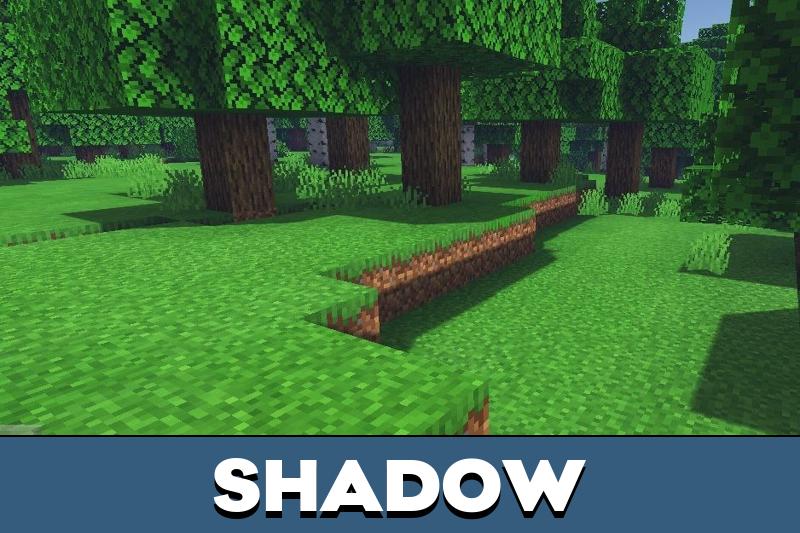
Zebra Shader improves the visual layer of the game while keeping the familiar blocky style. It adjusts lighting, color balance, sky tones, water, shadows, and weather so the world looks smoother during normal gameplay.
The shader does not add items, mobs, crafting recipes, or new mechanics. Its purpose is to make exploration more comfortable and make landscapes look cleaner without changing how players interact with blocks.
Players can also try other Shaders for Minecraft Bedrock Edition if they want to compare visual styles.
Zebra
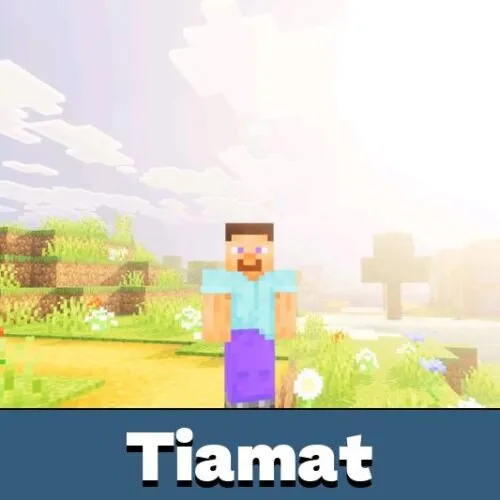
Zebra focuses on softer colors and warmer outdoor lighting. Bright areas look less harsh, while shaded places feel calmer and more balanced.
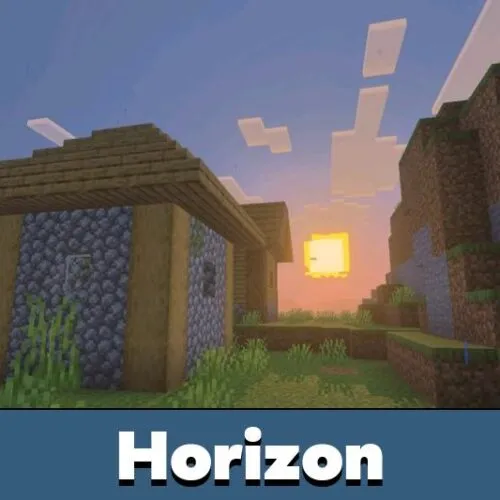
The effect is easy to notice in plains, forests, villages, and near water. Grass, sky, clouds, and sunlight work together better, creating a more natural picture.
Zebra is made for players who want smoother graphics without making the world look too heavy or overloaded.
The original game shape stays recognizable. Blocks, builds, and biomes keep their vanilla identity, but the atmosphere becomes cleaner.
Weather effects
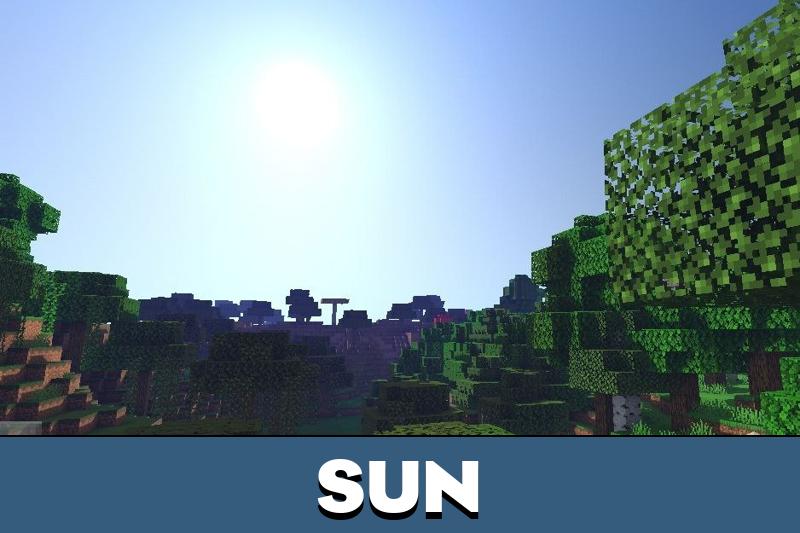
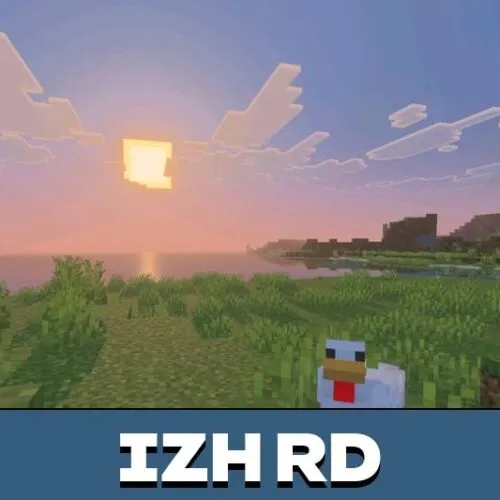
Weather receives visible changes. Daylight becomes smoother, sunsets gain a warmer mood, and night scenes show a clearer sky with better depth.
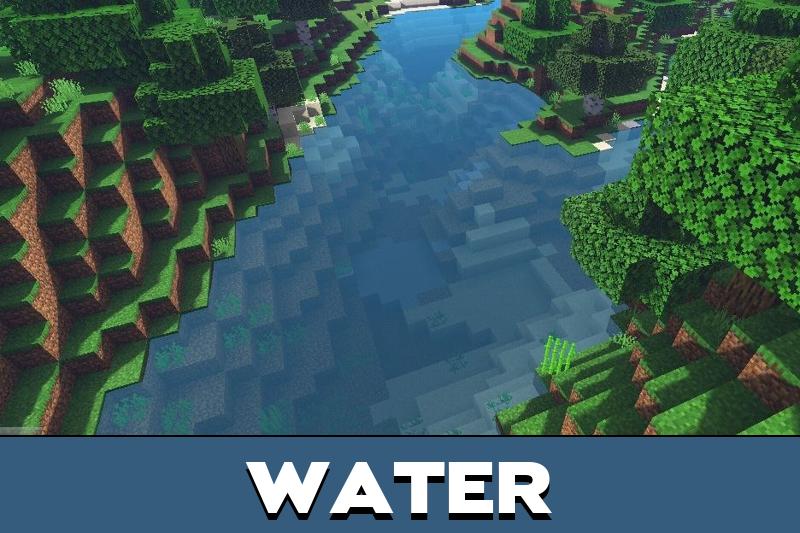
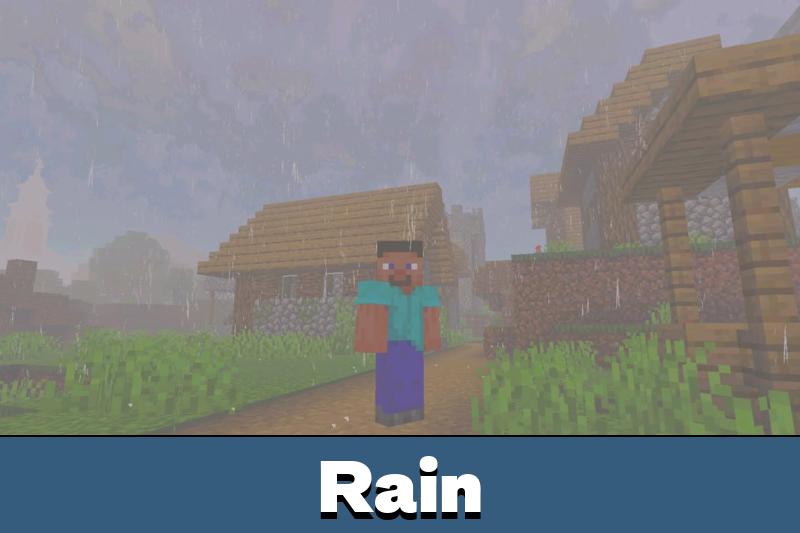
Rain also feels more natural because fog and lighting help distant areas look less flat. Water surfaces get better transparency and color balance, so rivers, lakes, and seas look cleaner from the shore.
The sun and moon have softer tones, which helps the sky feel more complete in Minecraft PE. These changes are useful for survival travel, screenshots, and calm exploration.
Additional functions
Zebra Shader adds gentle movement to foliage. Leaves and grass feel less static, while color changes stay moderate enough for regular gameplay.
Zebra is mainly focused on Android support. Players on other systems should check compatibility before using it as their main visual option.
The shader works best for players who want a light visual upgrade with clearer colors, smoother skies, and stable mobile gameplay.
Zreplica
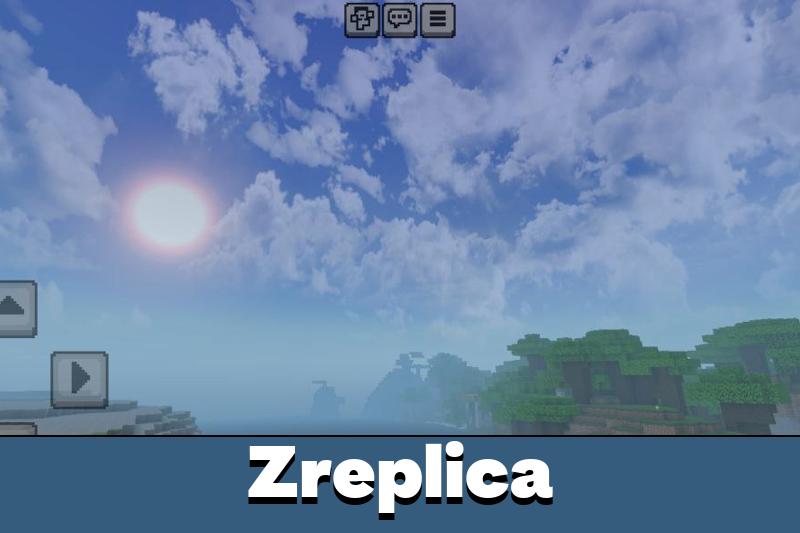
Zreplica refines the Zebra Shader style with cleaner lighting, stronger visual balance, and more consistent colors across biomes. It focuses on a realistic RenderDragon look without requiring a third-party app.
This version is useful for players who want improved graphics on weaker devices. It keeps the same simple idea: better atmosphere, clearer contrast, and smoother scenery without adding extra gameplay systems.
Zebra Shaders No Renderdragon
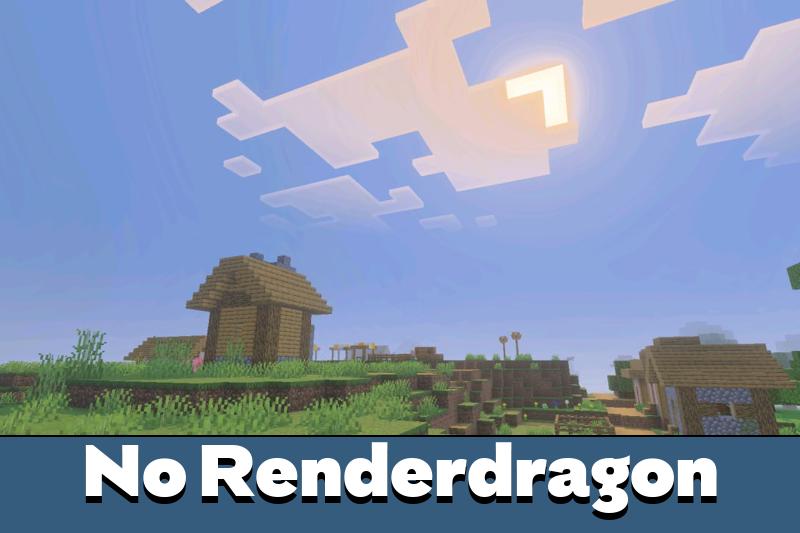
Zebra Shaders No Renderdragon is designed for devices and game versions where RenderDragon is not used. It keeps the main visual idea while working through the classic rendering pipeline.
Lighting remains soft, shadows stay subtle, and colors are balanced to avoid excessive brightness. The shader works within existing systems of Minecraft Bedrock Edition, focusing on stable performance and consistent visuals.
ZReplica v3
ZReplica v3 updates the visual style with a lightweight realistic RenderDragon approach. It improves the look of the world without a third-party app and is made to be friendly for low-end devices.
The focus stays on clean lighting, balanced colors, and smoother gameplay visuals.
I like that this one is not too heavy. Softer colors and warmer light are enough for me, especially if it still runs well on a weaker phone.
I use this shader on my phone because it doesn’t overload the game. Colors look calmer, sunsets are really nice, and everything still runs smoothly during survival.