Download What Am I Looking At Mod for Minecraft Bedrock: view block names, mob health, harvest details, container information, and useful tooltips directly during mobile gameplay.
What does WAILA add to MCPE?
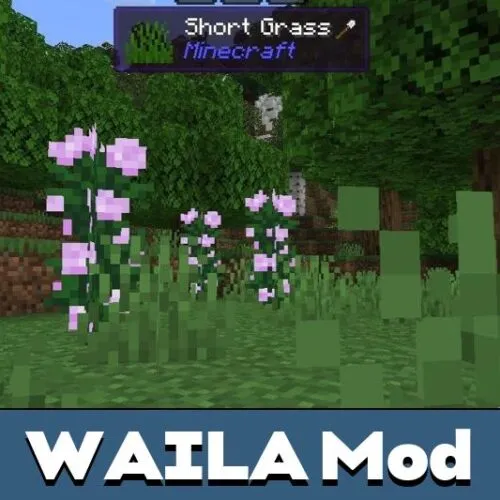
What Am I Looking At Mod adds a clear tooltip system to the game. It helps players understand what they are looking at without opening extra menus or guessing how an object works.
This addon shows useful information about blocks, mobs, objects, and players. It is a practical option like other utility mods for MCPE, because it improves survival through better information instead of changing the whole world.
Players can use the mod in different game modes. It is helpful in creative testing, but it also makes survival in Minecraft Bedrock Edition easier when users need fast details about blocks and creatures.
What Am I Looking At
What Am I Looking At Mod for Minecraft PE starts working after activation in the world settings. Depending on the version, experimental options may be needed, so players should check requirements before loading an important world.
After creating or opening a world, players can point at a selected object and see information on screen. This makes exploration, mining, building, and mob interaction more direct.
For broader gameplay upgrades with tools, creatures, blocks, and interface features, Mods for Minecraft Bedrock Edition can help players find more addons for different world setups.
This mod is best for players who want quick information without stopping gameplay. Tooltips make blocks and mobs easier to understand on mobile screens.
Blocks
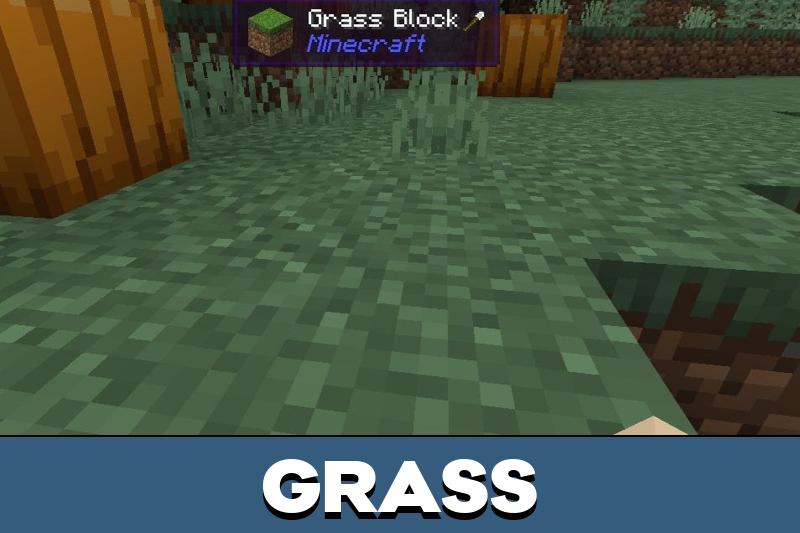
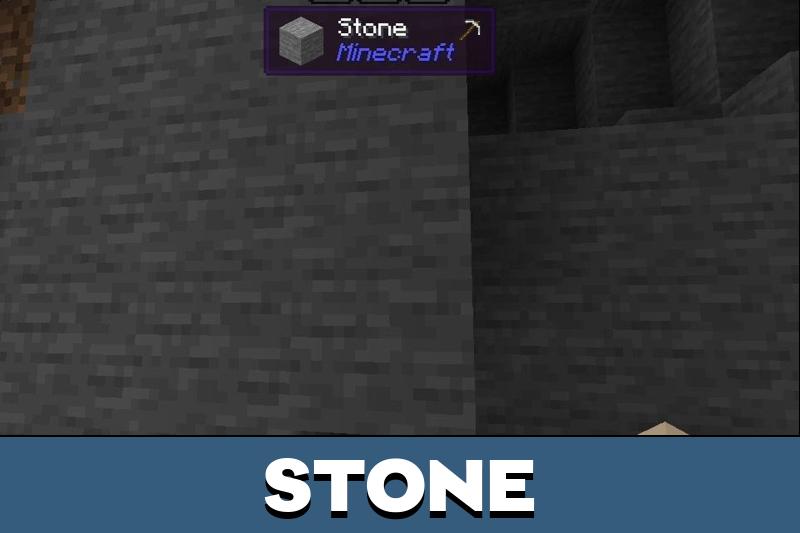
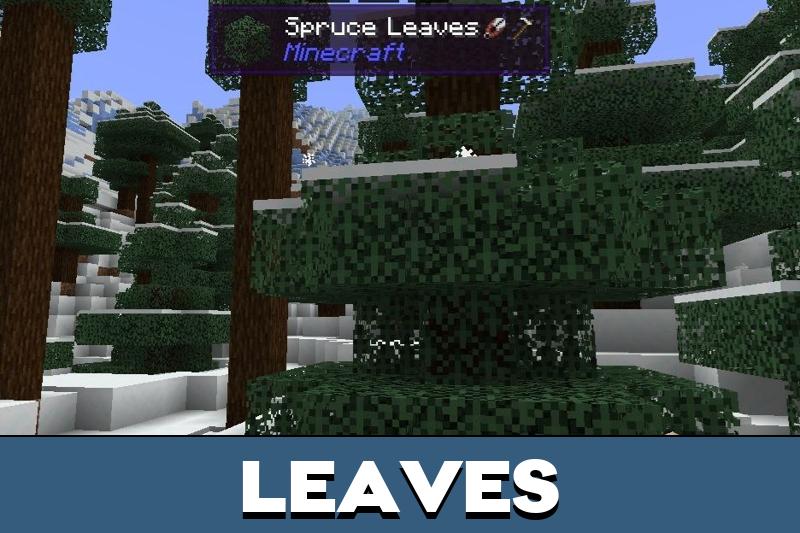
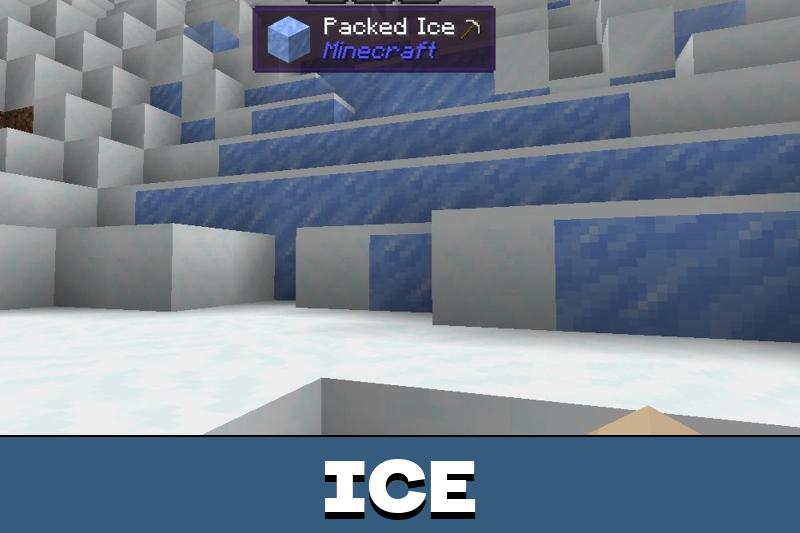
The What Am I Looking At addon allows players to see information about blocks. This can help when a user needs to understand what a block is, how to harvest it, or whether it is worth breaking.
Block tooltips are useful in caves, custom builds, and survival bases. They reduce confusion when players meet unfamiliar materials or want to check an object quickly.
Some versions can also show what is inside certain blocks or containers. This keeps the player focused on the world instead of constantly opening menus.
Mobs
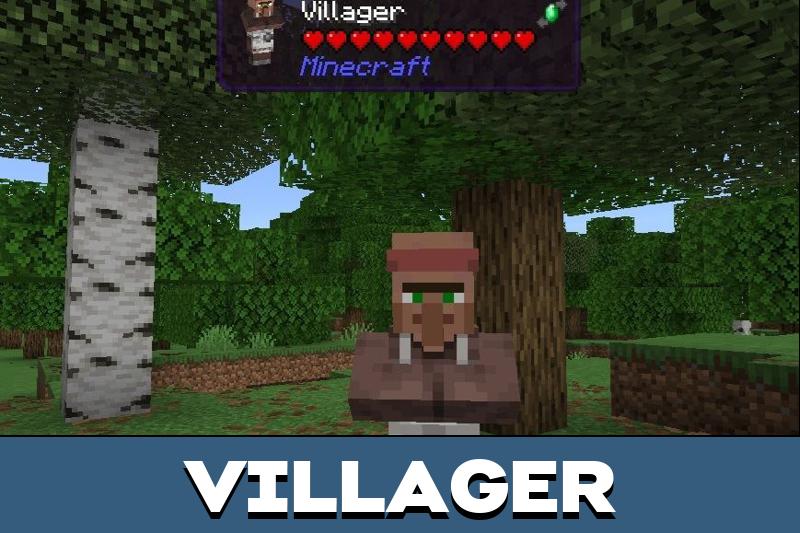
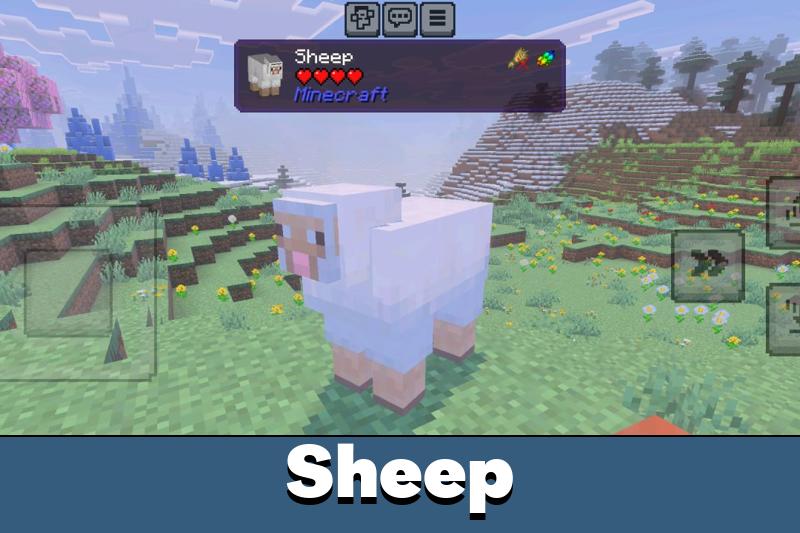
Another advantage of the WAILA system is mob information. Players can learn more about creatures by looking at them, including health and other useful details.
This helps during combat because users can judge whether they should keep fighting or step back. It also makes interaction with animals, hostile mobs, and players easier to read.
Use both required packs if the version includes behavior and resource files. Missing one part can break the tooltip display.
The feature can also apply to other users in Minecraft PE, which makes it helpful for multiplayer testing, PvP arenas, and shared survival worlds.
New WAILA
New WAILA gives players on-screen details about objects, blocks, and creatures. It keeps the idea simple: point at something and receive useful information immediately.
The update makes survival more comfortable because players can understand health, block data, and interaction details without memorizing every situation.
Waila GT
Download What Am I Looking At mod for Minecraft Bedrock with Waila GT to use a missing Bedrock-style tooltip system.
It shows what an object is, how it can be harvested, what may be inside it, and how much health a mob or player has left, keeping gameplay clear without breaking immersion.
This would save me from guessing blocks all the time. I like small screen tools that just explain what I am looking at without opening menus.
great WAILA mod! I see all the info on the screen!