MCPEDL » Cheats » Buttons Cheat for MCPE

Buttons Cheat for Minecraft PE

Trusted File
Version MCPE 1.21.0 - 1.26.0 for Android
Download Buttons Cheat for Minecraft PE and trigger gameplay actions using tap-ready buttons.

Download How to Install?
Author: Brandon Taylor
Published: 22 February 2026

Download Buttons Cheat for Minecraft PE: activate essential gameplay functions through a compact on-screen button system built for mobile control.

Buttons Cheat for Minecraft Bedrock Edition

Buttons Cheat is focused on fast in-game control. It adds a visible button overlay inside Minecraft PE, allowing players to trigger important actions instantly without using chat commands.

This solution is optimized for Minecraft Bedrock Edition on mobile devices. Every function is activated manually through tap-ready buttons placed over the default interface.

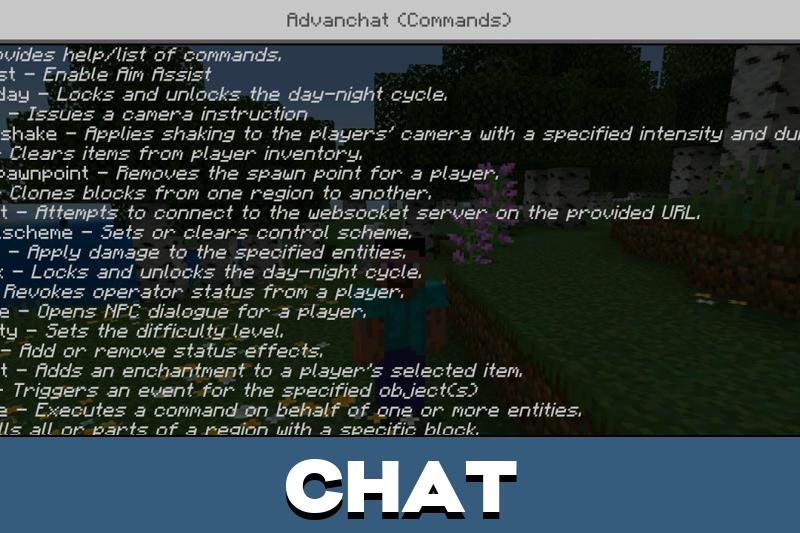
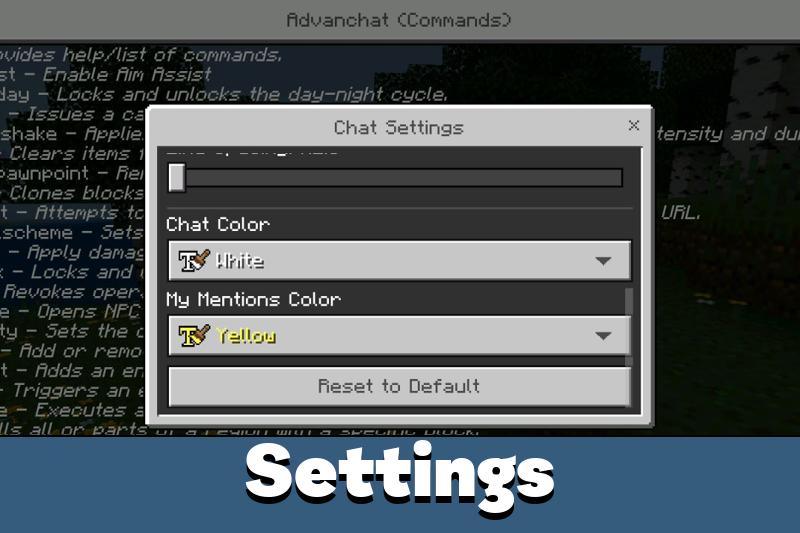
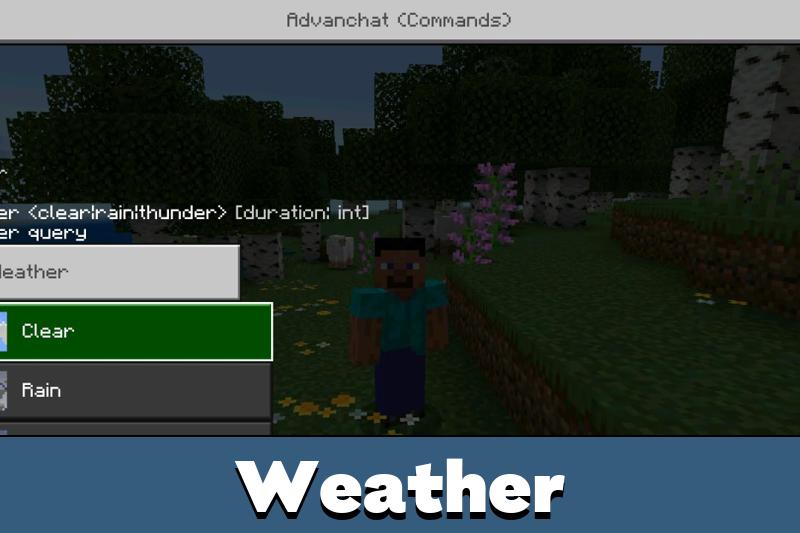
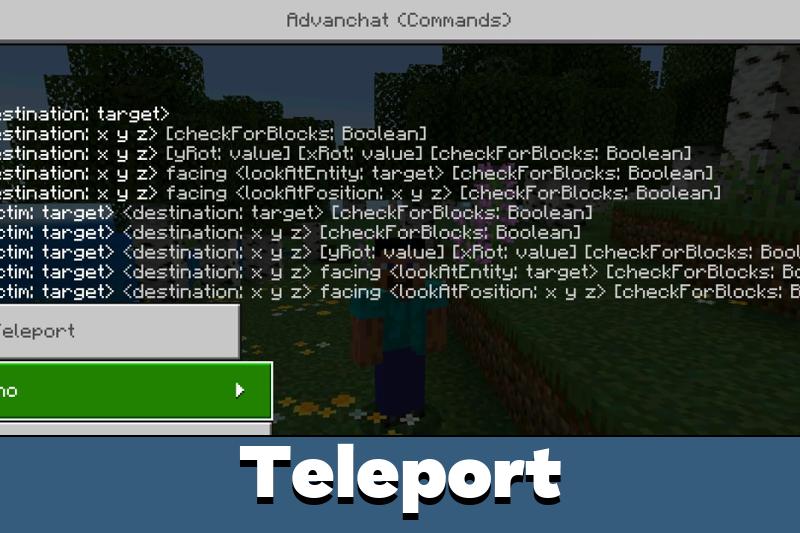
Advanchat

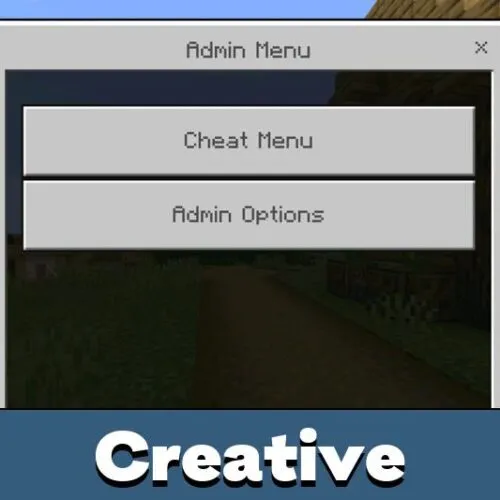
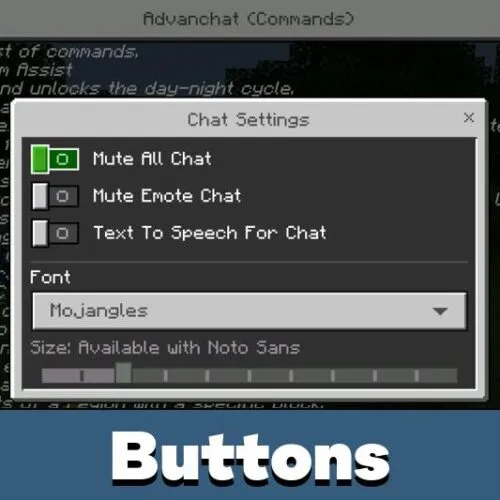
Advanchat is the core system behind this cheat. After installation, a floating control icon appears on the screen. When tapped, it expands into a panel of functional buttons.

Each button performs a specific gameplay action. No typing is required. All changes apply immediately and remain under player control.

The interface stays active while moving, building, or interacting with mobs. It does not interrupt normal gameplay flow.

How the Button System Works

The overlay remains visible in-game and can be opened at any moment. When expanded, it displays multiple quick-access controls.

  • Instant activation without delay
  • No world reload required
  • Touch-optimized button size
  • Stable integration with the default HUD

The cheat works alongside standard controls.

It does not replace movement buttons or core interface elements.

If you want to explore similar tools, check other cheats for Minecraft PE that offer alternative mobile control systems.

Practical Use in Gameplay

Buttons Cheat improves reaction speed. Instead of opening menus or entering commands, players activate features with a single tap.

  1. Open the floating icon
  2. Select the required function
  3. Activate it instantly

This approach is useful during:

  • Fast-paced survival moments
  • Environmental adjustments
  • Quick movement changes
  • Gameplay testing sessions

Download Buttons Cheat for Minecraft Bedrock if you need direct mobile control without interrupting active sessions.

Advanchat

Advanchat delivers a compact overlay that keeps essential gameplay switches within reach.

It reduces interface friction and allows players to activate features instantly while staying fully engaged in real-time mobile gameplay.

FAQ

How do I open the button panel?

Open chat like you always do.

Does it work during combat?

Yes, buttons remain accessible while moving or fighting.

Is it designed for mobile devices?

Yes, the layout is optimized for touch screens.

Do I need to restart the world after activation?

No, all actions apply instantly.

Comments