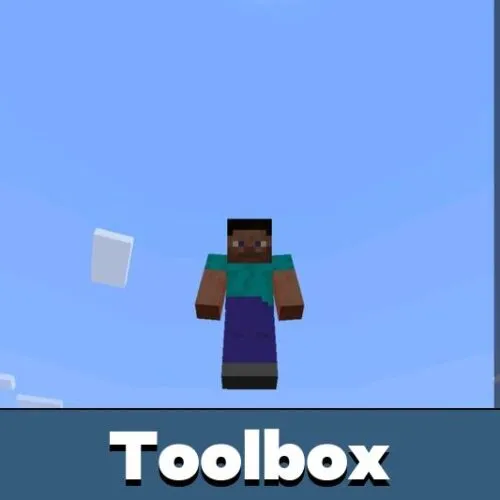
Download Toolbox for Minecraft Bedrock — a floating cheat panel that puts movement, vision, time, and survival controls one tap away on your Android screen.
What does Toolbox Cheat bring to MCPE?
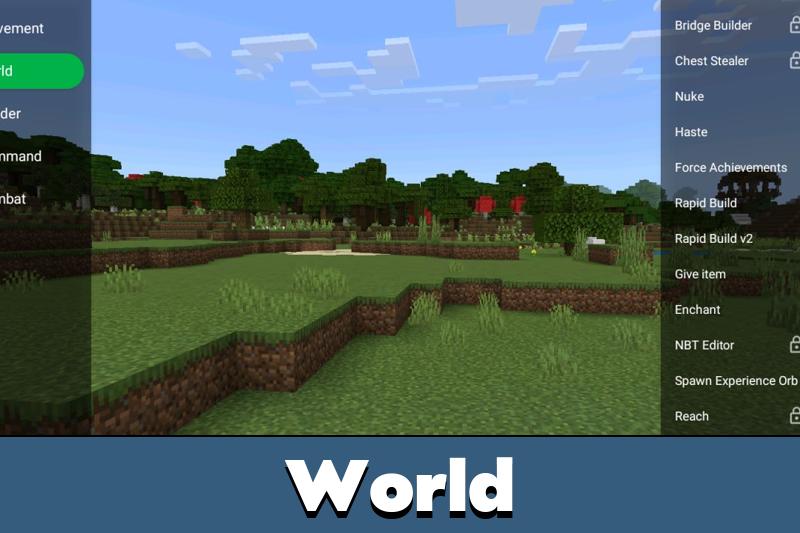
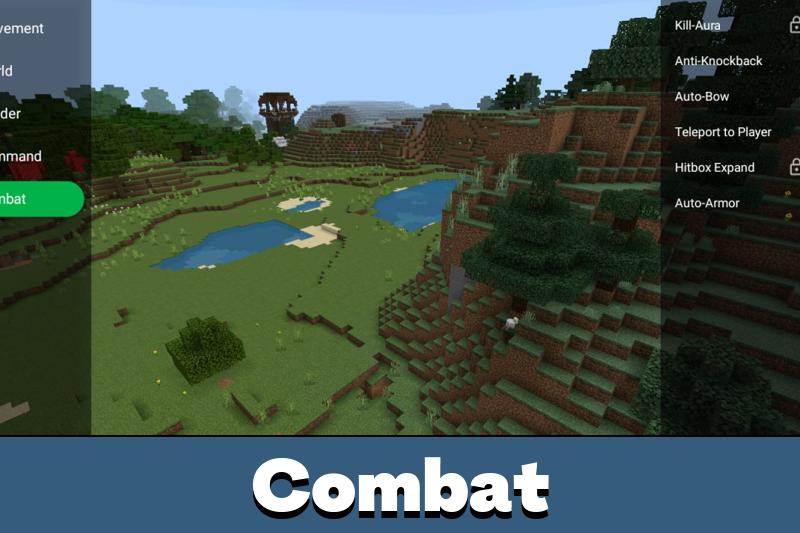
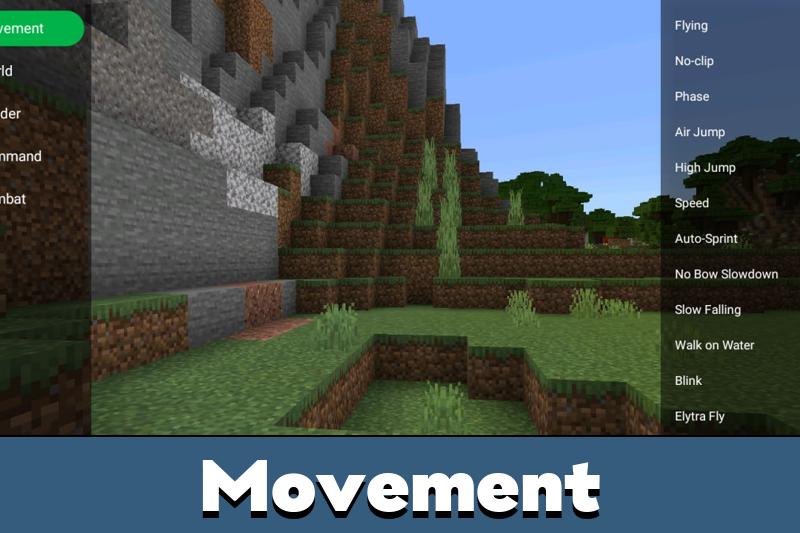
Toolbox MCPE works as an on-screen mod menu for Bedrock Edition. It pins a compact cheat panel over the running game, so every option — from movement speed to the day-night cycle — is switched through one overlay instead of edited files or extra launchers.
The menu opens inside the current session, and jumping between functions never forces you out of the world. On mobile that matters: testing redstone contraptions, checking mob farm timings, or crossing a massive biome takes far less effort when the controls float next to your thumb.
The overlay is built for touch from the start: large buttons, a draggable window, and readable labels on any smartphone or tablet.
Main Features
The Toolbox cheat for Minecraft PE 1.26 gathers tools that reshape gameplay in real time:
- Speed and movement tweaks for faster travel across the map
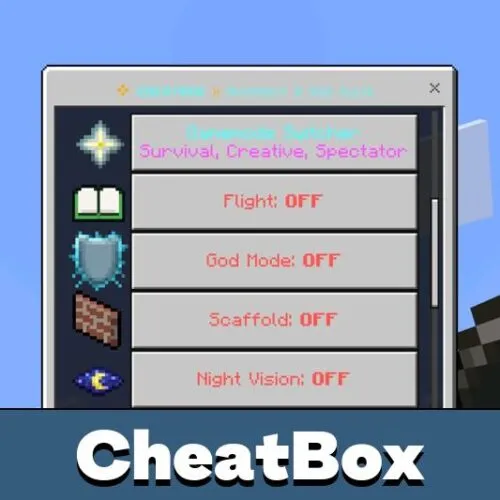
- Direct control over health, hunger, and other survival stats
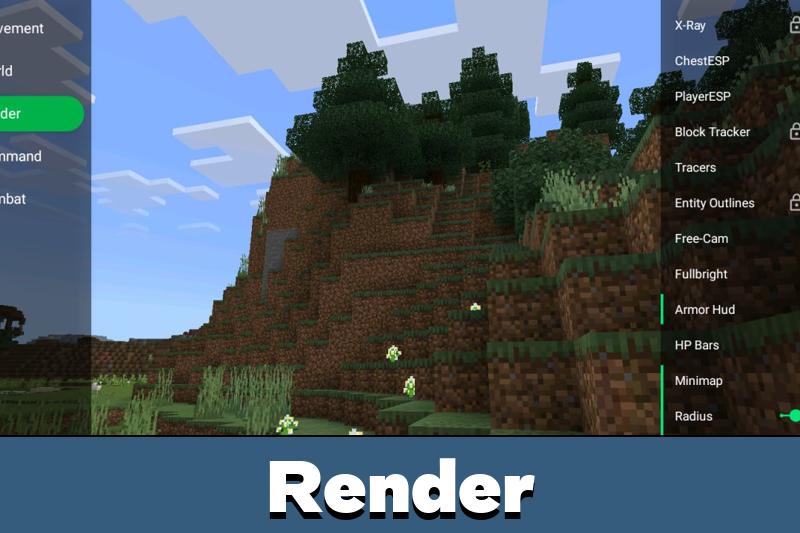
- Vision helpers, including a night mode for dark caves
- Time of day and weather switching in a couple of taps
The window shrinks into a small floating button, drags to any corner, and reopens whenever needed. It runs alongside the standard HUD rather than replacing it, so the familiar interface stays untouched.
Looking for more tools of this kind? Browse other cheats for MCPE — many of them pair nicely with Toolbox.
How does it work?
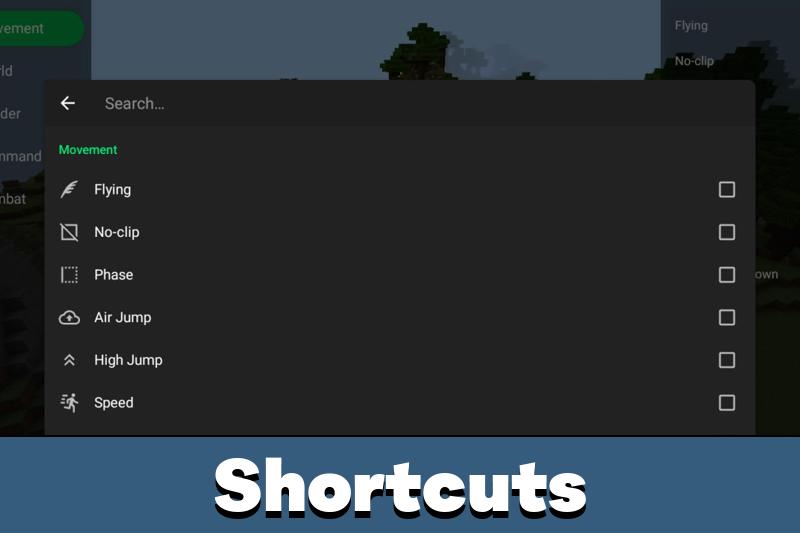
After setup, a small Toolbox icon hovers above the game. Tap it, and the panel unfolds into a list of switches — each function toggles separately, so you enable exactly what the moment calls for.
World restarts are not part of the routine: most changes land instantly. Version support is wide too — Toolbox for Minecraft PE 1.26 targets the newest branch, while Toolbox for Minecraft Bedrock 1.21 brings the same layout to earlier builds.
Every toggle is sized for fingers, not a mouse cursor, so the cheat stays comfortable even on smaller phone screens.
Other features
Toolbox 1.26 keeps the focus on fast in-game control: movement tweaks, visual helpers, and environment switches all live in a single floating menu. Nothing fires on its own — the Toolbox hack for Minecraft PE 1.26 leaves every module in manual mode, and you decide what runs during a session.
The approach carries over to older setups as well: the Toolbox hack for Minecraft Bedrock behaves identically on tablets, and Toolbox for MCPE 1.21 owners get the familiar panel without a single missing button.
FAQ
How do I download Toolbox for Minecraft on Android?
Get the APK from the download button on this page, allow installs from unknown sources in your Android settings, open the file, and launch Toolbox before starting the game.
Is Toolbox free to download?
Yes. The cheat installs as a regular APK at no cost — just make sure the game itself is already on your device.
Does Toolbox work in multiplayer?
It is made for local worlds and private LAN sessions. Public servers usually block or limit such functions, so treat Toolbox as a single-player and friends-only tool.
Do I need to restart the world after switching options?
No. Toggles apply on the spot: open the floating panel, flip the function, and keep playing in the same session.
Will the floating icon block my view?
No — the button stays small, drags to any corner, and collapses when unused, so the screen remains clean.

This makes building and testing stuff way easier on my phone. I like that I can turn features on and off without leaving the world.