Download Apollon Cheat APK for Minecraft PE: mobile combat modules, movement tricks, coordinate tracking, custom textures and smoother performance for survival runs and PvP duels on Android.
Apollon Client for Minecraft PE
Apollon Client is built for players who keep combat, movement and orientation under manual control instead of trusting default touch input. The package collects gameplay modules that speed up attacks, sharpen awareness and cut reaction time when a fight starts without warning.
Unlike decorative resource packs, the Apollon Cheat MCPE build is a practical toolkit. It fits survival worlds, PvP arenas and test maps where instant access to extra functions matters more than visuals, which is exactly what players chasing every Apollon Client new version are after.
The client also unlocks options Minecraft Bedrock Edition from Mojang never shipped with. Everything is tuned for touchscreens, so the Apollon Client APK stays comfortable on mid-range Android phones and tablets.
Apollon Client keeps three priorities: combat modules, movement tools and position data. The value is instant access to useful functions while the world is running.
Anyone collecting utilities of this kind can browse other cheats for Minecraft Bedrock Edition that widen control options and rework core mechanics.
Apollon Client
The set is modular: functions are toggled by situation — combat support, movement helpers or information overlays.
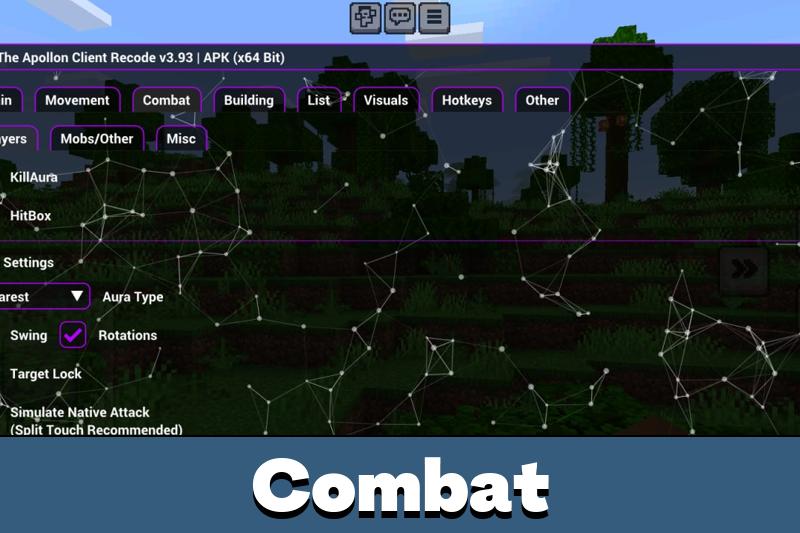
- Killaura on Mobile;
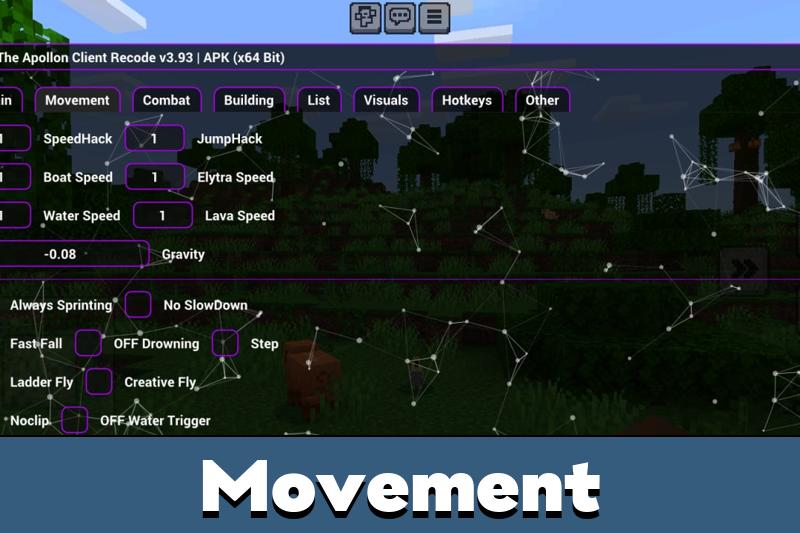
- Ladder Fly;
- Show Position;
- Death Position;
- Custom textures;
- Performance improvements.
Together these modules cover several play styles. Some carry a fight, others handle travel, orientation or item recovery after a bad death.
Combat Advantages
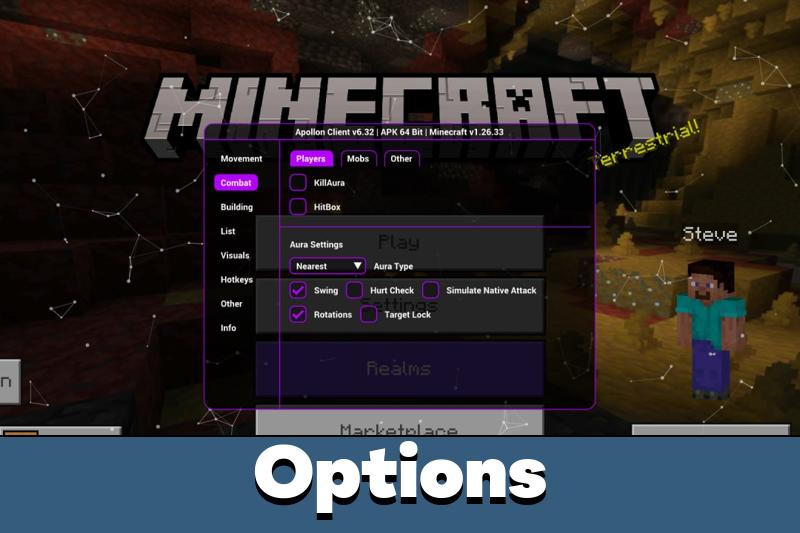
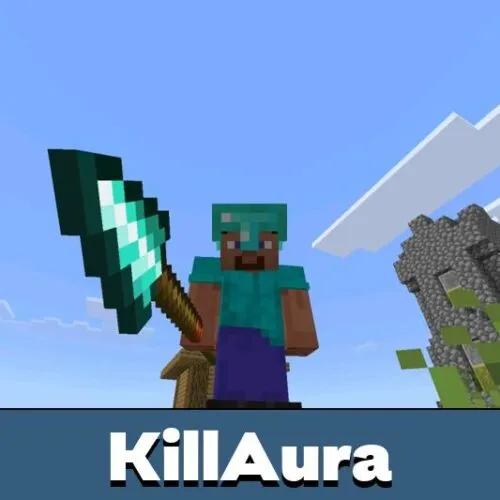
Apollon Client for Minecraft 1.21 tightens close-range control through automated targeting. Killaura on Mobile lands hits on nearby mobs and players faster than a thumb crosses the screen.
That helps in crowded skirmishes, dark caves and contested loot rooms where manual aim breaks down. Predictable targeting keeps duels readable even at unstable frame rates.
Gear still decides fights. Armor, enchantments, food and positioning weigh as much as any module, and the Apollon hack Minecraft players discuss online replaces none of that planning.
Combat modules pay off in close encounters, while movement and coordinate tools keep long sessions organized.
Movement and Exploration
Exploration gets easier with movement functions. Ladder Fly opens vertical routes in specific spots, while position tools turn guesswork into exact coordinates.
Show Position keeps XYZ values on screen during travel. Death Position marks the last respawn spot, saving inventories lost to lava, ravines or ambushes.
Long expeditions, mineshafts, base networks and wide survival maps all benefit. Fewer wrong turns means more time building instead of backtracking.
Interface and Control
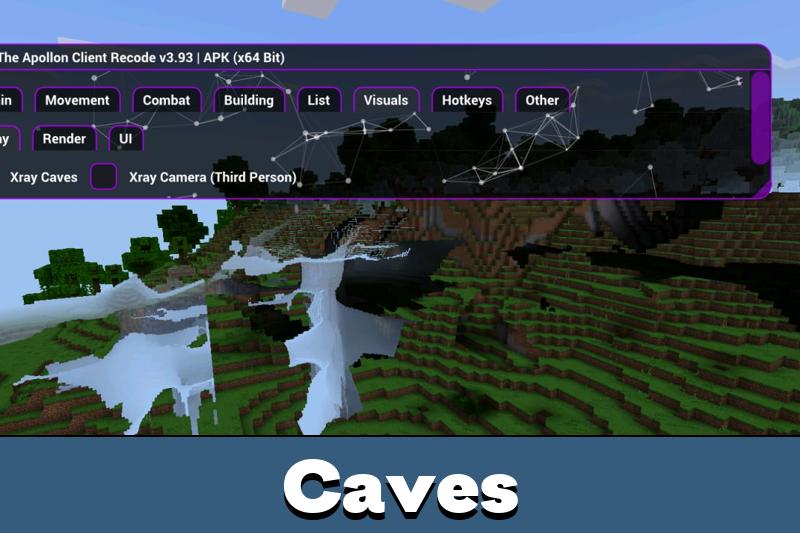
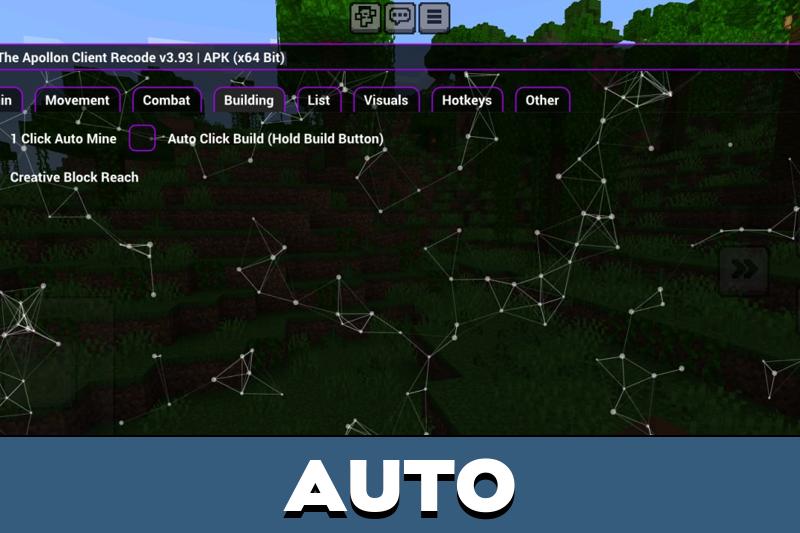
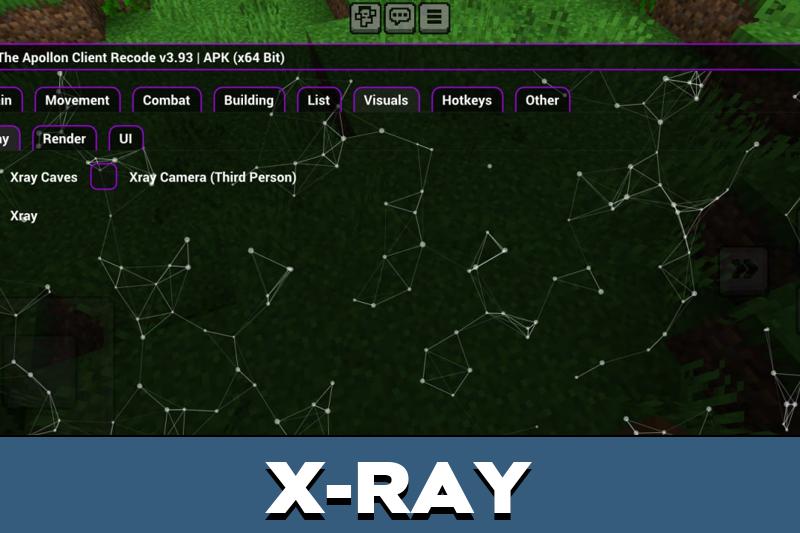
The in-game menu stays compact, so modules are switched mid-session without leaving the world. No fixed preset is forced — each player keeps only what the current task needs.
Custom textures and performance tweaks finish the package with cleaner visuals and steadier FPS on weak hardware. The same direction runs through the Apollon Client 1.26 line and Apollon Client Minecraft Bedrock 26 builds, so tracking the Apollon Client latest version brings no surprises in the layout.
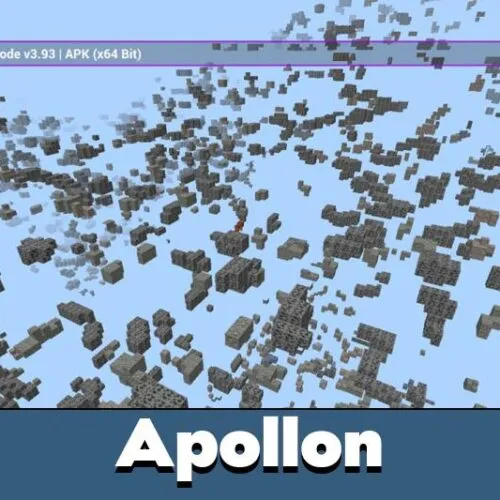
Apollon 26.33
Apollon 26.33 refreshes the mobile toolkit: Killaura on Mobile, Ladder Fly, Show Position, Death Position, custom textures, performance improvements and extra functions the vanilla game leaves out.
The release keeps its priorities unchanged — combat support, movement freedom and practical control on a touchscreen.
FAQ
Where can I get the Apollon Client APK download for Android?
The file is available on this page. Save the Apollon Client APK to your device, allow installation from unknown sources in Android settings and open the package to finish the setup.
How do I download and install Apollon Client for Minecraft Bedrock?
Download the client, close the game completely, then install the file and launch the modified client instead of the standard app. Modules appear in the in-game menu as soon as a world loads.
Does Apollon Client work on servers and Realms?
It runs client-side, so modules stay active in most worlds. Many public servers and Realms use anti-cheat systems that flag automated combat, so multiplayer carries a ban risk.
Which functions does Apollon Client include?
Killaura on Mobile, Ladder Fly, Show Position, Death Position, custom textures and performance improvements, plus smaller helpers absent from Minecraft Bedrock Edition.
Will Apollon Cheat run on a low-end phone?
Yes, performance improvements are part of the build. About 1 GB of free storage and a supported Android version are enough for the Apollon Client MCPE package to start.





The position tools sound useful, especially after dying far from base. I would mostly use this for testing and quick movement around big worlds.
Tested it in a survival world and PvP server. The movement and targeting tools really change the way fights feel. Much smoother on phone than I expected.