MCPEDL » Texture Packs » Utility Texture Packs » Complex Left Hand Texture Pack for MCPE

Complex Left Hand Texture Pack for Minecraft PE

Trusted File
Version MCPE 1.21.30 - 1.26.0 for Android
Download Complex Left Hand Texture Pack to use tools and weapons in the left hand while keeping standard Minecraft PE mechanics.

Download How to Install?
Author: Brandon Taylor
Published: 26 January 2026
Download Best Textures

Complex Left Hand Texture Pack for Minecraft PE

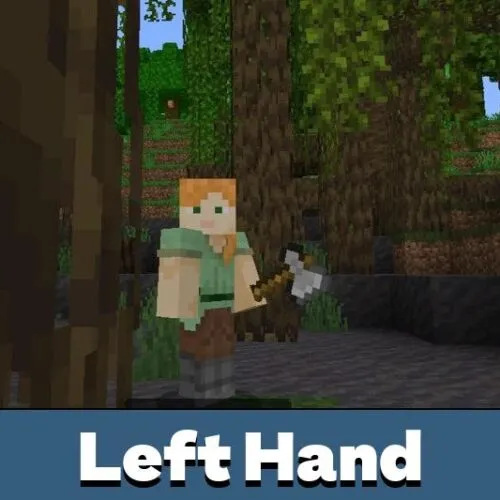
Download Complex Left Hand Texture Pack for Minecraft PE to change how your character holds items during gameplay. This pack allows players to visually and functionally use the left hand without breaking standard mechanics. It feels natural in survival, combat, and everyday exploration.

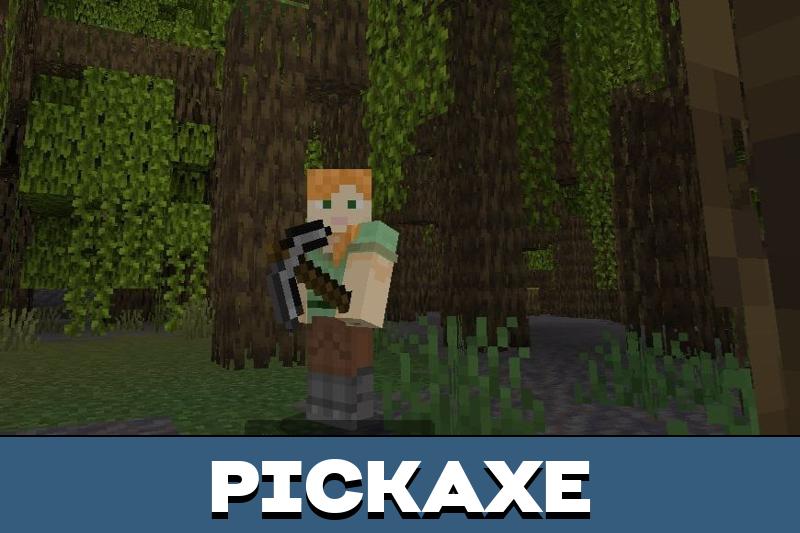
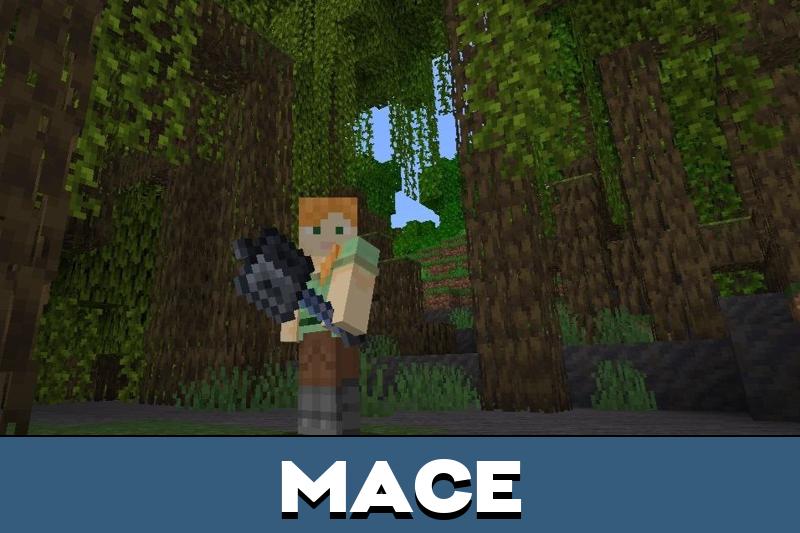
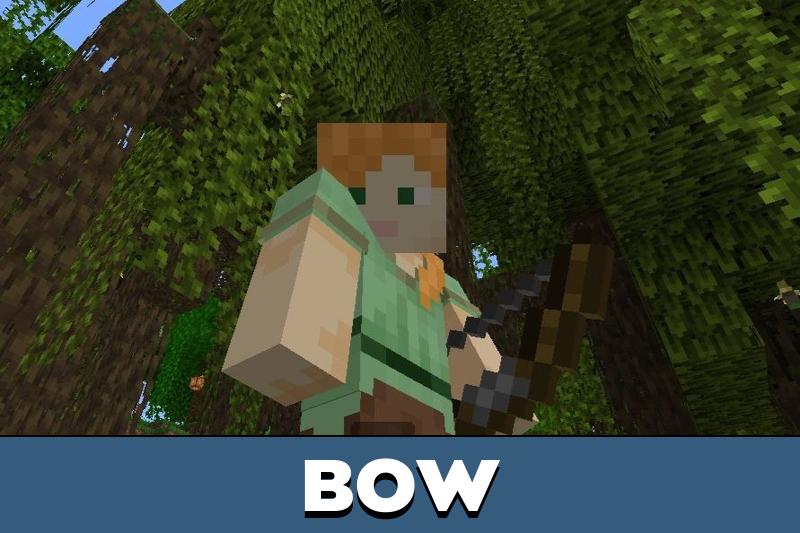
Minecraft PE normally assigns all combat and interaction actions to the right hand. The Complex Left Hand Texture Pack changes this behavior at the visual and control level while keeping the core mechanics intact. Tools, weapons, and items behave exactly as expected, but appear in the opposite hand, which improves comfort for many players.

Experimental features must be enabled before creating a world for the texture pack to work correctly.

Players who enjoy interface and control customization may also find other useful options in utility texture packs for Minecraft Bedrock Edition.

Features

The Complex Left Hand Texture Pack focuses on usability rather than visual effects. It adapts the hand orientation without affecting balance or gameplay rules.

  • Left-hand item display for tools and weapons
  • Unchanged combat and mining mechanics
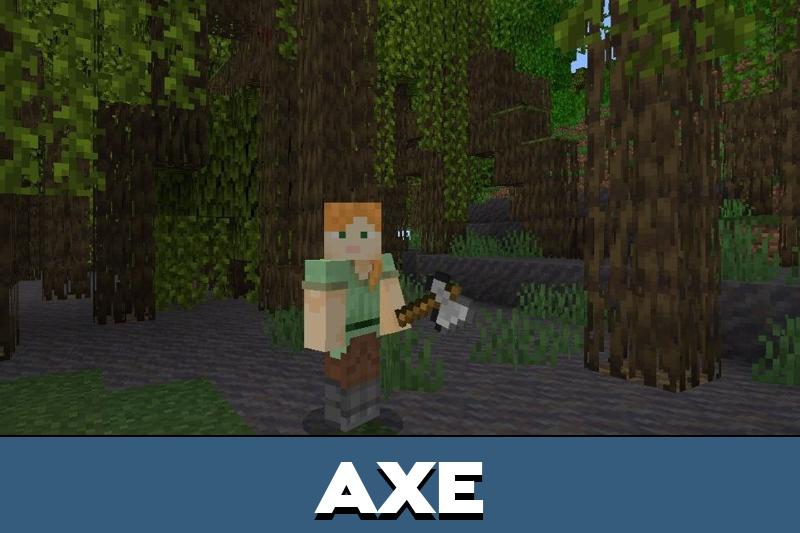
  • Compatible with swords, axes, and utility items
  • No impact on animations or hit detection
This makes the pack suitable for long survival sessions, PvE combat, and casual gameplay where consistency matters.

The texture pack can be used together with other MCPE addons and custom maps.

How to use Complex Left Hand texture pack?

The developers designed this texture pack to work without complex setup. Players do not need special commands or external tools to activate it in Minecraft PE.

To use the pack:

  1. Enable experimental features in world settings
  2. Activate the resource pack before creating a new world
  3. Select Survival or Creative mode as needed
After activation, all tools and weapons will function normally while appearing in the left hand.

Settings

After enabling the Complex Left Hand Texture Pack, players can adjust gameplay preferences directly in Minecraft PE settings. The pack works in both Survival and Creative modes without limitations.

Multiplayer support is also available. Friends can join the world and see the same hand orientation, but only the world owner can invite participants and manage settings. This ensures stable performance and consistent visuals across sessions.

FAQ

Does this texture pack affect combat mechanics?

No, damage, hit detection, and animations remain unchanged.

Can it be used on mobile devices?

Yes, the pack is designed specifically for mobile gameplay.

Is it compatible with Minecraft Bedrock Edition?

Yes, it works correctly with Minecraft Bedrock Edition features.

Does it work in multiplayer worlds?

Yes, but only the world owner can manage access and settings.

Comments

  1. I play on my phone every day and this pack feels surprisingly natural. Switching the hand view made combat more comfortable without breaking anything. Simple but very useful.