Download Minecraft 26 / 1.26 APK for Android
Download Minecraft Bedrock 26 / 1.26 APK for Android and install the latest mobile update with new gameplay mechanics, improved performance, smoother multiplayer, and enhanced graphics in Minecraft PE 26 / 1.26. This APK version supports Xbox Live, Realms connectivity, and runs reliably on compatible Android phones and tablets.
Looking for an older version?
Scroll down to browse all available Minecraft PE releases, including previous stable builds, beta and preview versions.The average rating of all articles in the category is displayed.
Minecraft 26 / 1.26 APK Versions Hub
Download Minecraft 26 / 1.26 APK for Android and explore the latest 2026 update cycle of Minecraft Bedrock Edition with improved survival gameplay, smoother performance, and ongoing feature releases. This hub helps players quickly compare Release, Beta, and Preview builds, download the required APK version, and install it on compatible devices with clear setup guidance.
| Build branch | Gameplay focus |
| Release | Stable survival experience, multiplayer sessions, Realms connectivity |
| Beta | Early access to new mobs, blocks, and gameplay mechanics |
| Preview | Testing experimental systems and technical improvements |
New builds within Minecraft 26 / 1.26 are published throughout 2026, allowing players to install the latest Android version faster, follow gameplay changes, and choose between performance-focused updates or feature-rich testing releases.
Key Update Themes in Minecraft 26 / 1.26
This update branch focuses on expanding underground exploration, environmental interaction, survival balance, and overall performance on modern mobile devices. Ongoing releases refine graphics rendering, improve multiplayer stability, and introduce new gameplay scenarios that make long-term survival progression more dynamic.
Tiny Takeover
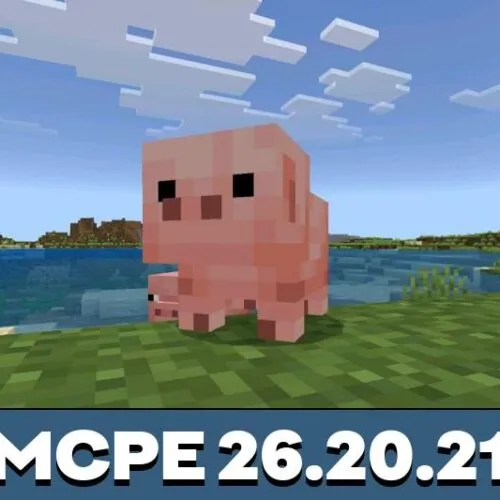
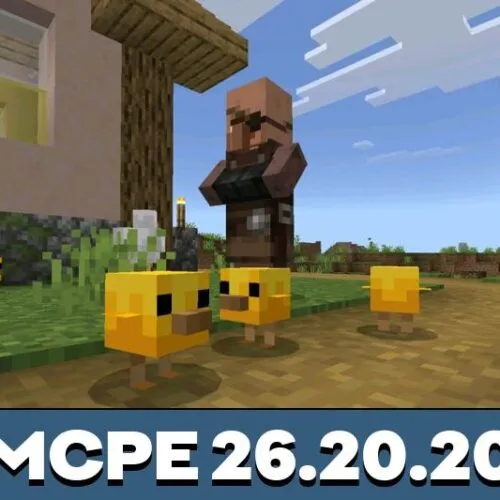
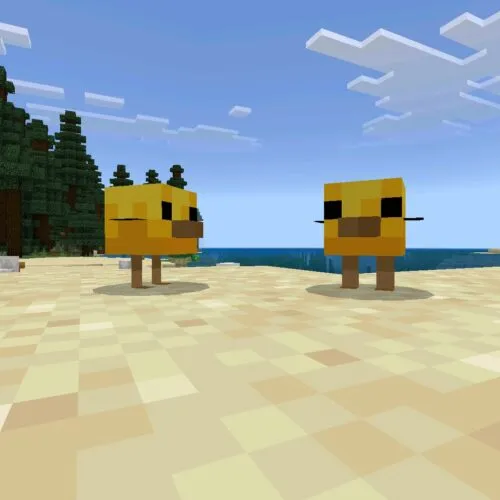
This themed update improves mob interaction and world atmosphere by redesigning baby mob variants and adding craftable name tags. These systems give players more control during exploration and strengthen immersion in Minecraft Bedrock Edition survival worlds.
Chaos Cubed
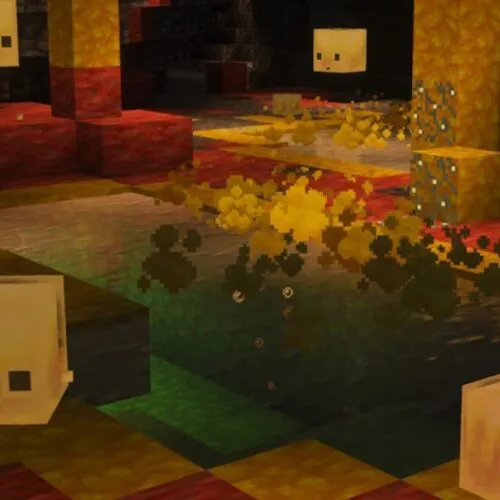
Chaos Cubed introduces sulfur cave environments, new sulfur and cinnabar block sets, and the adaptive sulfur cube mob. These additions increase unpredictability during underground exploration and expand tactical survival strategies in Minecraft 26 / 1.26.
Gameplay Improvements in 2026 Update
The Minecraft 26 / 1.26 update cycle of 2026 introduces gameplay refinements that make survival progression more dynamic and mobile performance more stable. Ongoing builds improve cave exploration balance, mob behaviour systems, and world interaction mechanics while optimising rendering and multiplayer responsiveness on Android devices.
- Improved cave exploration flow and resource distribution
- More reactive environmental mechanics and block interactions
- Expanded survival scenarios with adaptive mob encounters
- Smoother multiplayer performance and reduced loading issues
- Optimised graphics rendering and better device compatibility
To experience these gameplay improvements in Minecraft Bedrock Edition on your Android device, choose the required build from the Minecraft 26 / 1.26 update cycle and install the APK version by following these steps:
- Select the required Minecraft 26 / 1.26 version.
- Download the APK file from the version page.
- Check Android compatibility and installation guidance.
- Launch the game and explore new Bedrock gameplay features.
To compare earlier releases or explore other update branches, visit the main download minecraft apk page with the full Android version archive.
How to Install Minecraft APK on Android
Installing Minecraft APK on Android allows you to manually set up the game without using Google Play. This is useful if you want a specific Minecraft 1.26 version, including an older stable release or a newer testing build.
Follow these steps to install Minecraft Bedrock APK correctly:
- Download the APK file for the selected Minecraft 1.26 version to your device.
- Open Android Settings and go to Security or Privacy settings.
- Enable the option “Install from unknown sources” for your browser or file manager.
- Locate the downloaded APK file in your device storage.
- Tap the file and confirm installation when prompted.
- Wait for the installation process to complete and launch Minecraft.
This installation method works for all Minecraft PE versions. Only the APK file version changes depending on the build you choose.
System Requirements
Minecraft 1.26 is designed for modern Android devices, but stable performance still depends on your hardware and available storage space.
- Android version: 8.0 or higher
- RAM: 3 GB minimum (4 GB recommended)
- Storage space: at least 1.5 GB free
- Processor: ARM64 (arm64-v8a)
FAQ
These are the main questions users usually have before downloading a Minecraft 26 / 1.26 APK build on Android.
Is Minecraft 26 the same as Minecraft 1.26?
Yes. Minecraft 26 is simply a shorter way to refer to Minecraft 1.26, and both names describe the same Bedrock version branch.
Is it safe to install Minecraft APK on Android?
Installing Minecraft APK is safe if the file comes from a trusted source and has been verified before download. Avoid modified or unknown files and use normal device security precautions during installation.
Why do I need to enable unknown sources?
Android blocks installations outside of Google Play by default. Enabling “Install from unknown sources” allows the system to install APK files manually.
What to do if Minecraft APK does not install?
Check whether your device meets the system requirements, make sure there is enough free storage space, confirm that unknown sources are enabled, and verify that the APK file is not corrupted.
Can I install older Minecraft versions the same way?
Yes, all Minecraft PE versions use the same APK installation process. The only difference is the version of the file you download.
Will my worlds be deleted after installing a new version?
In most cases, worlds remain on your device, but it is recommended to create a backup before installing a new or different version to avoid data loss.
Which versions are better for upcoming new features?
If you want early access to features like Tiny Takeover, sulfur caves, or the sulfur cube, Beta and Preview builds are usually the best versions to watch first. Stable releases are better for normal long-term gameplay.