MCPEDL » Texture Packs » Utility Texture Packs » Fast Craft Texture Pack for MCPE

Fast Craft Texture Pack for Minecraft PE

Trusted File
Version MCPE 1.20.0 - 1.21.132 for Android
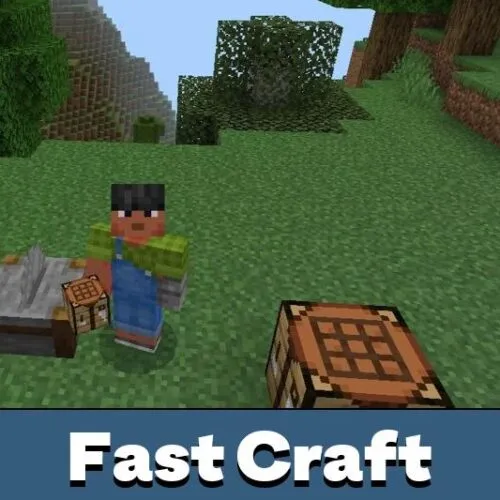
Fast Craft Texture Pack adds a quick crafting button, making item creation faster and easier in survival mode.

Download How to Install?
Author: Brandon Taylor
Published: 25 January 2026
Download Best Textures

Download Fast Craft Texture Pack for Minecraft PE: craft items instantly using a smart interface and reduce routine actions in survival gameplay.

Fast Craft Texture Pack for Minecraft Bedrock Edition

Crafting is one of the most frequent actions in Minecraft PE, especially in survival mode. Over time, repetitive clicks and manual ingredient placement slow down progress and break immersion. Fast Craft Texture Pack for Minecraft PE focuses on convenience and speed, allowing players to spend less time in menus and more time exploring, building, and fighting.

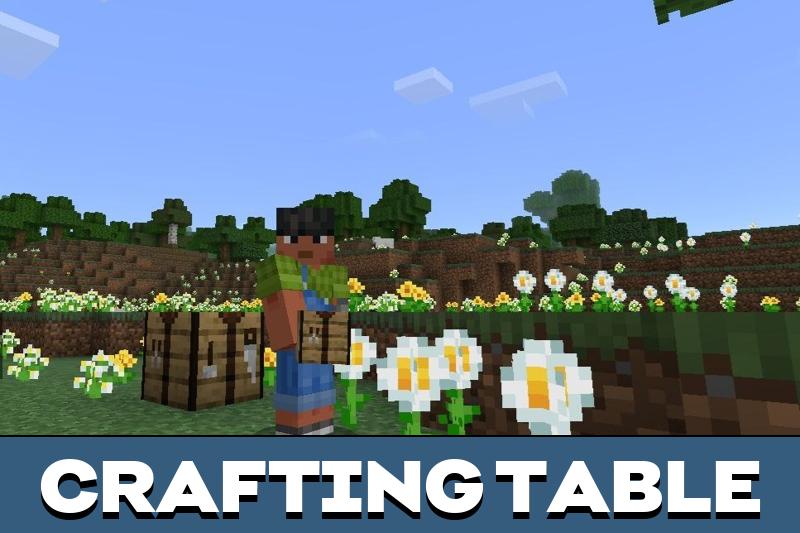
This solution does not change recipes or balance. Instead, it improves interaction with the crafting table and stonecutter by adding a functional shortcut. The Fast Craft Texture Pack keeps the original style intact while optimizing how players interact with crafting interfaces. It feels like a quality-of-life upgrade rather than a gameplay overhaul.

Thanks to this approach, the pack fits naturally into Minecraft Bedrock Edition. It works well alongside other utility-focused packs and does not interfere with textures or visuals. You can also explore similar enhancements in Utility Texture Packs for Minecraft Bedrock to further customize your experience.

Fast Craft

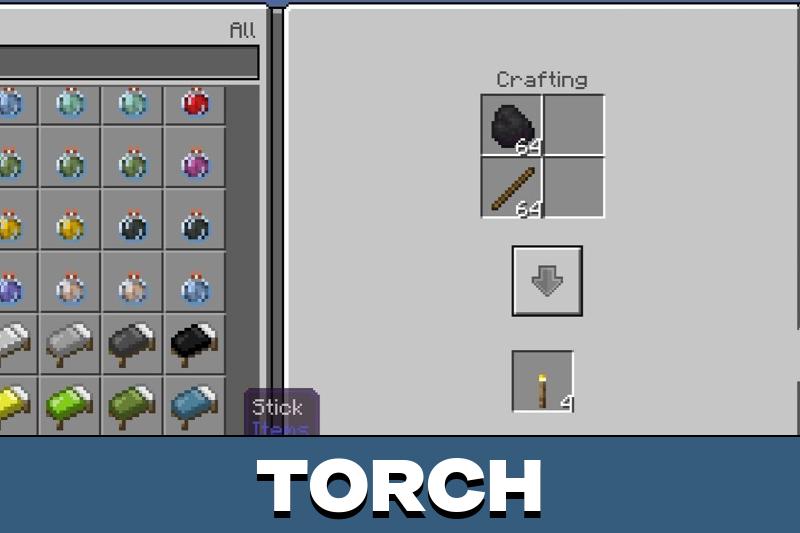
The core idea of Fast Craft is simplicity. After activation, crafting becomes faster without adding complexity. Players no longer need to manually place each ingredient. Instead, the system automatically fills the grid with the required materials.

Time-saving is the main advantage. This is especially noticeable during long survival sessions where tools, blocks, and consumables are crafted repeatedly. The Fast Craft Texture Pack for Minecraft PE is particularly useful for players who prefer self-sufficient gameplay.

The feature also works with the stonecutter. Creating building blocks becomes smoother, which helps during large construction projects in Minecraft Bedrock Edition.

How does it work?

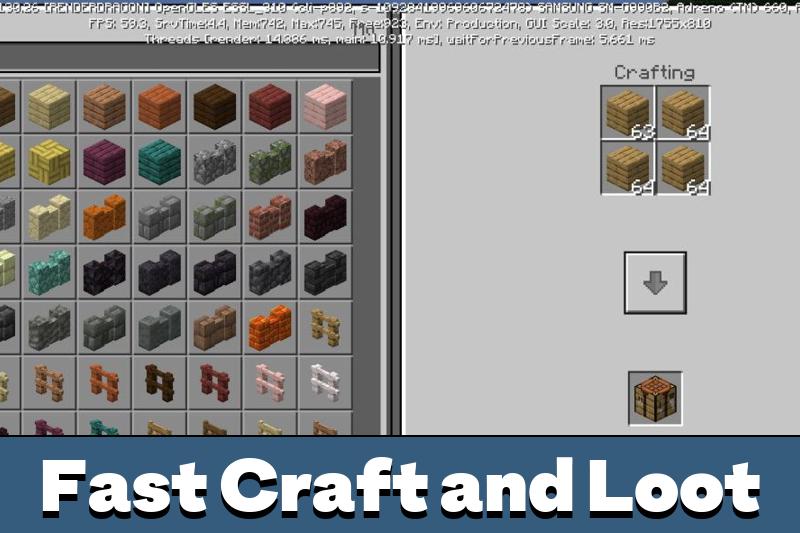
Once the Fast Craft Texture Pack is enabled in the Minecraft PE settings, an extra button appears in the inventory interface.

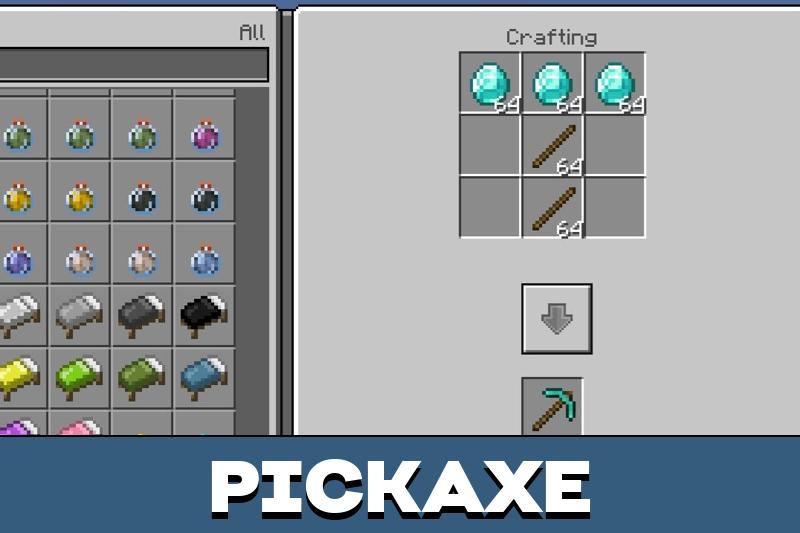
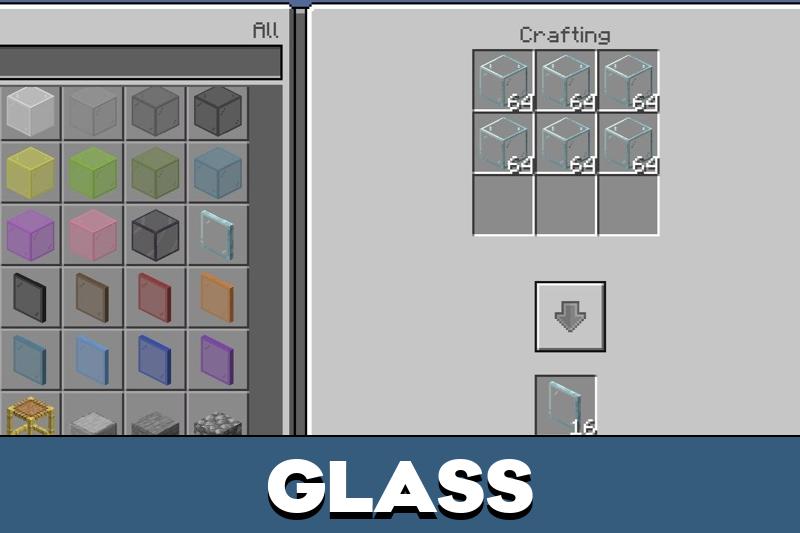
Previously, crafting required multiple taps or dragging items across slots. Now, pressing a single button completes the process. The selected recipe is crafted in one second, as long as the required resources are available. This makes crafting feel responsive and modern without removing player control.

Settings

No advanced configuration is needed. Players only need to enable the Fast Craft Texture Pack in the resource settings.

Experimental features must be turned on when creating a new world for the pack to function correctly.

After that, all improvements apply automatically. This makes the pack accessible even for beginners.

Craft and Loot

With Craft and Loot enabled, item creation becomes almost instantaneous. Whether crafting basic components or essential tools, the process is noticeably faster.

From simple buttons to workstations, everything can be created in seconds.

This Fast Craft Texture Pack is ideal for players who want efficiency without automation. It respects survival mechanics while removing unnecessary friction. If you are looking to Download Fast Craft Texture Pack for Minecraft Bedrock, this option delivers a clear and practical improvement.

Recommended:

FAQ

Does this pack change crafting recipes?

No, all recipes remain the same, only the interface is improved.

Is it suitable for mobile devices?

Yes, it is designed specifically for phones and tablets running Bedrock.

Does it work in survival mode?

Yes, it is most useful in survival where crafting is frequent.

Do I need experimental features enabled?

Yes, experimental options must be turned on when creating the world.

Comments

  1. Crafting feels so much smoother now. I don’t waste time dragging items anymore, especially early game. Works great on my phone and doesn’t break survival balance.