MCPEDL » Texture Packs » Improved Default Texture Packs » Luminous Dreams Texture Pack for MCPE

Luminous Dreams Texture Pack for Minecraft PE

Trusted File
Version MCPE 1.21.0 - 1.26.32 for Android
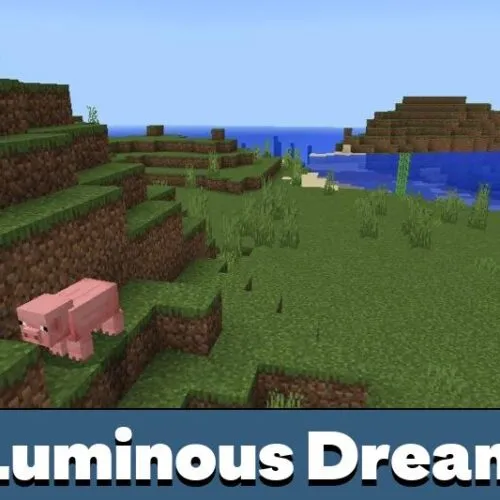
Luminous Dreams Texture Pack for Minecraft PE adds warm stylized lighting, soft glow, deeper atmosphere, and a cozy visual mood.

Download How to Install?
Author: Brandon Taylor
Published: 30 June 2026
Download Best Textures

Download Luminous Dreams Texture Pack for Minecraft PE: give the world a warm stylized look with soft lighting, glowing atmosphere, richer depth, and a cozy Minecraft-friendly mood.

Luminous Dreams Texture Pack for MCPE

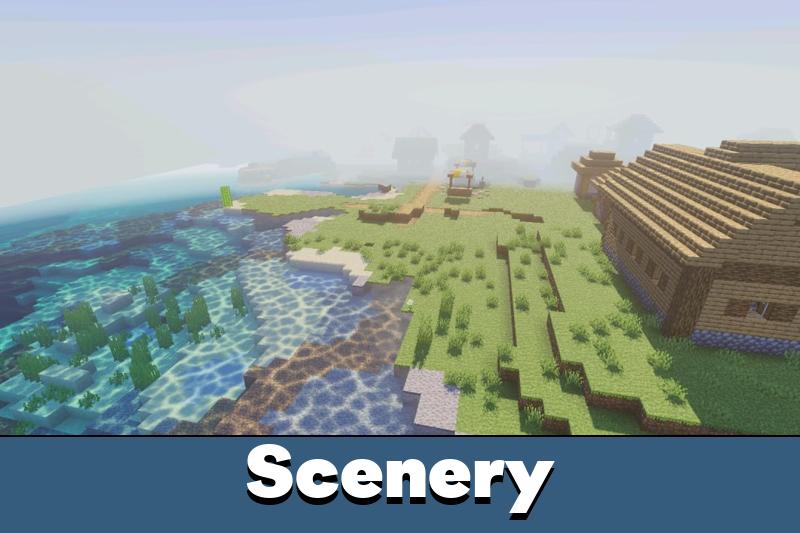
Luminous Dreams Texture Pack changes the visual tone of Minecraft PE without turning the world into a different game. Earlier versions tried to move toward realism, but v1.0 takes another direction. It focuses on warmth, character, and a softer atmosphere that fits the blocky style better.

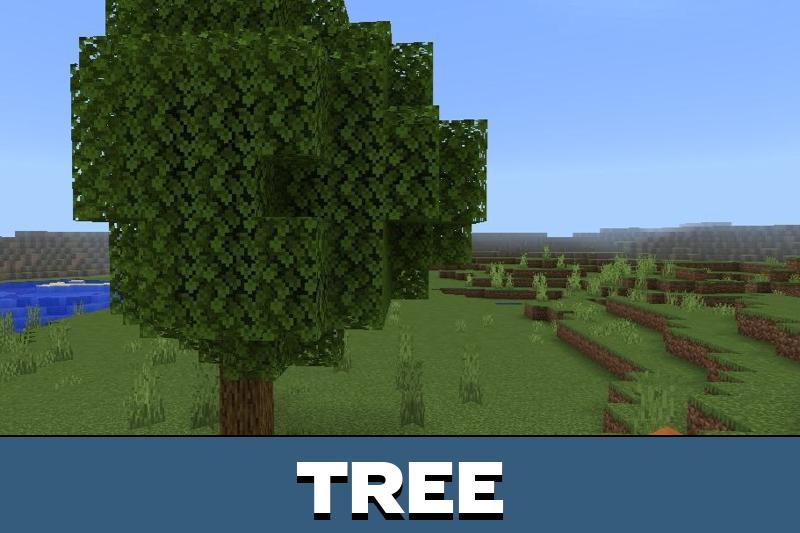
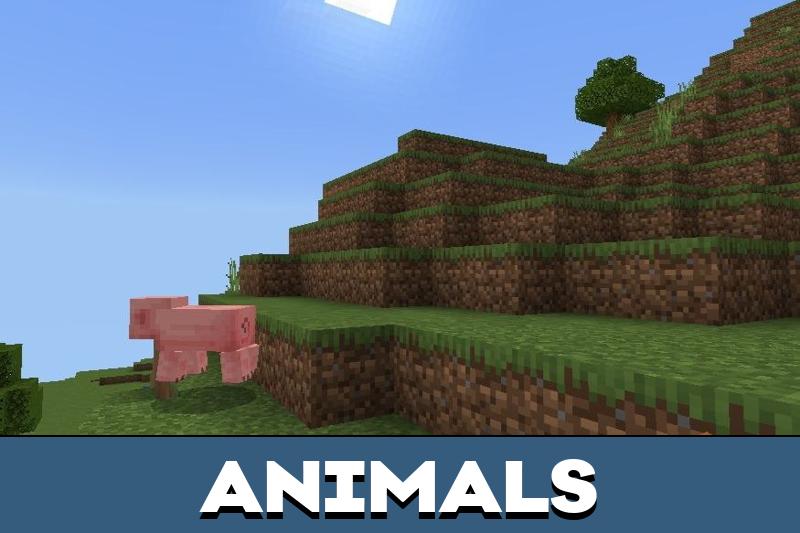
The pack is designed for players who want the familiar world to feel brighter and more welcoming. Forests, skies, light sources, and open landscapes gain a smoother visual balance, while core gameplay stays unchanged.

Luminous Dreams Texture Pack for Minecraft PE works as a stylized deferred graphics pack. It does not chase heavy photorealism. Instead, it adds depth, gentle glow, and rich environmental detail that feels natural inside Bedrock worlds.

Features

The main idea of Luminous Dreams v1.0 is visual identity. The pack rebuilds the mood of the world with soft lighting, warmer colors, and more expressive scenes during exploration.

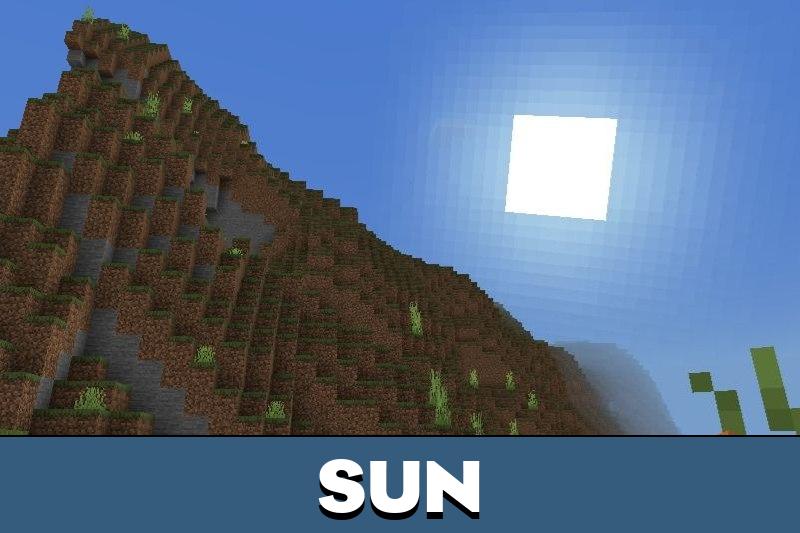
This makes ordinary biomes feel more comfortable to explore. The sun feels softer, dark areas become more atmospheric, and light sources look more pleasant without overpowering the screen.

Luminous Dreams v1.0 is focused on style, warmth, and atmosphere rather than strict realism.

Players who enjoy improved default visuals can also browse Improved Default Texture Packs for Minecraft Bedrock for more ways to refresh the classic look.

Changes

Luminous Dreams Texture Pack for Minecraft Bedrock Edition updates many parts of the visual experience. The world gains more depth through lighting and atmosphere instead of only sharper visuals.

The pack is useful for survival, building, screenshots, and relaxed exploration. It helps bases, paths, forests, and open fields feel more alive while keeping the original Minecraft structure readable.

Main visual changes include:

  • warmer environmental lighting;
  • soft glow around bright areas;
  • richer atmosphere in natural locations;
  • more character in skies and landscapes;
  • stylized depth instead of harsh realism.

Settings

After installation, players can activate the texture pack through the usual resource pack settings. No complex setup is needed for the basic visual update.

Since this version is built around deferred graphics, the best result depends on proper visual support in the game. Players should check their graphics options if some effects do not appear as expected.

Use the pack in a fresh world first to compare lighting, atmosphere, and performance before adding it to a main save.

The texture pack works best for players who want a warmer world with more personality. It adds a distinct mood without hiding the classic Minecraft PE shape language.

Luminous Dreams v1.0

Luminous Dreams v1.0 reimagines the pack with a stylized Bedrock identity. It replaces the old realism-first approach with soft lighting, glowing atmosphere, warmer color mood, and environmental detail made to feel natural in Minecraft.

FAQ

Does Luminous Dreams Texture Pack change the vanilla gameplay?

No. Luminous Dreams Texture Pack changes the visual atmosphere only, while blocks, survival systems, mobs, and crafting stay the same.

Will Luminous Dreams Texture Pack work better with deferred graphics?

Yes. Luminous Dreams Texture Pack is designed as a stylized deferred graphics pack, so supported visual settings help show its full look.

Can Luminous Dreams Texture Pack be used with other resource packs?

Yes, but visual packs that change lighting, skies, or atmosphere may overlap. Keep Luminous Dreams Texture Pack above or test the order first.

Comments

  1. The new style feels warmer than the old realistic look. I liked it most around bases and forests because the lighting feels soft without looking too heavy.