MCPEDL » Cheats » Toolbox Cheat for MCPE

Toolbox Cheat for Minecraft PE

Trusted File
Version MCPE 1.21.0 - 1.26.0 for Android
Download Toolbox cheat for Minecraft PE and control gameplay settings from a floating in-game menu.

Download How to Install?
Author: Brandon Taylor
Published: 21 February 2026

Download Toolbox Cheat for Minecraft PE: activate advanced gameplay tools, quick settings, and in-game controls directly from your mobile screen.

What does Toolbox Cheat add to MCPE?

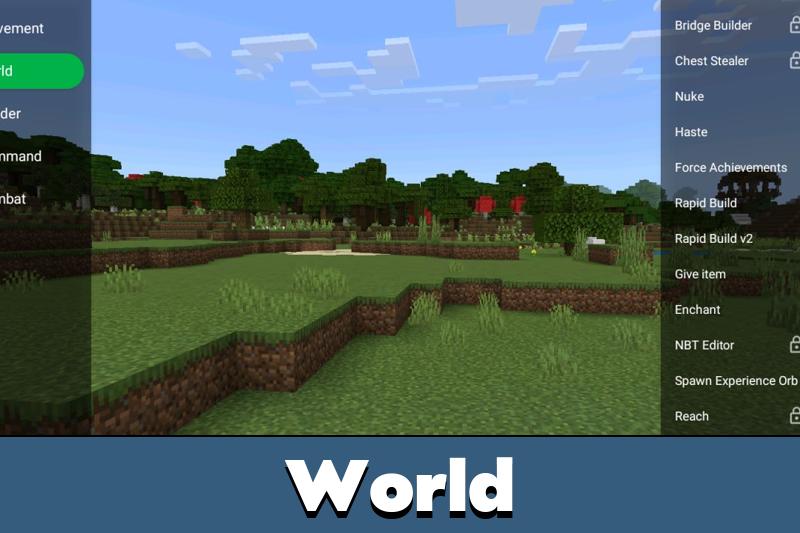
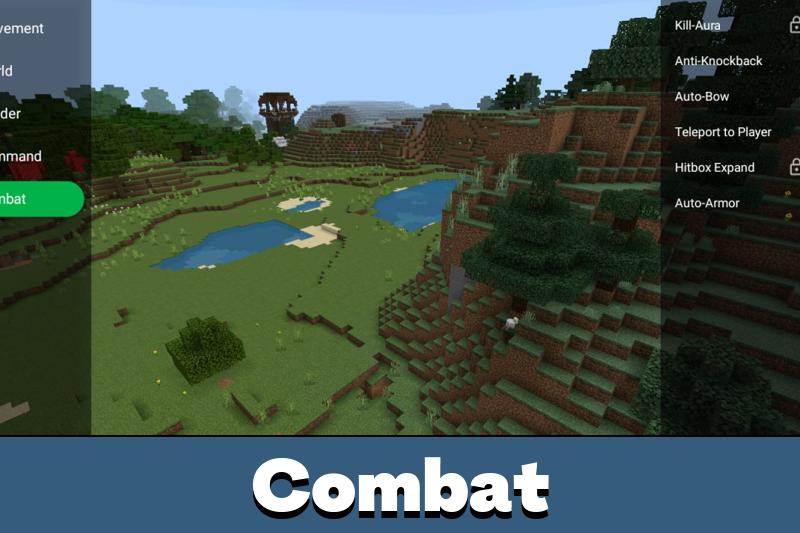
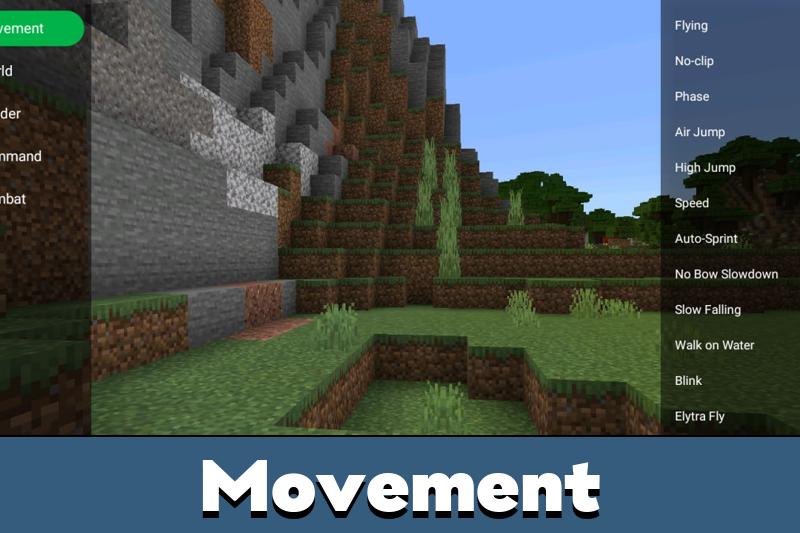
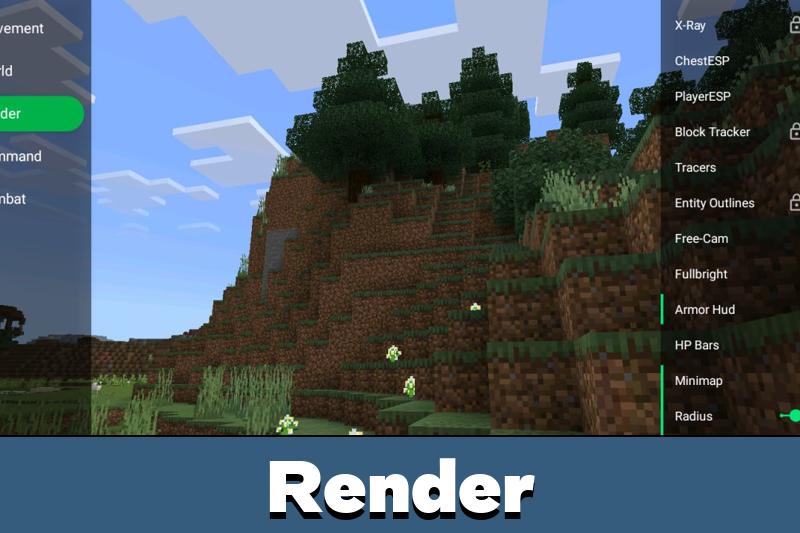
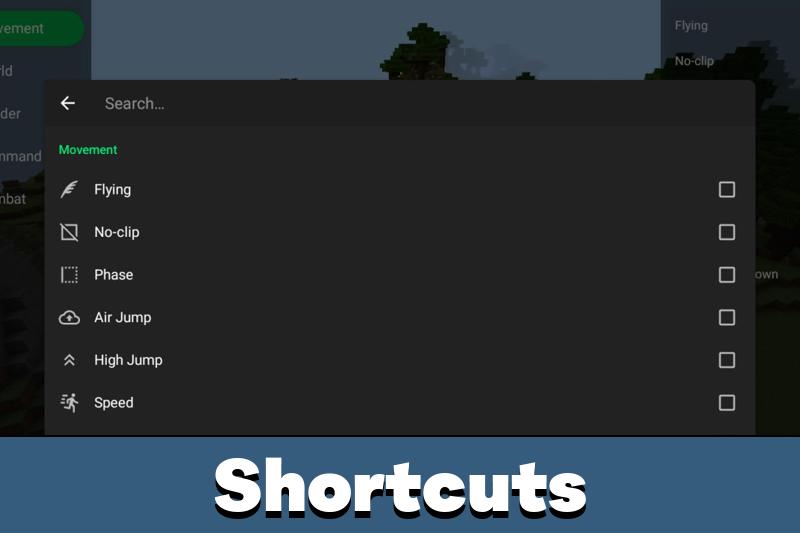
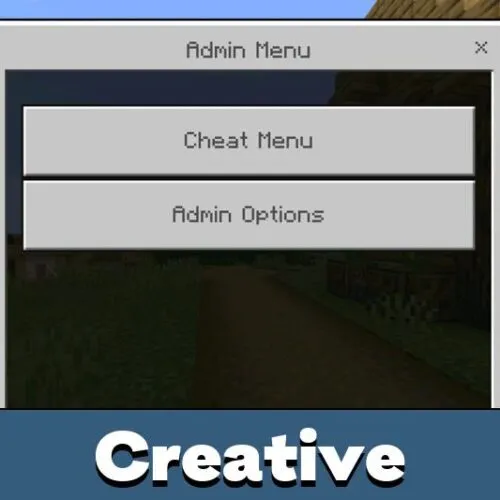
Toolbox Cheat adds a floating control panel to Minecraft PE that gives instant access to gameplay adjustments. Instead of changing files or using external launchers, players manage features from a compact on-screen menu.

The interface opens inside the game and allows quick switching between functions without leaving the world. This makes testing mechanics, building faster, or exploring large areas much more efficient on mobile.

All options are controlled through a simple touch overlay, designed specifically for handheld devices.

Main Features

Toolbox cheat includes practical tools that affect gameplay in real time:

  • Change game speed and movement behavior
  • Adjust survival parameters instantly
  • Enable special vision and utility options
  • Control time and environmental conditions

The floating window can be minimized, moved, or reopened at any moment. It does not replace the standard interface but works alongside it.

If you are looking for more similar tools, explore other cheats for MCPE to expand your gameplay options.

How does it work?

After installation, Toolbox appears as a small icon over the game screen. Tap it to open the control panel. Each feature can be toggled on or off individually.

There is no need to restart the world after changes. Most options apply instantly, allowing players to experiment safely and adjust settings depending on the situation.

The cheat is optimized for touch controls, so all buttons are sized for mobile screens.

Other features

Toolbox Cheat focuses on fast in-game control. It gives players direct access to movement tweaks, visual helpers, and environment adjustments through one floating menu.

All features are activated manually, so you decide when to enable or disable each option during gameplay.

FAQ

Does Toolbox work on mobile only?

Yes, it is designed for touch screens and handheld gameplay.

Do I need to restart the world after enabling features?

No, most options activate instantly.

Can I disable features anytime?

Yes, every function can be toggled individually.

Is it easy to use?

The floating menu is simple and optimized for quick taps.

Comments