Download Vanilla Shader for Minecraft PE: enjoy the classic vanilla style with RTX lighting, PBR surfaces, volumetric fog, custom clouds, and improved visual depth.
Vanilla Shaders for Minecraft Bedrock
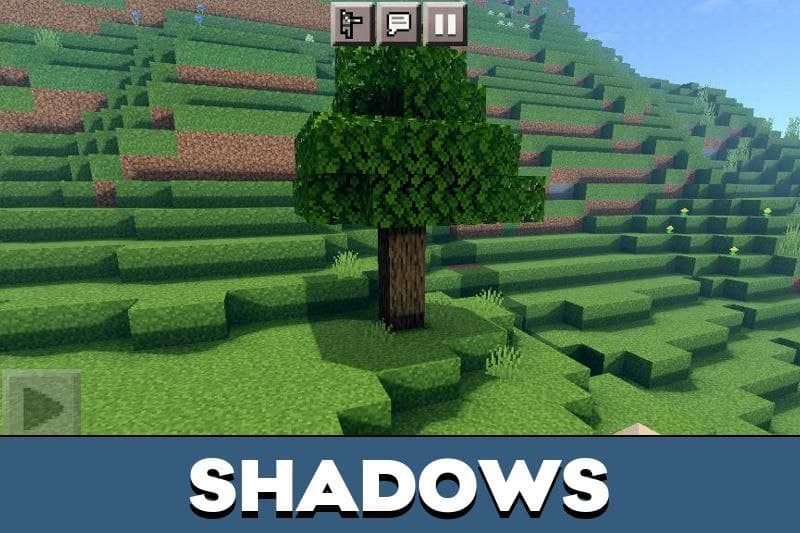
Vanilla Shaders improve the visual side of Minecraft PE while keeping the familiar blocky identity. The world still feels close to the original game, but lighting, sky, surfaces, and atmosphere look cleaner.
The update is focused on a classic vanilla look with stronger depth. It uses upscaled 128x vanilla textures, bent normals, custom cloud shapes, biome-based volumetric fog, and a custom hand drawn sun texture.
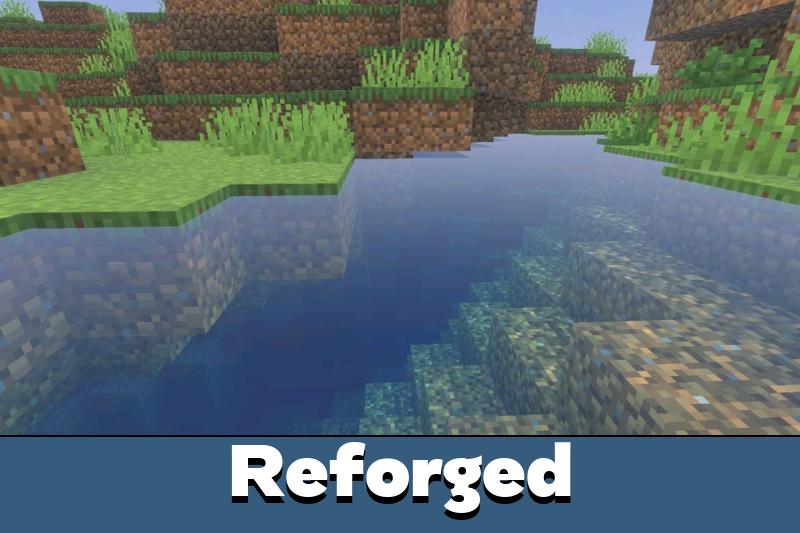
Using Shaders for Minecraft Bedrock Edition helps players refresh the cubic world without changing survival rules. Vanilla Reforged RTX continues this idea with ray tracing, high quality PBR, and more detailed lighting.
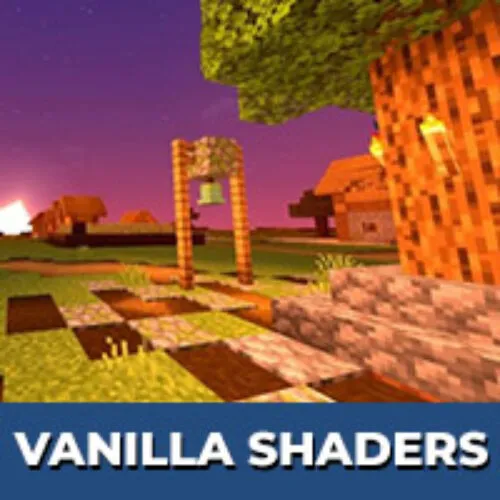
Vanilla shaders
This shader improves the visual style of the Minecraft PE world. The blocky concept remains the same, but light and surface detail become more realistic.
The main improvement comes from the ray tracing pipeline. It adds better light behavior, more natural reflections, and stronger surface response without turning the world into a different game.
Vanilla Reforged RTX is best for players who want vanilla graphics with ray traced lighting and stronger PBR detail.
Sky
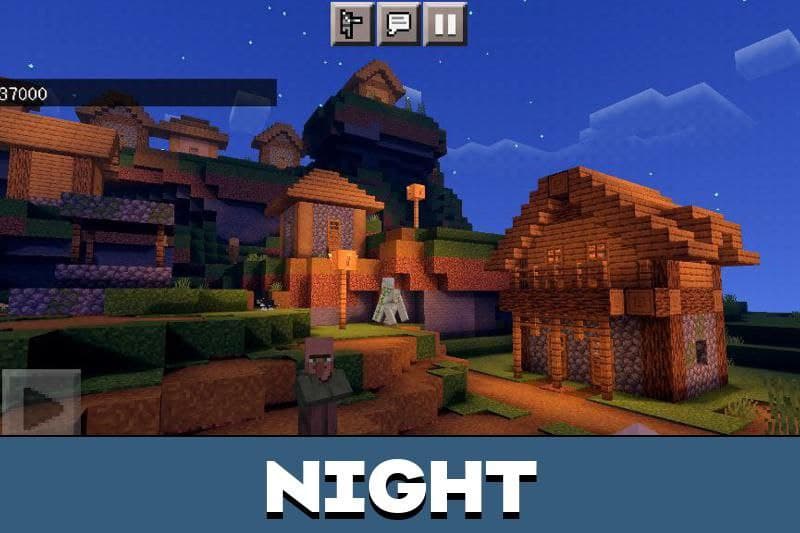
The sky remains one of the most noticeable parts of the vanilla visual style. Daytime looks brighter, sunsets feel warmer, and night scenes become more atmospheric.
Custom vanilla cloud shapes keep the classic blocky mood while adding more visual character. The custom hand drawn sun texture also helps the sky feel more polished during exploration.
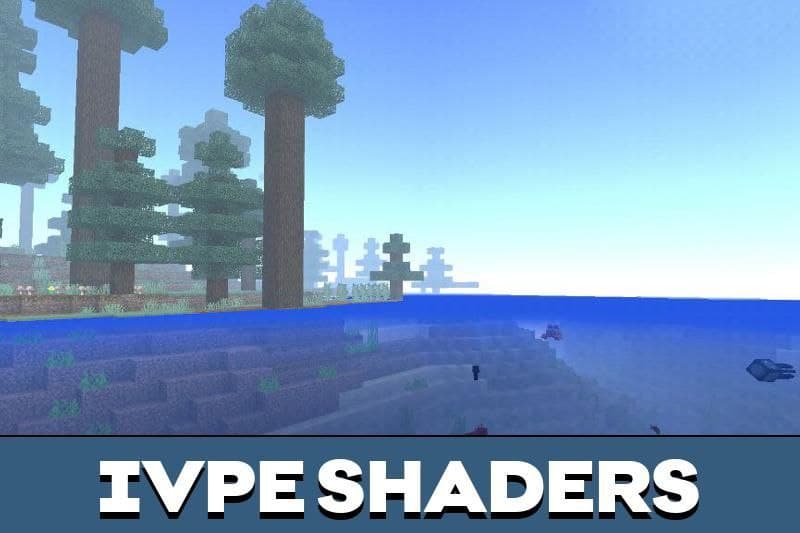
Rainy and foggy scenes gain extra depth through biome-based volumetric fog. This makes forests, plains, mountains, and open areas feel more immersive without removing the original Bedrock identity.
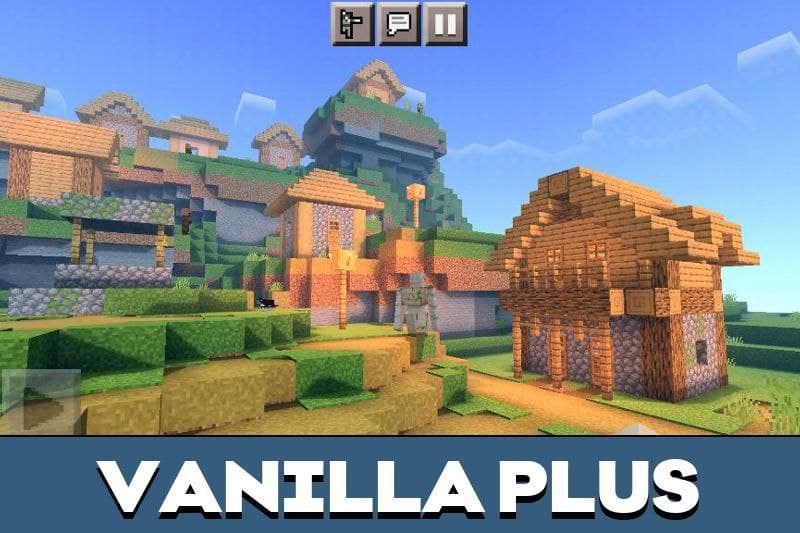
Vanilla Plus
Vanilla Plus is made for players who want a simple visual upgrade. It keeps the world readable and familiar, which is important for survival, building, and long mobile sessions.
Vanilla Reforged RTX pushes this direction further with 128x bent normals. These details help blocks look deeper when light hits them, while still keeping the classic shape and style.
Functional
Among the main features of this shader are the following:
- Ray traced lighting for stronger visual depth.
- Upscaled vanilla textures to 128x.
- 128x bent normals for detailed surface response.
- High quality PBR effects.
- Per biome volumetric fog for better atmosphere.
- Custom vanilla cloud shapes and a custom sun texture.
Installation
To install Vanilla Shaders for Minecraft PE, players should download the file, import it into the game, activate it, and then check the world settings before playing.
For Vanilla Reforged RTX, the Infectious BetterRTX preset is highly recommended. Without it, the game may not match the intended screenshots or show the full lighting style correctly.
Use the recommended BetterRTX preset for the intended lighting, PBR, fog, and sky presentation.
After activation, players can test the shader in a separate world first. This is useful because RTX lighting and PBR effects depend on device support and correct setup.
Vanilla RTX
Vanilla RTX focuses on ray tracing and realistic lighting while keeping the core look of Minecraft Bedrock Edition. This makes blocks, surfaces, caves, and outdoor areas feel richer without changing gameplay progression.
The update improves immersion through high quality PBR, volumetric fog, detailed surface normals, custom clouds, and a more polished sun. It is made for players who want the vanilla world to look deeper and more modern.
Vanilla RTX Reforged
Vanilla RTX Reforged uses ray tracing to add high quality PBR, 128x vanilla textures, bent normals, biome-based volumetric fog, custom cloud shapes, and a custom sun texture.
It keeps the vanilla look but adds stronger lighting and surface detail for a more immersive Bedrock world.




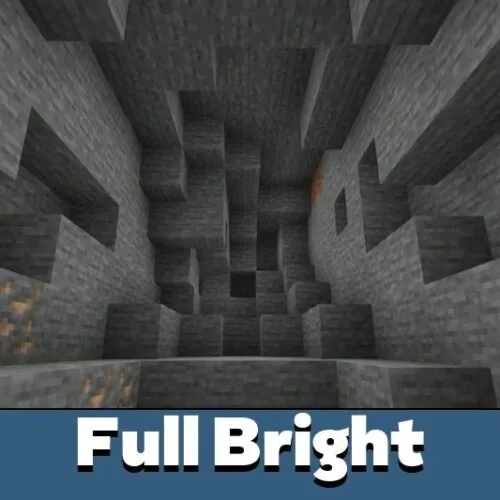
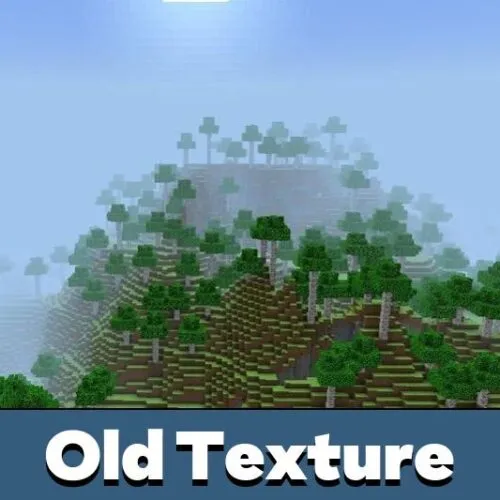

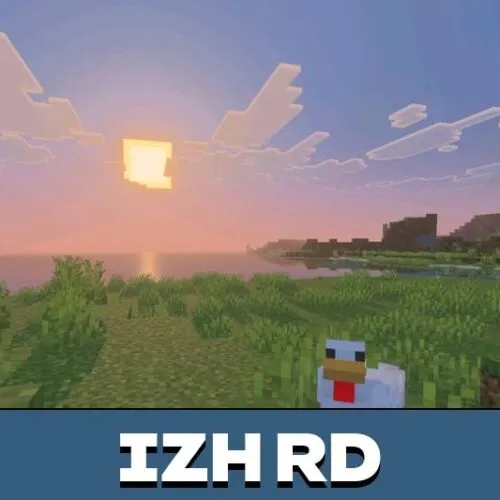
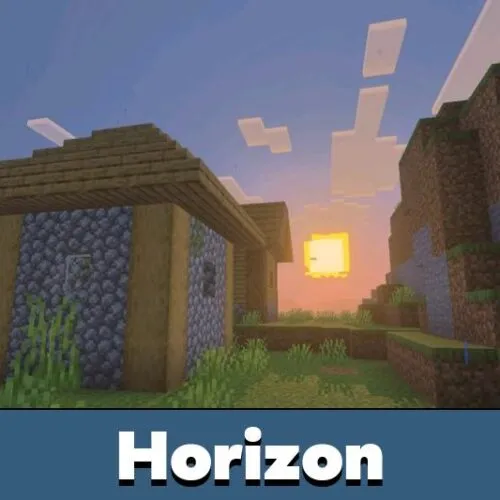
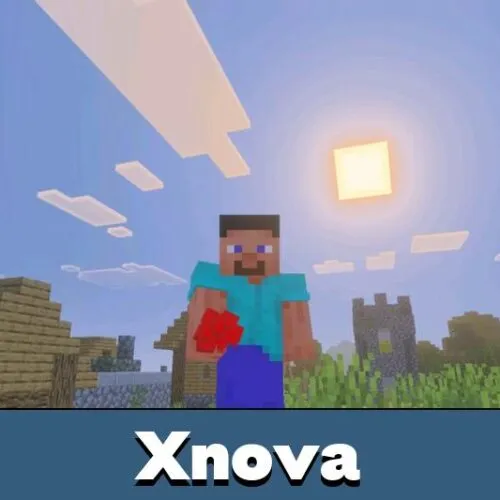
The RTX lighting makes the world look deeper, but it still feels like vanilla. The BetterRTX preset helped a lot with getting the right look.