Download Bicubic Shaders for Minecraft PE: upgrade the sky, water, shadows, fog, night lighting, clouds, and natural details in your mobile world.
Bicubic Shaders for Minecraft PE
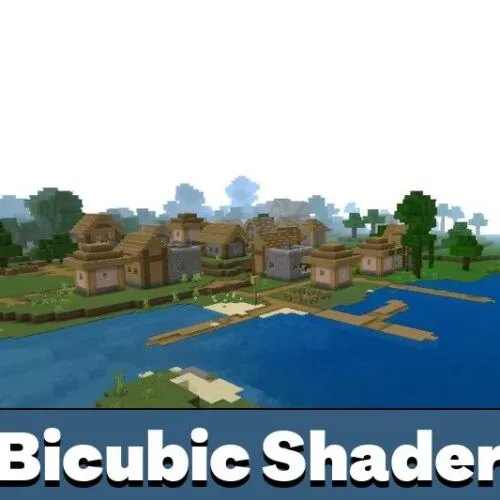
Bicubic is a visual pack that reshapes the mood of the blocky world without touching survival rules, crafting recipes, or mob behavior. The focus stays on nature: light, sky, water, fog, and the small environmental details that make ordinary locations look finished.
Players usually look for bicubic shaders mcpe when default graphics start to feel flat and gray. This option adds smoother color grading, softer shadows, and a cleaner atmosphere while keeping the familiar block silhouette of Bedrock Edition.
Before activation, experimental options may need to be enabled in the world settings. After that, the pack can be applied to a new or existing world and tested across biomes — plains, taiga, swamps, and open ocean, where the horizon and water changes are easiest to spot.
Bicubic Shader
This upgrade works through lighting, shadow softness, and biome atmosphere. The bicubic shader bedrock build never turns the game into another title: block style, textures, and the interface stay untouched.
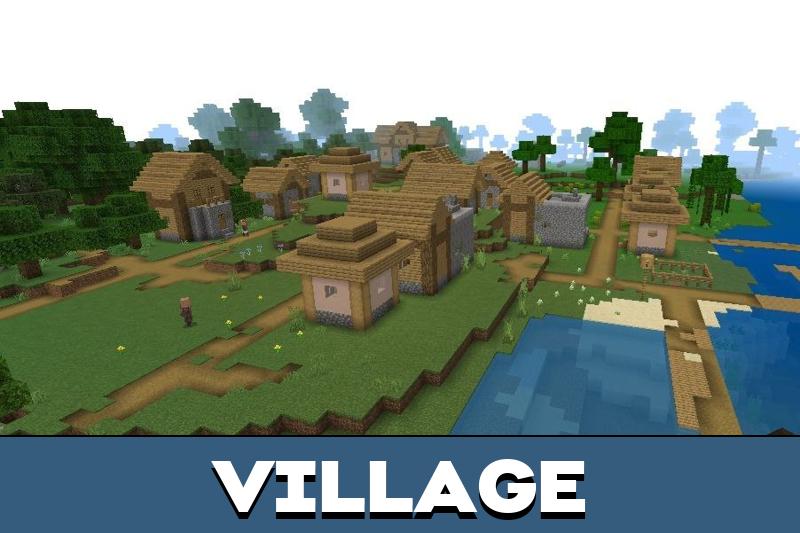
The effect is easiest to notice while travelling. Grass tones, tree canopies, fog density, water shading, and sky color build a smooth transition between areas instead of a hard border between biomes.
The pack is designed for players who want a visual refresh without rebuilding the whole game experience.
Android is the confirmed platform for this release. iOS was not covered by the source information, so mobile players should check compatibility on their own device before treating the Bicubic shader BE build as their main visual option.
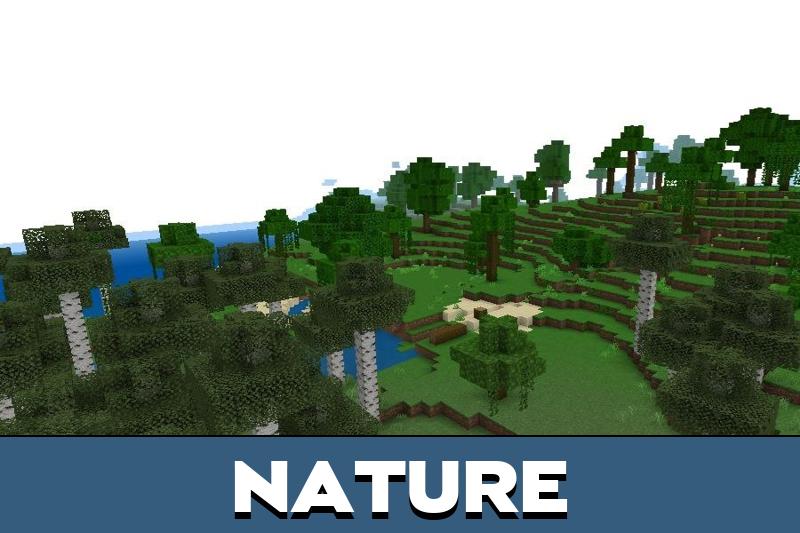
Nature
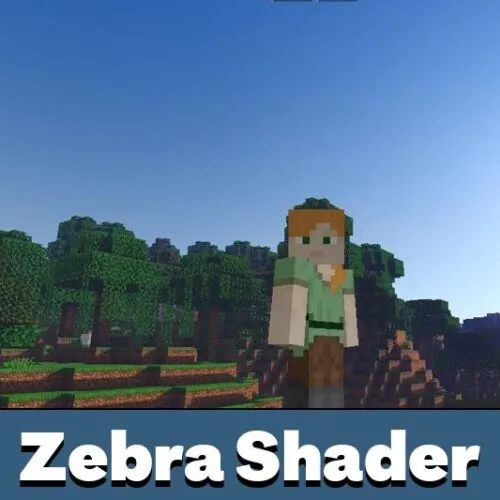
Nature in Bicubic Shaders for Minecraft PE receives the strongest treatment. The sky loses its flat gradient, clouds gain volume, and fog adds depth to distant chunks instead of hiding them behind a solid wall.
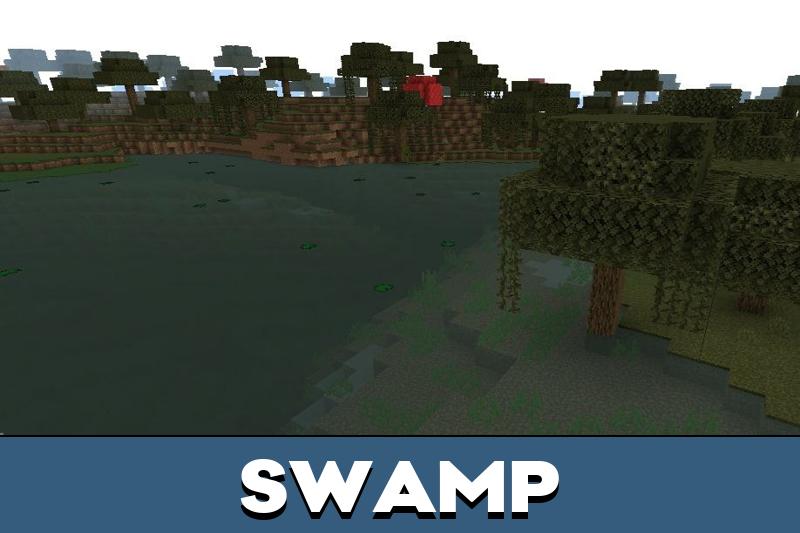
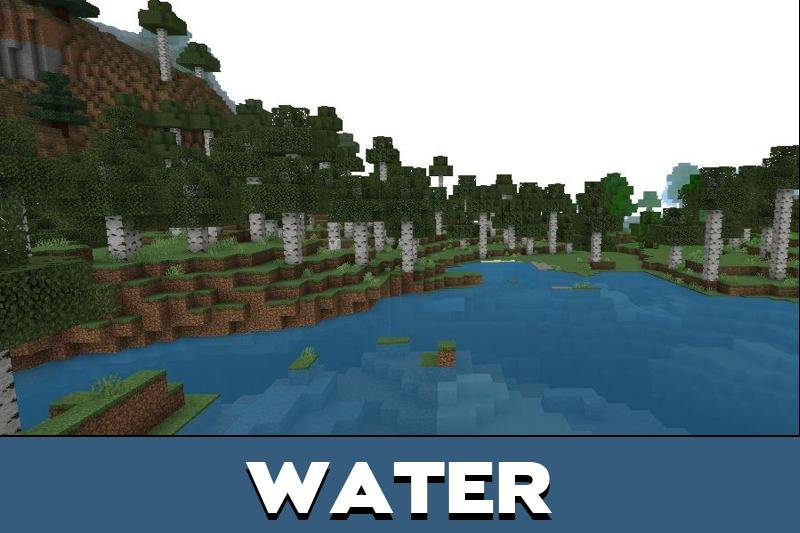
Water also becomes far more expressive. Rivers, swamps, oceans, and lakes shift shade depending on the biome, the time of day, and the light around the player.
Sunset scenes are the highlight of the pack. Warm reflections spread across the surface, so shores, bridges, and open survival bases look better on a phone screen.
Players who want to compare similar visual upgrades can also browse Shaders for Minecraft PE and pick another style for their device.
Details
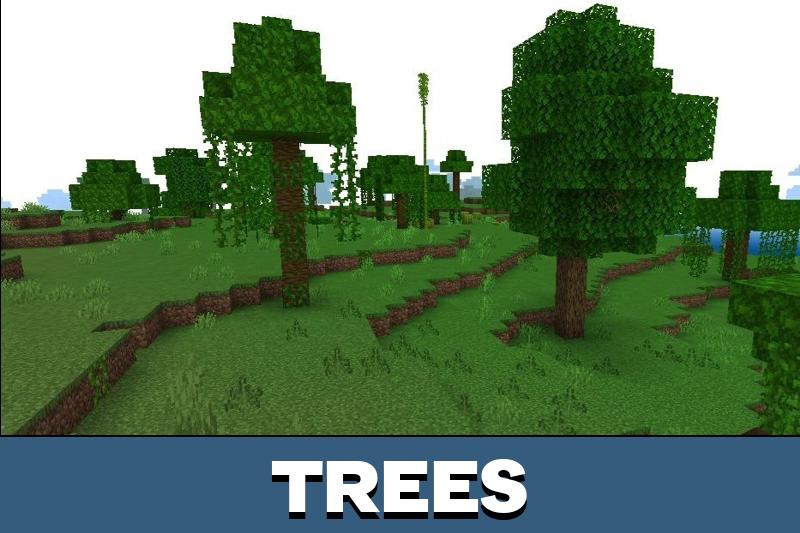
Bicubic Shaders for Minecraft Bedrock Edition add small effects that show up during normal gameplay. Foliage movement makes trees, tall grass, and crops feel alive instead of frozen, especially in forests and open fields.
These details do not touch mechanics, yet exploration becomes calmer and more cinematic. Gentle leaf motion, softer shadow edges, and cleaner fog give the terrain a real sense of scale.
The pack looks best in natural biomes, near water, and during sunset or night scenes.
Builds benefit as well. Even a simple wooden base reads better when light, sky, and water react naturally around it, which helps with screenshots and video capture.
Bicubic Shader v3.4
Version 3.4 rebuilds the sky with new stars, updated night lighting, reworked tone mapping, and more realistic clouds. The update strengthens the main visual focus, making evenings, open skies, and calm exploration look cleaner in Minecraft Bedrock Edition.
FAQ
What do Bicubic Shaders change in the game?
They rework sky color, cloud shape, fog depth, water reflections, shadow softness, and night lighting. Blocks, recipes, mobs, and world generation stay exactly the same.
How to download Bicubic Shaders for Minecraft PE?
Download the file from this page, open it so Bedrock Edition imports the pack automatically, then activate it in the resource pack list of the chosen world and restart the session if the effects do not appear right away.
Is the download free for Bedrock Edition?
Yes, the pack is free to download and can be applied to any existing world. Around 1 GB of free storage keeps the import stable on Android devices with limited memory.
Does it work on Android and iOS?
Android is the confirmed platform. iOS support was not tested in the source information, so compatibility should be checked on the device before using the pack as a permanent option.
Do these shaders affect survival gameplay or FPS?
Survival rules stay untouched, but heavier lighting and fog can lower FPS on weaker phones. Lowering render distance usually restores a stable frame rate.

The new night lighting and stars sound nice for survival. I like shaders that make the world look better without changing the whole style.