Download Vibrant Visuals shaders for Minecraft PE and switch Minecraft Bedrock to Mojang’s official lighting engine for Android. Every pack here is a free download and installs as a .mcpack file.
Vibrant Visuals, often shortened to VV, is the official graphics upgrade, not a third-party shader. Turn the vibrant visual mode on, then add one of the packs below to push the lighting further.
It works on Minecraft PE 1.21 through the latest 1.26 builds. Check the latest Minecraft versions if your game is older.
What Is Vibrant Visuals in Minecraft Bedrock
Vibrant Visuals is the lighting engine built into Minecraft Bedrock. It renders directional sunlight, soft shadows, reflective water and volumetric fog natively, with no external shader file.
That is the split from older shaders. Traditional packs patched RenderDragon to fake those effects, while Vibrant Visuals draws them through real deferred lighting.
Because it runs inside the game, it changes nothing about gameplay. Your worlds, Realms and multiplayer servers keep working exactly as before.
Vibrant Visuals for Minecraft PE 1.21 and 1.26
Vibrant Visuals landed in Minecraft PE 1.21 and has shipped in every release since. If you are on 1.21, the vibrant visual mode is already in your Video settings, no update needed.
Minecraft PE 1.26 runs it better, with a steadier frame rate and wider pack support. Packs are version-sensitive though, so a pack built for 1.21 may render wrong on 1.26. Each download in the table below lists the versions it covers.
Best Vibrant Visuals Packs for Minecraft PE
A Vibrant Visuals pack adds color grading, reworked skies and reflective surfaces on top of the base engine. Enable Vibrant Visuals first, then activate one pack from the list.
Not sure which to pick? Take Revolution for the most complete upgrade, Definitive Low for weaker phones, and Realism Visuals for a natural, photo-style look.
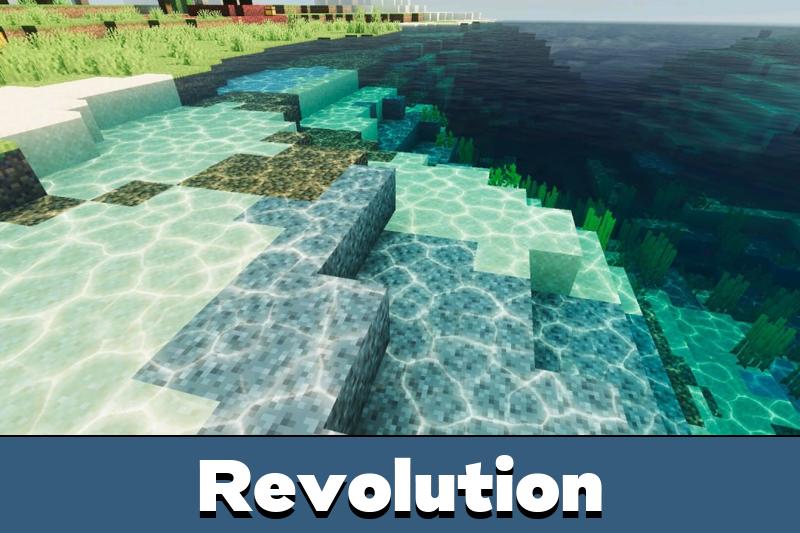
Revolution is the most downloaded Vibrant Visuals pack for Minecraft Bedrock. It rebuilds lighting and water to sit as close to Minecraft Java as the engine allows.
It runs as a standard pack or in deferred mode. Deferred mode unlocks the full set: reflective blocks, colored static lighting and sharper water.
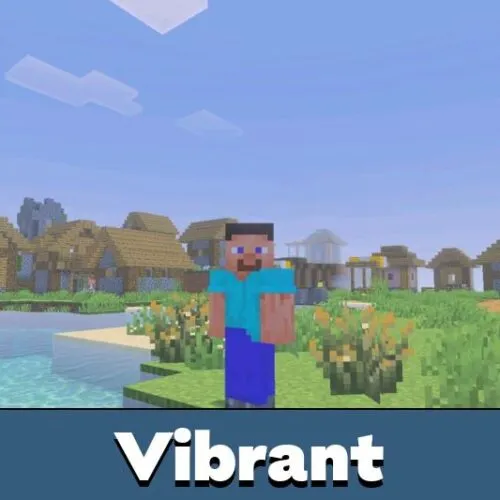
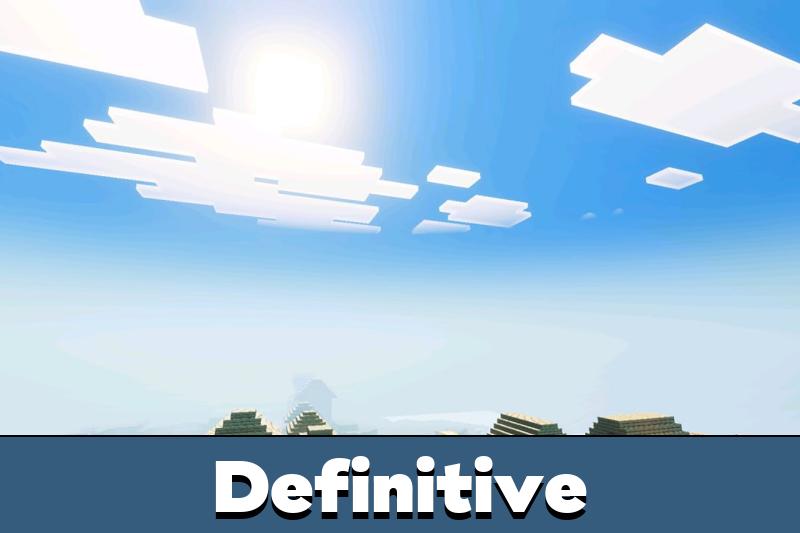
Definitive leans on biome-aware lighting. Warm biomes get warm tones, cold biomes turn cool, and metal blocks pick up a real metallic shine.
The Low version drops wavy water for weaker phones. You keep the realistic shadows while the frame rate climbs.
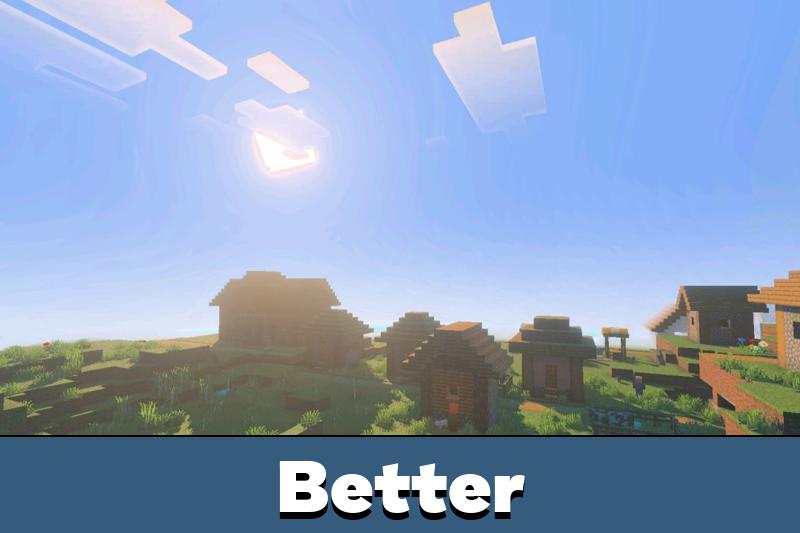
Better Vibrant Visuals enriches the base engine with deeper colors, cleaner water and visible sunbeams. It also adds static light to torches, candles and glow berries.
Run it in deferred mode for the full reflections and water caustics. It tracks the newest Minecraft Bedrock builds closely.
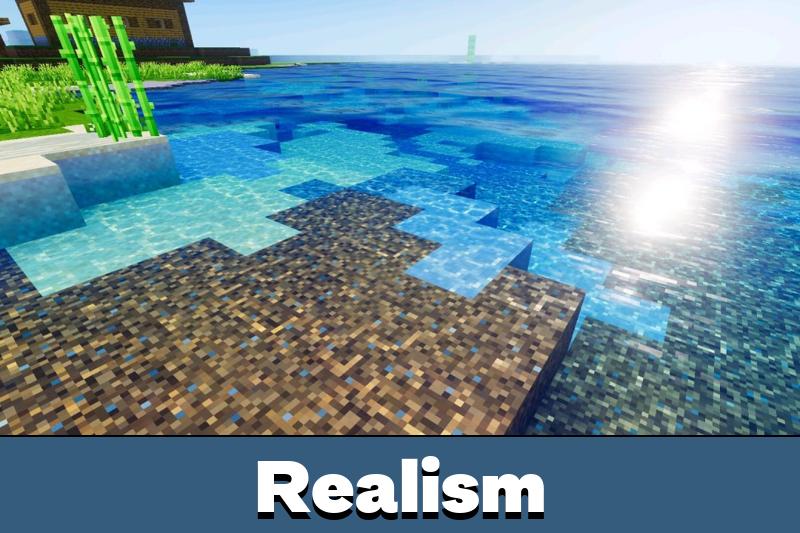
Realism Visuals targets a natural, photo-style look. It gives soft daylight, clean shadows and clear god rays across the Overworld.
It is the pick for cinematic builds and screenshots. A capable GPU handles it best, so check the requirements below if your phone is older.
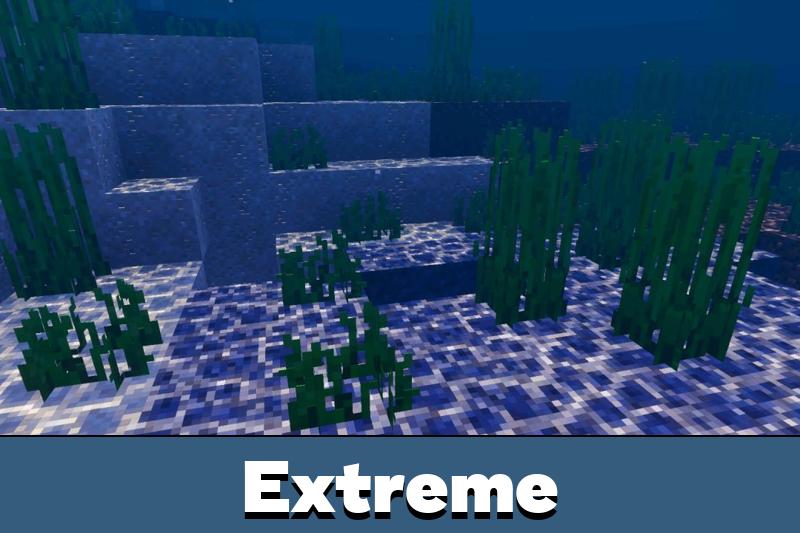
Vibrant Visuals Extreme is the heavy option. It layers realistic water reflections, stronger sun and moon light, deeper contrast and glowing ores on top of the engine.
Pick it when you want maximum visuals and your device can take the load. Gameplay stays standard, only the look changes.
Prizma Visuals adds PBR textures and 3D bump detail on top of the vibrant visual mode. Terrain gains visible depth and materials pick up real surface relief.
Layered skies are its strongest part. Sunrises turn warmer, nights get deeper, and open biomes lose the flat vanilla look.
Dreamy Visuals goes for a soft, pastel atmosphere instead of hard realism. Colors stay gentle and light spreads smoothly across terrain.
It is the lighter pick of the group, so it suits mid-range phones that struggle with Revolution or Extreme.
One more pack extends the list. Zyra Visuals adds a cinematic, foggy atmosphere and needs Vibrant Visuals switched on.
How to Enable Vibrant Visuals for Android
You switch Vibrant Visuals on from the main menu, not inside a world. Open Settings, go to the Video tab, then choose Vibrant Visuals in the Graphics Mode dropdown.
Load any world and the lighting applies on its own. Use Favor Visuals or Favor Performance in the same menu to balance looks against frame rate.
The Graphics Mode toggle is greyed out while a world is open. Set it from the main menu first, then enter your world.
Installing Packs for Android
Every pack here downloads as a .mcpack file. Tap the file and Minecraft imports it automatically.
Open Settings, then Global Resources, and switch the pack on. Keep Vibrant Visuals selected as your Graphics Mode so the pack has an engine to build on.
Device Support: Which Phones Run Vibrant Visuals
Vibrant Visuals needs a capable mobile GPU. The floor is an Adreno 640, Mali-G68, Mali-G77 or Xclipse 530, and anything newer clears it too.
In plain terms, that means a phone from the upper-mid range of 2021 onward. Budget chips like the Helio G85, Helio G99, Snapdragon 680 and Snapdragon 685 fall below the line no matter how new the handset is.
Phones That Run Vibrant Visuals
These are common models that clear the GPU requirement:
- Samsung — Galaxy S20 and newer, Galaxy A54, Galaxy A55, Galaxy A56
- Xiaomi and Redmi — Redmi Note 12 Pro, Redmi Note 13 Pro, Redmi Note 14 Pro, Xiaomi 11 and newer flagships
- Poco — Poco F4, F5, F6, Poco X5 Pro, X6, X6 Pro
- Realme — Realme GT series, Realme 11 Pro, Realme 12 series
- OnePlus — OnePlus 7 and every model after it
- iQOO and Motorola — iQOO Neo and Z series, Motorola Edge series
Phones That Do Not Support It
On these the Graphics Mode option stays locked:
- Xiaomi and Redmi — Redmi Note 11, Redmi Note 12 4G, Redmi 12, Redmi 13, Redmi A series
- Samsung — Galaxy A05, A06, A14, A15, A16 and the rest of the entry A line
- Poco — Poco M series, Poco C series
- Infinix and Tecno — Hot series, Smart series, Spark series
Not on either list? Open Settings, then Video. If Graphics Mode shows Vibrant Visuals, your phone runs it. If the option is greyed out, it does not.
If your device is not supported, use a lightweight pack such as Newb Shader instead, or browse more lightweight shader packs. On iOS it needs an A12 Bionic or later, and on PC a GPU with DirectX 12 Feature Level 11.
Vibrant Visuals Not Working: How to Fix
If the option is greyed out, your GPU is unsupported or you are still inside a world. Return to the main menu and re-check the list above.
A black screen after enabling usually means the pack is outdated for your version. Disable it and try a recently updated pack.
Heavy frame drops point to the pack, not the engine. Switch to Favor Performance in the Video tab, or move to a Low version of the pack.
If the lighting looks flat, the pack is probably sitting under a texture pack in Global Resources. Move the texture pack above it.
On some servers the host turns Vibrant Visuals off. That is a server-side setting, not a fault on your device.
Vibrant Visuals vs RTX and Old Shaders
Mojang has discontinued RTX ray tracing for Minecraft Bedrock. Vibrant Visuals is the official replacement and runs with far less lag on phones.
If you came looking for RTX shaders, use Vibrant Visuals instead. For classic packs, BSL and Sildur’s still work through the older method in the full shaders catalog.
Legacy Vibrant Shaders for MCPE
Before the official engine arrived, Vibrant packs like EVO, Bun and RFS delivered cloudy skies and wavy water on weaker devices. They do not use the Vibrant Visuals engine, so if your phone supports the official mode, the packs above will look sharper and stay updated.
FAQ
Is Vibrant Visuals free?
Yes. Vibrant Visuals is built into Minecraft Bedrock, and every pack on this page is a free .mcpack download.
Does Vibrant Visuals work on Minecraft PE 1.21?
Yes. It arrived in 1.21 and works in every release up to 1.26. Individual packs list their own version range, so check the table before downloading.
Which devices support Vibrant Visuals?
Android phones with an Adreno 640, Mali-G68, Mali-G77 or Xclipse 530 and newer. See the device list above for specific models.
What is the difference between Vibrant Visuals and shaders?
Vibrant Visuals is Mojang’s official lighting engine. Traditional shaders are third-party packs that patch the old renderer.
Which Vibrant Visuals pack is best for a low-end phone?
Definitive Low or Dreamy Visuals. Both keep the realistic lighting while dropping the heaviest effects, so the frame rate stays playable.
Does it work on Realms and multiplayer?
Yes, on your own worlds and Realms. Some servers may disable it from their side.
Can I use it with texture packs?
Yes. Keep both the texture pack and the Vibrant Visuals pack active in Global Resources, with the texture pack on top.
How do I turn Vibrant Visuals off?
Go back to the main menu, open Settings, then Video, and switch Graphics Mode from Vibrant Visuals to Simple. The toggle is locked while a world is open.



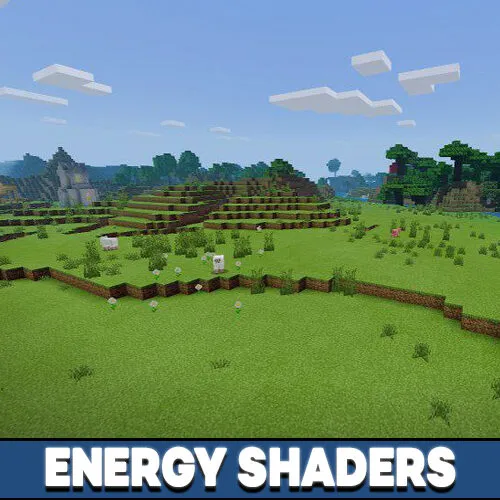

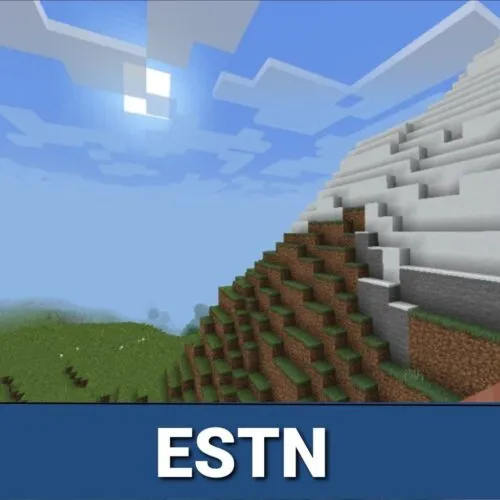
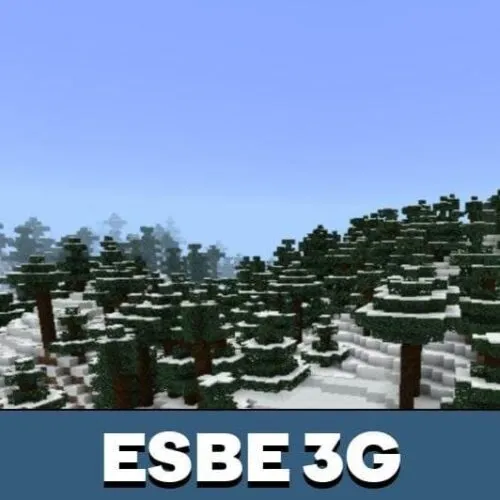
The water and colors look much better with this update. It feels more cinematic, but I still like that the gameplay stays normal.
This resource provides a lot of captivating and valuable information.
Here, you can explore many topics that expand knowledge.
Users will value the content shared on this site.
Every page is easy to navigate, making it comfortable to use.
The articles are easy to understand.
There are tips on different subjects.
Whether your interest is in educational content, this site has what you’re looking for.
To sum up, this platform is a great source for curious minds.