MCPEDL » Mods » Buildings Mods » Effortless Building Mod for MCPE

Effortless Building Mod for Minecraft PE

Trusted File
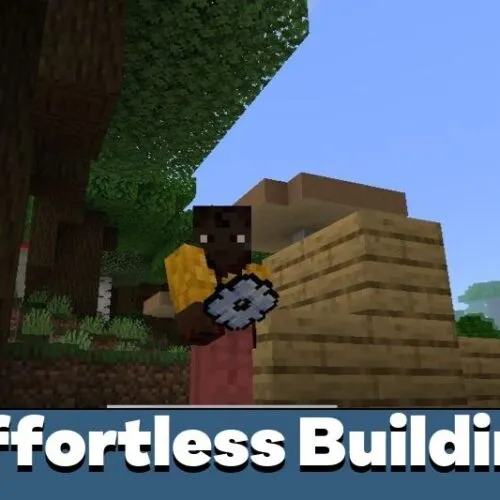
Version MCPE 1.21.90 - 1.26.3 for Android
Automate building, copy structures, and create large projects quickly with advanced construction and destruction tools from Effortless Building mod for Minecraft PE.

Download How to Install?
Author: Brandon Taylor
Published: 14 March 2026
Download Best Mods

Download Effortless Building Mod for Minecraft PE: bring powerful construction tools, fast editing options, and creative automation features into your mobile world.

What does Effortless Building Mod add to MCPE?

For players who constantly build houses, towers, or dig large quarries, building mods for Minecraft PE can significantly simplify survival gameplay. This addon transforms time-consuming construction into a smooth and exciting creative process.

With Effortless Building mod for Minecraft Bedrock Edition, users receive a multifunctional tool that helps manage massive projects without spending hours placing or breaking blocks manually.

The interface is intuitive, and switching between different modes takes only a few taps, which is especially useful on mobile devices.

This addon focuses on speeding up building tasks while keeping survival mechanics balanced and accessible.

Easy Build

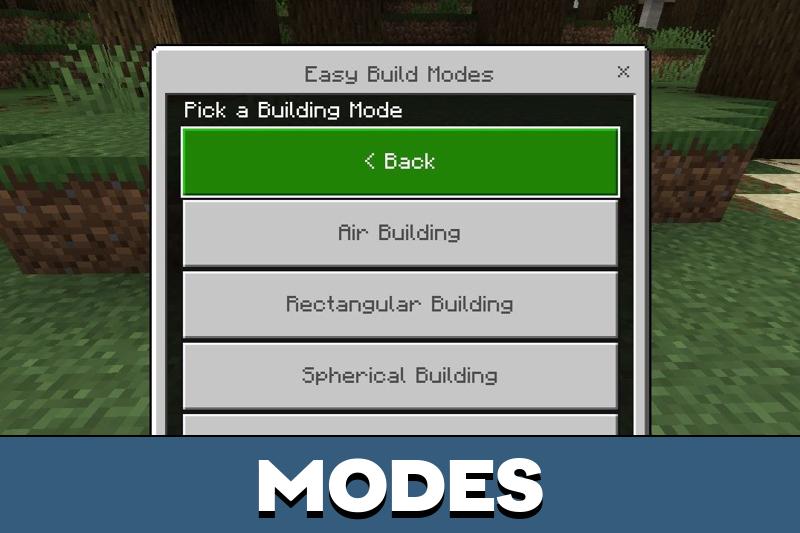
The core mechanic of this Effortless Building addon is the presence of two main working modes: Construction and Destruction. Each mode contains multiple configurable options that allow players to act quickly and accurately.

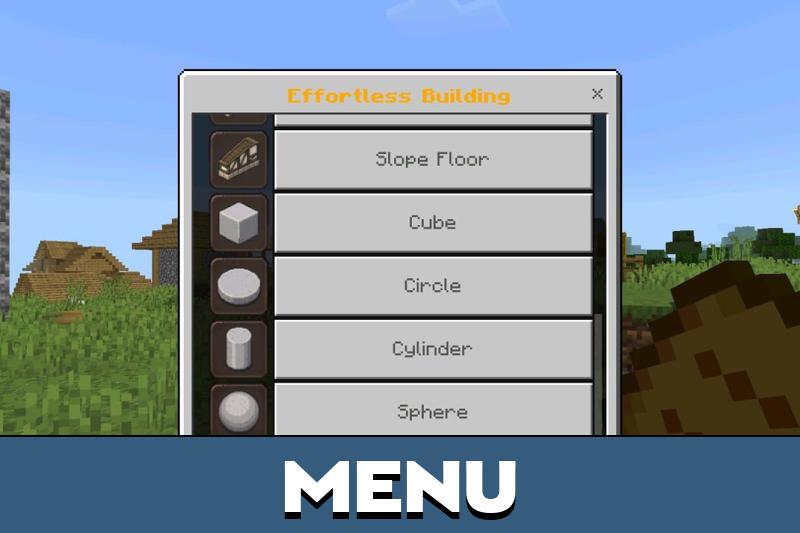
To access the control menu in Minecraft PE, users need to activate Creative mode and take a special item from the inventory. After that, they can open a settings panel and choose how structures will be generated or removed.

Construction

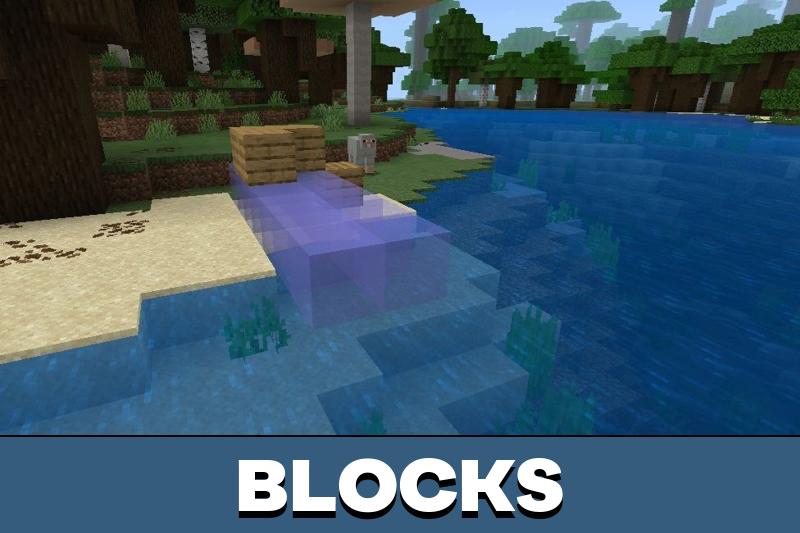
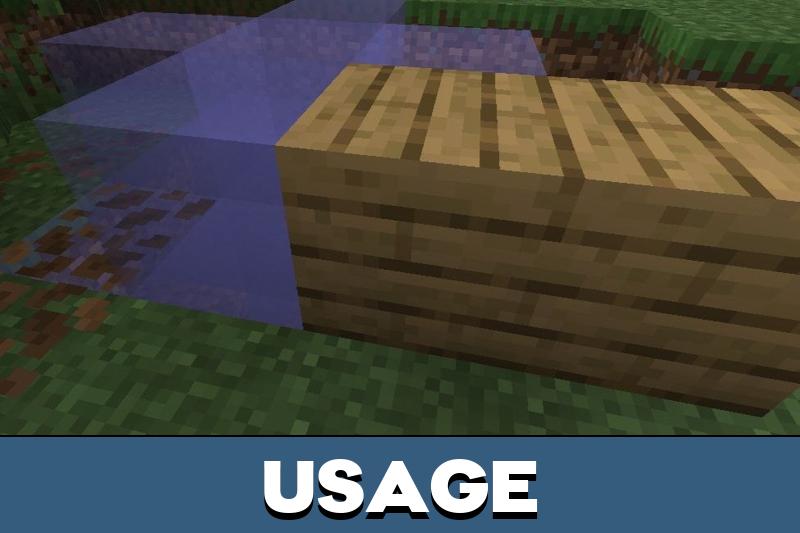
This Effortless Building mod gives players automated tools for routine tasks such as wall placement, floor generation, and roof shaping. Rectangular mode allows the creation of large surfaces with a single movement, which is ideal for base building.

For more complex architecture, spherical and conical modes help design domes, towers, decorative arches, and other organic shapes. The system calculates block placement automatically, saving time and reducing mistakes during construction.

Another useful function is Air Building. With it, Minecraft Bedrock Edition players can place blocks at a distance without moving closer to the target area. This makes skyscraper construction or bridge creation far easier.

Destruction

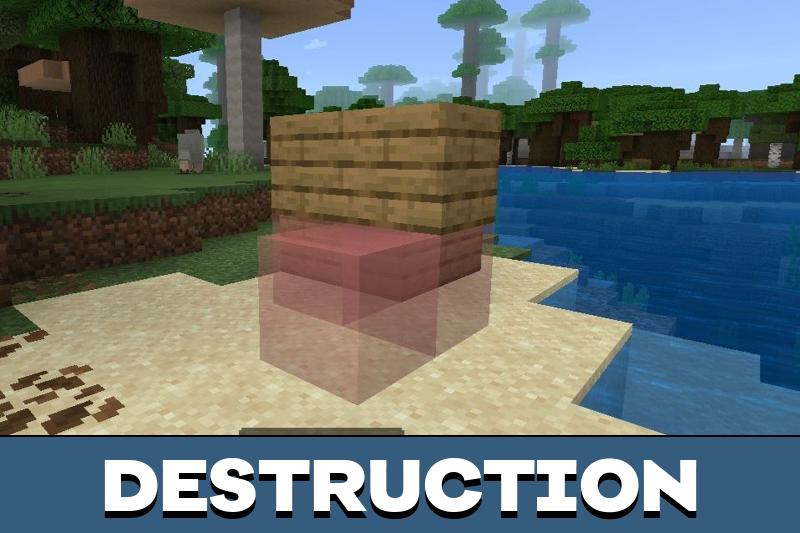
Besides construction, Effortless Building mod for Minecraft PE also includes advanced destruction tools. Players can remove large block areas instantly by selecting specific shapes or volumes. This is extremely helpful when clearing terrain for new projects or mining resources.

Digging a quarry that normally takes hours can now be completed in seconds. The addon ensures that removal remains precise and controlled, allowing players to avoid accidental damage to important structures.

Clipboard for Effortless Building

Another innovative feature is the built-in clipboard system. Using a simple stick, Minecraft PE users can mark two points and select any structure in the world. After choosing Cut or Copy in the menu, they can move to another location and paste the structure instantly.

This function opens new possibilities for city creation, multiplayer building collaboration, and rapid expansion of survival bases.

Using clipboard tools and automation modes allows players to focus more on creativity rather than repetitive actions.

Effortless Building v1.2

This version of Effortless Building mod for Minecraft PE improves building stability and makes structure placement more accurate on mobile devices. The interface reacts faster, clipboard functions work smoother, and distance construction tools become more reliable.

These changes help players complete large projects in Minecraft Bedrock Edition without unnecessary delays or technical issues.

Recommended:

FAQ

How do players access the building menu?

Activate Creative mode and take the special tool item from the inventory.

Can this addon be used in survival worlds?

Yes, but some functions work best after enabling experimental settings.

Does it improve performance on mobile devices?

It reduces time spent on building tasks, making gameplay smoother.

Is multiplayer building supported?

Yes, structures can be copied and shared easily during cooperative play.

Comments

  1. This addon saved me tons of time on my survival base. I can build towers and walls in seconds, and the copy feature is amazing for repeating structures. Works smoothly on my phone and makes creative ideas easier to realize.