MCPEDL » Mods » Vehicles Mods » Gundam Mod for MCPE

Gundam Mod for Minecraft PE

Trusted File
Version MCPE 1.19.0 - 1.26.33 for Android
Download Gundam Addon for Minecraft Bedrock to pilot mobile suits, fly with the jump button, and swap weapons mid-fight.

Download How to Install?
Author: Brandon Taylor
Published: 3 August 2026
Download Best Mods

Download Gundam Mod for Minecraft PE: bring pilotable mobile suits, jet-powered flight, and switchable hand weapons from the Gundam universe into your mobile world.

Gundam Mod for Minecraft PE

The Gundam mod for Minecraft PE turns mobile suits into fully pilotable machines inside a normal world. Each unit works as a rideable entity with its own flight, armament, and camera handling.

Older setups forced players to match behavior packs and follow a strict deployment order. That restriction is gone.

Now the only real limit is hardware. Devices with more headroom can hold more suits in a single world at the same time.

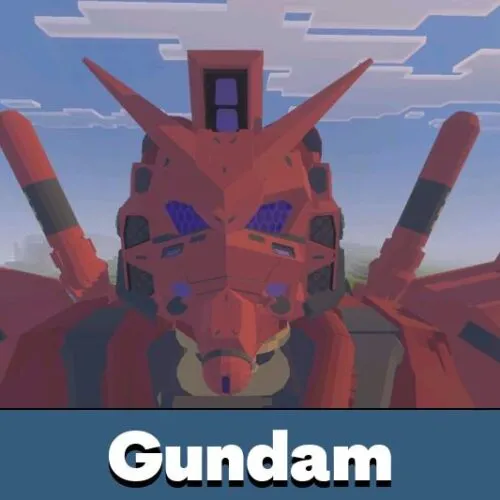
Gundam

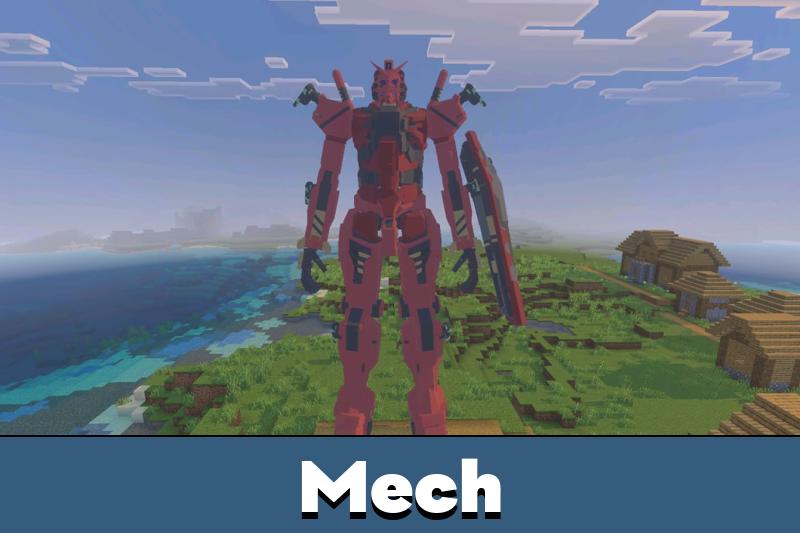
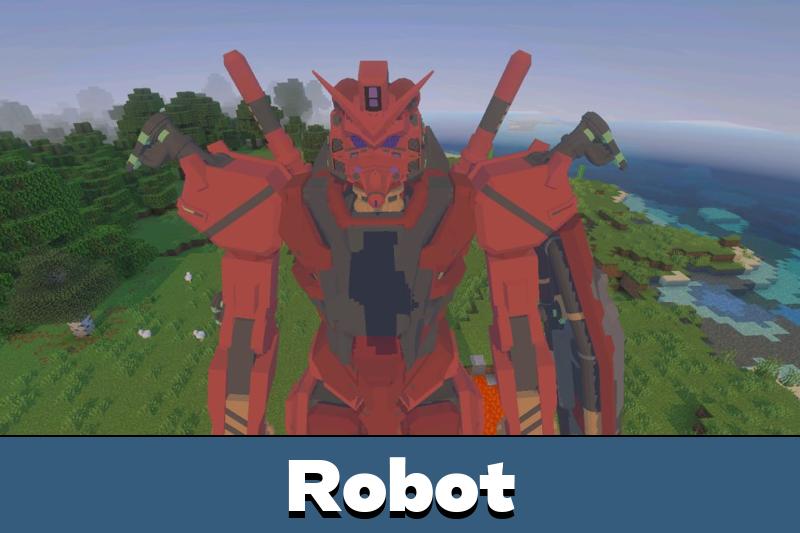
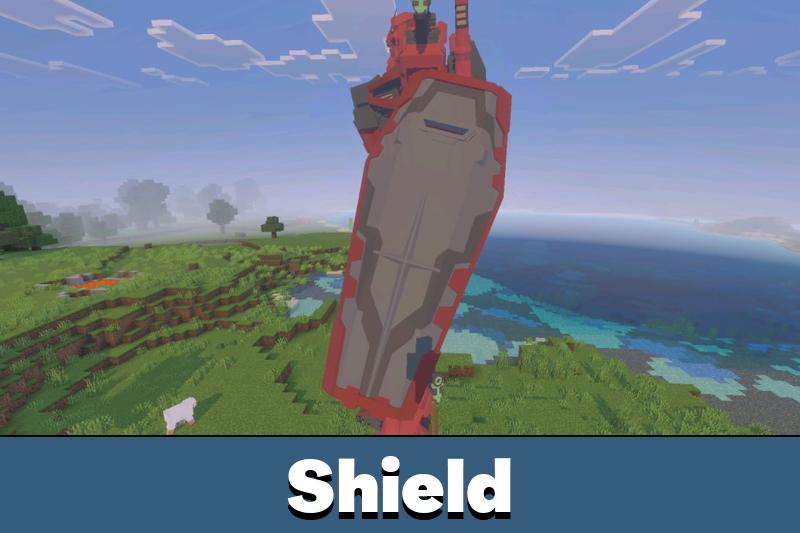
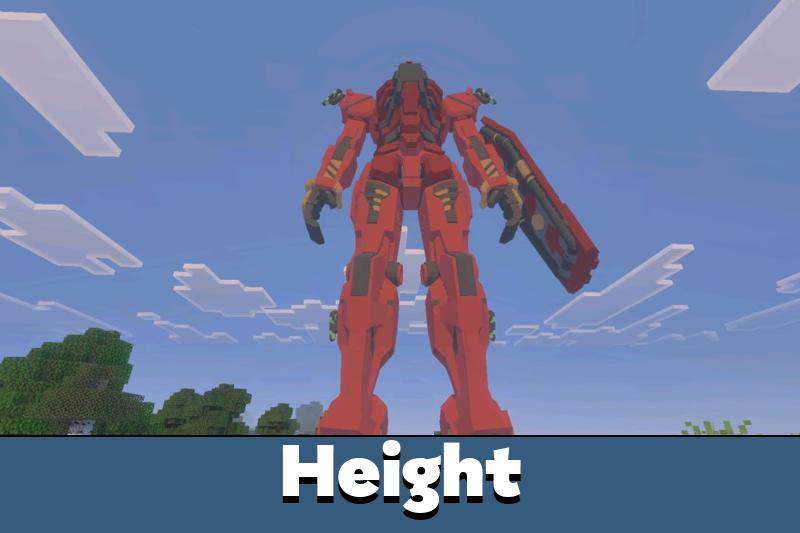
Download Gundam mod for Minecraft Bedrock to get the gMS-α Red Gundam as the headline unit.

The frame follows the prototype RX-78-02 taken from the Federation base on Side 7 by Major Char Aznable. It carries an α-Psycommu system with bits and wears the red repaint used for his personal machine.

Units exist as standalone entities, so several can be parked in one hangar without interfering with each other. Handling feels close to other Vehicle Mods for Minecraft Bedrock.

Each active suit loads its own entity data. Keep the count modest on older phones.

Boarding and Controls

Boarding in the Gundam addon takes a single action. Walk up to a suit and press the Board Mobile Suit button on Android or iOS, or right-click on PC.

Stepping straight into the cockpit works as an alternative. That route also lets visitors with world permissions take the controls.

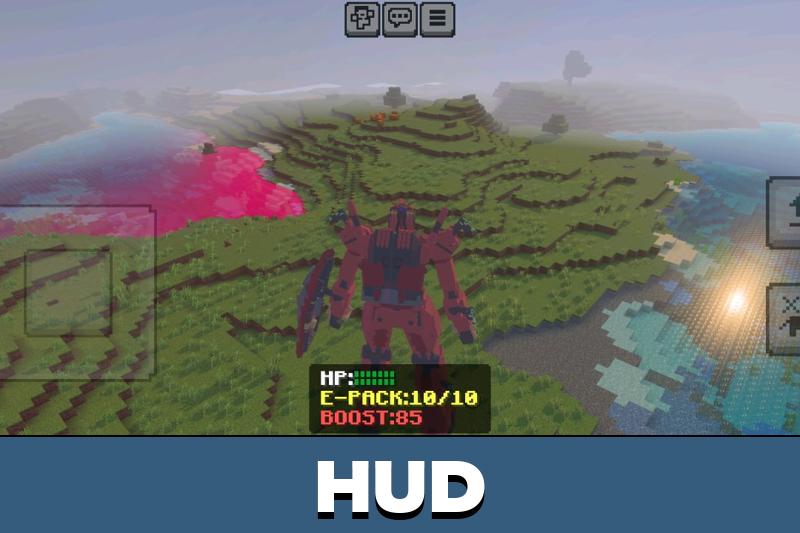
Flight is mapped to the jump button. Pressing it lifts the machine off the ground and keeps it airborne while held.

Weapons and Equipment

Loadouts in Minecraft Bedrock Edition change through the Change Equipment option followed by an attack input — the attack button on phones and tablets, or left-click on desktop.

Only one hand slot is available here. The GQuuuuuuX interface allowed two, but this version routes all equipment swaps through the attack control.

Firing runs through Use Weapon or the same attack input. Range, timing, and recoil depend on the armament currently mounted.

Movement Modes and Camera

Movement in the Gundam mod has two states. Selecting Change to Running (or Walking) Mode switches how the suit covers ground.

Third-person view makes landings and turns easier. First-person helps with long-range fire.

Running mode replaces steps with hovering, and the hover carries over into flight. Walking mode is steadier around bases, doorways, and narrow corridors.

The camera has its own toggle. Change to First-Person and Change to Third-Person swap the pilot view at any moment, which matters when aiming in tight spaces.

FAQ

Does Gundam Mod work in a regular survival world?

Yes. Suits function in survival, though spawn eggs or crafted units are needed first since they do not generate naturally.

Can Gundam Mod run alongside other vehicle addons?

Usually yes, because the suits use their own entities. Conflicts appear only with addons that override the same control buttons or rideable behaviors.

Will Gundam Mod need experimental toggles enabled?

Enable experimental gameplay in world settings before loading it, and keep the game updated to a recent release for stable entity behavior.

Comments

  1. Took the red one out for a spin last night and just flew around for an hour lol. first person view is rough at first but once you get used to it the aiming clicks