Download Revolution Vibrant Visuals Shader for Minecraft PE: add deferred lighting, biome-based colors, reflective armor, glowing minerals, and real visual depth to your world on Android.
Revolution Vibrant Visuals Shader for Minecraft PE
Revolution Vibrant Visuals Shader is built to push Minecraft Bedrock graphics closer to a modern Java-style look. It uses deferred lighting to rework how light, color, reflections, and atmosphere behave across the world.
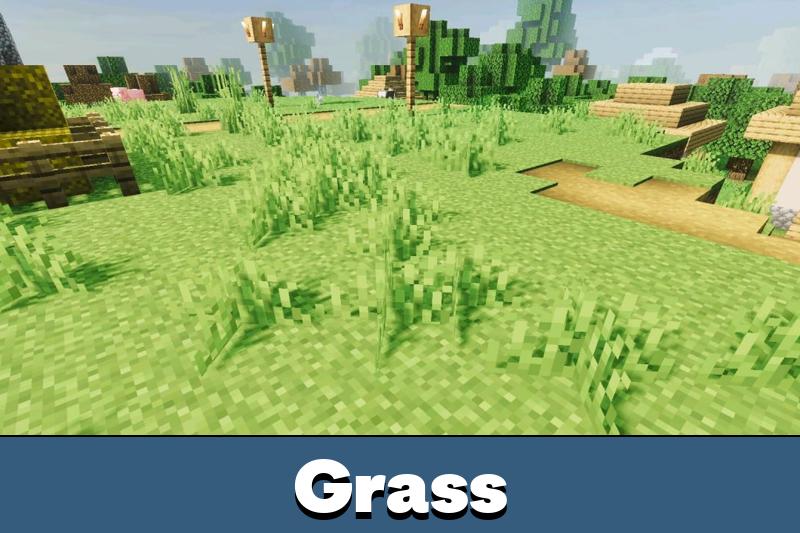
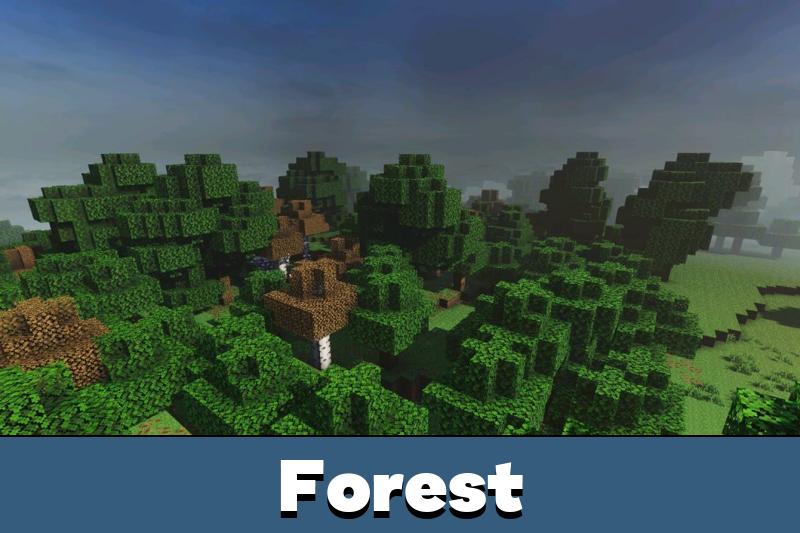
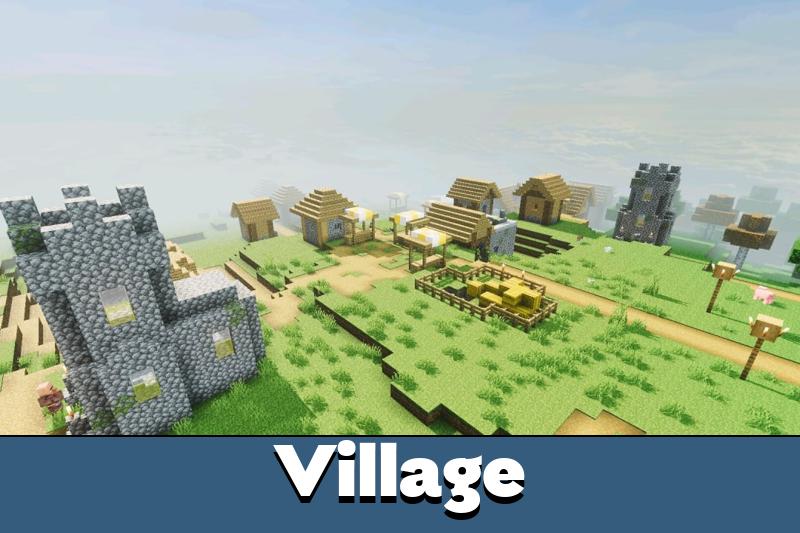
The shader focuses on visual depth, not gameplay. Biomes feel warmer or colder by climate, light reacts more naturally, and chosen materials get a stronger shine.
This makes survival, building, and exploration look far more polished. The pack is free and installs on Android as a .mcpack file in one tap.
The latest update fixes known bugs and adds new effects. The project is still growing step by step, so expect it to keep expanding over time.
What Revolution Vibrant Visuals Changes
Revolution uses deferred lighting to make Minecraft Bedrock scenes feel deeper and more lifelike. It changes how light hits the world, especially at daytime, sunset, and during exploration.
The biggest effect is biome-based atmosphere. Cold biomes can look freezing, while hot areas feel warmer and drier.
Godrays also shift with the biome color. Each location feels distinct, and the original world structure stays untouched.
This shader is best for players who want stronger lighting and atmosphere while keeping the game fully recognizable.
Armor and tools can turn reflective, and minerals can glow. These details pay off in caves, bases, and custom builds, where metal and bright blocks stand out clearly.
How It Differs From Normal Shaders
Most older shaders patch the renderer from the outside to fake lighting. Revolution instead builds on the Vibrant Visuals engine, so the lighting is drawn natively.
The result is cleaner color, more stable performance, and fewer broken effects after updates. It also keeps working on Realms and multiplayer, since nothing about the gameplay changes.
Versions
The shader ships in three visual versions. Pick the one that matches the look you want and the phone you play on.
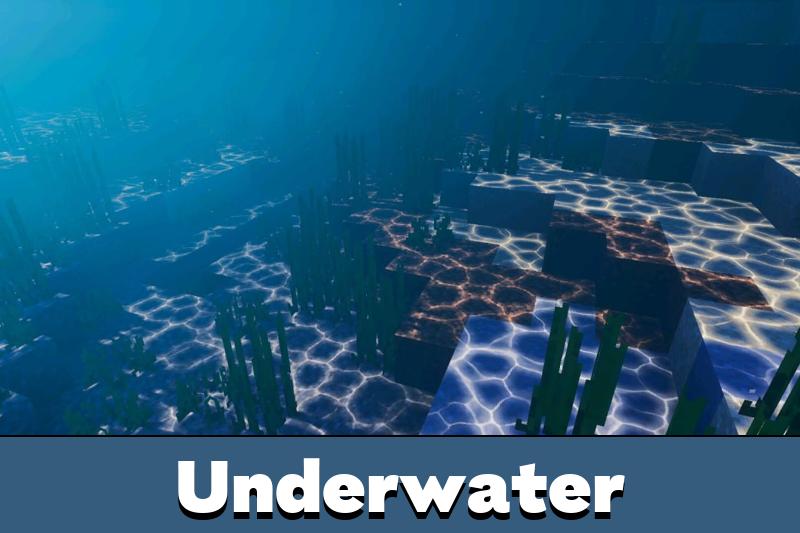
Realistic Revolution adds water waves, moving clouds, caustics, and a reworked sun and moon. It is the strongest option for the most dramatic, cinematic look.
Default Revolution keeps the water waves and caustics, but uses vanilla clouds, sun, and moon. Choose it for richer lighting with a sky close to the original.
Vanilla Revolution keeps water waveless and uses vanilla clouds, caustics, sun, and moon. It is the cleanest option for a softer upgrade and the smoothest frame rate.
Want to compare more options? Browse Shaders for Minecraft PE and pick a style that fits your device.
Requirements
Revolution Vibrant Visuals Shader needs the Vibrant Visuals option turned on in Settings when you create or edit a world. Without it, the deferred lighting will not load correctly.
You also need a capable Android GPU. The recommended level is an Adreno 640, Mali-G68, Mali-G77, or Xclipse 530, found in chips like the Snapdragon 855.
Check device support before installing, because deferred lighting needs stronger hardware than simple visual packs.
If the screen turns black after enabling the pack, your GPU is likely unsupported or the version is outdated. Switch to a lighter version or update the game first.
Is It Worth Downloading
This shader suits players who want a more advanced look and know their device can handle it. It is not just brighter colors on the surface.
It reshapes how the whole world feels through lighting, reflections, caustics, glow, and biome atmosphere. For a capable Android phone, it is one of the strongest free upgrades available.





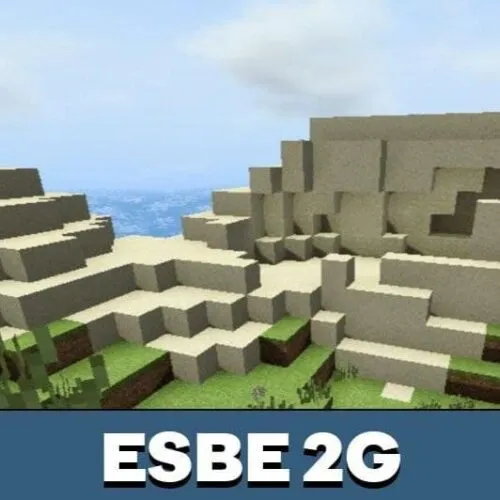
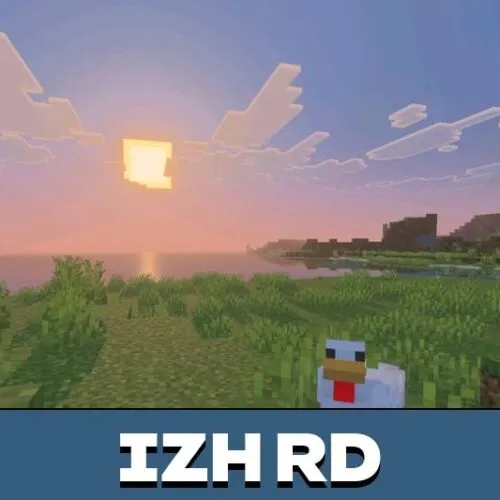
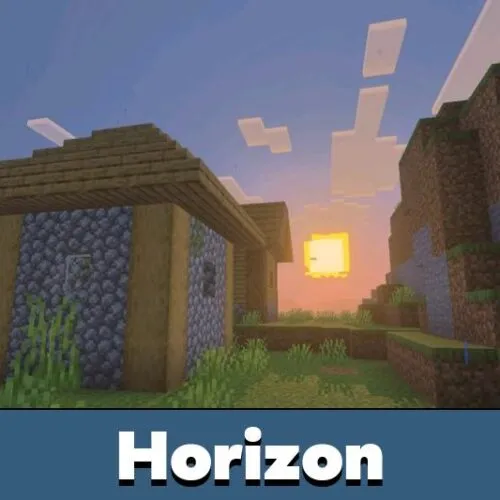
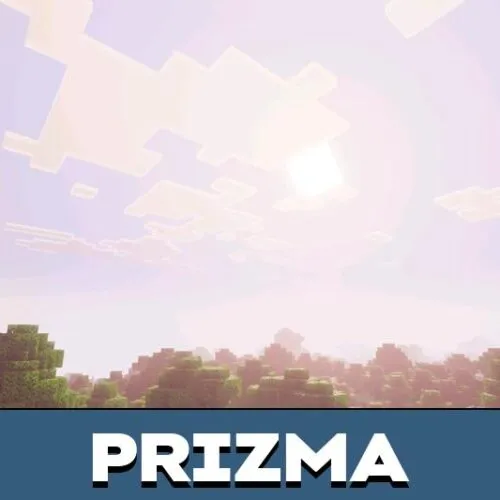
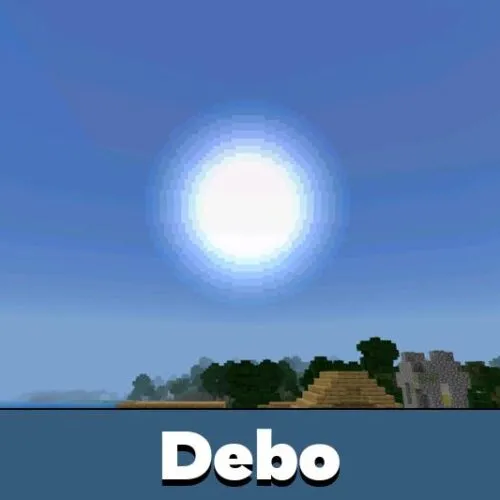

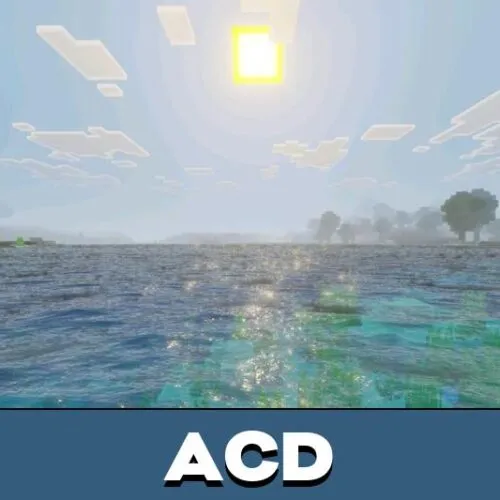
I like the Default version most because it keeps the sky familiar but still makes lighting and reflections feel way more modern on my phone.