Download Civilization Mod for Minecraft Bedrock: create your own colony, manage resources, expand cities, develop an economy, and build a growing civilization in your mobile world.
What does Civilization Mod add to MCPE?
Players who want more complex survival gameplay should try Civilization Mod for Minecraft PE. The addon transforms ordinary survival into a city-building experience where decisions affect the development of the colony.
Instead of simply collecting resources and building houses, players can create an entire settlement with citizens, decorations, infrastructure, and unique management mechanics.
Those who enjoy advanced survival gameplay can also install survivor mods for Minecraft PE to combine colony management with additional survival systems.
Jerrys Colonies Mod
Jerrys Colonies allows players to establish a functional settlement with new structures and management mechanics. The main objective is to develop a colony that grows beyond an ordinary survival base.
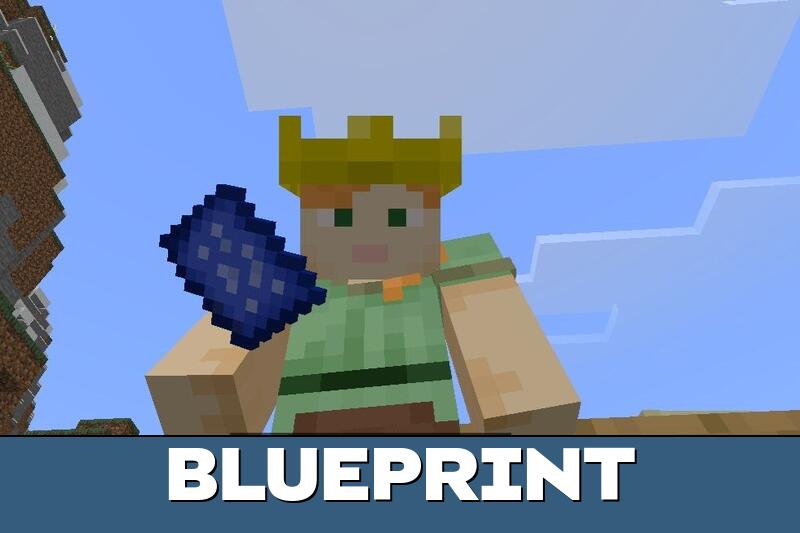
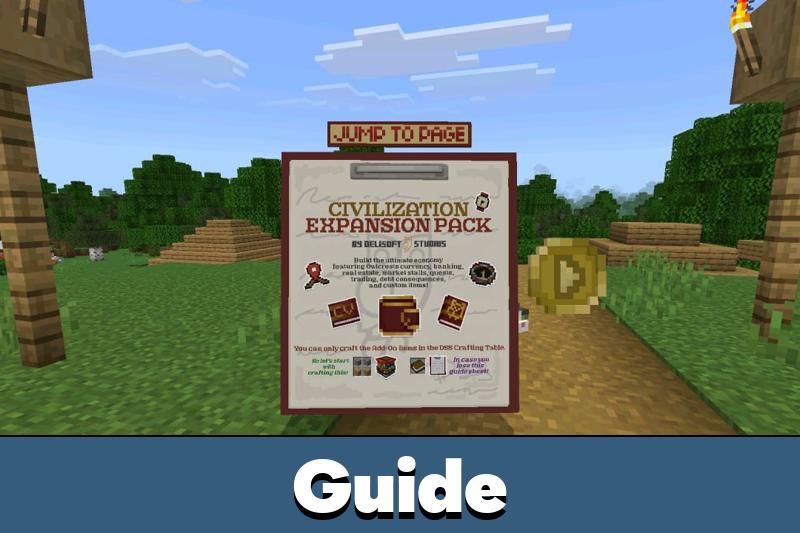
At the beginning of the game, players receive a detailed guide that explains how colony systems work. The addon introduces more than decorative content because the gameplay focuses on city development and resource management.
The guide explains the basic colony mechanics. Players can use it to understand construction, settlement organization, and future expansion.
Players become responsible for the growth and stability of their own society. Every building and expansion directly affects the colony atmosphere and future progress.
A settlement can gradually develop into a larger town with organized infrastructure. Other additions from Mods for Minecraft can provide more options for customizing the surrounding world.
Items
The Civilization Mod addon adds multiple useful objects and decorative items to Minecraft Bedrock Edition. They help players organize settlements and establish a recognizable identity for their civilization.
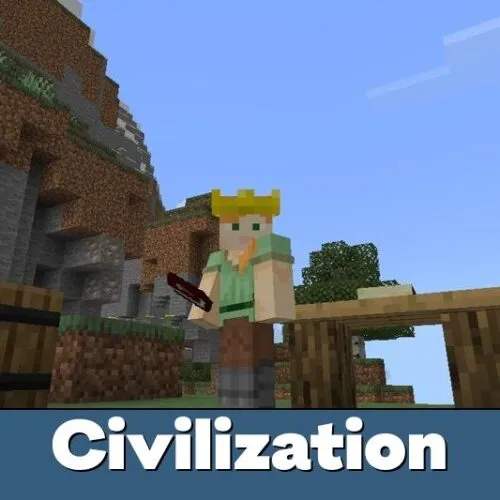
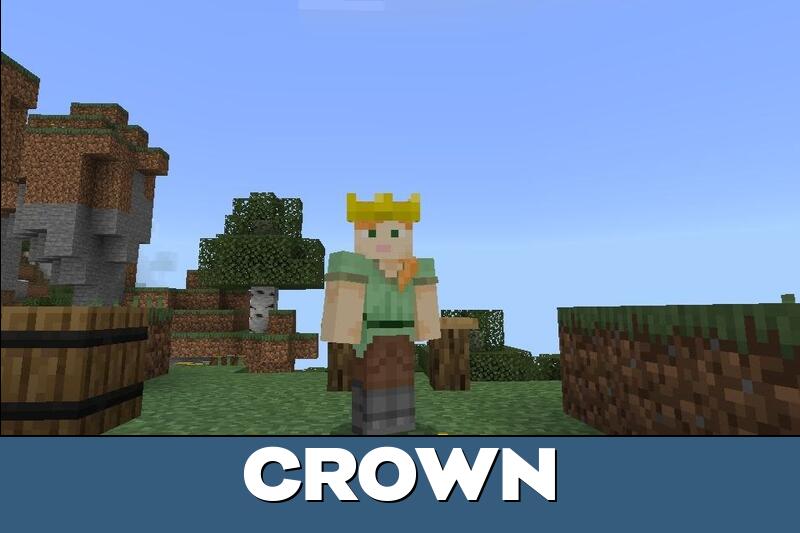
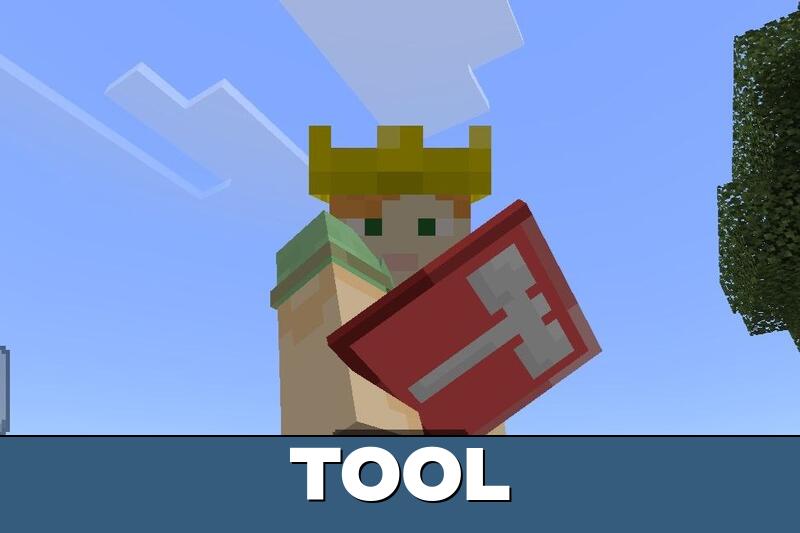
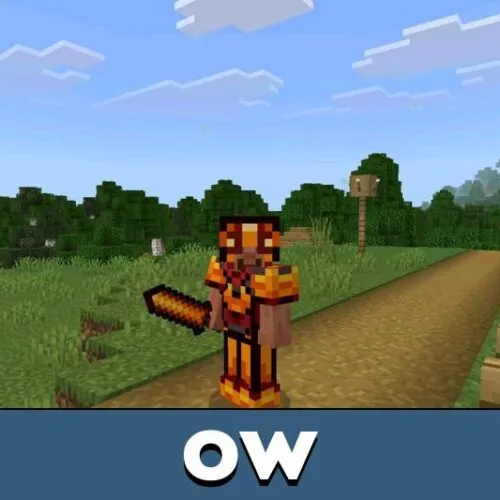
Players can wear a special crown to become the official leader of the colony. This unlocks additional management possibilities and improves immersion during roleplay sessions.
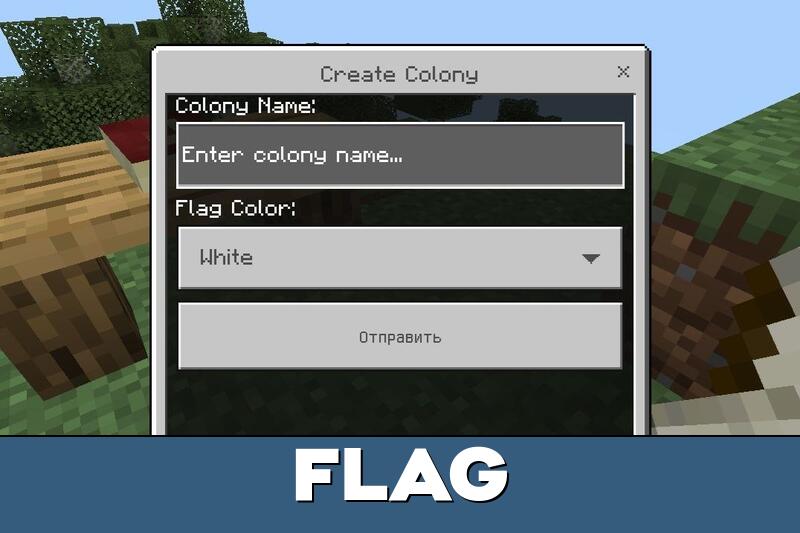
Flags can also be customized through an interaction menu, allowing players to personalize their settlements with unique designs and symbols. Different colonies can have their own appearance.
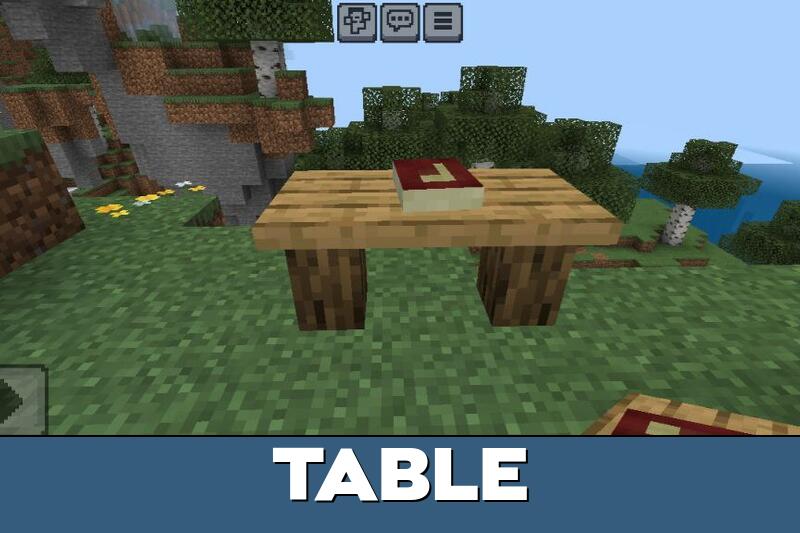
Furniture objects such as tables, chests, and decorative structures make cities look more realistic and organized while also serving practical purposes.
These additions are particularly useful for creating residential areas, administrative buildings, and public spaces. A developed colony feels more convincing when its buildings have clear purposes.
How to use?
Civilization Mod is easy to start even for players who have never managed a colony before.
After installation, enter Creative Mode and open the inventory to access the main guide. It explains how to place structures, use colony mechanics, and organize the settlement properly.
Once the basic systems are understood, players can concentrate on expanding their civilization. Buildings should be arranged carefully to leave enough space for further development.
The addon is designed for long survival sessions where players continuously improve infrastructure, manage resources, and expand their society step by step.
Begin with essential buildings before expanding the settlement. Planning infrastructure early makes larger colonies easier to organize.
Empire Expansion
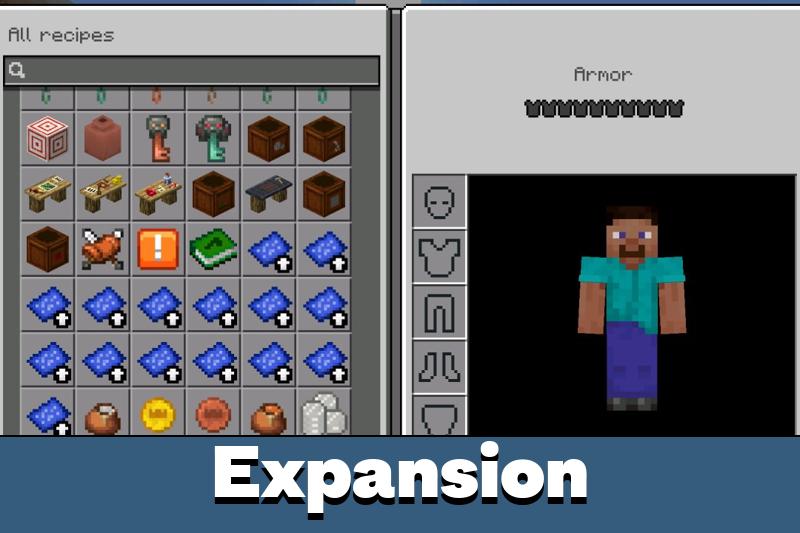
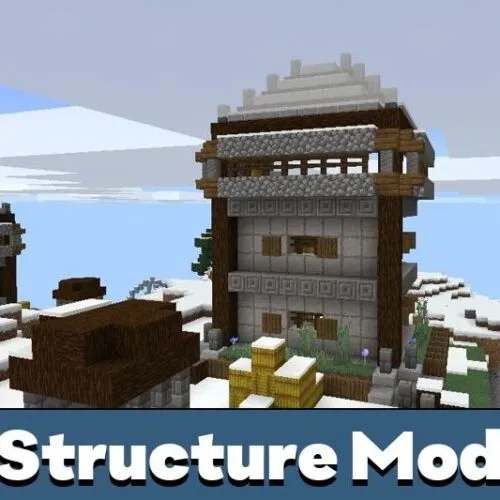
Empire Expansion is an additional package for the Jerry Colony addon that introduces new structures and further expansion possibilities. It improves settlement variety and gives players more ways to develop large cities and organized colonies.
New buildings help make survival worlds feel more alive and visually connected. They also provide more construction options for players who have already established their first settlement.
Civilization Expansion Pack
Civilization Expansion Pack introduces a complete economic system with Owlcrests currency, banks, real estate, and market stalls.
Players can participate in trading, complete quests, and deal with debt consequences. Custom items and streamlined interfaces make managing finances and developing a prosperous civilization more engaging.

Spent most of my evening arranging buildings and now I kinda want to start a whole new town lol. The money and trading stuff should make it way more interesting with friends.
I liked how the colony slowly grows over time instead of giving everything instantly. Building roads, placing flags, and expanding the city with friends feels really satisfying on mobile.