MCPEDL » Cheats » Lunar Client for MCPE

Lunar Client for Minecraft PE

Trusted File
Version MCPE 1.21.0 - 1.26.40 for Android
Download Lunar Client Cheat for Minecraft Bedrock to get a clean HUD, bright caves and custom crosshairs.

Download How to Install?
Author: Brandon Taylor
Published: 9 August 2026

Download Lunar Client for Minecraft PE: clean up the HUD, light every cave from the inside, and pick a crosshair that matches your fighting style.

Lunar Client for Minecraft PE

Not every player likes the default interface. It clutters the screen, distracts, and pulls attention away from a fight. Dark caves are the second problem, because it is hard to read the terrain down there.

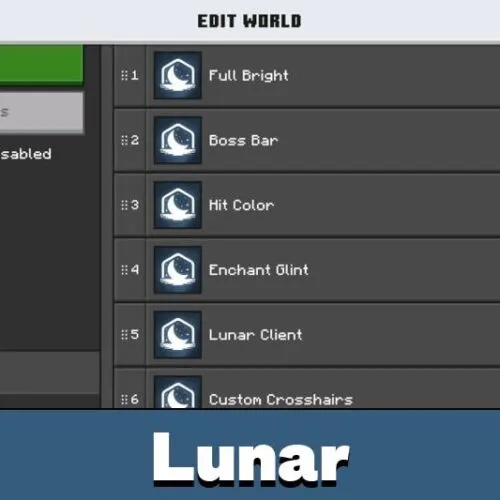
This addon solves both at once. It brightens dark locations, adds adjustable crosshairs, and strips the HUD down to the elements that actually matter. For comfortable control of the character and the inventory, it is one of the most useful clients on Minecraft PE.

Everything here is visual. World generation, mobs and loot stay untouched, so you can turn the pack off and get the vanilla screen back.

Lunar Client

After installation the boss bar looks different. It carries extra information: how much is left before the win, and what is happening in the battle right now. The Lunar cheat turns a plain green line into a readable status panel.

The bar still does not overload the screen. It stays minimal but visible, so you keep your eyes on the enemy and read the numbers at the same time. During the dragon fight it pays off the most.

Improved Light in Dark Places

Darkness is atmospheric, but not everyone enjoys it. The Lunar Client addon suits players who do not want to run around with torches and lanterns forever. Even deep dungeons become as bright as the surface.

Good lighting shows enemies in advance. No sudden ambushes: drink a potion or pull out a stronger weapon before the mob reaches you. Ore hunting gets faster too, since veins are easy to spot from a distance.

Bright caves also pair well with other utility packs on Minecraft Bedrock Edition, so players who want more control often add Cheats for Minecraft PE on top.

Custom Crosshairs

You can pick a crosshair to your own taste. Many players underestimate this detail. A well-chosen cross makes aiming easier and saves you in messy close-range fights, and the Lunar Cheat for Minecraft PE lets you swap it in seconds.

Set the crosshair and check the HUD in a calm world first. You do not want to dig through menus in the middle of a boss fight.

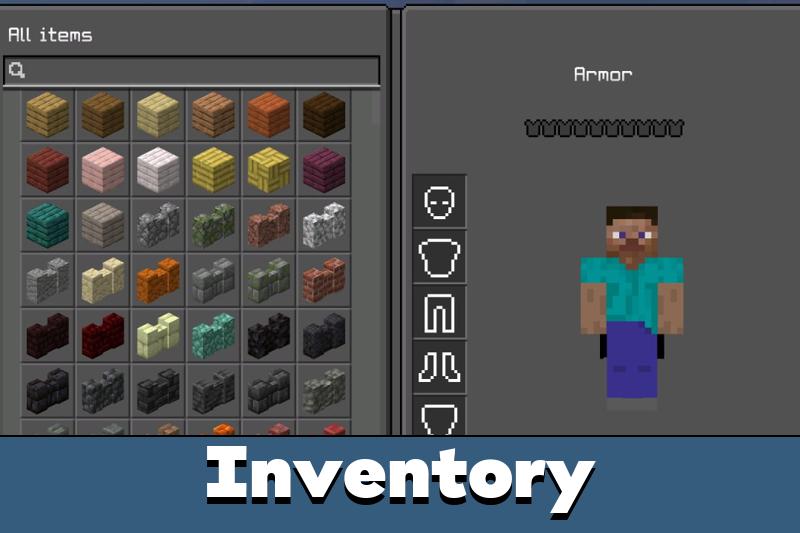
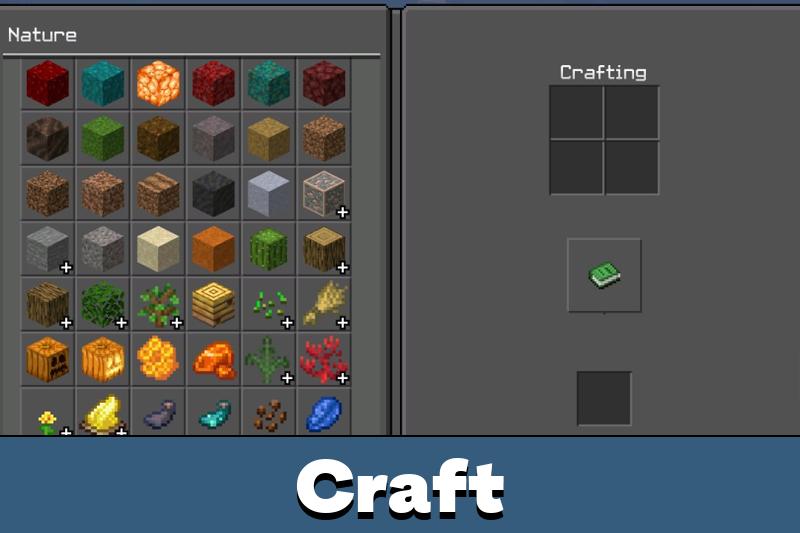
The simplified interface makes key elements easier to find, for example items in the inventory. The dark colour scheme fits any time of day, including late evening, when high brightness hurts the eyes.

FAQ

Does Lunar Client conflict with other interface or HUD packs?

It can, since both edit the same UI files. Keep Lunar Client at the top of the resource pack list and disable other HUD packs in that world.

Can Lunar Client be used in a survival world without losing achievements?

Yes. It only changes visuals and the interface, so achievements stay enabled and progress is not affected.

Will Lunar Client keep working after a Bedrock update on phones and tablets?

Usually yes, but a big update can reset pack settings. Re-apply the pack in world options and download the newest file if the crosshairs stop loading.

Comments

  1. the cave light thing is the real win, no more torch spam every 5 blocks. also finally found a crosshair that doesnt cover the mob im hitting. runs fine on my old phone, zero lag so far