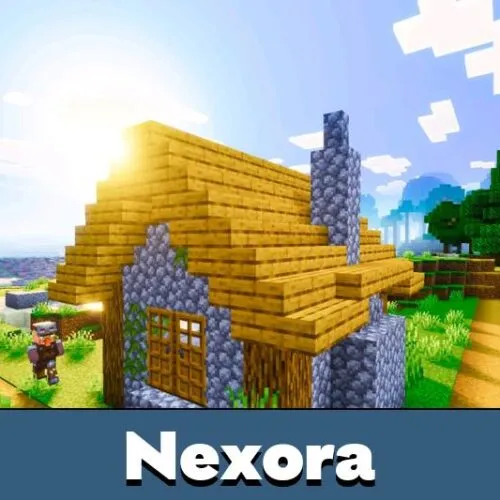
Download Parallax Shaders for Minecraft PE: enhance lighting and visibility at any time of day for a cleaner, brighter world.
Parallax Shaders for Minecraft Bedrock Edition
Visual clarity matters during exploration and building in Minecraft PE. Default lighting can create dark corners, flat shadows, and areas that feel visually muted. Parallax Shaders address these issues by reworking how light, shadows, and surfaces interact, making the environment easier to read and more immersive.
Parallax Shaders for Minecraft PE focus on balance. The goal is not to overwhelm the screen with effects, but to improve depth and realism while keeping the familiar block-based style. As a result, landscapes look sharper, interiors feel brighter, and nighttime remains playable without losing atmosphere. This approach makes the shaders suitable for long survival sessions in Minecraft Bedrock Edition. Players also can try other shaders for MCPE.
Features
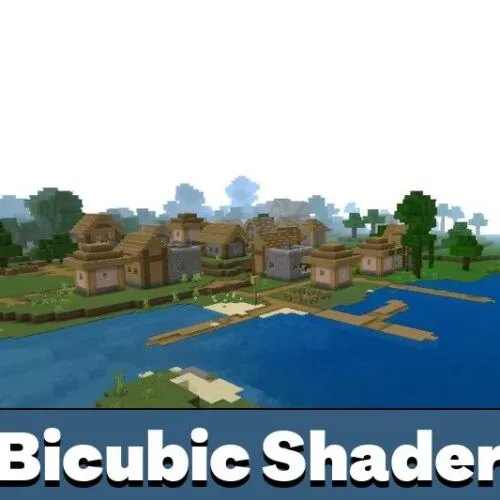
The main objective of Parallax Shaders is to make gameplay feel more dynamic without sacrificing performance. Instead of heavy contrast and overly dark shadows, the pack delivers smooth transitions and consistent lighting across different biomes.
The world feels lighter and more readable, even in complex environments.
Textures gain depth through improved shading, while shadows remain soft and proportional. This helps players focus on exploration, mining, and construction rather than fighting poor visibility.
Lighting
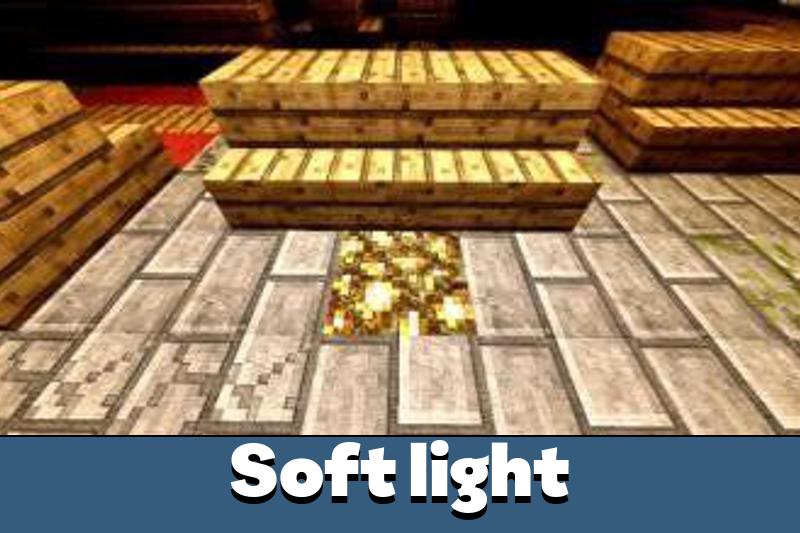
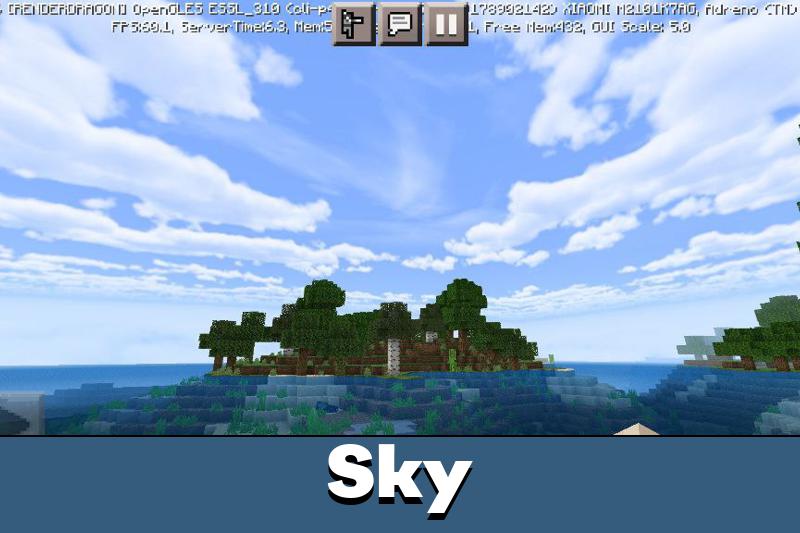
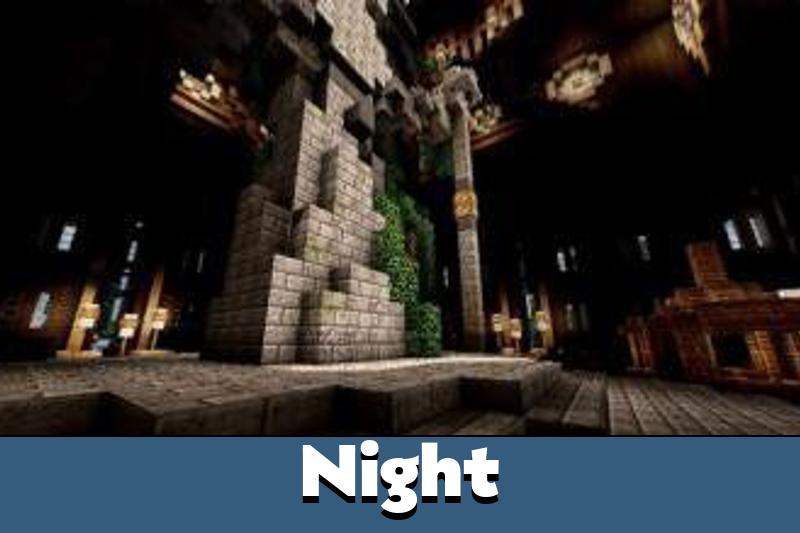
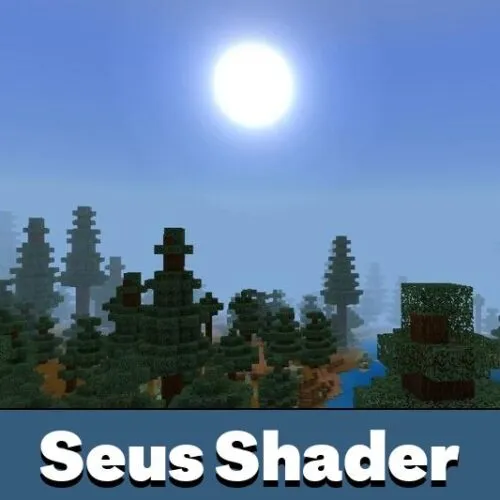
Lighting is the core strength of Parallax Shaders for Minecraft PE. Sunlight changes naturally throughout the day, creating different tones in the morning, afternoon, and evening. At night, shadows still appear, but they no longer hide important details.
High-quality results are achieved using static ray tracing techniques.
Light sources illuminate nearby objects realistically. Buildings, caves, and terrain benefit from clearer contrast, making navigation easier without breaking immersion.
Water
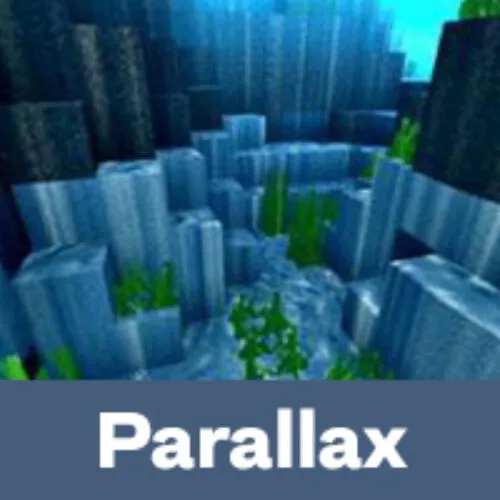
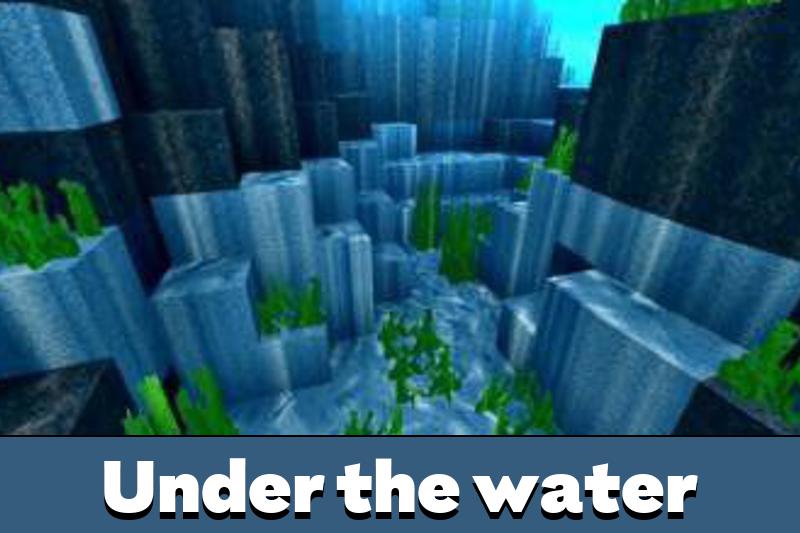
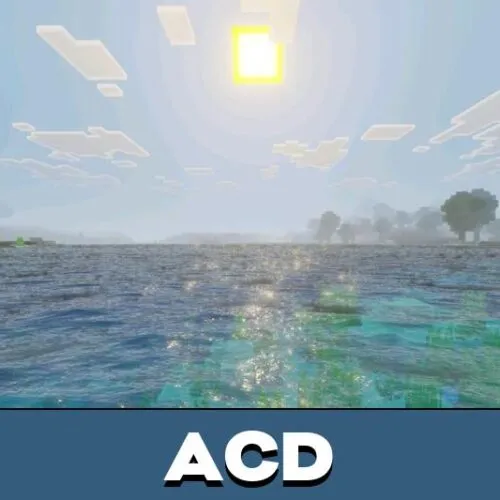
Parallax Shaders introduce a refined water system using a modern graphic technique based on static lighting. Water surfaces reflect light softly, while underwater areas remain visible and pleasant to explore.
In Minecraft PE, oceans and rivers feel more natural. Transparency levels are balanced so players can clearly see underwater creatures, plants, and terrain without harsh color distortion.
Installation
Installing Parallax Shaders is straightforward. First, download the .mcpack file. After opening it, the shaders are automatically imported into Minecraft PE.
Next, open the world settings and locate the resource packs section. Activate the imported file, restart the game, and load the world. Once enabled, players can enjoy improved visuals instantly. If you want to Download Parallax Shaders for Minecraft Bedrock, this setup process takes only a few minutes.
I really like how clear everything looks now. Caves and buildings are much easier to explore, and water looks great without being too flashy. Runs smoothly on my phone.