Download Sodium Mod for Minecraft PE: lift FPS, cut lag spikes, smooth out animation, lighten rendering, and keep the vanilla look on phones and tablets.
What does the Sodium addon change in MCPE?
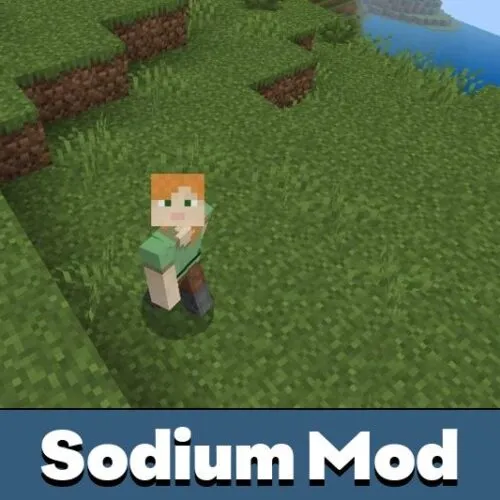
Sodium Mod is a performance pack rather than a content pack: it works on the render side of Minecraft Bedrock Edition, so the world stays visually familiar while the frame rate stops fighting you. Instead of adding blocks or mobs, the Sodium addon trims what the engine draws every frame — particle load, heavy flipbook animation, oversized lighting passes, and texture detail nobody notices at arm’s length.
Compatible builds cover the mod Sodium for Minecraft PE 1.21 line and newer Bedrock releases, and the pack imports like any other resource pack through the Global Resources tab in Settings. Frame rate, chunk streaming, lighting, and animation smoothness decide how building, mining, and travel actually feel on a touchscreen, and those four areas are exactly what Sodium for MCPE touches.
It is one of utility mods for Minecraft Bedrock Edition built for players who want more performance without turning a familiar world into something unrecognizable.
Sodium
The core Sodium client for MCPE is the plain option: rendering, lighting, movement smoothness, general optimization, and no extra menus to learn. The renderer Mojang ships with Bedrock still does the drawing — Sodium simply gives it less to carry.
Once the pack sits at the top of your Global Resources list, the world reacts more evenly. Biome borders blend instead of snapping, chunks appear ahead of you with fewer pauses, and animation stops feeling rough while sprinting, flying, or fighting.
This addon is aimed at smoother performance, not at new gameplay. The familiar picture stays, the technical distractions go.
Main improvements include:
- Smoother lighting and softer color transitions;
- cleaner biome borders during long trips;
- optimized chunk loading and shorter world load times;
- steadier animation and more even frame pacing;
- fewer FPS drops in entity-heavy areas.
Graphics
This Sodium addon changes how the picture behaves under load rather than how it looks in a screenshot. Blocks, mobs, and terrain read more clearly because the GPU stops spending frames on detail that adds nothing on a small display.
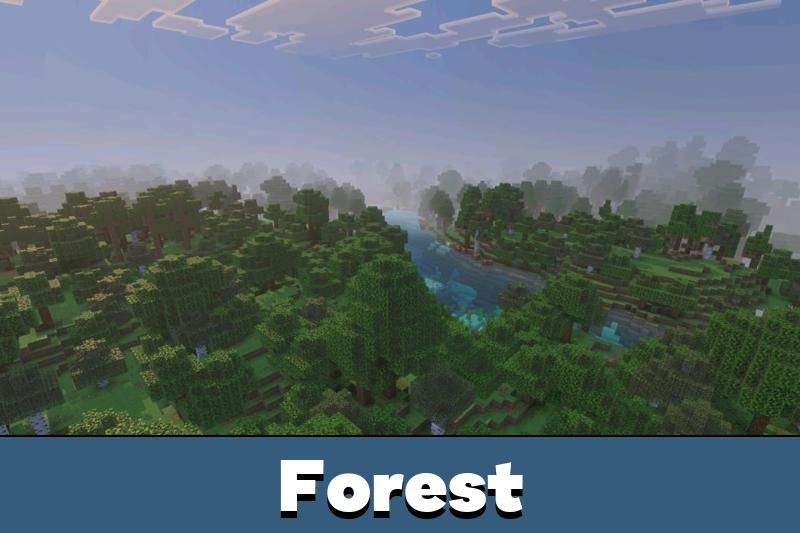
Dynamic lighting becomes calmer, with smooth lighting transitions and fewer harsh jumps between areas — useful when you move from forest to plains, into a cave system, through a village, or back to a large base.
Sodium Minecraft Bedrock builds also help inside big redstone farms, villager halls, and Nether tunnels. When dozens of entities and light sources share one screen, lighter rendering keeps the session stable instead of pushing the phone into thermal throttling.
Animation
Animation is where the difference shows first. Running, jumping, turning, and mining feel smoother because fewer heavy effects sit between your finger and the result on screen.
That matters most on mobile, where input latency is the whole game. Sodium Mod Bedrock builds keep touch response predictable during PvP, mob farming, and travel, so aiming and block placement stop drifting behind your taps.
Updated
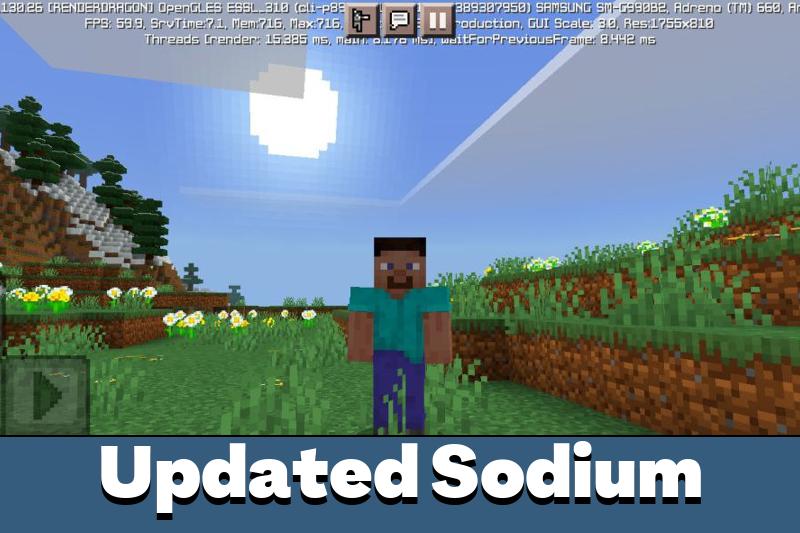
The updated release of the mod Sodium for Minecraft Bedrock 1.26 keeps the same idea and sharpens it: fewer frame drops, faster chunk streaming, and a picture that holds together when the world gets busy. It pulls in the opposite direction from shader packs and heavy visual overhauls, and that is the point.
Players tracking Sodium MCPE 1.26 usually run it for survival bases with large farms, multiplayer servers with many players nearby, and creative projects where block and entity count climbs fast.
Best fit: low-end and mid-range hardware. A few optional effects are traded for stable FPS while the game stays close to normal vanilla style.
Sodium Boost
Sodium Boost is the lightweight branch for Minecraft Bedrock Edition — a straight FPS boost that removes optional effects, softens stuttering, and leaves the vanilla feel intact.
It runs in singleplayer, on LAN, and in server sessions, which makes it a safe default for older Android phones and tablets that struggle with default render settings.
Sodium GL Reimagined
Sodium GL Reimagined pushes further toward lighter visuals and faster response.
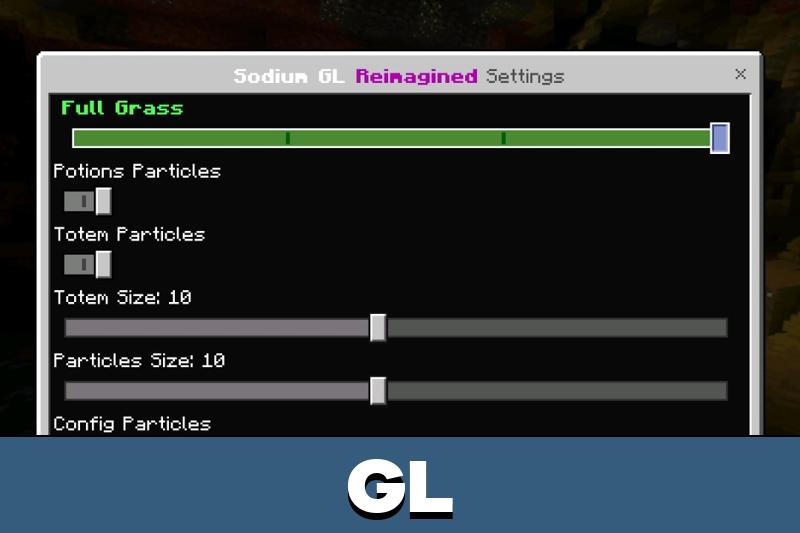
It removes flipbooks, adds a particle editor, includes full grass and no full grass options, disables mipmap, and reworks core game functions — so Sodium GL Minecraft Bedrock setups suit weak GPUs, long mining sessions, and PvP where every frame counts.
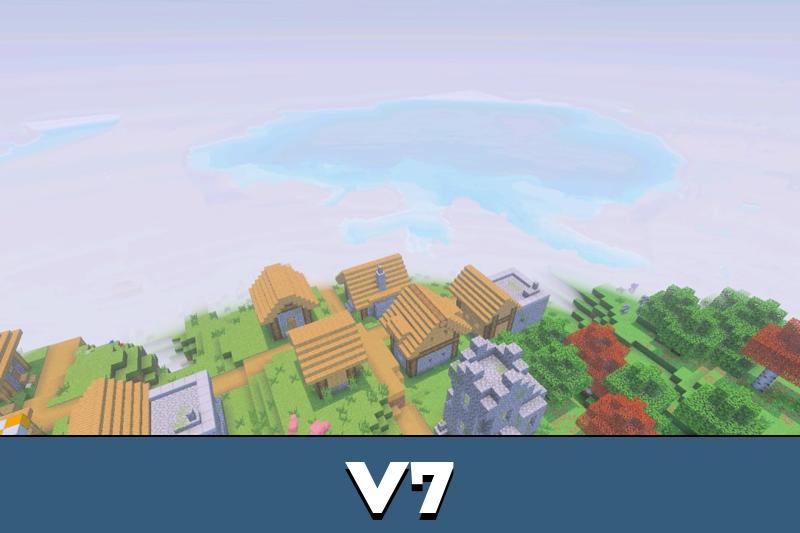
Sodium Mod V7
Sodium Mod V7 combines optimization with visual utilities for competitive play.
Alongside the frame rate work it can add night vision, use X-Ray brightness, and adjust custom chunk distance, which is why Sodium V7 Minecraft Bedrock players keep it for arena fights, caving, and low-spec survival. Sodium V7 MCPE keeps the setup simple: import the pack, enable it, and tune the options you need.
FAQ
Does the Sodium addon improve FPS on weak devices?
Yes. The whole design is about cutting render load, so low-end and mid-range phones usually get fewer frame drops, less stuttering, and calmer frame pacing. The weaker the hardware, the more obvious the gain.
Will Sodium Mod for MCPE change the vanilla look?
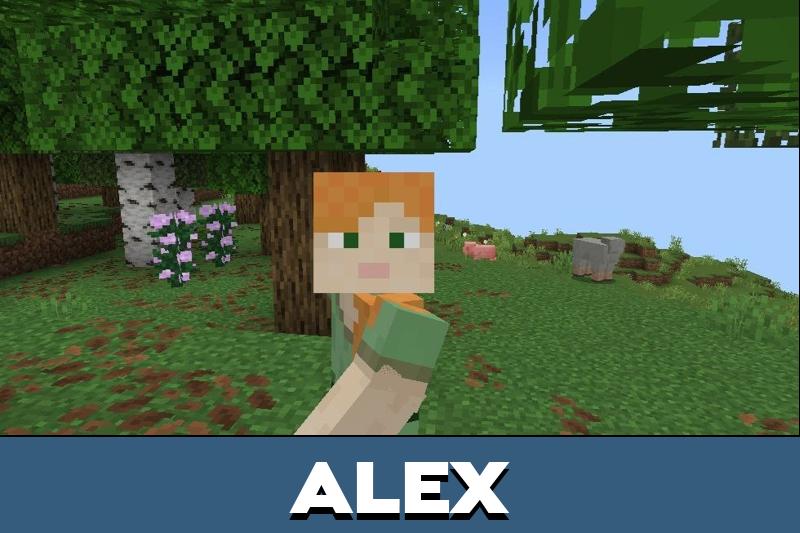
No. Textures, block shapes, and the general art style stay vanilla. What disappears is optional visual weight — some particles, flipbook animation, and extra lighting detail — not the familiar Minecraft picture.
Does Sodium for Minecraft Bedrock work in multiplayer worlds?
Yes. It is applied on your side as a global resource pack, so it works in singleplayer, on LAN, and in multiplayer sessions without asking other players to install anything.
Where can I download Sodium Mod for Minecraft Bedrock?
Use the download button on this page. The file arrives as a .mcpack or .mcaddon archive, and tapping it opens the game and imports the pack automatically.
How do I install the Sodium client for MCPE after downloading?
Open the downloaded file so the game imports it, then go to Settings, open Global Resources, activate Sodium, and move it above other packs. Reload the world once and the changes apply.




This sounds useful for phones that lag near big bases. I like that it keeps the normal look instead of changing everything too much.