Download Vulkan Core Texture Pack for Minecraft PE: boost FPS, remove fog, reduce particles, simplify animations, improve visibility, and keep mobile gameplay smoother on different devices.
Vulkan Core Texture Pack for Minecraft PE
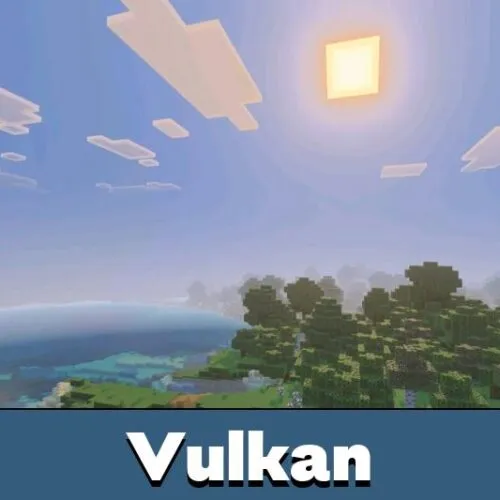
Vulkan Core Texture Pack is made for players who want a faster and clearer game without changing the main look too much. It focuses on performance, visibility, light graphics, and stable frame rates during normal gameplay.
The texture pack removes unnecessary visual pressure from the world. Fog becomes lighter or disappears in key places, particles are reduced, and animations are simplified so the device has less to process.
For Minecraft PE players, this is useful on low-end and mid-range phones, but stronger devices can also benefit from smoother movement and cleaner visuals. The goal is simple: fewer drops, less stutter, and more stable play.
Vulkan Core
Vulkan Core includes several modes for different devices. Standard keeps full visual support and uses no full grass, making it a safer option for regular gameplay.
Pro mode adds vivid and fluid visuals, optimized fog, faster FPS, better stability, and full grass. It is made for players who want performance but still care about appearance.
Ultra mode goes further. It uses optimized fog, patched deferred visuals, full grass, and maximum performance settings for low and mid devices.
The texture pack gives players several performance levels. This helps match the setup to the phone instead of forcing one fixed mode.
FPS and Stability
The main purpose of Vulkan Core Texture Pack for Minecraft Bedrock Edition is smoother gameplay. It tries to push frame rate closer to the device refresh rate when the phone can handle it.
The pack is designed to reduce lag, stutters, and sudden FPS drops. This can help during exploration, PvP, building, and movement through heavy areas.
Players who like practical visual tools can also browse Utility Texture Packs for Minecraft Bedrock and compare other performance-focused options.
The optimization is especially useful on Snapdragon, Apple, and MediaTek chipset phones. Results still depend on device strength, world size, render distance, and active settings.
Clear View
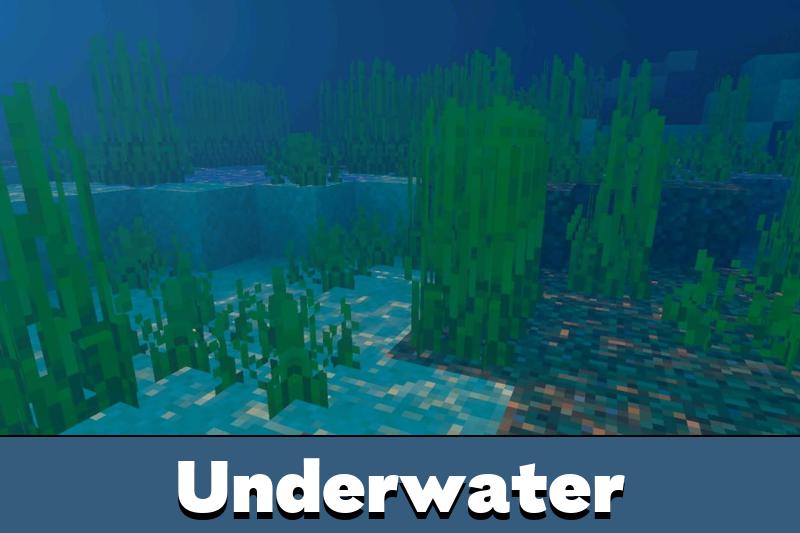
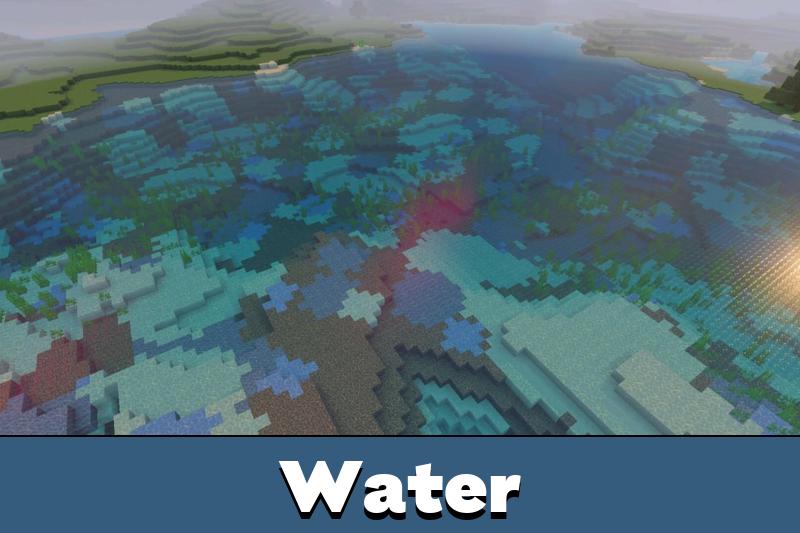
Vulkan Core removes or reduces several fog layers. Underwater areas become easier to see, lava haze is reduced, and distant Overworld views look cleaner.
The Nether also becomes more readable because thick smoke and heavy fog layers no longer hide so much of the area. The End gets a clearer view too, with less purple blur.
Clearer visibility is helpful in caves, lava zones, oceans, the Nether, and the End where fog can make movement harder.
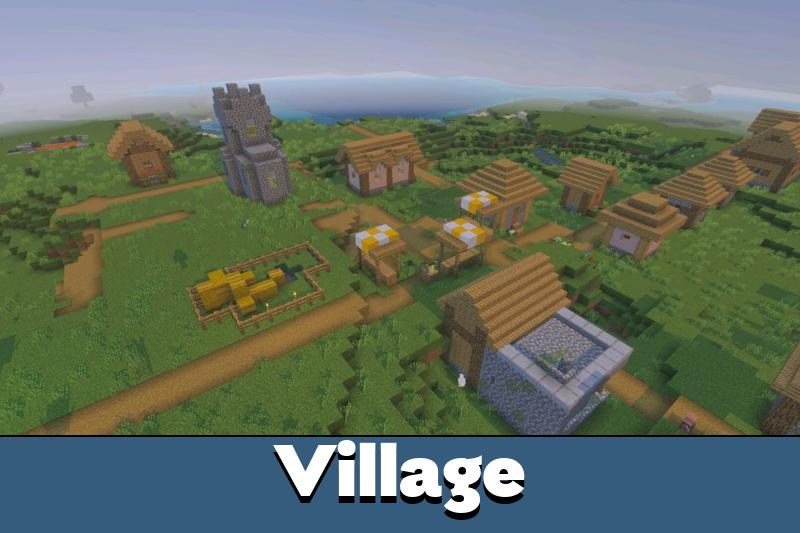
The texture pack works across render distances and device types. It keeps the world natural while making exploration more comfortable.
Visual Balance
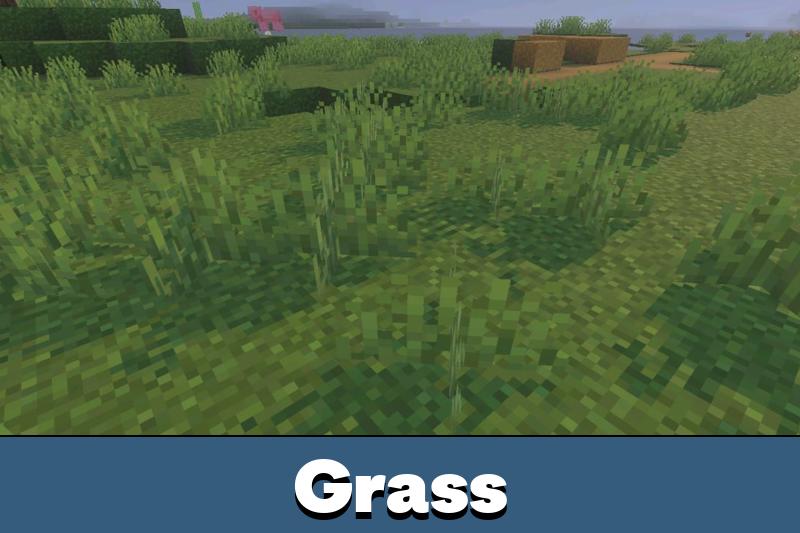
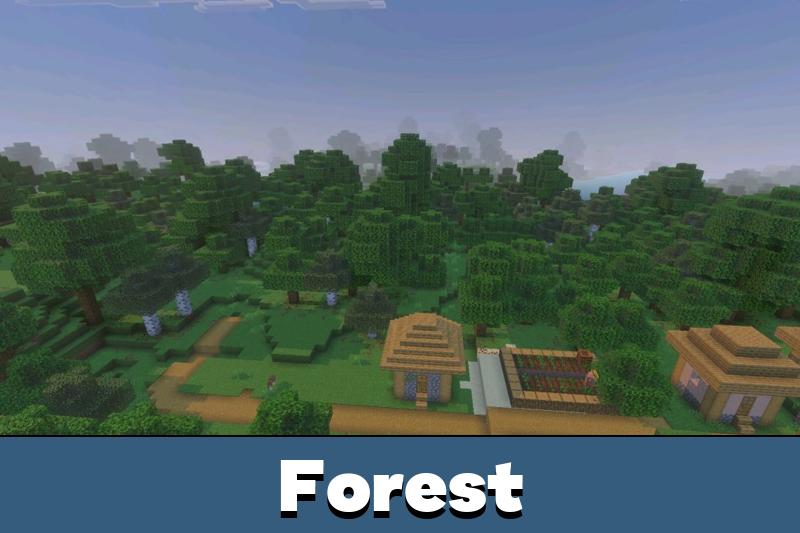
Vulkan Core improves colors without making the world too messy. The palette becomes richer, brightness and contrast feel more balanced, and biomes look sharper.
The texture pack also removes unnecessary particles and reduces heavy animation effects. This keeps the screen cleaner and helps the game feel lighter during long sessions.








This sounds useful for my old phone. I mostly need less fog and fewer random lag spikes, not some crazy graphics thing.