MCPEDL » Maps » Modded Maps » Lucky Block Map for MCPE

Lucky Block Map for Minecraft PE

Trusted File
Version MCPE 1.2.0 - 1.26.22 for Android
Get it for free!
Download How to Install?
Author: Brandon Taylor
Published: 21 May 2026
Download Best Maps

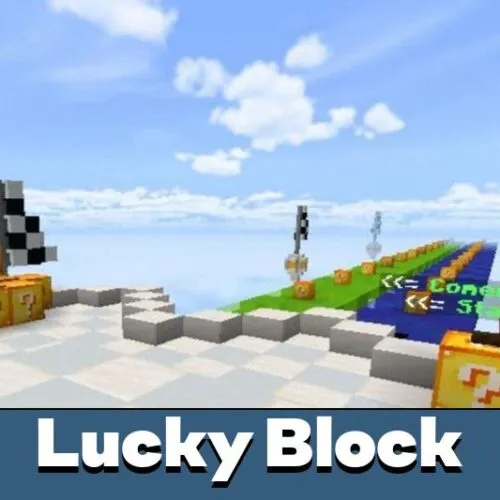
Download Lucky Block Map for Minecraft Bedrock and test your luck in free multiplayer minigames built around random events.

Every lucky block hides a surprise. Break one and you might get rare gear, a speed boost, or a mob spawning right next to you. The outcome is always random, and that is what makes these maps worth playing again and again.

Each map variant has its own rules and player limits. Some support up to four players, others are built for three. All of them are free to download and work on mobile.

Race Variants and How They Play

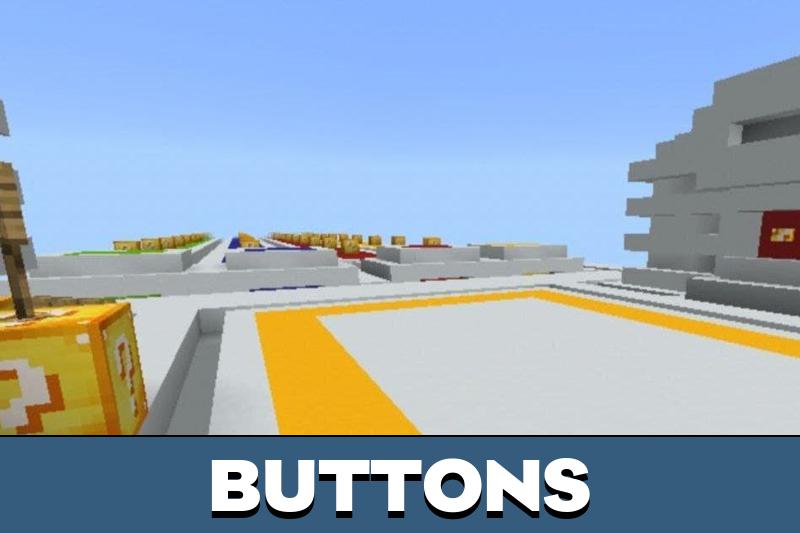
Lucky Block Race

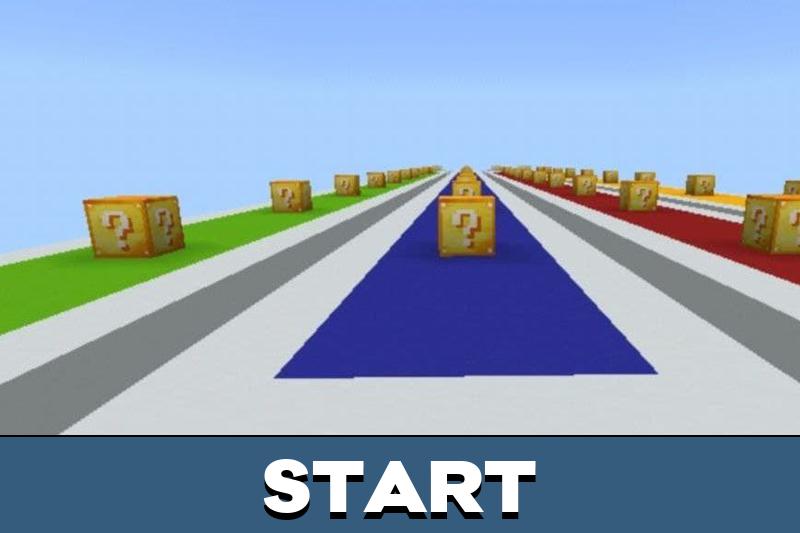
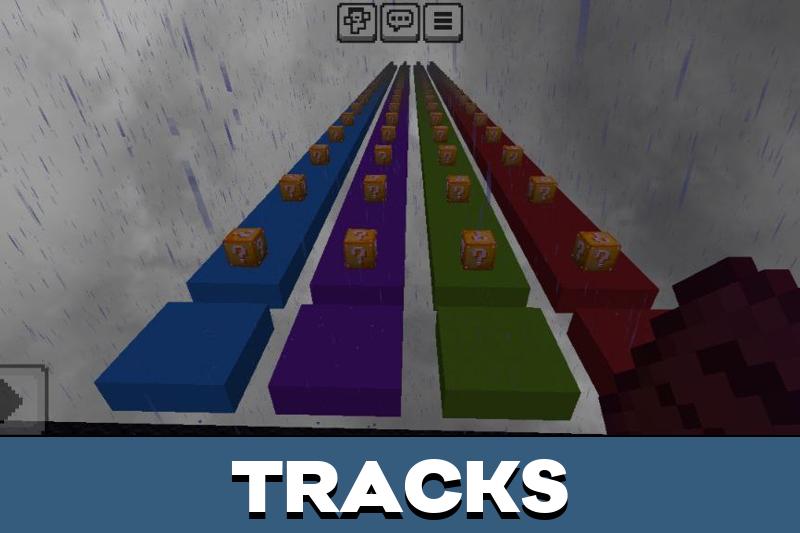
Up to four players compete on parallel tracks filled with lucky blocks. Before the race starts, a countdown gives everyone time to prepare. Breaking each block on the track is required — you cannot skip it and move on.

Random outcomes include weapons, armor, speed boosts, mob spawns, and traps. The race ends with a PvP arena fight where players use whatever they collected along the way. Parkour sections and a WaterDrop challenge are part of the course.

Items collected during the race carry into the final PvP battle — good loot early means a real advantage at the finish.

Competition with Lucky Blocks

This three-player variant was created by BenTDD. Players collect spawn blocks from the creative inventory before switching to survival mode and starting the race.

The format is close to the classic race but with a smaller group and slightly different setup steps. It works well for a quick session with friends on Bedrock.

Lucky Race

Choose one of four colored tracks at the start. The course combines parkour sections with a PvP zone, where players battle using items they picked up from lucky blocks. Up to four players can join at once.

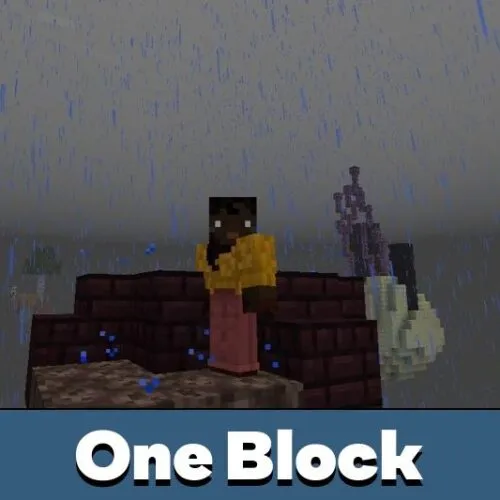
One Block

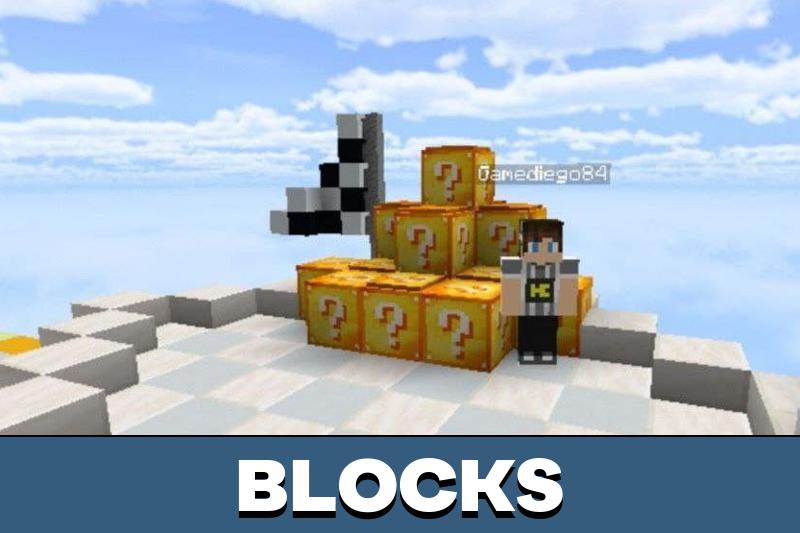
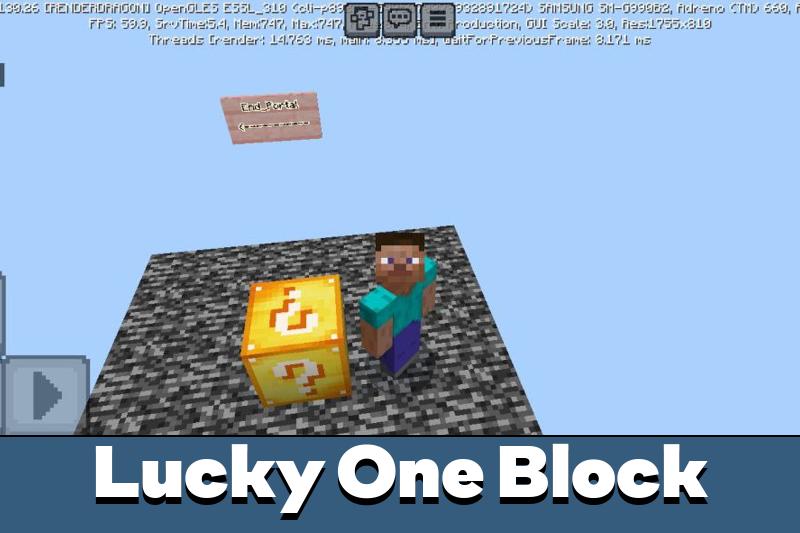
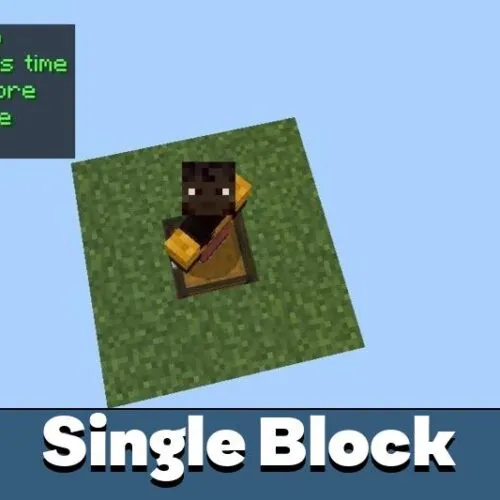
This variant puts players on a single lucky block floating above the void. Break it, collect what drops, and use those resources to survive and expand. The challenge is to build an entire world starting from one block.

This map fits the modded maps collection for Minecraft Bedrock — more creative challenges are available there.

Multiplayer and Compatibility

All race variants support multiplayer. Players join the same world and compete in real time. Experimental Mode must be enabled before loading any of these maps — without it, some event triggers may not work correctly.

The maps are compatible with Minecraft Bedrock on Android. Installation takes a few seconds: tap the downloaded file and it opens directly in the game.

Parameter Details
Platform Android
File format .mcworld
Genre Minigame / Race / PvP
Players Up to 4
Variants Lucky Block Race, Competition, Lucky Race, One Block
Course features Parkour, WaterDrop, PvP Arena
Multiplayer Supported
Experimental Mode Required

To install, download the .mcworld file and tap it. Minecraft Bedrock will import the map automatically. Make sure Experimental Mode is turned on in world settings before you start.

More free maps are available on the Minecraft Bedrock maps page — parkour, survival, adventure, and PvP.

For full installation steps, visit the guide on how to install maps on Android.

Recommended:

FAQ

How to install Lucky Block map for Minecraft PE?

Download the .mcworld file and tap it on your Android device. Minecraft Bedrock will import the map automatically. Before launching, go to world settings and enable Experimental Mode — without it, some lucky block events may not trigger correctly.

Can I use this map with my friends?

Yes, all race variants support multiplayer. The host creates or opens the world and invites friends to join. Most variants support up to 4 players at the same time.

The map is not working — what should I check?

Make sure Experimental Mode is enabled in the world settings before you start. This is required for lucky block events to function. Also check that you are running a compatible version of Minecraft Bedrock on Android.

Comments