Download Tinycraft Map for Minecraft Bedrock: become a small version of your character, move through oversized locations, solve scale-based challenges, and explore a giant world on mobile.
What does Tinycraft Map add to MCPE?
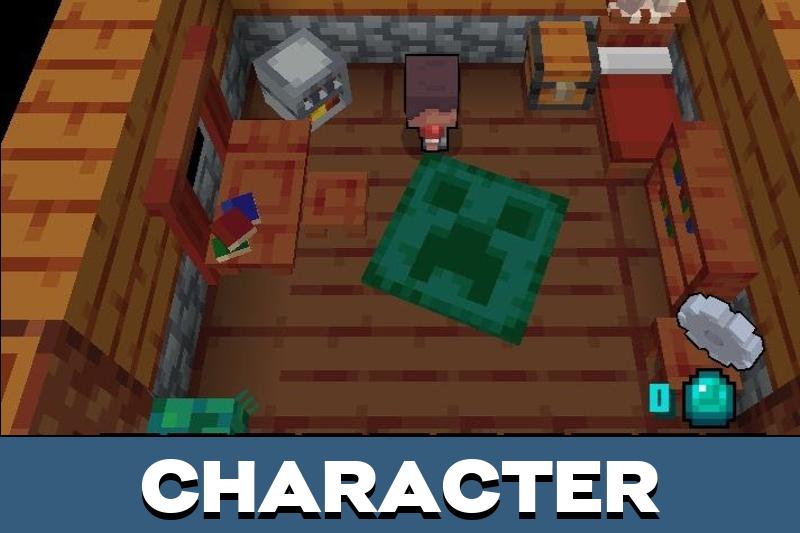
Tinycraft Map changes the way users see a familiar world. Instead of normal size, the character feels tiny inside a space where blocks, mobs, jumps, and rooms seem much larger than usual.
The main idea is built around scale. A simple route can feel like a long trip, and an ordinary enemy can become a serious threat because the world around the hero feels huge.
Minecraft Bedrock Edition users can choose this map when they want a different type of adventure without learning a complicated system. The experience is easy to understand, but movement becomes more careful.
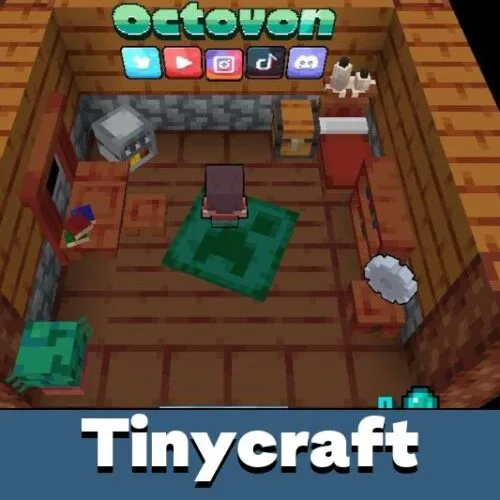
Tinycraft
Tinycraft Map for Minecraft PE turns the location into an oversized environment. Objects and paths feel larger, so the user has to look at the world from a new angle.
The developers reworked the feeling of space. Small details become important, while normal movement can turn into a challenge that requires attention.
Tinycraft works best when users treat the world as a puzzle of scale. Even familiar places can feel risky when the character seems small.
A normal zombie or creeper can feel like a giant enemy in this setting. Users who like unusual environments can also explore Adventure Maps for Minecraft PE and try more custom scenarios.
This shift changes combat and exploration. It is harder to rush forward when hostile mobs look larger and obstacles feel more dramatic.
Jumping also needs better timing. A short gap can feel wider, and a simple climb may require a more precise route.
Even small paths can become memorable. The map makes users think about distance, height, and safe movement instead of running through every room automatically.
For users who want more worlds with custom objectives, Maps for Minecraft Bedrock Edition can offer parkour, survival, puzzle, and adventure locations.
Modes
Users can choose the mode they want with the Tinycraft map. Survival is useful for those who want danger, while adventure mode can keep the route more focused.
The map can also work well for parkour-style movement. Oversized obstacles make jumps feel different, and the player has to use the environment more carefully.
Some versions can include puzzle elements. In that case, progress depends not only on movement, but also on understanding how the giant world is arranged.
How to play
The best way to play is slowly. Look around before moving, check the next platform, and remember that normal Minecraft PE instincts may not work the same way here.
The map is suitable for short mobile sessions because the idea is clear from the first minutes. Users can enter the world, test the scale, try the route, and continue improving each attempt.
Use careful movement and avoid rushing. Tinycraft is easier to enjoy when every jump and route is planned.
The project is also useful for friends who want a simple but unusual challenge. One user can test jumps, another can look for puzzle routes, and the group can compare different ways through the location.
Crypt Crawler
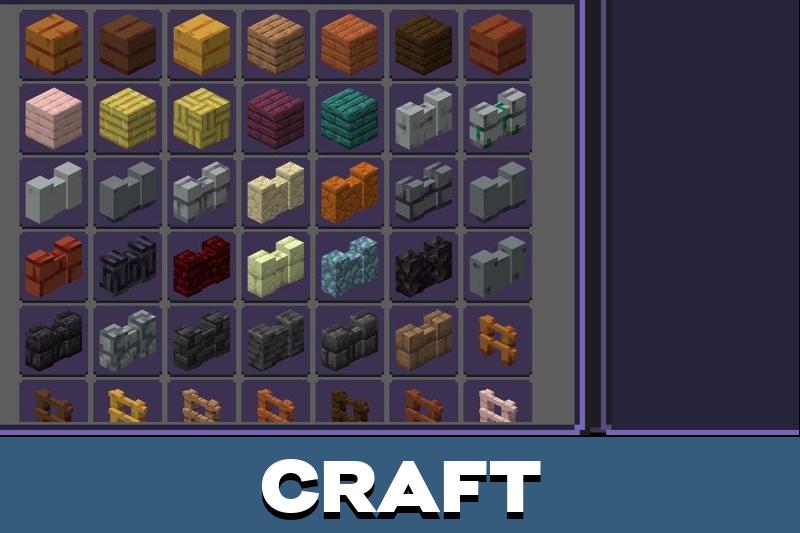
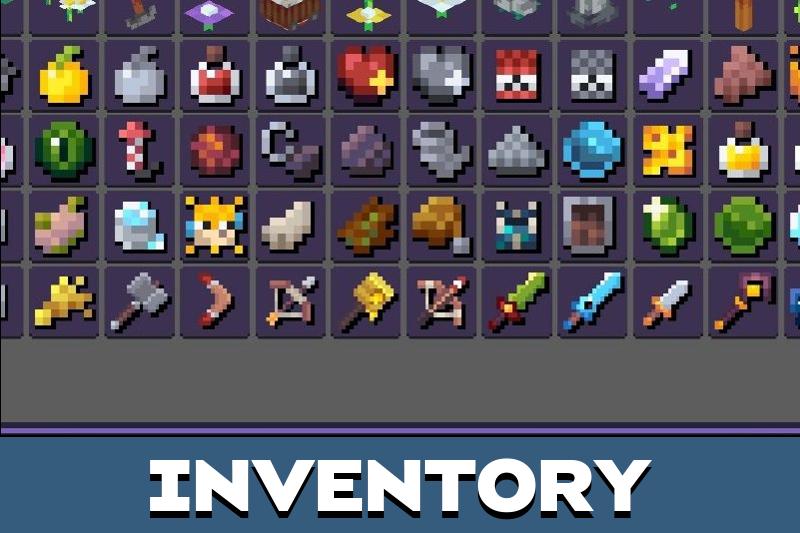
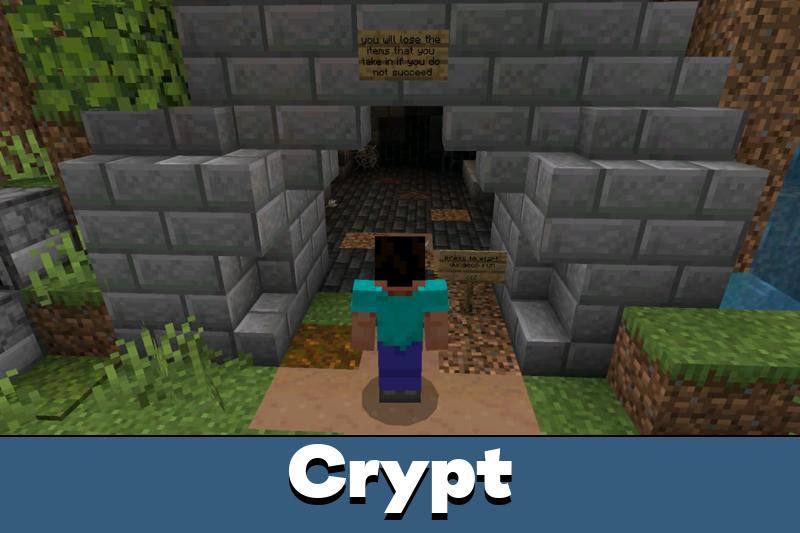
Crypt Crawler adds a ruined ancient crypt built for roguelite runs. Users craft tools, armor, weapons, and items to move toward the exit faster each attempt.
The map includes catacombs, gravity-defying rooms, water prisons, trapped mazes, limited gear, and puzzles where every lost life teaches a better route.

The oversized world idea is weird in a fun way. I would probably miss every jump at first, but that makes the rooms feel like real obstacles.