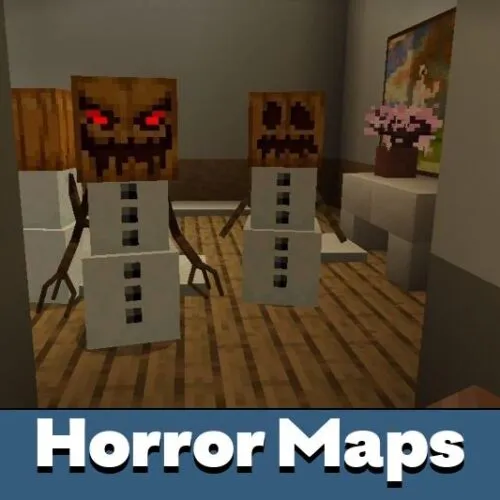
Download Horror Maps for Minecraft PE
Horror maps for Minecraft PE are custom Bedrock Edition worlds built around fear, darkness and tension instead of building or free exploration. In this category you can download a horror map MCPE players can open straight on Android, from haunted hospitals and abandoned houses to survival nights in the forest and chases with scary mobs.
The average rating of all articles in the category is displayed.

This category collects horror maps for Minecraft Bedrock Edition published on MCPEDL, from classic scary worlds to new releases added as they come out. Every map page lists the supported game versions, the file format and a short description of the gameplay, so you can check compatibility before you download a horror map for Minecraft Bedrock.
The section is part of the main Minecraft PE maps catalog, where you can find other genres and gameplay categories.
What Makes a Good Horror Map in Minecraft Bedrock?
A horror map is a pre-built world where the creator controls what you see and hear. Instead of relying on vanilla mobs, map makers use command blocks, custom resource packs, sound effects and carefully placed light sources to create fear. Good maps for mobile keep locations compact, avoid heavy redstone contraptions and give clear objectives, so the tension comes from the atmosphere rather than from lag or confusion.
Many horror worlds are designed for single player in Adventure mode, which stops you from breaking blocks and skipping scripted scenes. Some creators also add multiplayer support, alternate endings or hidden notes that reward a second playthrough.
Types of Horror Maps You Can Download
Haunted Buildings and Escape Maps
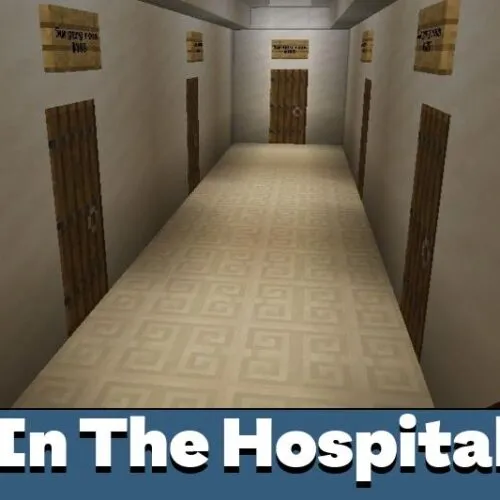
Abandoned hospitals, old houses and dark basements are the classic setting for horror in Minecraft. You explore room by room, look for keys and notes and try to find a way out. In The Hospital is a multi-part series built in this style.
Survival Horror Nights
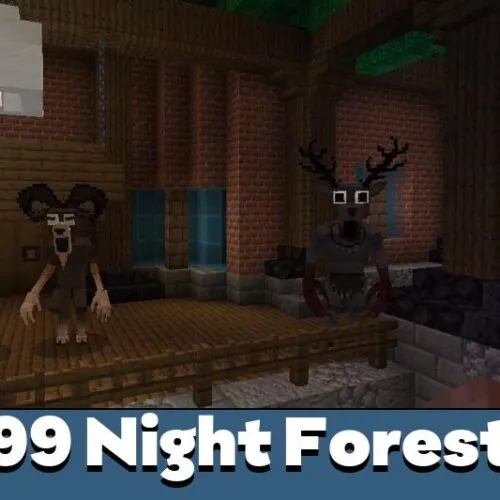
In survival horror maps the main enemy is time. You gather resources during the day and try to last through the night with limited visibility, as in 99 Night Forest.
Monster and Creature Maps
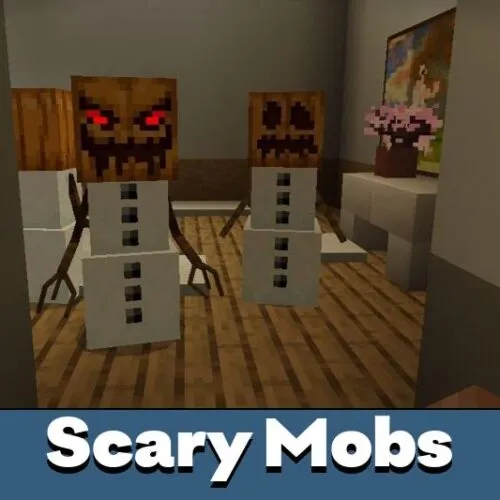
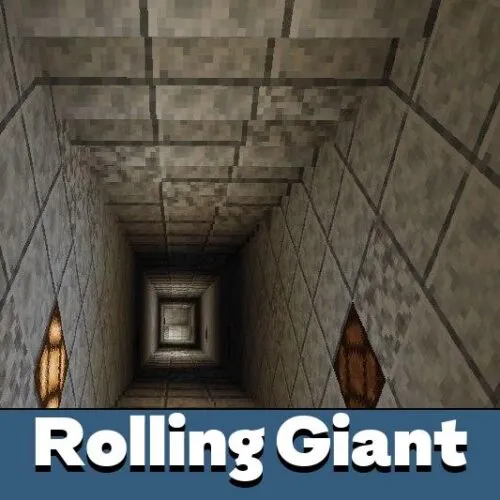
These worlds are built around hostile creatures rather than a story. Maps like Horror Mobs fill the world with scary entities, while others such as Rolling Giant focus on a single well-known monster.
Fan-Inspired Horror Worlds
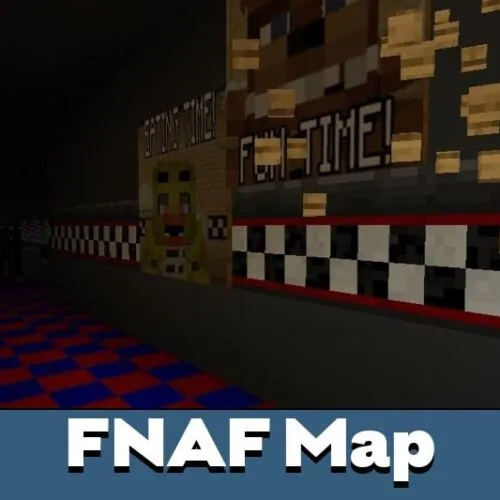
Fan-made maps recreate popular horror games inside Minecraft. The FNAF map brings the pizzeria and animatronics from Five Nights at Freddy's, and the Granny map turns the escape from Granny's house into a Bedrock adventure. These are unofficial community projects, not licensed releases.
New Story Maps
Fresh uploads appear at the top of the list, so the first page is the quickest way to find new horror stories and experiments from map makers.
Horror Maps for Minecraft Bedrock 1.21 and Minecraft PE 1.26
Many recent uploads in this category list Bedrock 1.21 as the minimum version and are checked on newer builds, so horror maps for Minecraft PE 1.26 are easy to find among the latest releases. Older classics may have been made for earlier updates: they usually still open, but command blocks, custom entities or experimental features can behave differently on a newer version of the game.
Before you download a map, compare the version range on its page with the version installed on your device. If a world matters to you, make a copy before testing an older map so a failed launch does not overwrite your progress.
How to Download and Install a Horror Map
- Open the map page and check the supported versions.
- Tap the download button and save the file, usually in .mcworld or .zip format.
- Open a .mcworld file with Minecraft and the game will import the world automatically. A .zip archive needs to be unpacked into the minecraftWorlds folder.
- If the author lists experimental features, turn them on in the world settings before the first launch.
A step-by-step walkthrough with screenshots is available in our guide on how to install Minecraft maps on Android.
Tips for Playing Horror Maps on Mobile
- Use headphones: many maps rely on footsteps, whispers and ambient sounds to warn you about danger.
- Keep brightness at the level the creator recommends and avoid Night Vision or Full Bright packs, which remove the intended darkness.
- On weaker phones, lower the render distance and turn off fancy graphics to keep chase scenes smooth.
- Read the signs or instructions in the starting room, since they often explain rules, controls and the goal of the map.
Looking for the Best Horror Maps?
This page is the full download catalog. If you want a short, hand-picked list instead, see our selection of the best horror maps for Minecraft PE, chosen for atmosphere and stable performance on phones.
FAQ
Where can I download horror maps for Minecraft PE?
You can download horror maps for Minecraft PE right on this page. Open any map from the list, check its supported versions and use the download button on the map page to get the world file.
How do I install a downloaded horror map on Android?
Tap the downloaded .mcworld file and choose Minecraft to open it, and the world will appear in your worlds list. If the map comes as a .zip archive, unpack it into the minecraftWorlds folder, as shown in our installation guide.
Can I play horror maps with friends?
Yes, if the map supports multiplayer. The map description usually says whether it is made for one player or a group, and co-op maps can be shared over a local network or through Realms.
Why doesn't a horror map work after installation?
The most common reason is a version mismatch between the map and your game. Other causes are experimental features that were not turned on or a missing resource pack that comes with the map.
Are horror maps suitable for younger players?
It depends on the map. Some focus on mild suspense, while others use jump scares, dark themes and loud sounds, so parents should read the description and look at the screenshots before downloading.