Download Minecraft 26.30.21 / 1.26.30.21 APK to test a focused Beta update for Android with Sulfur Spikes, sulfur cave tuning, touch input improvements, and Mojang fixes for graphics, UI, and stability.
Players looking for download minecraft apk on phone usually want one clear answer, not a mixed archive page.
This page stays narrow on version 26.30.21, explains what changed, shows what is still broken, and helps with safe APK installation for mobile use without drifting into other builds.
What is new in version 26.30.21
| Main area |
What changed |
| Sulfur Spike |
New natural block in sulfur caves with stalactite and stalagmite behavior |
| Sulfur Caves |
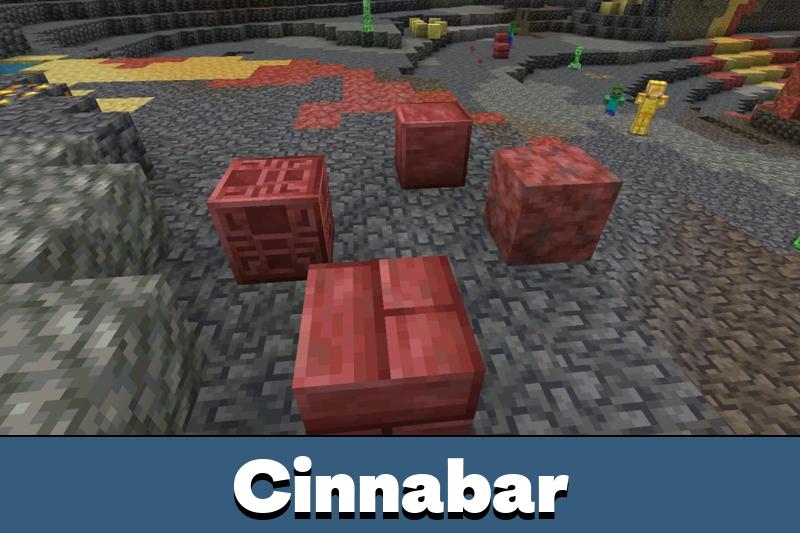
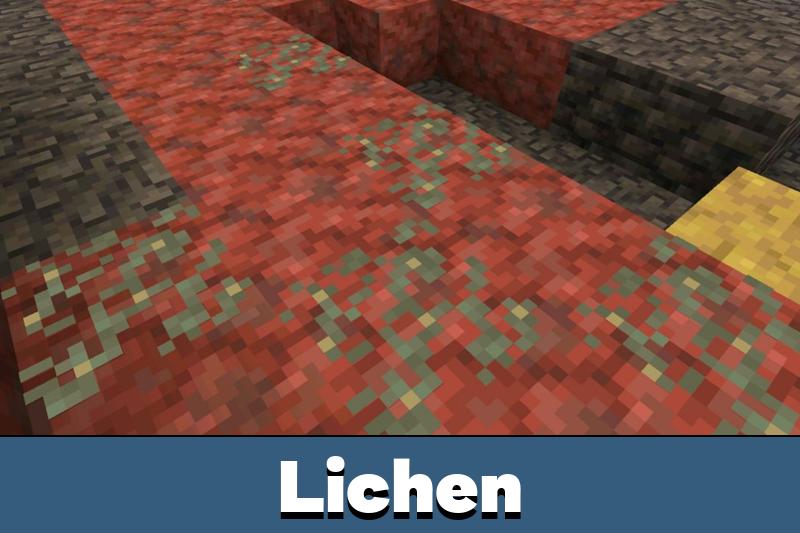
Granite and Tuff added between Sulfur and Cinnabar, shorter spike clusters, no Bedrock replacement |
| Sulfur Cube |
Updated textures, health reduced to 8, new sounds, better touch knockback behavior |
| Inventory |
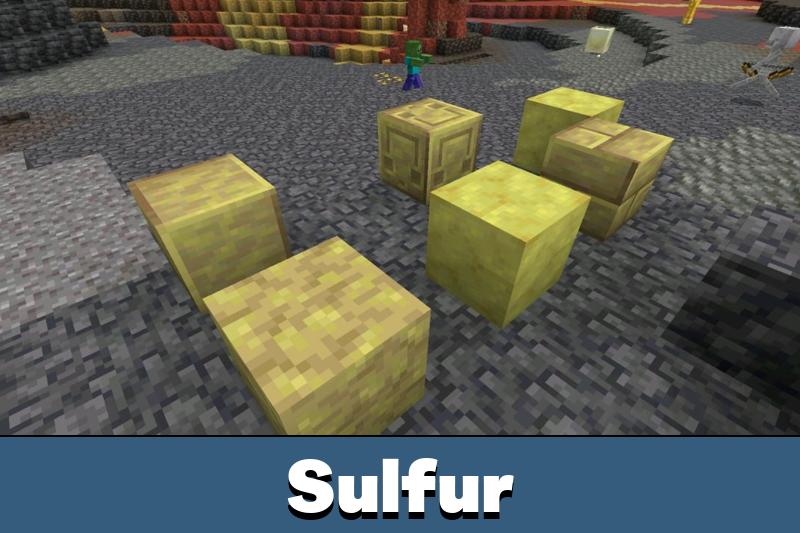
Sulfur and Cinnabar blocks reorganized for easier testing in Creative |
| Mobile fixes |
Texture streaming enabled by default on supported devices, UI and keyboard fixes added |
Sulfur Spikes are the headline addition
A new block now generates naturally on sulfur blocks inside sulfur caves. It can form ceiling stalactites or floor stalagmites, can connect into longer shapes, and can merge when tips meet. Walking into them does not hurt, but a falling spike does, so the danger comes from collapse rather than simple contact.
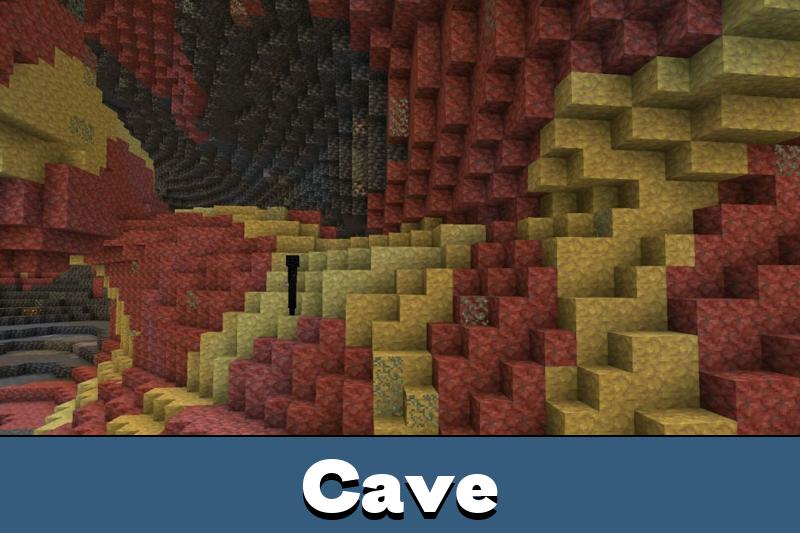
Sulfur caves look more natural now
Mojang adjusted cave generation by mixing Granite and Tuff between Sulfur and Cinnabar, shortening spike clusters a bit on average, and stopping the biome from replacing Bedrock blocks. The result is a cleaner underground look that feels less flat during exploration.
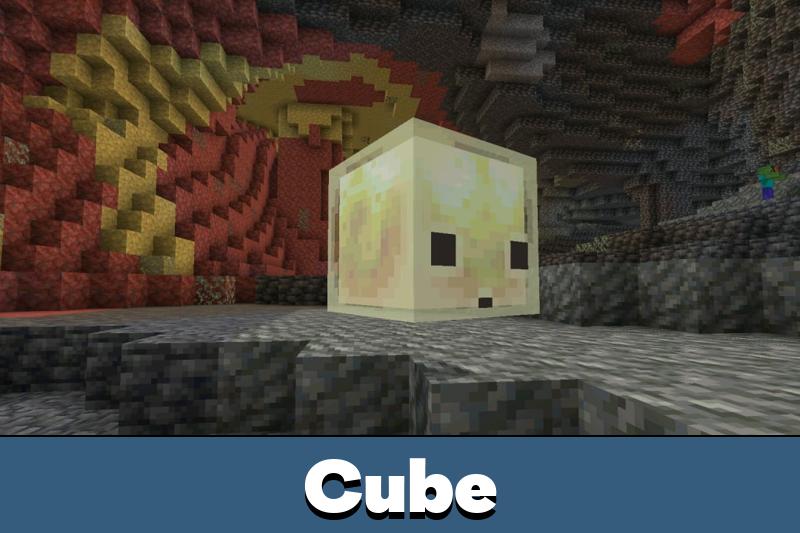
Sulfur Cube feels clearer on touch devices
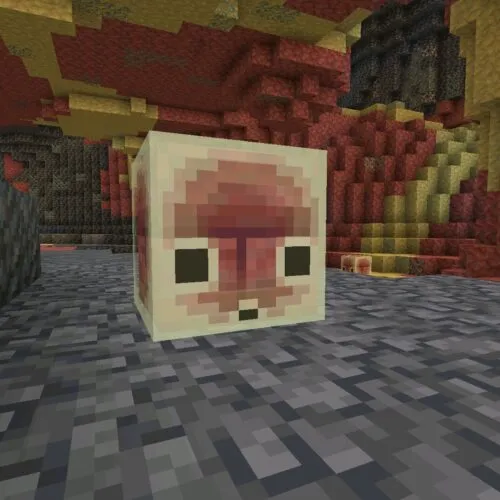
The Sulfur Cube now has updated textures, lower health, and new sounds for absorbing blocks, ejecting blocks, and landing. On Android, knockback also reacts to the tap location, which makes mobile encounters easier to read during quick gameplay.
Creative Inventory cleanup is useful for testing
Several sulfur and cinnabar items were moved into more logical places in Creative Inventory, including walls, brick variants, polished blocks, and the Bucket of Sulfur Cube. This small change matters in a Beta version because testing becomes faster when block groups are easier to find.
Graphics and interface fixes matter on mobile
Texture streaming is now enabled by default on supported PC and mobile devices and can be disabled in Video settings. This build also fixes semi-transparent inventory visuals, missing streamed textures, Android and iOS keyboard issues, and several interface problems. That makes this update broader than a tiny Hotfix, even though it still feels like a maintenance-heavy Beta.
Known issues before you install
Realms, servers, and one missing item still need work
There are important caveats in this build. This week’s Beta and Preview is not shipping out on servers because of a crash-related issue, and some players may see an error when joining a Realm. Sulfur Springs are not generating correctly in new worlds and chunks, and the Sulfur Spike is not yet available in the creative inventory.
If you want to Download Minecraft PE 26.30.21 / 1.26.30.21 on Android, treat it as a test build first. Back up worlds before installing, especially when switching between stable and preview branches.
How to install on Android
For MCPE players on Android, use the APK only on a device with enough storage available, close the game before updating, and install the file only after checking the version page carefully. After launch, confirm the build number on the menu screen and test a new world before opening long-term saves.
If you want the finished build instead of this Beta, open the stable Minecraft 26.30 release APK page and install the full Chaos Cubed version for Android.
For the broader branch archive, open download minecraft bedrock 26 if you need another build from the same 1.26 line.
Safety and file checks
Before installing any APK, compare the version number shown on the page, in the file name, and inside the game menu after launch. That quick check helps avoid the wrong preview on your phone. Many players search for a free file first, but a trusted source and a correct version match matter more.
Download Minecraft 26.30.21 / 1.26.30.21 APK only from a trusted page and verify that the build number matches the Beta version you want to test.
Version info
| Item |
Details |
| Version |
26.30.21 / 1.26.30.21 |
| Release type |
Beta Preview |
| Main focus |
Sulfur Spike feature, sulfur cave adjustments, Sulfur Cube tuning, graphics and UI fixes |
| Platform focus |
Android phone and other supported mobile devices |






Comments