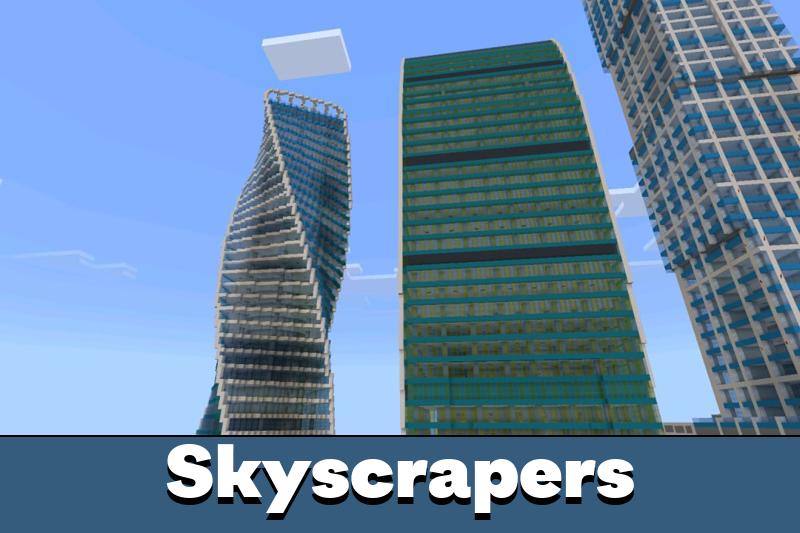
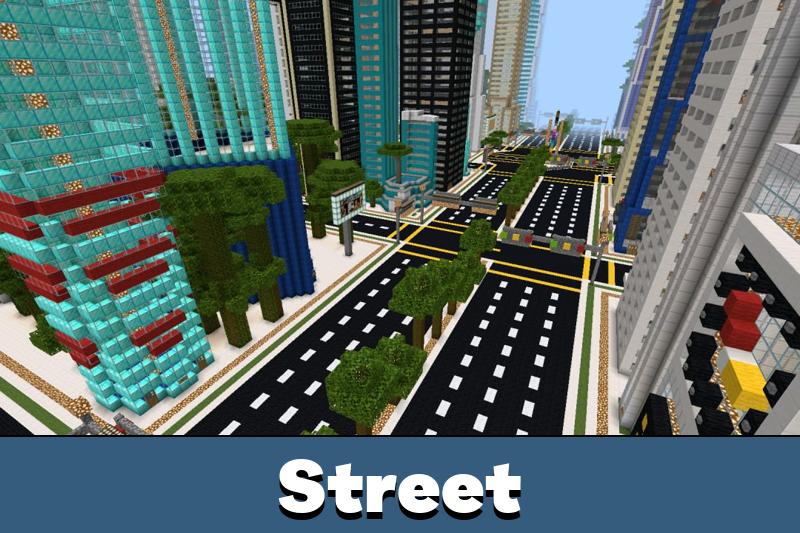
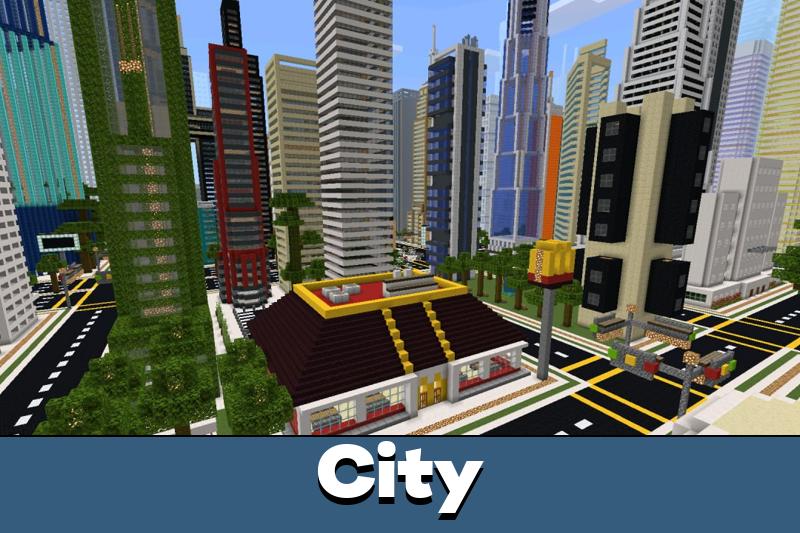
Download Moscow Map for Minecraft PE: explore a large city location inspired by the Russian capital with roads, apartments, hotels, courtyards, business areas, and detailed buildings.
Moscow Map for Minecraft PE
Moscow Map gives Minecraft PE players a city-based location built around wide streets, residential areas, large buildings, and walkable urban spaces. The map is designed for exploration, role play, videos, and calm survival scenarios inside a recognizable metropolis-style environment.
The main focus is scale and city atmosphere. Players can move through roads, enter buildings, check apartments, use open areas, and create their own routes through different districts. The location is not limited to one landmark, so it feels more like a full urban world.
Immersion Moscow
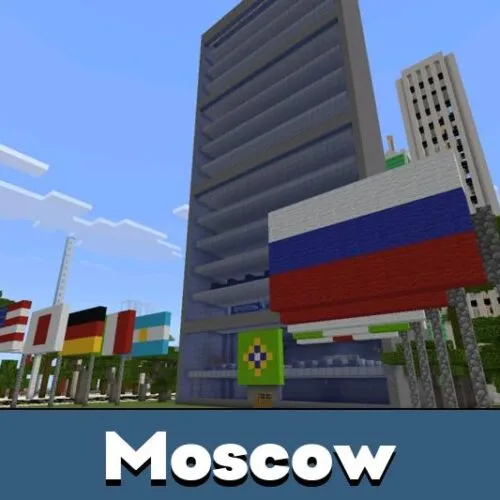
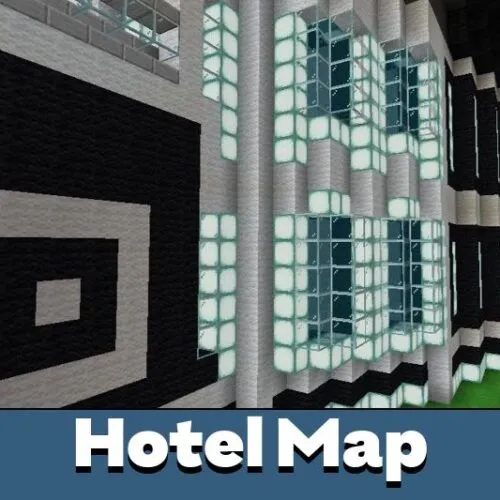
Immersion Moscow map for Minecraft PE places the player in a taiga biome and recreates a city inspired by the capital of Russia. The location includes buildings, apartments, hotels, roads, and other urban details that make exploration feel structured.
The spawn point is set on a road, so players start directly inside the city route. Nearby, there is a chest with useful items. After collecting them, players can open doors along the house road and begin exploring the area step by step.
This version is good for quick city exploration. The road spawn helps players understand the direction from the first minute.
The map works well for simple role play and survival starts. Apartments and hotels can be used as bases, temporary shelters, or filming locations. The taiga setting also gives the city a colder, northern mood.
Moscow City Map
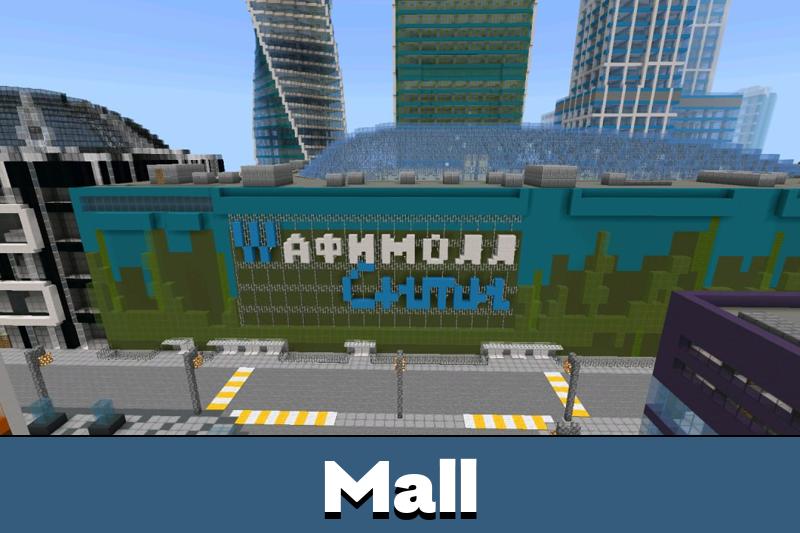
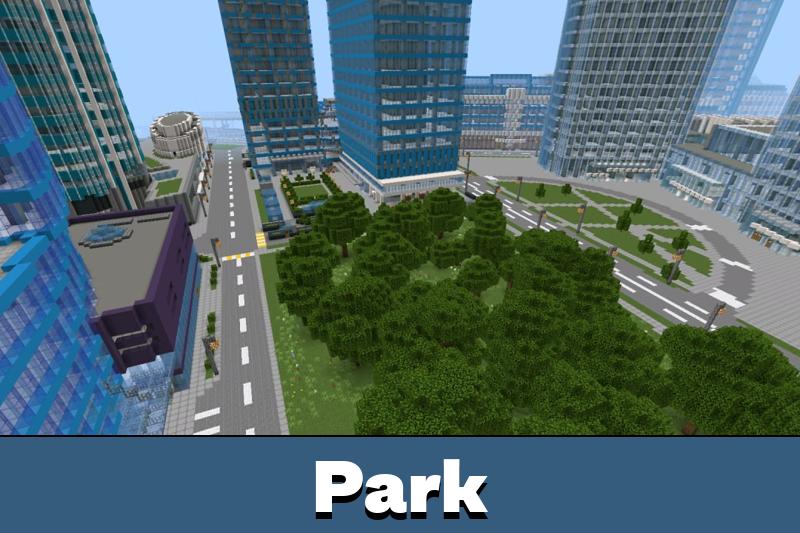
Moscow Map offers a more detailed city layout with broad roads, courtyards, business zones, and residential districts. Each part of the location feels different, so movement through the city does not become repetitive.
Many buildings can be entered. Inside, players can find stairs, rooms, corridors, and open spaces. This makes the map useful for story-based modes, city role play, screenshots, or video recording.
Players who enjoy large urban locations can also check City Maps for Minecraft Bedrock to compare different city designs and choose a world for exploration or custom scenarios.
The visual side is one of the strongest parts of this location. Tall buildings, clean streets, lit windows, and organized courtyards create a complete city mood. During the day, the map looks strict and modern. At night, lights make streets and houses feel more alive.
The city has enough open space for custom ideas. Players can rebuild districts, create mini-games, or use apartments as ready-made bases.
From higher points, the city opens into wide panoramic views. Sunset changes the look of roads, rooftops, and building lines, making the location especially useful for screenshots and cinematic scenes.
Moscow Map for Minecraft Bedrock is also flexible. It can become a survival base, a walking simulator, a role play location, or a foundation for personal construction projects. The structured layout helps players adapt the city to their own gameplay style.
I liked that the city feels open instead of cramped. The roads, apartments, and higher viewpoints make it easy to use for role play or just walking around with friends.