Download Prizma Shader for Minecraft PE: transform your mobile world with realistic shadows, smooth animations, shimmering water, and improved visual effects that make survival feel more immersive.
Prizma Shader for Minecraft PE
Visual improvements can completely change how players experience Minecraft PE. This shader focuses on enhancing atmosphere without altering core gameplay mechanics.
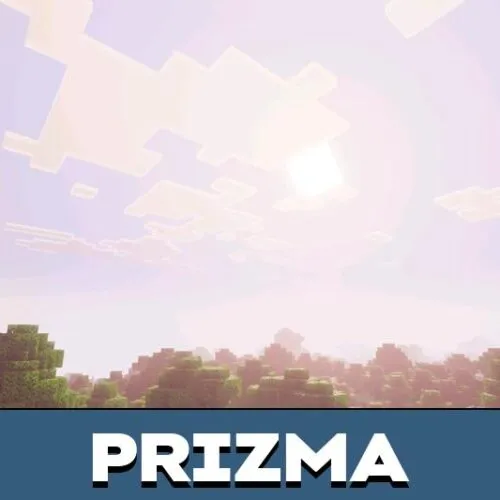
Realistic lighting, deeper shadows, and natural color tones make exploration more engaging while keeping performance stable on most mobile devices.
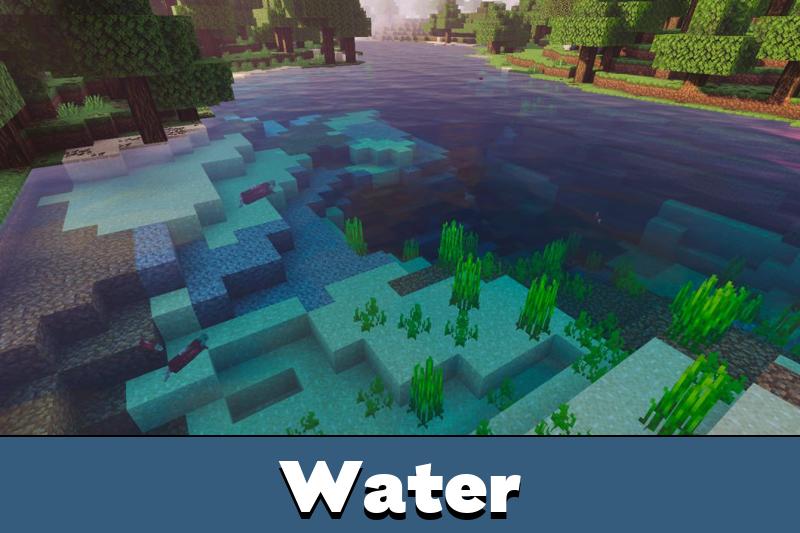
Players using Minecraft Bedrock Edition will notice how landscapes become more vibrant and detailed. Sunrises look warmer, nights feel darker and more mysterious, and water reflections add depth to rivers and oceans.
The shader does not change game progression but improves visual clarity and immersion during survival adventures.
Enhanced Graphics
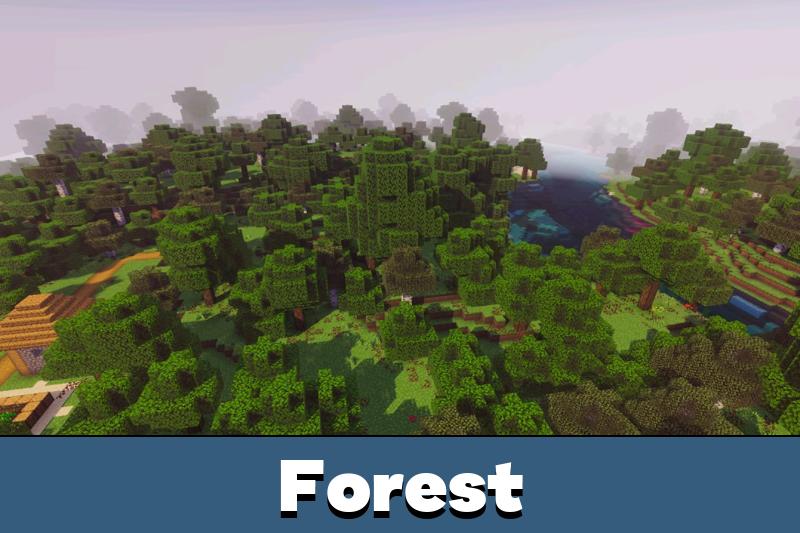
The Prizma shader for Minecraft PE introduces multiple graphical upgrades designed to make environments feel alive. Improved rendering makes terrain textures more expressive, while dynamic shadows react to the time of day.
Trees sway slightly in the wind, and clouds move smoothly across the sky.
Better lighting and realistic shadows help players navigate caves and forests more comfortably.
These visual tweaks also make building projects more enjoyable. Structures gain more contrast and detail, allowing creators to better evaluate design choices.
Users who want even more graphical options can explore other shaders for Minecraft Bedrock to personalize their experience further.
New Animations
Movement in Minecraft PE feels smoother with this shader. Water surfaces ripple gently, grass reacts to environmental effects, and subtle animation improvements make the world appear more natural.
These details may seem small at first, but they significantly enhance long gameplay sessions.
Minecraft Bedrock Edition players will also appreciate updated sky colors and atmospheric fog that changes depending on biome conditions. Exploring mountains or deserts becomes visually unique, encouraging users to travel and discover new locations.
3D Items and Mob Variations
Another important feature of the Prizma shader is the addition of stylized 3D elements. Certain items gain more depth, making them easier to recognize in inventories or on the ground.
Special visual variants of mobs also appear, helping distinguish creatures during combat or exploration.
These improvements make survival more intuitive. Players can quickly react to threats or opportunities thanks to clearer visual cues. The shader remains lightweight enough for mobile gameplay while still delivering noticeable graphical enhancements.
Balanced visual upgrades allow players to enjoy improved graphics without sacrificing performance.
Prizma Shader for Minecraft PE focuses on delivering a consistent visual overhaul. Realistic shadows, animated water reflections, and refined color palettes make every biome feel more immersive.
The shader also introduces new animation details and subtle lighting effects that improve overall atmosphere.
Users exploring caves, oceans, or forests will notice smoother transitions between light and dark areas. Enhanced graphics combined with new 3D item models create a refreshed look while preserving the familiar gameplay style of Minecraft Bedrock Edition.

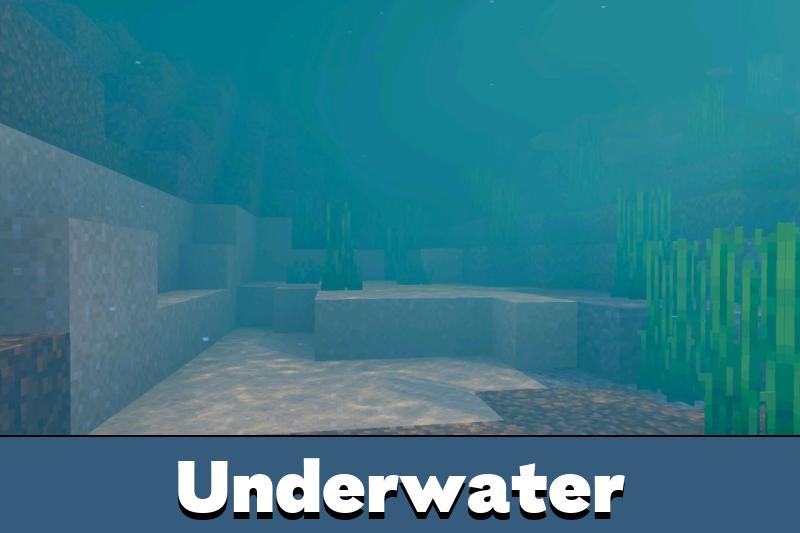
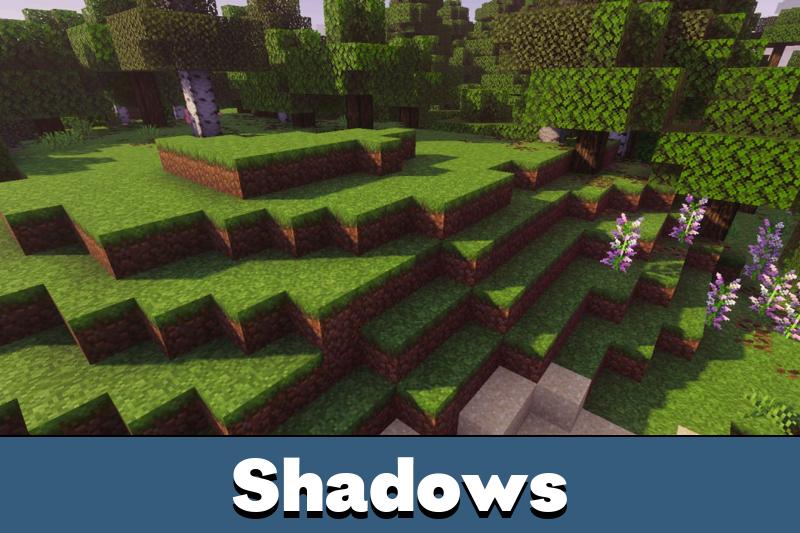
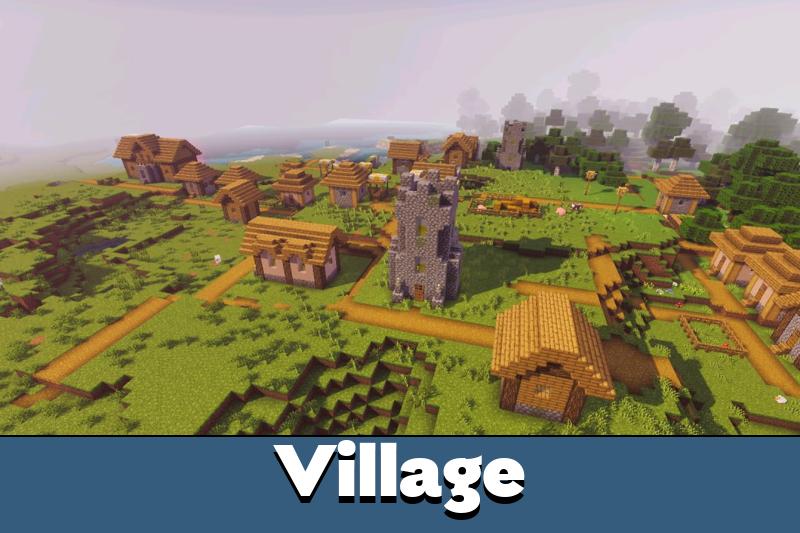

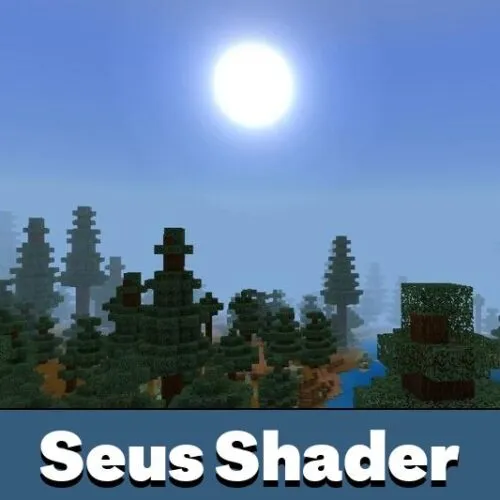
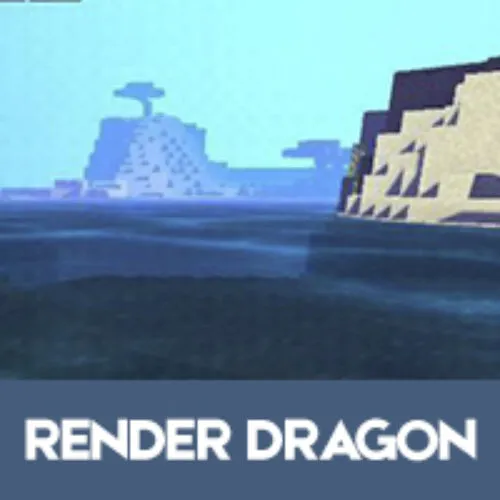
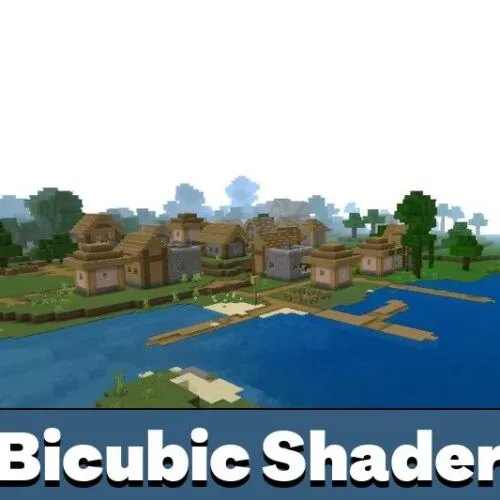
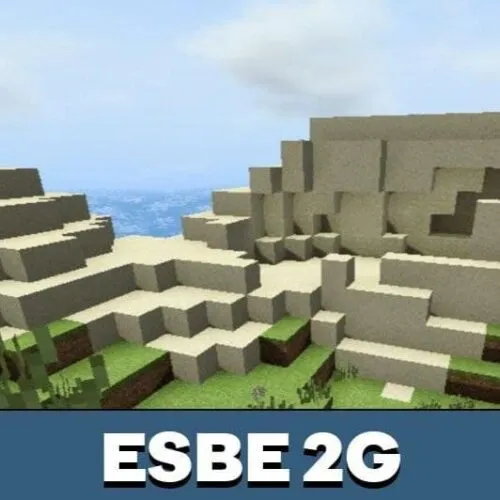
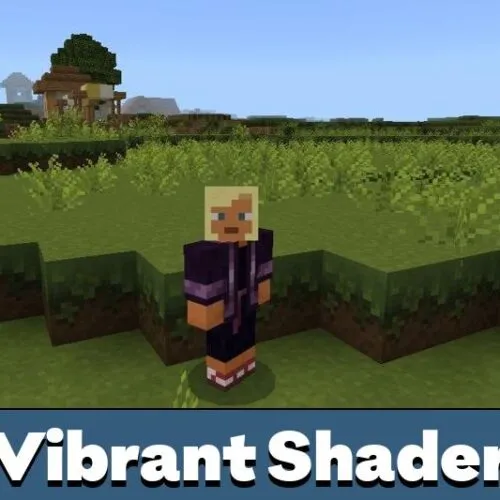
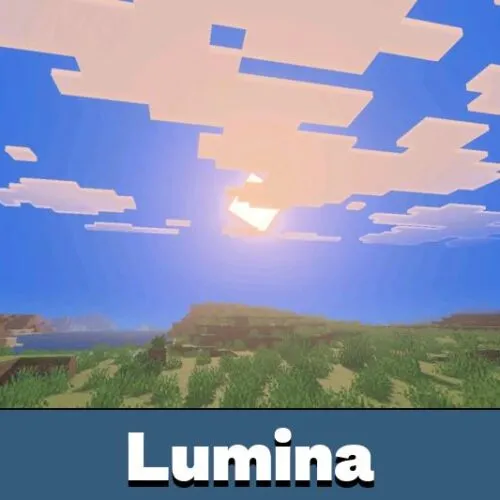
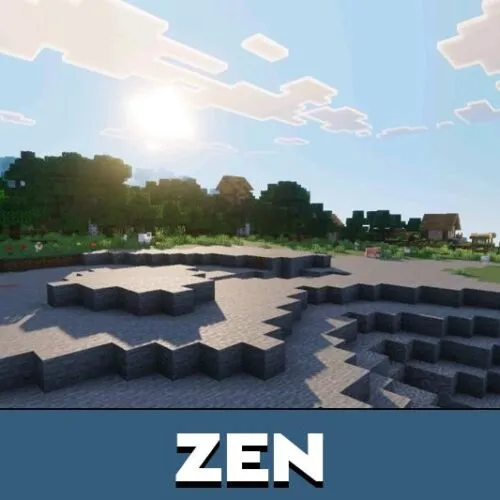
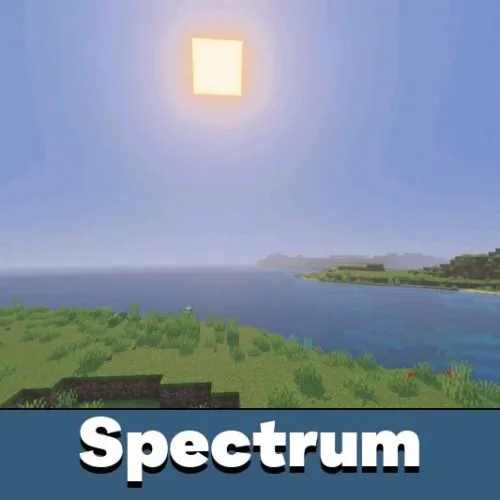
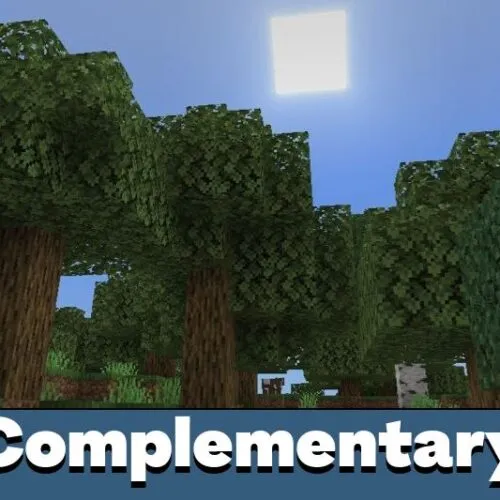
I installed this shader on my phone and the difference was huge. Water reflections and shadows make exploration feel more real. It still runs pretty smoothly on medium settings, so survival sessions are much more enjoyable now. Definitely worth trying if visuals matter to you.