Download Prizma Shader for Minecraft PE: switch on Vibrant Visuals and refresh your mobile world with PBR textures, 3D bump effects, layered skies, and a deeper atmosphere.
Prizma Shader for Minecraft Bedrock with 3D Bump Effects
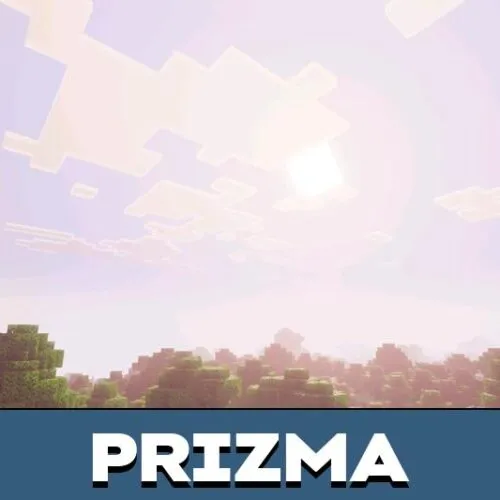
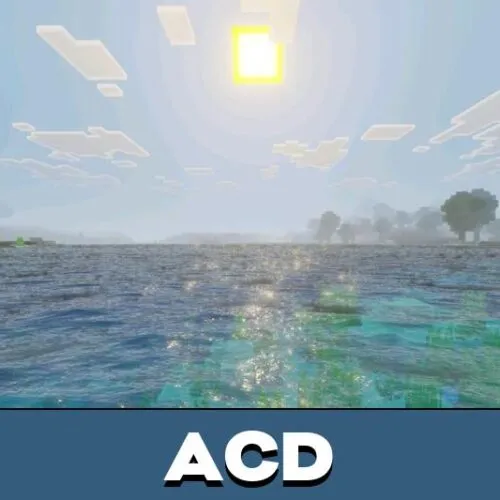
Prizma Visuals is a shader pack for Minecraft PE created for the new Vibrant Visuals rendering mode. It upgrades lighting, sky rendering, and surface detail, while progression and core mechanics stay fully vanilla.
In Minecraft Bedrock Edition the difference shows up right away: colors become more vibrant, terrain gains visible depth, and materials pick up extra relief thanks to advanced texture work.
The pack fits any playstyle — survival runs, creative building, long exploration trips. On mobile devices the Prizma Shader MCPE version delivers the same effects as on desktop and consoles.
Enhanced Graphics
The Prizma Shader for Minecraft PE concentrates on the base of the picture: lighting balance, expressive terrain textures, and the visual depth of blocks. Scenes stop looking flat because different materials respond to light in their own way.
Keep in mind that the shader pack depends on the new rendering mode, so older game versions without it are not supported.
Prizma Visuals shows its key lighting, sky, and PBR effects only when Vibrant Visuals mode is turned on in the video settings.
Builders get a practical bonus too: higher contrast and clearer surface detail make it easier to judge shapes and materials in big projects. For more graphic styles beyond Prizma shaders, MCPE players can browse other shaders for Minecraft Bedrock on the site.
New Animations
The picture behaves differently in motion. Light and atmosphere react around blocks, terrain, and water, so crossing the map feels like a smooth visual flow instead of a static backdrop.
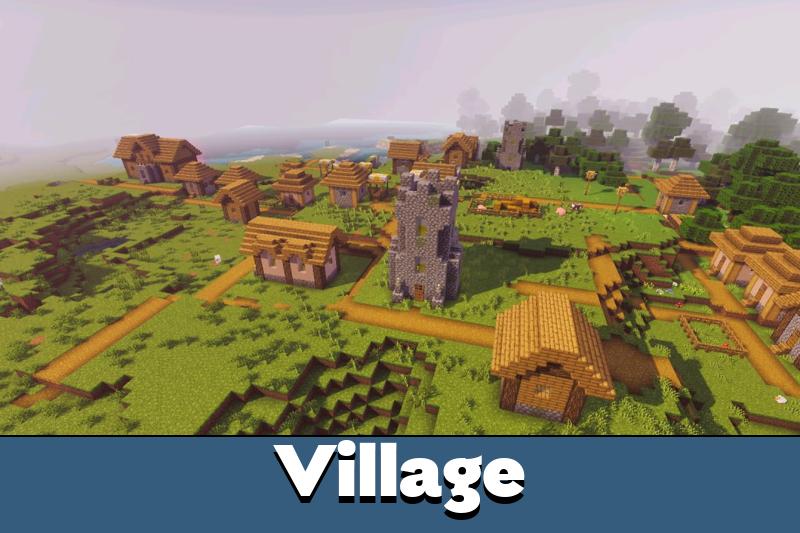
The sky changes its character during the day: sunrises turn warmer, nights get deeper, and open biomes — mountains, plains, forests — lose the flat vanilla look.
Prizma Visuals runs on Android, iOS, Windows, Xbox, and PlayStation as long as the device supports the required rendering mode. Performance depends on hardware, so weaker mobile devices may need lower video settings.
3D Items and Mob Variations
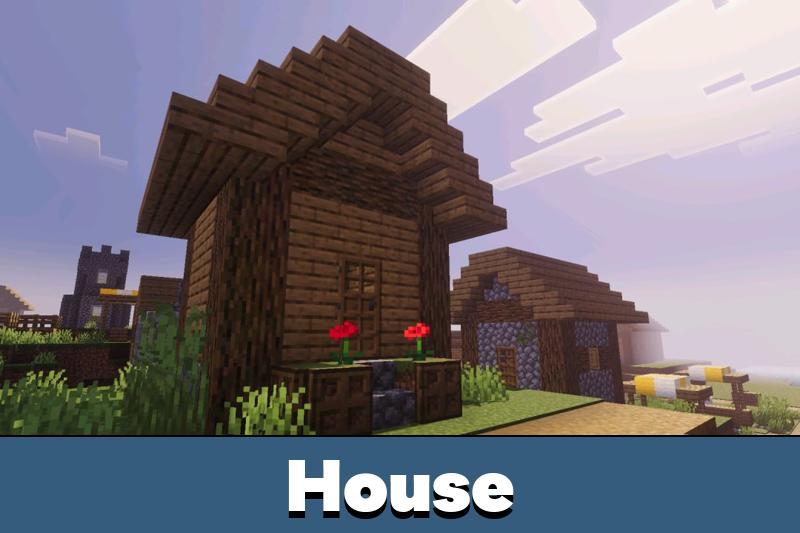
The 3D layer of the pack is built on detailed PBR textures and bump effects. Blocks and materials gain real volume and read as three-dimensional surfaces, while their behavior in the game stays untouched.
Atmosphere is the second focus here: balanced lighting and refined sky color keep the familiar Bedrock style but make survival sessions noticeably more immersive.
Run the pack on a game version with Vibrant Visuals enabled and fine-tune the gamma value to get the cleanest picture.
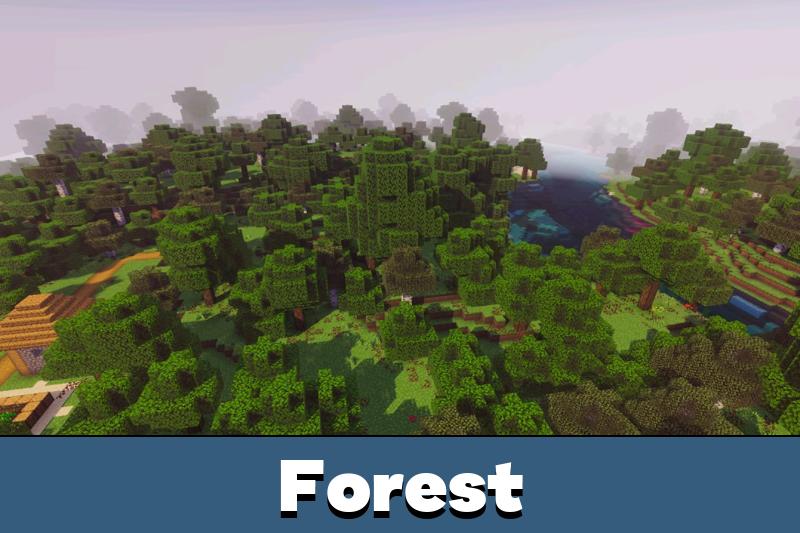
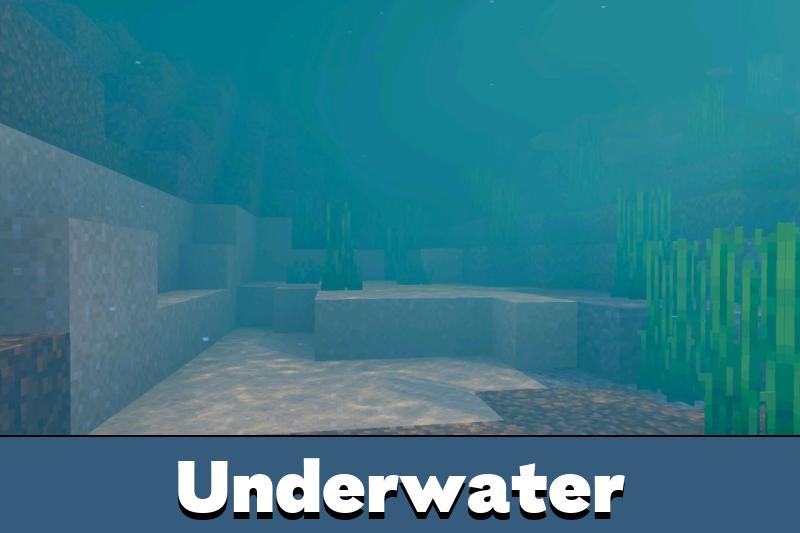
The difference is easiest to spot in mixed light. Caves, oceans, forests, and open plains receive smoother transitions between bright and dark zones, so every biome ends up more expressive without losing the classic feel.
Prizma Visuals 2.1
Version 2.1 moves the shader to the Vibrant Visuals pipeline and refreshes its core set: detailed PBR textures, 3D bump effects, updated skies, and a denser overall atmosphere. If you still keep the older Prizma Visuals 2.0 download, switch to this release — support for the new mode arrived only in 2.1.
The Prizma Visuals 2.1 free download for Bedrock comes as a standard .mcpack file and suits anyone who wants a fresh look without touching the rules of the game. Prizma Visuals for Minecraft Android requires a compatible game version; everything else is handled by the pack itself.
Prizma Visuals 2.2
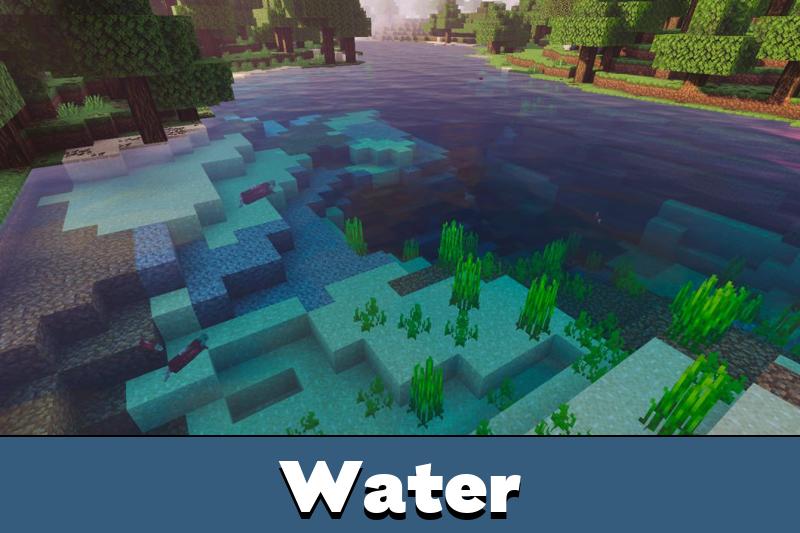
Prizma Visuals 2.2 makes the shader pack brighter, deeper, and more realistic. The update adds realistic shading, custom animations, shimmering water, and improved water realism for a cleaner atmosphere in survival and creative worlds.
Players can also use a switch for standard textures, enjoy 3D blocks and items, and notice glowing ores more clearly in caves.
This version keeps the same visual direction but makes everyday Minecraft Bedrock scenes feel more alive, especially near water, underground resources, and detailed builds.
FAQ
How to download Prizma Shader for Minecraft PE?
The Prizma Visuals free download for Bedrock is hosted right on this page. Open the Prizma Visuals 2.1 download card, save the .mcpack file, then open it with Minecraft — the shader pack imports automatically.
How to install Prizma Visuals on Minecraft Bedrock for Android?
Open the downloaded .mcpack and activate the pack in Global Resources or in the settings of a chosen world. Then switch on Vibrant Visuals mode, otherwise the effects will not show up.
Does the shader pack change gameplay?
No, Prizma Visuals affects only the picture. Lighting, sky, and surface detail are upgraded, while mechanics, progression, and controls stay exactly the same as in vanilla.
Which platforms does Prizma Visuals support?
The Prizma Visuals Bedrock download works on Android, iOS, Windows, Xbox, and PlayStation when the new rendering mode is available on the device. The final result also depends on hardware power and the chosen video settings.
Can the shader work without Vibrant Visuals?
No, this mode is required. On older game versions Prizma Visuals cannot display its PBR textures, bump effects, and improved skies correctly.




The glowing ores and water changes sound nice. I like shader updates that make caves and rivers look better without changing how the game plays.
The sky and texture depth look much better with this one. I had to check the Vibrant Visuals setting first, but after that the world looked way cleaner.
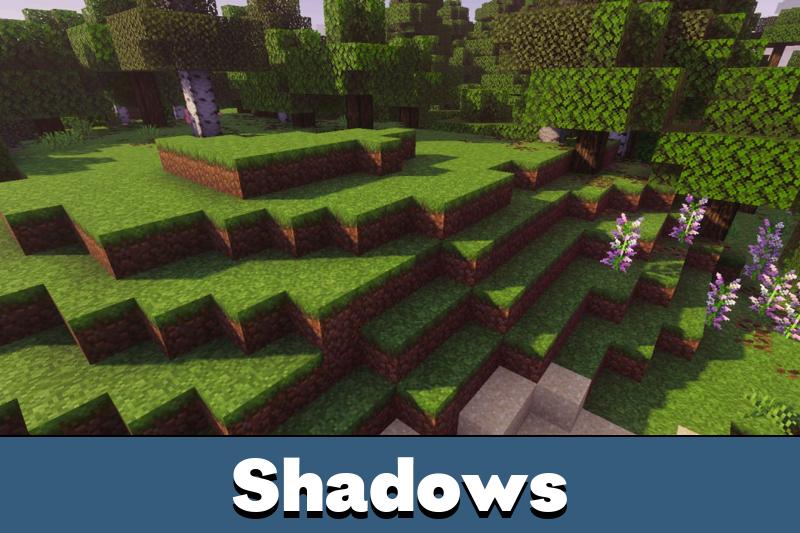
I installed this shader on my phone and the difference was huge. Water reflections and shadows make exploration feel more real. It still runs pretty smoothly on medium settings, so survival sessions are much more enjoyable now. Definitely worth trying if visuals matter to you.