MCPEDL » Texture Packs »
Download Shaders for Minecraft PE
Download free shaders for Minecraft PE that upgrade your mobile world with realistic lighting, water reflections, soft shadows and brighter skies. Most shader packs install on Android as a .mcpack file in one tap.
Pick a pack from the list below. Vibrant Visuals is the exception — it’s Mojang’s built-in graphics mode you enable in settings, and on supported phones it gives the cleanest result.
The average rating of all articles in the category is displayed.

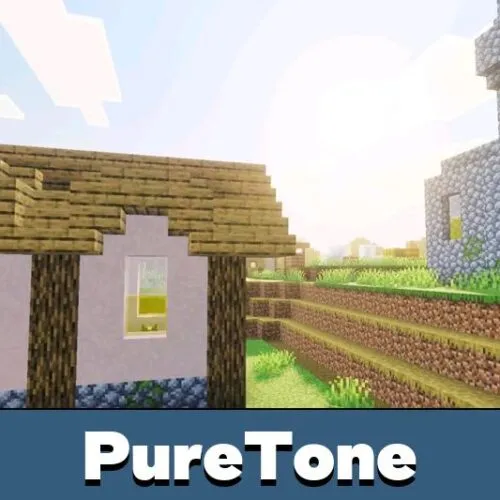
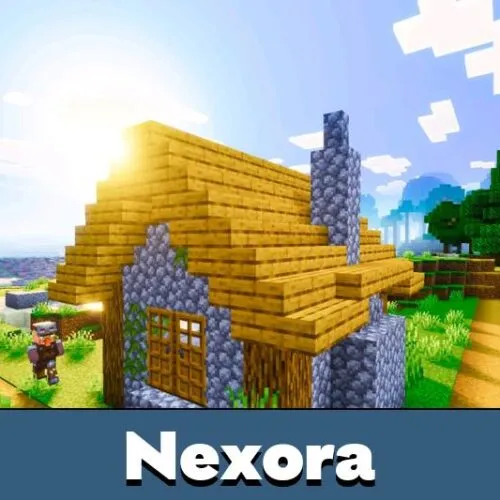
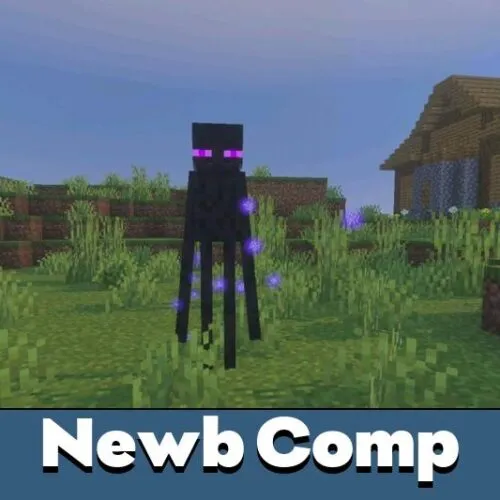
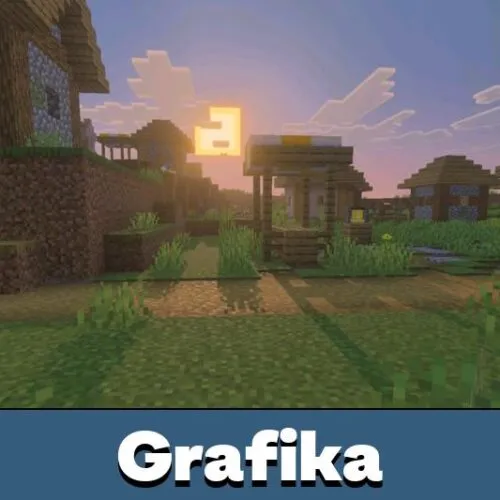
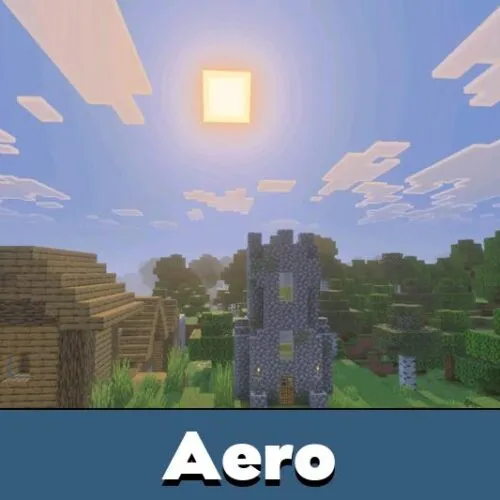
Why Players Use Shaders in Minecraft PE
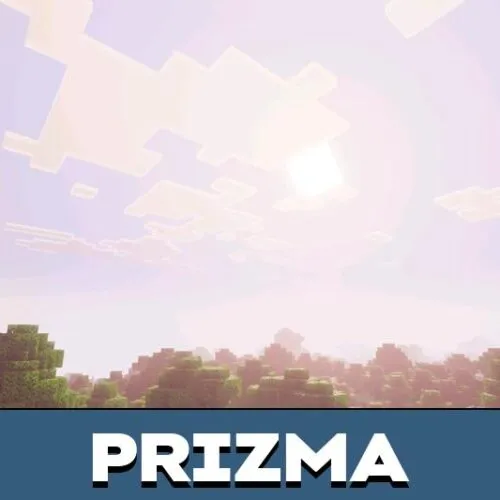
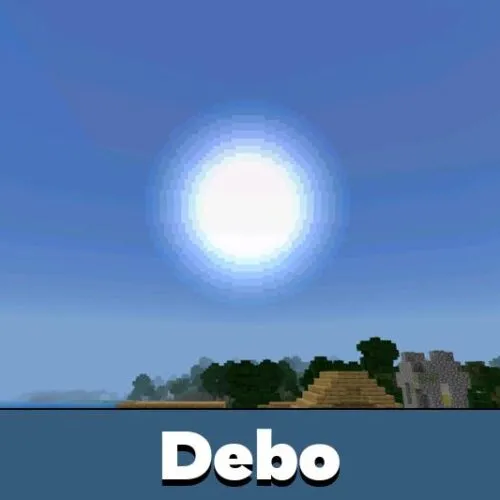
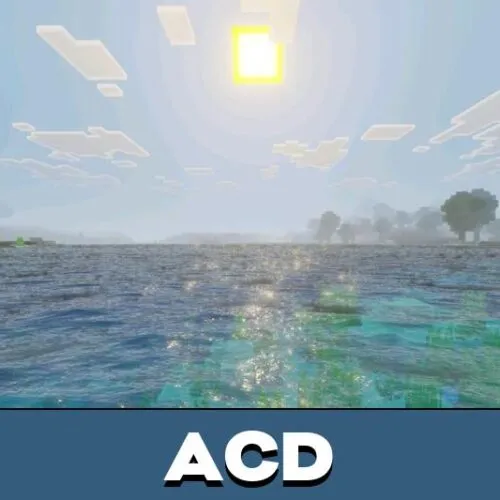
Shaders change how Minecraft Bedrock handles lighting, shadows, water, sky and fog. Instead of flat visuals, a good shader pack adds sunlight depth, soft shadows, better water and brighter, more cinematic scenes on Android.
This category covers several search intents at once. Some players want realistic Minecraft PE shaders with reflections and deferred-style visuals, others need FPS-friendly packs, lightweight mobile shaders or cleaner graphics for weaker phones.
Vibrant Visuals Shaders for Minecraft PE
Vibrant Visuals is Mojang's official lighting engine built into Minecraft Bedrock. It renders directional sunlight, soft shadows, reflective water and volumetric fog, with no external shader file. Enable it from the main menu, then add a pack on top for richer color and skies. Full packs, device support and setup live on the Vibrant Visuals shaders hub.
Popular Shader Types
Minecraft PE shader packs are not all built the same. Some focus on realism, some on atmosphere, and some on performance and better Minecraft Bedrock compatibility on Android.
- Realistic Water Shaders – clearer water, reflections, animated surfaces and more natural lakes and rivers.
- Lighting & Shadow Shaders – dynamic sunlight, soft shadows, glow, bloom and stronger contrast.
- Sky & Atmosphere Shaders – volumetric clouds, better sky colors, sunrise and sunset gradients, fog and weather.
- FPS-Friendly Shaders – lightweight packs for smoother gameplay on low-end Android devices.
- Deferred / RTX-Style Packs – advanced visuals with detailed materials, cinematic lighting and reflections.
- Vanilla-Style Shaders – lighter packs that keep the default look while improving water, light and sky.
Realistic and RTX Shaders
Realistic shaders push water reflections, god rays and deep shadows for a near photo look. They are the closest mobile gets to a PC shader feel.
Mojang has discontinued RTX ray tracing on Minecraft Bedrock. The RTX-style look now comes from Newb X Dawn and the official engine instead.
For classic shader packs, try BSL, Sildur's and SEUS. Older devices can also run the Render Dragon packs built for the classic pipeline, before Deferred Rendering.
Supported Minecraft Versions
Most shaders here are made for the latest Minecraft versions, but compatibility depends on the author, rendering method and update date. Checking version support before downloading avoids import errors, black screens and missing effects.
- Minecraft PE 26 – the newest shaders and recently updated Minecraft Bedrock packs
- Minecraft PE 1.21 – strong support for current RenderDragon and mobile-friendly packs
- Minecraft PE 1.20 – many stable, popular packs still work correctly
- Older versions – use only packs that mention compatibility in the description
RenderDragon, Deferred Rendering and Compatibility
Modern Minecraft Bedrock builds use updated graphics systems, so not every old shader still works in Minecraft PE. Some packs are made for RenderDragon, others for newer deferred rendering or simplified mobile visuals.
This is why players search for shaders that actually work on current builds. A pack can look great in screenshots yet still fail on Android if it is outdated or missing proper Minecraft Bedrock support.
FPS Shaders for Low-End Devices
Not every phone handles heavy lighting. Lightweight shaders raise FPS while still improving color, water and skies.
For weaker devices, Gemini Ultra Boost and Alpha Optimizer keep the game smooth. Newb X Dawn also ships a lighter Vanilla version for older hardware.
How to Install Shaders on Android
Most Minecraft PE shaders come in .mcpack or .zip format for Minecraft Bedrock. For the full walkthrough, open the shader install guide before enabling a new pack.
- Download the shader file to your Android phone or tablet.
- Open the .mcpack or .zip file and let Minecraft import it.
- Go to Global Resources or Resource Packs in settings.
- Move the shader from Available to Active.
- Turn on any graphics options the pack requires.
- Launch the game and test the result on your device.
Performance, FPS and Device Support
Not every shader fits every phone. Realistic packs with reflections, bloom and advanced lighting look better but can drop FPS and raise battery and memory use on Android.
On phones with limited RAM, lightweight and vanilla-style packs work better than cinematic ones. This matters most in survival worlds, multiplayer and longer mobile sessions.
Common Problems With Minecraft PE Shaders
Even a correct download can fail because of version mismatch, unsupported graphics mode, outdated support, wrong import or device limits. These are the most common issues:
- Shader does not import – the file may be damaged or built for another version.
- Black screen after enabling – the pack may not support the current Minecraft Bedrock graphics system.
- No shadows or reflections – the pack may need other graphics settings or a different shader type.
- Water looks unchanged – some lightweight shaders skip advanced water effects.
- Low FPS after activation – the shader may be too heavy for the device.
- Crashes or lag – advanced shaders can conflict with device limits or other active packs.
Pick the Right Shader for Your Device
On a flagship phone, run Vibrant Visuals with a realistic pack for the strongest result. On a mid-range phone, a single Vibrant Visuals pack or BSL looks clean without big FPS loss.
On a low-end phone, stay with an FPS or vanilla-style pack. Match the shader to your GPU and the game stays smooth.
FAQ
What are Vibrant Visuals shaders?
Vibrant Visuals is Mojang's official Minecraft Bedrock lighting engine. You enable it in settings, then layer a pack on top for stronger color, water and skies.
Are there RTX shaders for Minecraft PE?
Mojang has discontinued RTX on Minecraft Bedrock. The RTX-style look now comes from Vibrant Visuals and packs like Newb X Dawn.
Why does the shader show a black screen?
This usually means the pack is outdated, not compatible with the current Minecraft Bedrock graphics system, or too heavy for the device.
Which shaders are better for weak Android phones?
Lightweight and FPS-friendly packs work better on devices with lower RAM or weaker graphics.
Are Minecraft PE shaders safe to install?
Packs here are standard Minecraft Bedrock files in .mcpack or .zip format, which makes installation simple on supported devices.
Can I use shaders with texture packs?
Yes, but it depends on pack order, Minecraft version and how heavy both packs are on your device.