Download ZenXveda Shader for Minecraft PE: bring top-tier Java-style lighting, glowing ores, and PBR reflections into your mobile world.
ZenXveda Shader for Minecraft PE
Bedrock rarely looks this good out of the box. This pack changes that. It is a large visual overhaul that carries the high-quality style of top Java shaders, like Complementary Unbound, straight into the cubic world.
The ZenXveda shader is built to fit any setup. Whether the game runs on a powerful gaming PC or a basic phone, tuned configuration subpacks match the hardware and keep things smooth.
ZenXveda
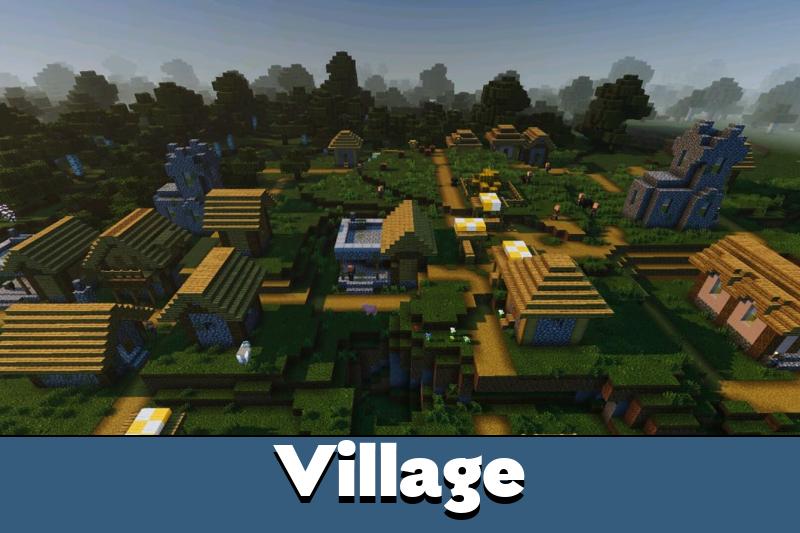
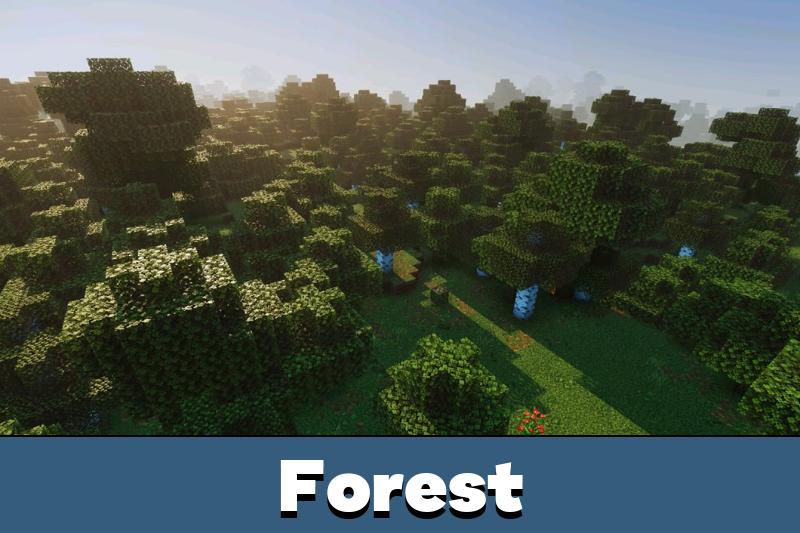
The ZenXveda shader for Minecraft PE reshapes how light and sky behave. Caves turn truly pitch-black until a torch lights the way, and nights grow moody under a glowing moon.
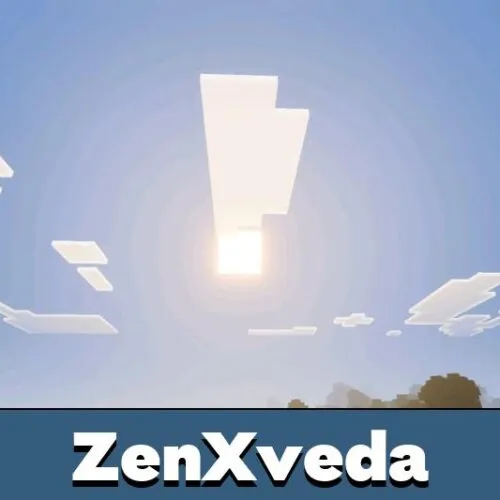
Skies get a full upgrade too. Deep blue tones and custom horizon fog replace the pale, washed-out vanilla look. A custom 360-degree panorama even greets players on the main menu.
Deep caves stay terrifyingly dark until you bring a light source. It makes exploration feel far more tense.
Next-Gen Textures and PBR
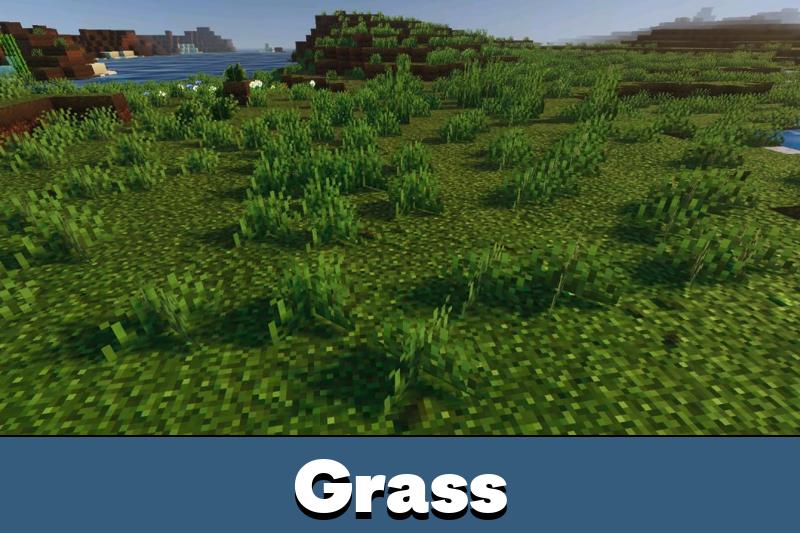
Download ZenXveda shader for Minecraft Bedrock and the textures shift to a cleaner, richer style. Noisy pixelated grass is softened into a smooth, natural surface across the terrain.
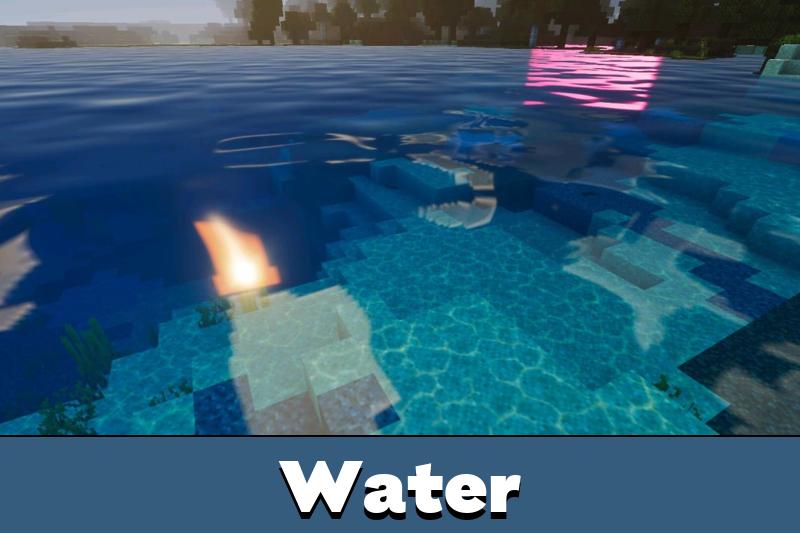
True PBR does the heavy lifting here. Ores physically glow in the dark, while diamond, iron, and gold armor reflect the world around them. The iconic vanilla water stays untouched for clear visibility and a nostalgic feel.
Compare more options in these Shaders for Minecraft PE before picking one.
3 Custom Performance Options
The ZenXveda shader includes a resolution slider through subpacks in the Global Resources menu. Three modes cover a wide range of devices.
The options break down clearly:
| Mode |
Best for |
| Real Ray Tracing (PBR) |
High-end devices |
| Fake Ray Tracing (Low GPU) |
Mid-range devices |
| Mobile Optimized |
Phones and tablets |
Pick the Mobile Optimized subpack on a phone for the smoothest run. It trades neon contrast for a clean, realistic look.
Real Ray Tracing unlocks full Bedrock deferred rendering, with 3D normal maps, reflective metals, glowing ores, and volumetric effects for a vivid, high-contrast look.
Fake Ray Tracing keeps that vibrant lighting without the heavy PBR cost. Mobile Optimized takes a softer, faded, natural tone with reduced saturation for blazing framerates.
FAQ
Does ZenXveda run on a low-end phone without heavy lag?
Yes, the Mobile Optimized subpack is made for phones. It softens contrast and effects to keep framerates high on weaker hardware.
Will ZenXveda change the vanilla water look?
No, the classic water is left untouched on purpose. This keeps gameplay visibility clear and preserves the original feel.
Can ZenXveda show glowing ores in dark caves?
Yes, with True PBR enabled ores emit their own light. This makes them easier to spot while mining in pitch-black caves.

the glowing ores in caves are actually insane lol, felt like a whole new game. running the mobile mode on my phone and it looks clean without killing my fps