Download Asteroid Client Texture Pack for Minecraft PE: improve visuals, optimize performance, customize the interface, and create a cleaner mobile gameplay experience.
Asteroid Client Texture Pack for Minecraft PE
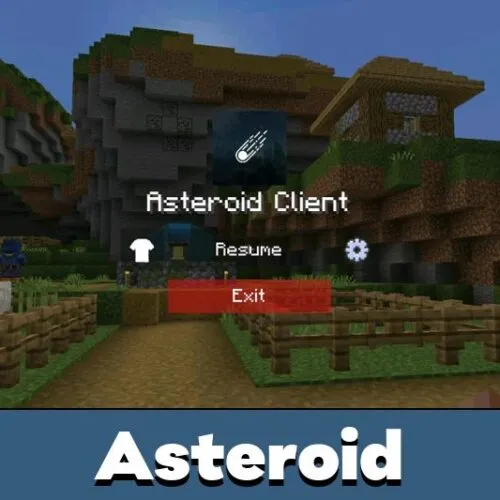
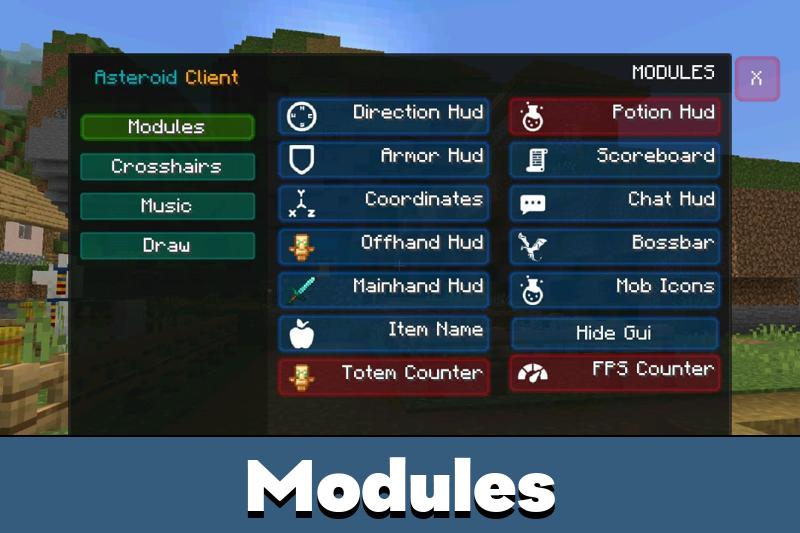
Asteroid Client is a resource pack for Minecraft Pocket Edition designed for players who want smoother gameplay, cleaner visuals, and advanced HUD customization. The pack combines performance optimization with modern interface improvements, making both survival sessions and PvP matches noticeably more comfortable on mobile devices.
Unlike heavy graphical overhauls, Asteroid focuses on visual clarity and responsiveness. The game remains stable even during long multiplayer sessions or intense combat, and the overall vanilla atmosphere is preserved — just polished. This approach makes the add-on a solid everyday choice rather than a situational one.
The pack is compatible with Minecraft Bedrock Edition 1.20–1.26 on Android and iOS. Before installing, check out our guide on how to install texture packs for Minecraft PE on Android.
Players who enjoy optimized interface packs can also explore Utility Texture Packs for Minecraft Bedrock for additional customization options.
Visual Improvements
Asteroid Client enhances colors, sharpens interface elements, and improves overall visual clarity across the game. The add-on removes unnecessary clutter from the screen and creates a more balanced layout that feels natural during fast-paced gameplay.
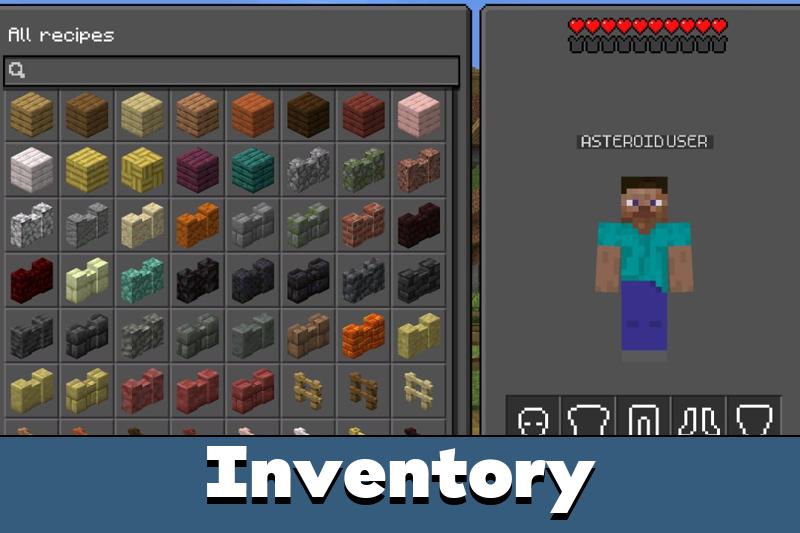
Inventory menus, hotbar elements, and item icons appear cleaner and easier to read — especially useful when switching between items quickly during combat or exploration. The updated design reduces eye strain during long sessions without sacrificing any of the recognizable Minecraft aesthetic.
The resource pack combines cleaner visuals with optimized performance for both survival and multiplayer gameplay.
Performance on Mobile Devices
One of the main advantages of Asteroid Client Texture Pack is stable performance across a wide range of Android and iOS devices. The optimized graphics reduce visual overload while keeping the game responsive — a critical factor for players on mid-range or low-end hardware.
This is especially noticeable on PvP servers and large multiplayer worlds, where frame drops can cost you a fight. The add-on is built to minimize that risk by keeping the rendering load low while maintaining a clean and readable interface.
Players with powerful devices will also benefit: a cleaner UI means faster decision-making, and the improved interface scaling adapts well to different screen sizes and resolutions.
HUD and Interface Customization
Asteroid Client gives players a noticeably more organized heads-up display. Health bars, hunger indicators, and hotbar elements are laid out more clearly, which helps during activities that demand attention — mining, building, exploring, or fighting other players.
The clean design philosophy extends to all menus: crafting tables, chests, and the player inventory feel tidier without looking unfamiliar. Everything stays where you expect it, just presented more clearly.
Clean visuals, optimized HUD elements, and smooth performance make the pack comfortable for everyday mobile gameplay across all game modes.

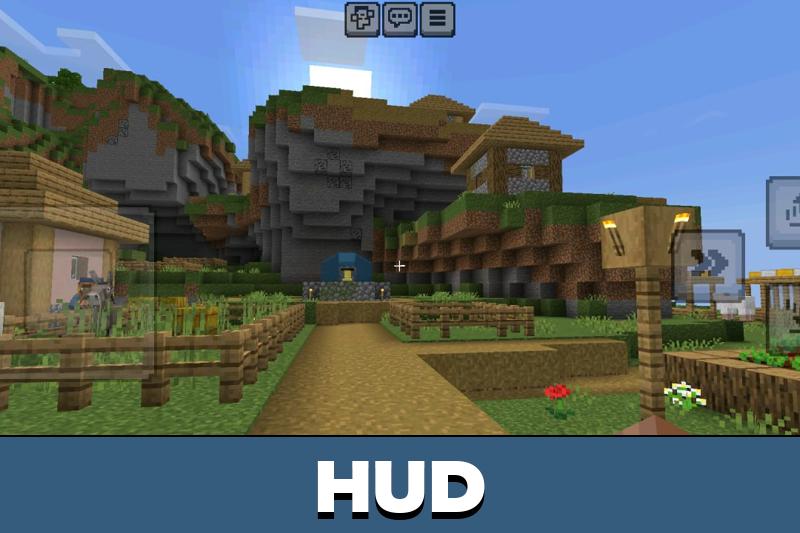
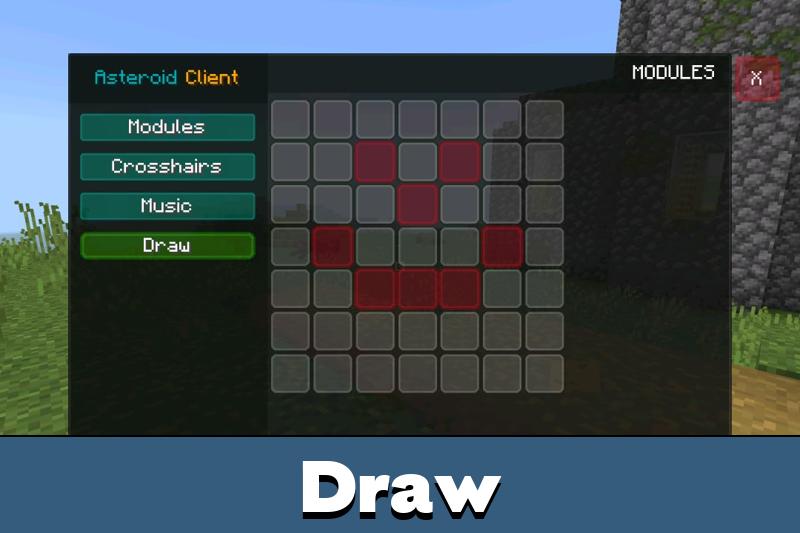
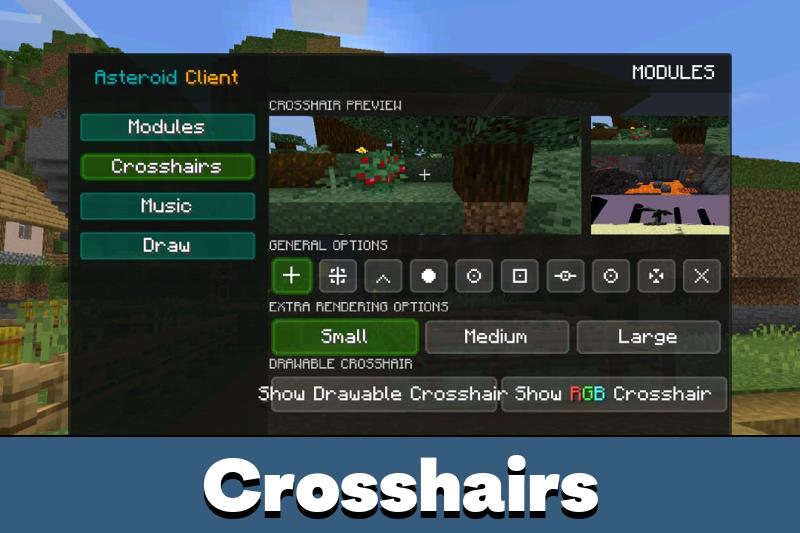
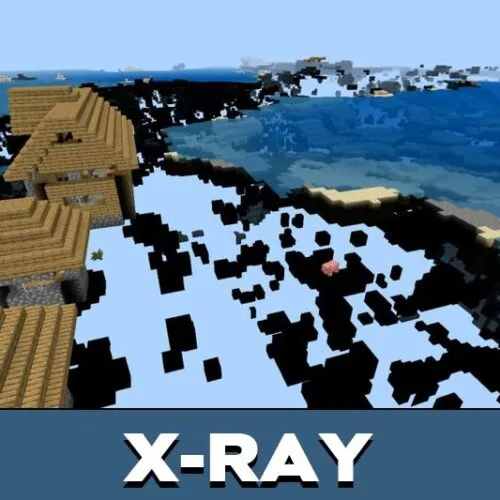
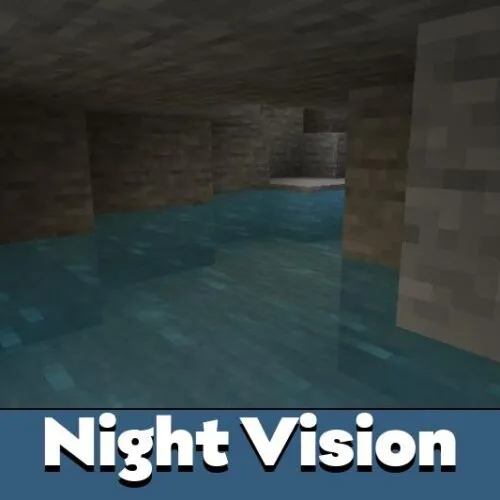

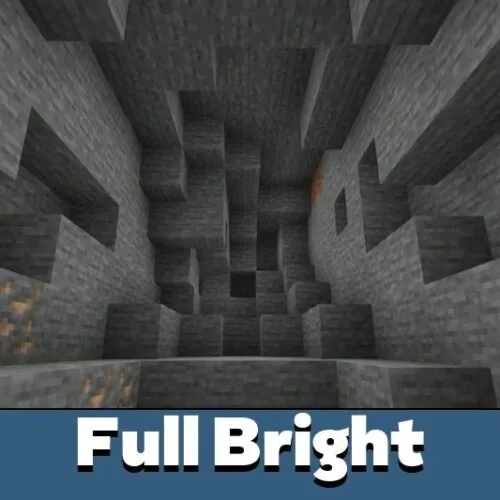
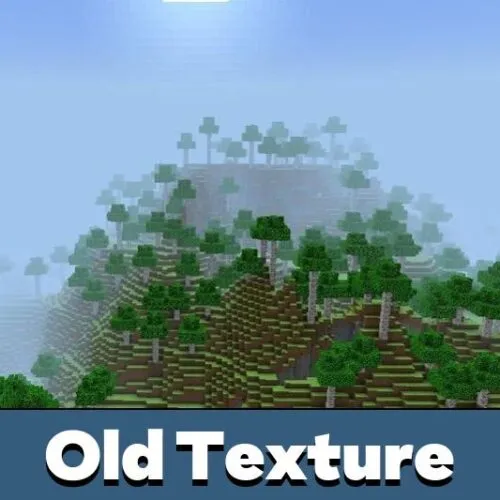

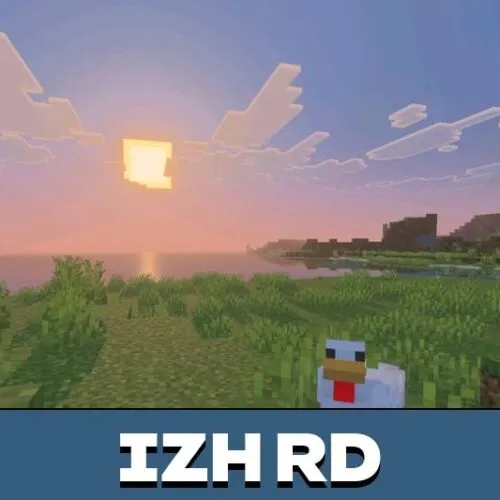
The HUD looks much cleaner after installing this pack. I also noticed the game feels smoother during multiplayer matches and long survival sessions on my phone.