Download Solace Visuals Shader for Minecraft Bedrock: improve lighting, water reflections, colorful skies, and atmospheric fog with cinematic effects, realistic shading, and beautiful pink and violet sunsets.
Solace Visuals Shader for Minecraft PE
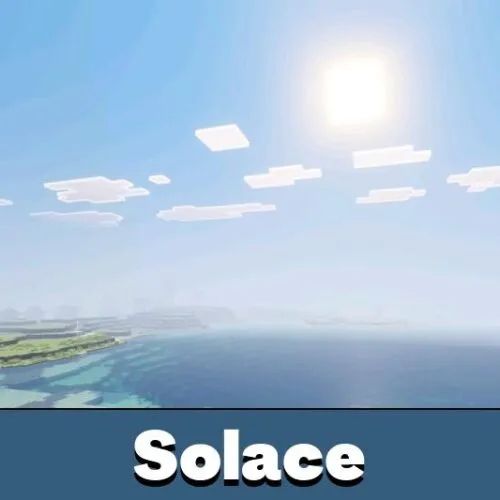
Solace Visuals Shader transforms the atmosphere of the game with improved lighting, detailed reflections, and cinematic environmental effects. Familiar landscapes become more expressive through natural colors, atmospheric fog, and enhanced shading.
The shader focuses on immersion while maintaining balanced visuals. Players can experience dramatic sunsets, smooth fog transitions, and detailed lighting that makes exploration more enjoyable.
The original release includes several visual presets, allowing users to choose between warm, gloomy, and realistic lighting styles. These options provide different atmospheres without changing the core gameplay.
Solace Visuals
Solace Visuals Shader for Minecraft Bedrock Edition improves environmental lighting across different biomes and dimensions.
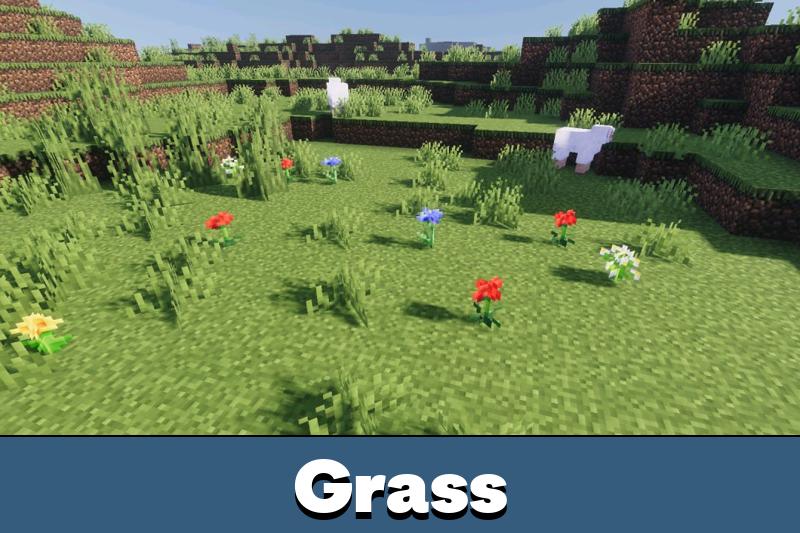
Custom fog settings, color adjustments, and atmospheric effects give each location a distinctive appearance. Daytime becomes more vibrant, while nighttime receives deeper colors and cinematic lighting.
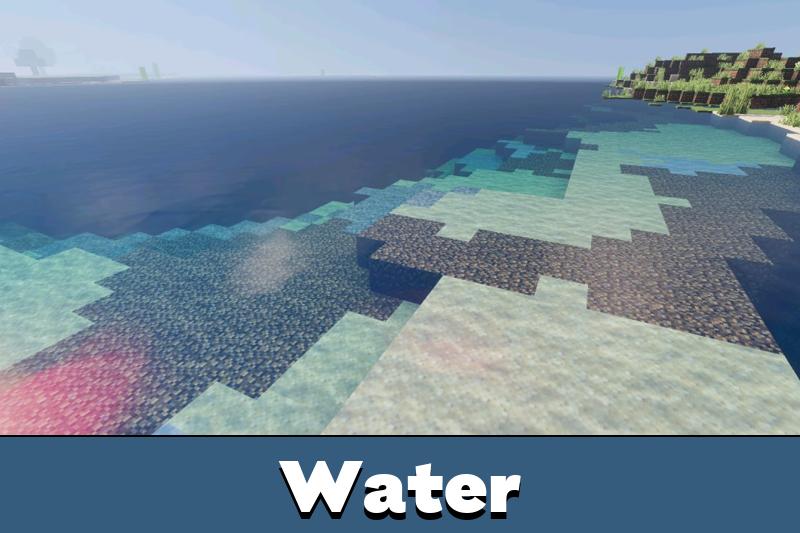
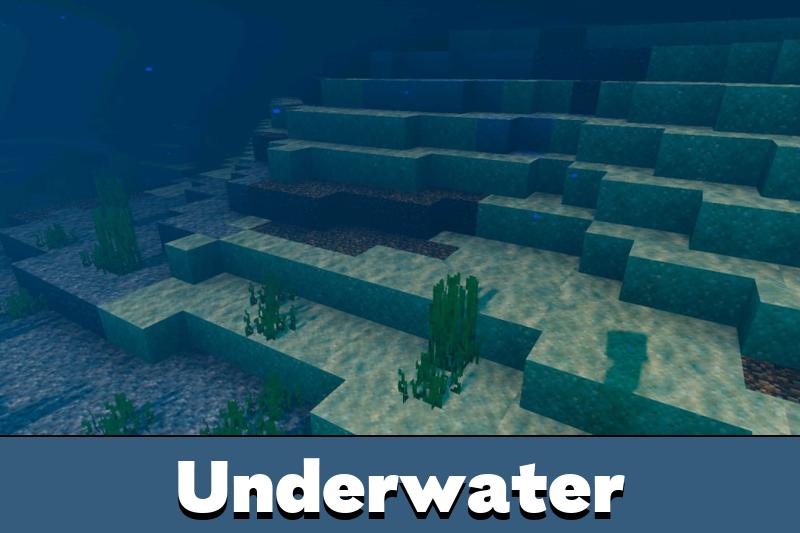
Water reflections blend with the surrounding sky, creating attractive landscapes during exploration and construction. The improved atmosphere is especially noticeable near rivers, lakes, and open terrain.
Solace Visuals improves environmental lighting, fog, sky colors, and water reflections without changing gameplay mechanics.
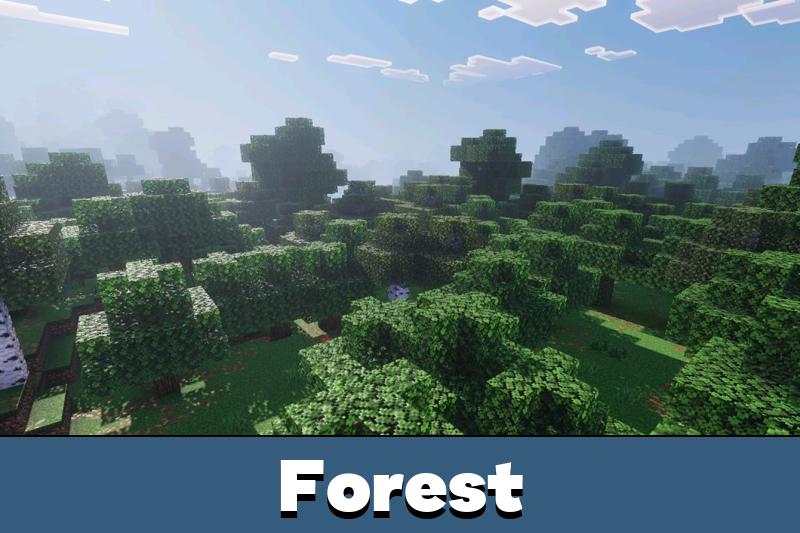
The shader also enhances the visual depth of distant objects. Fog softens the transition between nearby blocks and the horizon, making large landscapes appear more natural.
Presets
Solace Visuals Shader includes three lighting presets designed for different visual preferences.
The cozy preset emphasizes warm sunlight and gentle colors. It is suitable for peaceful landscapes, villages, and comfortable building environments.
The gloomy preset creates darker surroundings with a more mysterious atmosphere. Players who prefer natural-looking visuals can choose the realistic preset, which focuses on balanced lighting, shadows, and reflections.
Those interested in comparing different atmospheric styles can explore Shaders for Minecraft PE and find other ways to customize environmental lighting.
Each preset changes how players perceive familiar surroundings. A forest can appear welcoming under warm sunlight or more mysterious with darker lighting and atmospheric fog.
These differences are particularly noticeable during sunrise and sunset. Changes in sky colors influence the appearance of nearby terrain and water surfaces.
Players can select a visual style that matches their preferred atmosphere, whether they are building structures, exploring biomes, or traveling through their survival world.
Additional options for changing block appearances and environmental details are available through Texture Packs for MCPE.
Technical Features
The original Solace Visuals Shader includes advanced graphics features such as PBR support, detailed normal maps, texture ambient occlusion, and water caustics.
Its 128x normal maps and handcrafted shading add surface detail to blocks. These effects help improve the appearance of materials under different lighting conditions.
Water caustics create additional lighting details around water, while dimension-specific settings give the Overworld, Nether, and End their own atmospheric characteristics.
The original Solace Visuals includes multiple lighting presets, detailed surface shading, and dimension-specific atmospheric effects. The newer Solace Visual release emphasizes softer colors and lightweight visuals.
The updated visual style concentrates on peaceful lighting and gentle environmental transitions. Its simpler atmospheric approach is intended to remain accessible to mobile players.
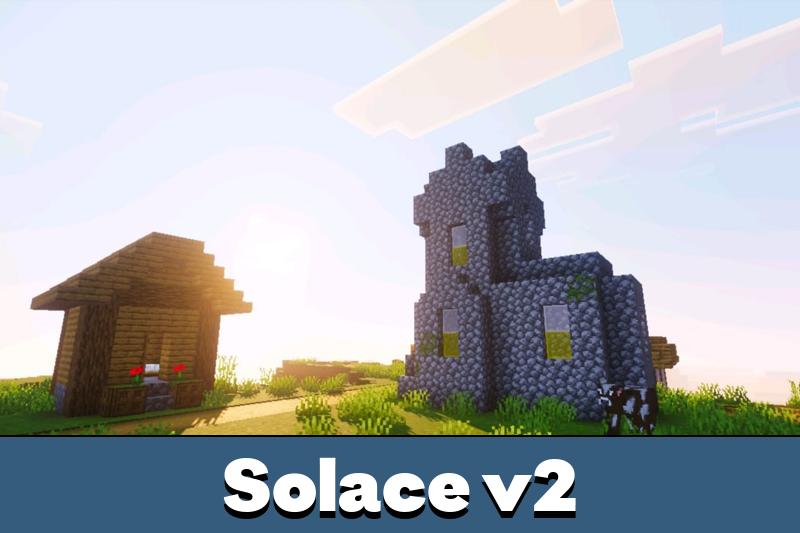
Solace Visual v2
Solace Visual v2 introduces soft pink, purple, and violet sunrises and sunsets, creating a peaceful atmosphere across every biome. Warm golden sunlight reflects across water, while dreamy fog adds depth to distant landscapes.
The updated shader focuses on balanced lighting, lightweight performance, and straightforward installation for everyday gameplay.
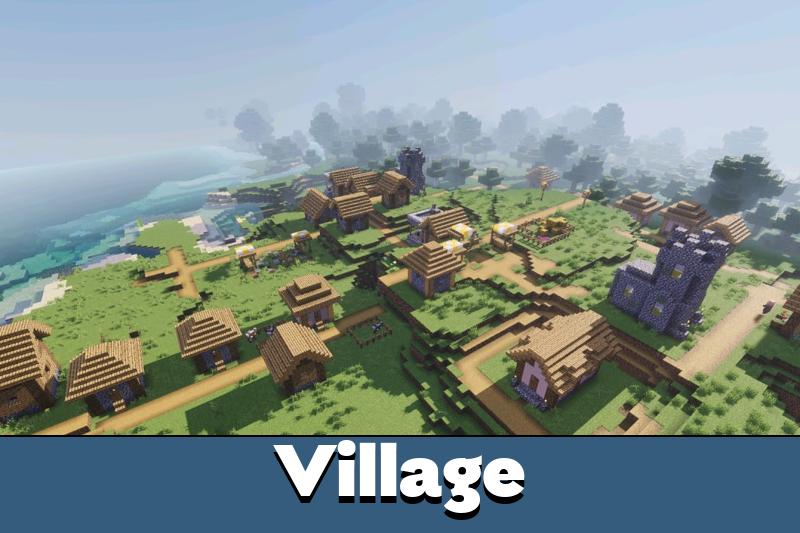

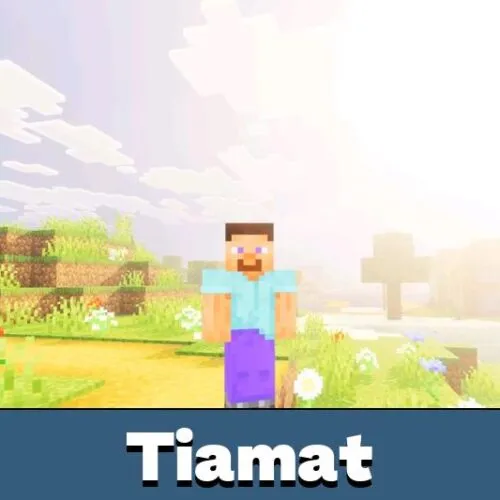
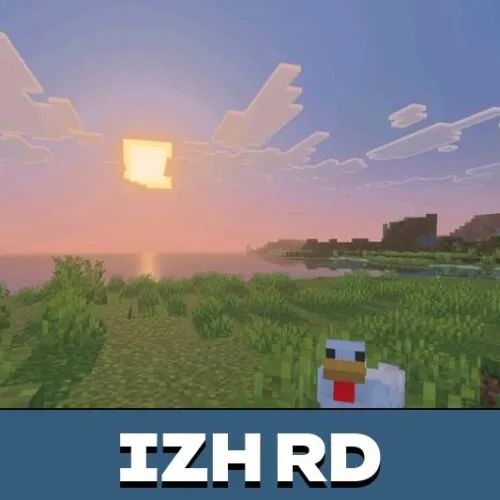
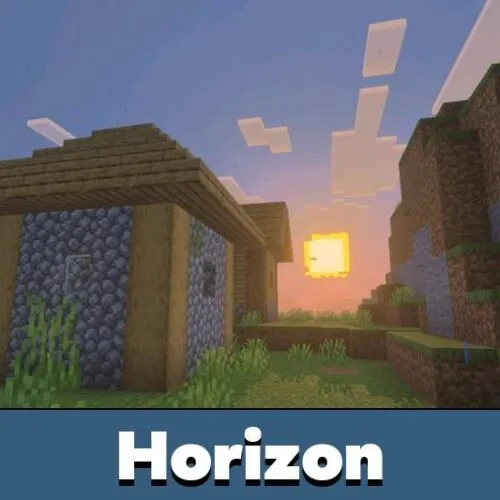
The cozy preset looks really nice around my village, but those purple sunsets in the newer version are even better. My phone handles the softer lighting pretty well, so I’m keeping this one.
The gloomy preset completely changed how caves and forests look on my phone. Water reflections and fog effects make the world feel much more immersive without ruining performance.