ดาวน์โหลด FPS Boost Texture Pack สำหรับ Minecraft PE: ปรับปรุงประสิทธิภาพ ลด lag รักษาสไตล์ vanilla และทำให้ gameplay มือถือลื่นไหลขึ้น
FPS Boost Texture Pack สำหรับ Minecraft PE
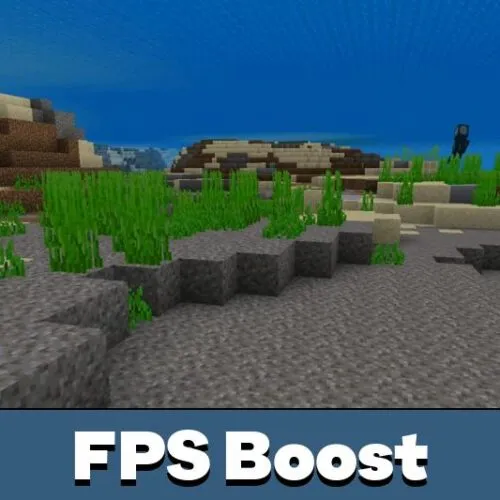
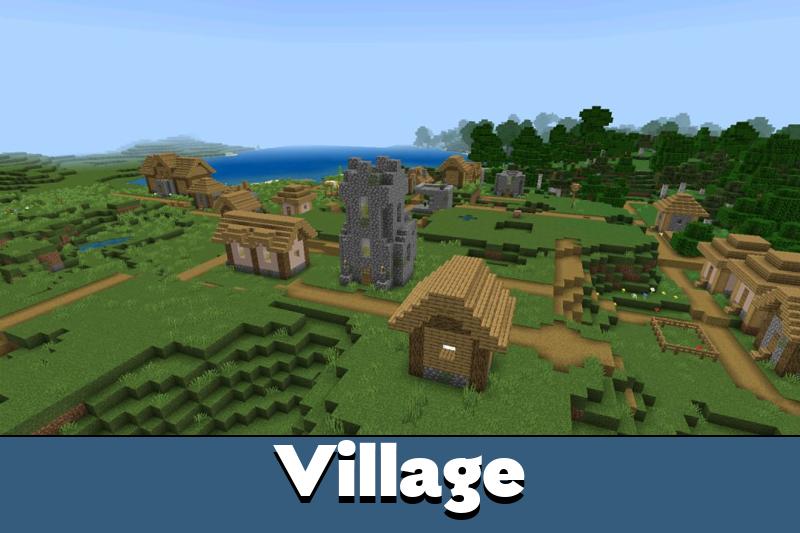
FPS Boost Texture Pack สร้างมาสำหรับผู้เล่นที่ต้องการประสิทธิภาพที่ดีขึ้นโดยไม่เปลี่ยนเกมให้กลายเป็นสิ่งที่ไม่คุ้นเคย Pack นี้รักษาสไตล์ vanilla พื้นฐานแต่ลบหรือทำให้องค์ประกอบภาพที่ทำให้อุปกรณ์อ่อนแอช้าลงง่ายขึ้น
Texture pack ช่วยให้เกมทำงานได้ลื่นไหลขึ้นบนโทรศัพท์ที่ particle หมอก และเอฟเฟกต์สิ่งแวดล้อมลด FPS ลง โฟกัสอยู่ที่ gameplay ที่เสถียร ไม่ใช่การอัปเกรดภาพ
FPS ที่ดีขึ้นมีประโยชน์สำหรับ survival, PvP, server และเซสชันยาวในโลกที่คับคั่ง ผู้เล่นสามารถเลือกระดับการปรับแต่งที่ต้องการหลังจากใช้งาน pack
Better FPS
FPS pack สำหรับ Minecraft PE นี้มี subpack เพื่อให้ผู้ใช้เลือกระดับประสิทธิภาพก่อนเล่น โหมด Default ให้ประสบการณ์ Better FPS เต็มรูปแบบในขณะที่ยังคง particle ไว้
โหมด Max FPS เข้มงวดกว่า ลบ particle ทั้งหมด 177 ตัวและเพิ่ม Fast Better Grass เพื่อประสิทธิภาพสูงสุดบนโทรศัพท์อ่อนแอและ server ที่แออัด
เลือก Default สำหรับ gameplay ที่สมดุล เลือก Max FPS เมื่อทุก frame พิเศษมีความสำคัญ
การตั้งค่าเหล่านี้ทำให้ Better FPS resource pack ยืดหยุ่น ผู้เล่นไม่ต้องติดตั้ง pack แยกหลายตัวสำหรับสถานการณ์ที่แตกต่างกัน
การปรับแต่ง FPS
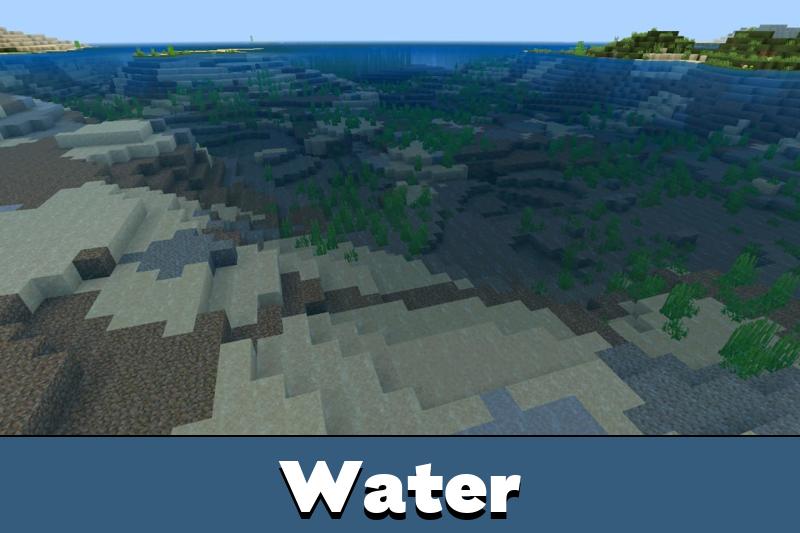
FPS Boost Texture Pack ลดภาระภาพในหลายวิธีเล็กๆ น้อยๆ แต่สำคัญ น้ำ ลาวา พอร์ทัล Nether กองไฟ สาหร่าย และคอลัมน์ฟองกลายเป็นแบบ static แทนที่จะใช้เฟรม animation ต่อเนื่อง
Pack ยังปรับแต่งเอฟเฟกต์ particle 110 รายการและล้างขอบกระจก ลดขนาดโมเดลของดวงอาทิตย์ ดวงจันทร์ สภาพอากาศ ใบไม้ และสีหญ้า
โล่ได้รับโมเดลและ animation ที่เรียบง่ายขึ้น สิ่งนี้มีประโยชน์ในการต่อสู้เพราะไอเทมยังคงทำงานได้โดยใช้ทรัพยากรภาพน้อยลง
ผู้เล่นยังสามารถดูutility texture pack สำหรับ Minecraft PE หรือดูtexture pack ทั้งหมดสำหรับ Minecraft PEบนเว็บ
Quality of Life
FPS Boost Texture Pack ทำมากกว่าแค่ลบเอฟเฟกต์หนัก ไอเทมอาหารแสดงการเติมความหิวโดยตรงในชื่อ ผู้เล่นจึงเห็นว่าแต่ละไอเทมมีประโยชน์แค่ไหนโดยไม่ต้องเดา
ไอคอนน่องไก่เต็มหมายถึง 2 คะแนนความหิว ครึ่งน่องหมายถึง 1 คะแนน อาหารที่เป็นอันตรายแสดงไอคอนหัวกะโหลก รวมถึง Rotten Flesh, Spider Eye, Pufferfish, Raw Chicken และ Poisonous Potato
ชื่อ enchantment ก็อ่านง่ายขึ้นด้วย ไอคอนสีปรากฏถัดจาก enchantment และ pack ครอบคลุม42 enchantment รวมถึง Lunge จาก Mounts of Mayhem
กรณีการใช้งานที่ดีที่สุดนั้นง่าย: gameplay ที่ลื่นไหลขึ้นพร้อมป้ายกำกับไอเทมที่มีประโยชน์และไม่มีความสับสนทางภาพ
หมวดหมู่สีทำให้จดจำ enchantment ได้เร็วขึ้น ประเภทความเสียหาย ยูทิลิตี้ การป้องกัน การซ่อมแซม และโชคลาภใช้สีต่างกัน ช่วยประหยัดเวลาในการตรวจสอบอุปกรณ์




The pack felt clean on my phone. I used Max FPS on a busy server, and the game was much smoother without making everything look weird.