Download Horizon Shader for Minecraft PE: add a soft atmospheric sky, glowing sun and moon, natural lighting, living weather, reflective water, and mobile-friendly visuals.
Horizon Shader for Minecraft PE
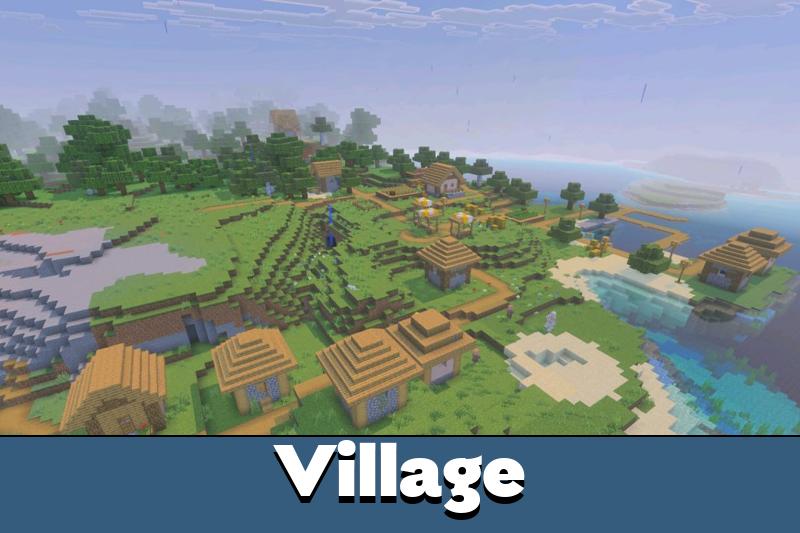
Horizon Shader keeps the vanilla look but makes the world feel softer, warmer, and more atmospheric. It improves the sky, lighting, weather, water, caves, Nether glow, and night scenes without turning the game into a completely different style.
The main idea is balance. Users get golden sunrises, realistic clouds, glowing celestial bodies, better reflections, and natural light while the blocky world still feels familiar.
This shader is useful for survival, building, screenshots, flying over landscapes, and exploring at night. It makes ordinary scenes look more alive without pushing the visual style too far from classic gameplay.
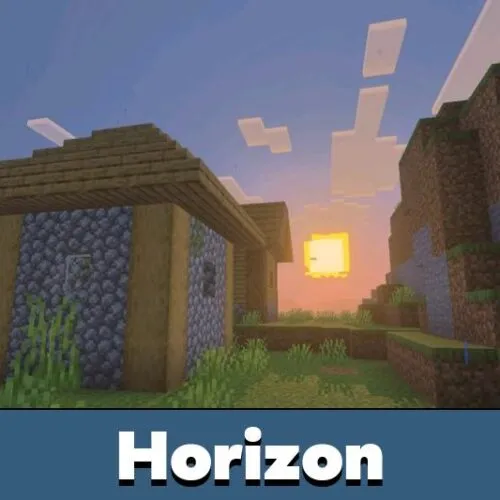
Horizon
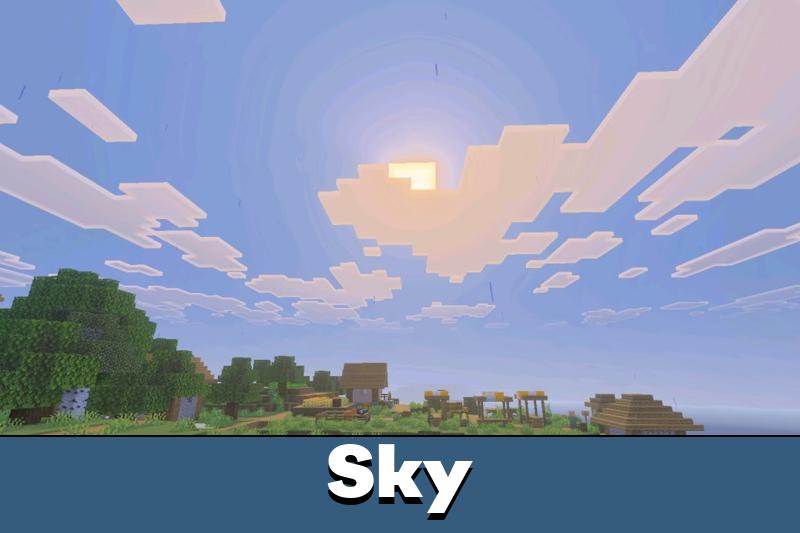
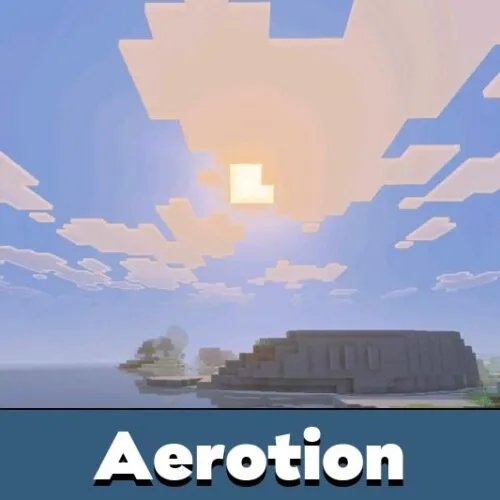
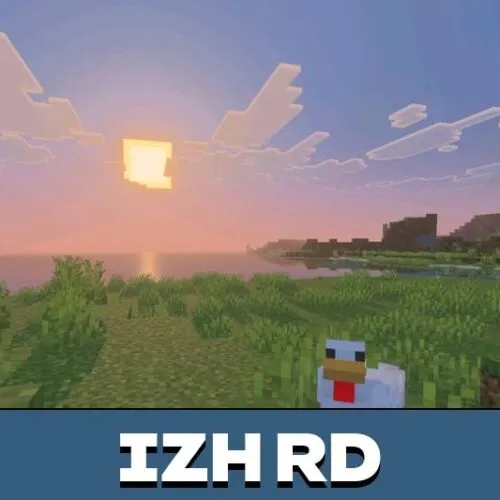
Horizon Shader for Minecraft PE adds a warm sky with golden sunrises and sunsets. The sun has a soft glow, light streaks, and a lens flare that make open landscapes look brighter and more natural.
At night, the shader adds deep blue clouds, scattered stars, a glowing moon halo, and a clear crescent moon. These details make the sky more readable and more cinematic during travel.
This shader is focused on atmosphere. It improves the sky, light, weather, and water while keeping the vanilla style recognizable.
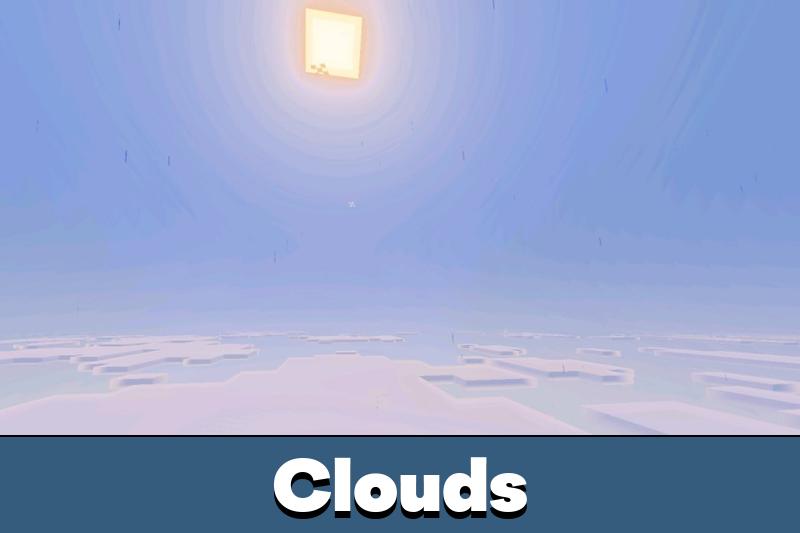
Clouds also become more expressive. They can react to weather, fade into horizon haze, form a sea of clouds above the player, and create soft mist when flying inside them.
Users who compare different visual styles can also browse Shaders for Minecraft and choose the look that fits their device and world.
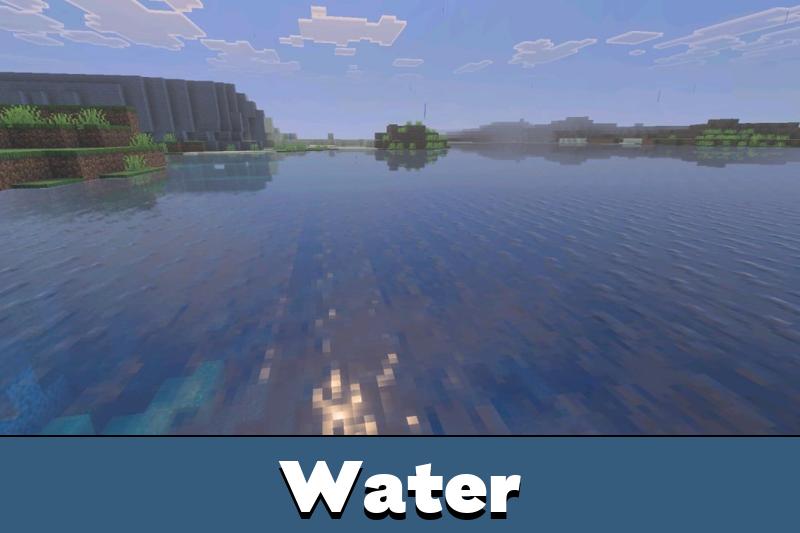
Water and Weather
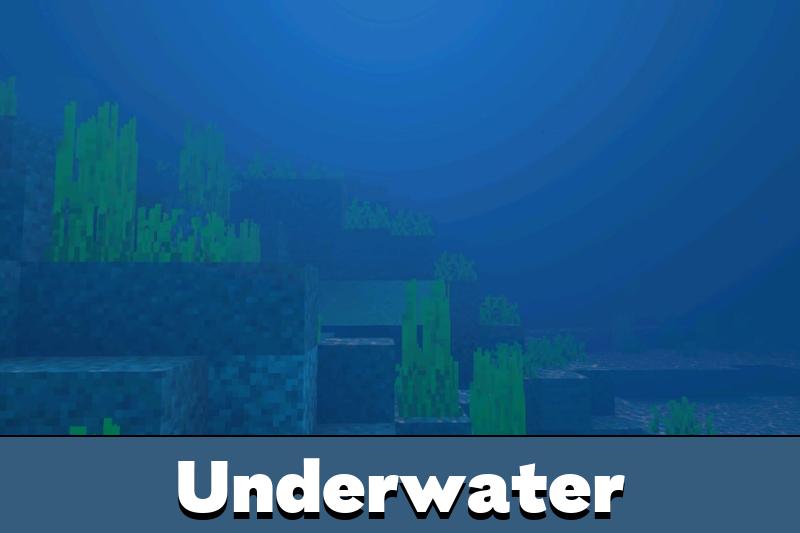
Minecraft Bedrock Edition users can notice better water reflections, sparkling sun glitter, golden sunset colors, and underwater caustics while swimming. Rivers and oceans become more useful for screenshots and builds.
Rain and storms also receive stronger visual detail. Dark skies, ripples, splashes, wet blocks, and changing cloud behavior make bad weather feel more alive.
On snow and ice, the rain effects turn off, and a soft sparkle appears instead. This keeps cold biomes cleaner and prevents wet effects from looking out of place.
For users who also like changing the visual base of the game, Texture Packs for MCPE can help combine different styles with careful resource order.
Dimensions and Surfaces
The End receives a new sky with a galaxy, a black hole, a ringed planet, light shafts, and long shadows from obsidian pillars. This makes the dimension look stranger and more dramatic.
The Nether gets a rich warm glow, while caves become moodier and darker. Metal blocks gain shiny reflections, and ice or packed ice gets a glassy surface effect.
The optional Aurora subpack adds colored night skies for users who want a stronger fantasy mood. It works best in worlds where night travel and screenshots matter.
Android users should start with the built-in phone mode. It keeps the same visual direction and is made for weaker mobile devices.
Installation
Minecraft does not officially support loading custom shaders, so Horizon Shader needs unofficial loaders. On Android, users should install MB Loader, launch the game through it, import the shader, and activate it in Global Resources.
On Windows, users need Wyvern. After installation, import the shader and activate it in Global Resources the same way. In both cases, keep Horizon Shader at the top of the resource pack list so it can apply its visual effects correctly.

The phone mode is the part I like most. Nice skies are great, but I still want the world to run smoothly when I am just exploring.