Download Newb Aerotion Shader for Minecraft PE: transform your mobile world with bright sunlight, dynamic skies, warm lighting, balanced colors, and atmospheric effects optimized for comfortable survival gameplay.
Newb Aerotion Shader for Minecraft PE
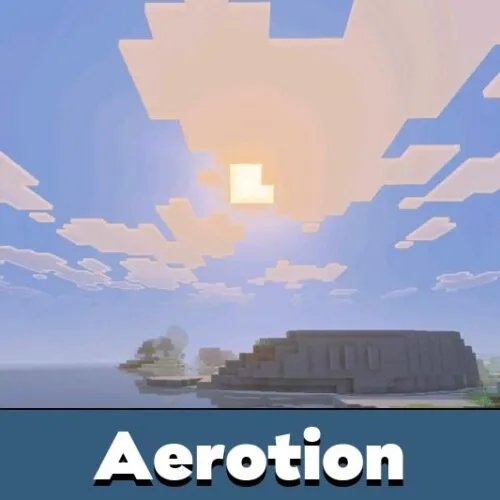
Newb Aerotion Shader introduces brighter lighting and a warm visual atmosphere to Minecraft Bedrock Edition. This Newb-inspired shader focuses on making ordinary survival environments more colorful while keeping the world comfortable to explore.
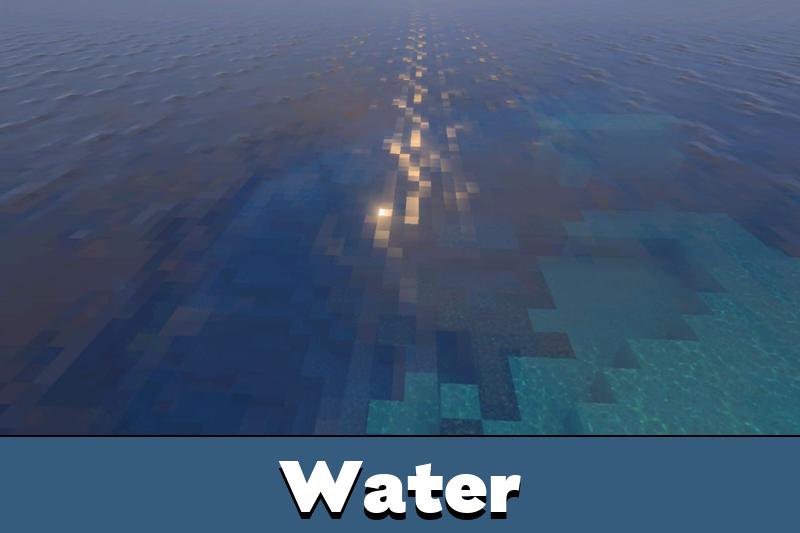
The main features include dynamic skies, balanced colors, and multiple graphical effects that improve the appearance of familiar landscapes. The result is a lively environment without excessively dark lighting or overwhelming color saturation.
The shader is designed for players who spend long sessions mining, building, traveling between biomes, and exploring their survival worlds.
Newb Aerotion
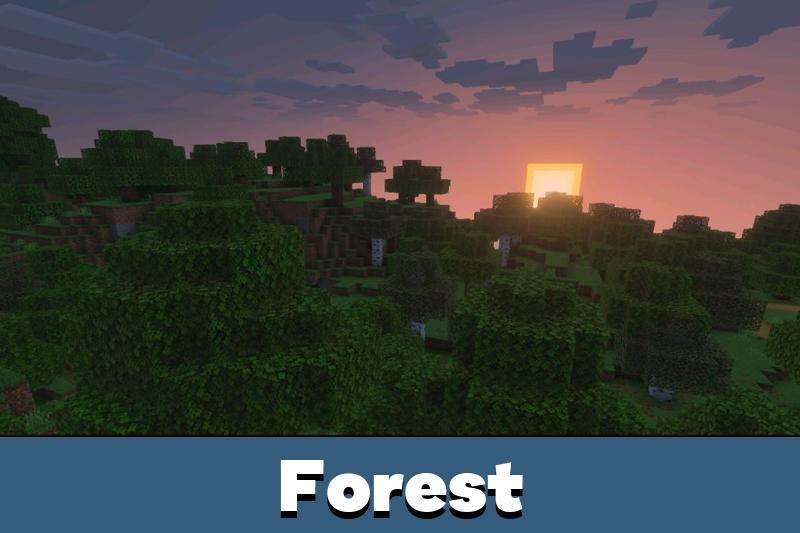
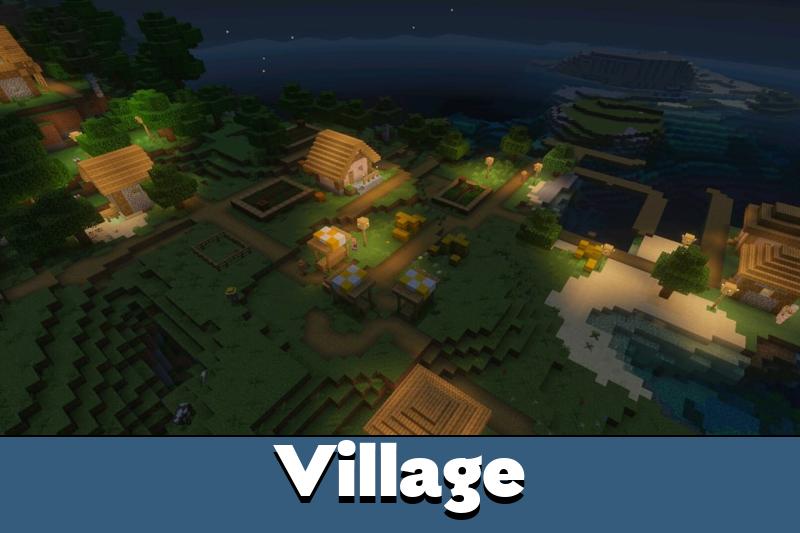
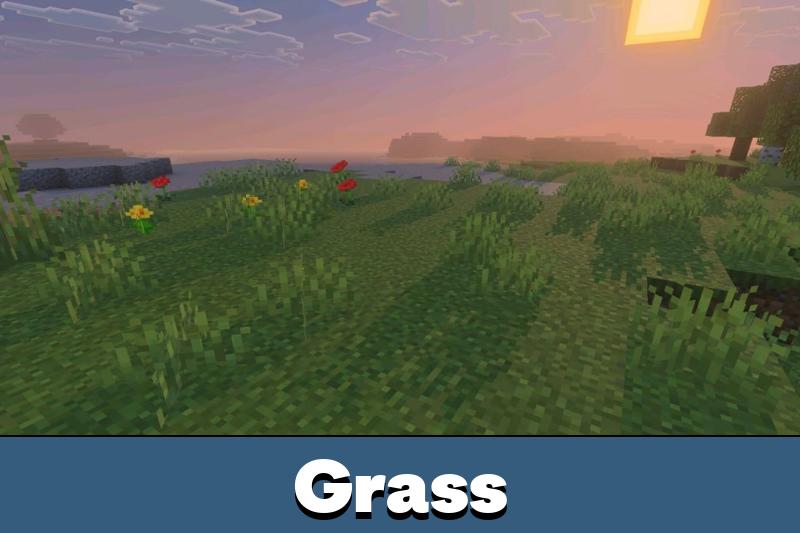
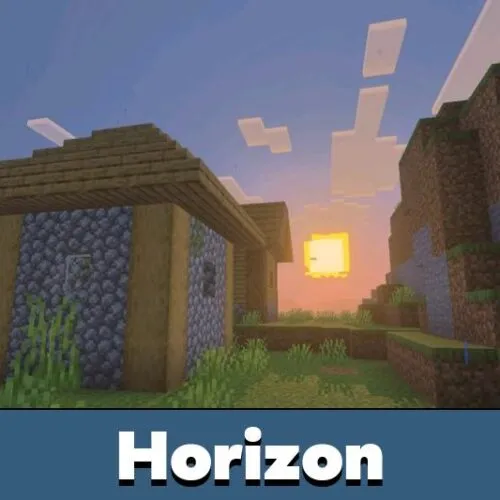
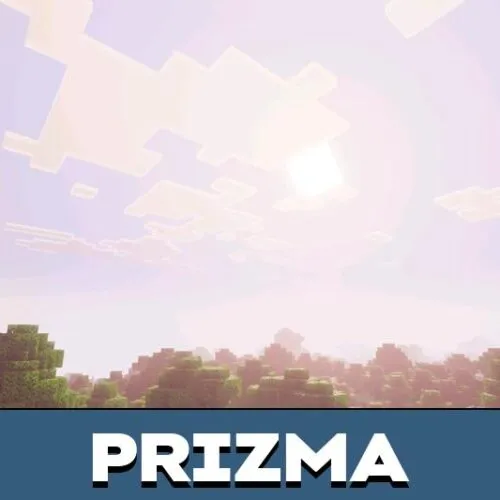
Newb Aerotion Shader gives outdoor environments a brighter appearance. Sunlight creates a warm atmosphere, making grasslands, forests, mountains, and other landscapes more visually appealing.
The lighting is balanced to preserve comfortable visibility during normal gameplay. Instead of dramatically changing the original colors, the shader enhances their appearance with a cleaner and warmer presentation.
The standard shader configuration is recommended for mid-range devices. Less powerful phones can use the Low subpack with reduced graphical effects.
This approach makes the shader suitable for players who prefer bright environments over dark or heavily stylized graphics.
Dynamic Skies
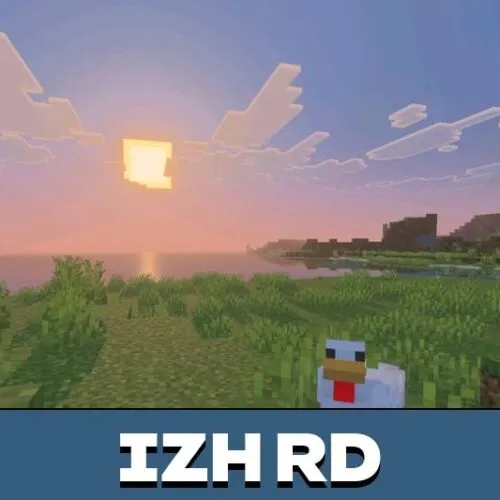
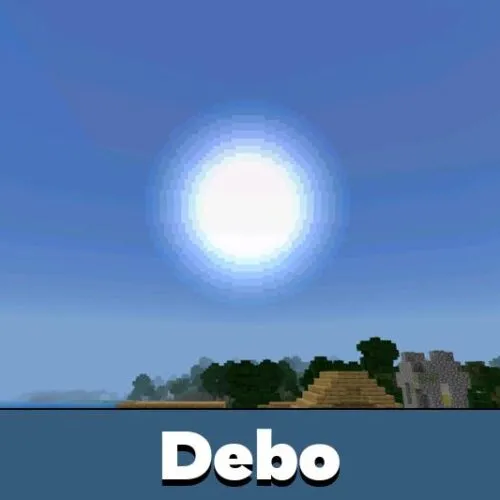
Dynamic skies are another important feature of Newb Aerotion. The shader improves the overall atmosphere above the landscape, making outdoor exploration feel more visually engaging.
The sky effects complement the warmer lighting and balanced color palette. Together, these changes give the environment a more consistent appearance during everyday survival.
Players interested in different lighting styles can also explore Shaders for Minecraft and compare other graphical improvements.
Survival Atmosphere
The shader is primarily designed for survival gameplay. Its bright visual direction makes exploration and construction more pleasant without shifting the focus away from ordinary activities.
Players can enjoy colorful scenery while gathering resources, constructing buildings, or traveling through unfamiliar terrain. The atmosphere remains warm and comfortable rather than excessively dramatic.
The combination of lighting, sky effects, and balanced colors provides a distinctive appearance without requiring changes to normal survival mechanics.
For additional visual customization, players can browse Texture Packs for MCPE and explore other ways to personalize their worlds.
Performance and Low Subpack
Newb Aerotion Shader includes numerous visual effects, so the standard configuration is intended for devices with moderate graphical capabilities.
Players with less powerful Android phones can select the Low subpack. This alternative reduces the number of active graphical effects to improve performance.
Choose the Low subpack if the standard configuration causes FPS drops. Some effects are simplified or disabled to reduce the graphical workload.
The lighter configuration preserves the shader’s general bright visual direction while prioritizing smoother gameplay. Actual performance depends on the device and graphics settings.

My phone struggled a bit with the regular settings, but the low option made things much smoother. Still looks nice when I’m wandering around looking for a place to build.