Download IzH RD Shader for Minecraft PE: transform your mobile world with warm lighting, realistic clouds, reflective water, glowing ores, and beautiful sky effects powered by RenderDragon.
IzH RD Shader for Minecraft PE
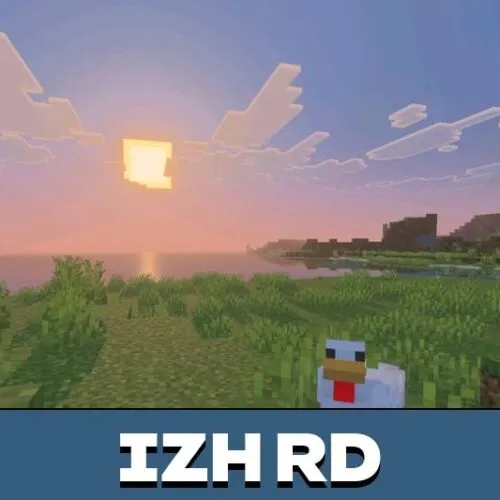
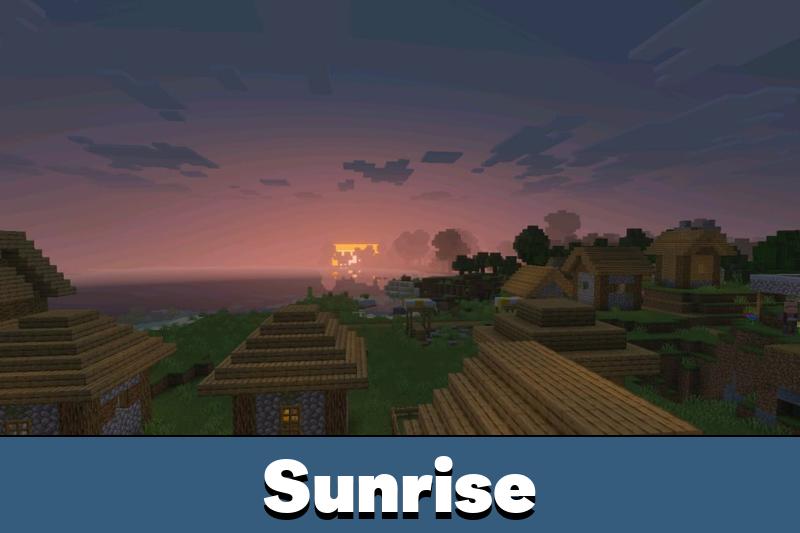
IzH RD Shader brings a warm and natural visual style to Minecraft Bedrock Edition. It improves lighting, water, clouds, and atmospheric effects without dramatically changing the familiar appearance of the game.
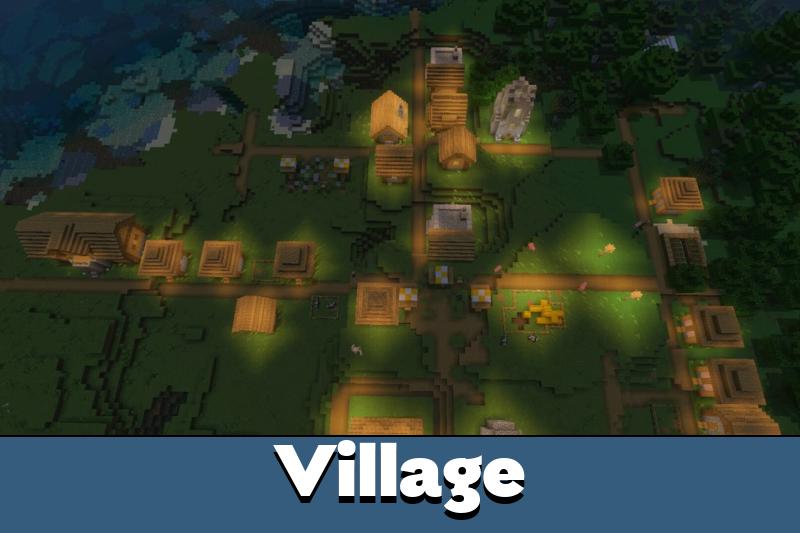
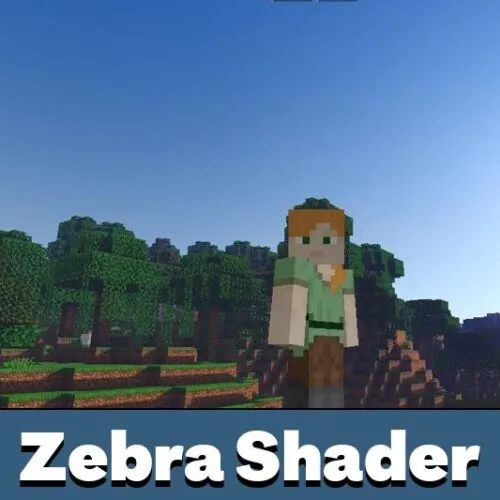
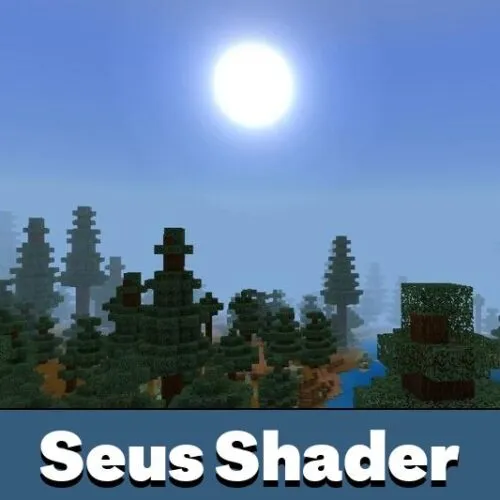
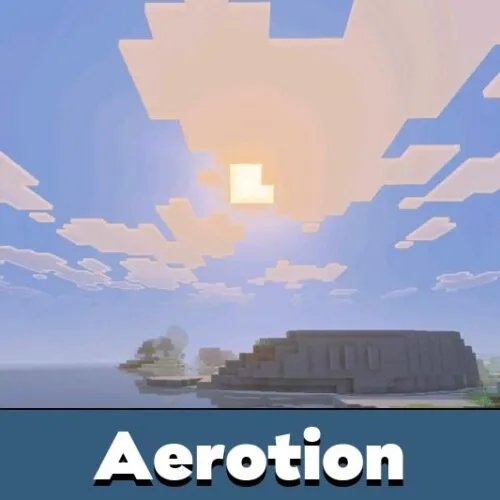
The shader focuses on simple but noticeable improvements. Sunlight looks softer, clouds become more realistic, and water reflects the surrounding environment. These changes make forests, oceans, mountains, and ordinary survival builds more atmospheric.
Unlike standard visual settings, IzH RD requires a compatible loader or patch to work with RenderDragon. The original game client does not officially support this type of custom shader.
IzH RD
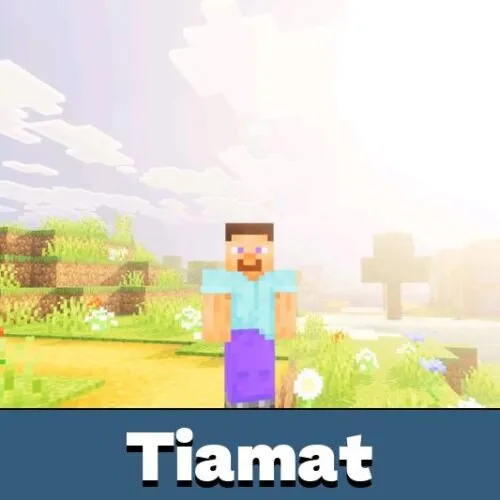
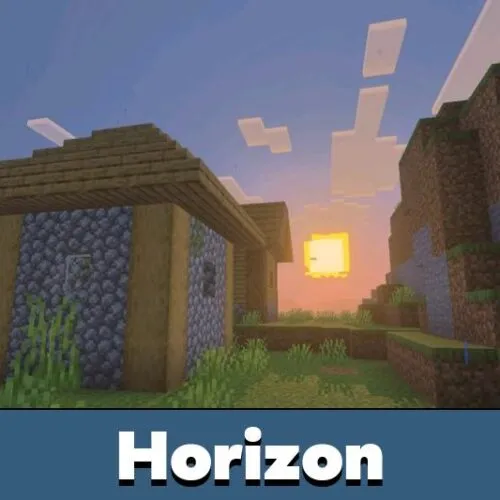
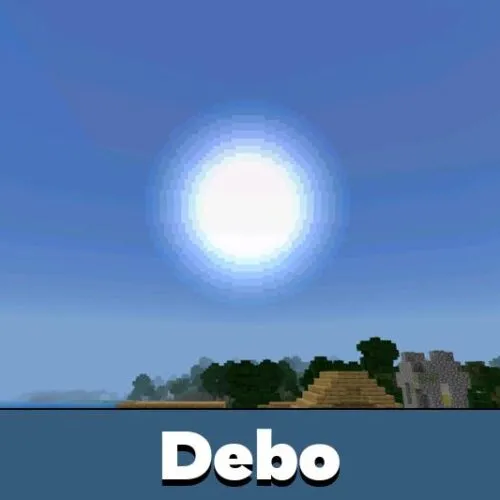
IzH RD Shader creates warmer lighting across the world. Sunlight feels more natural during exploration, while the overall color balance gives landscapes a softer appearance.
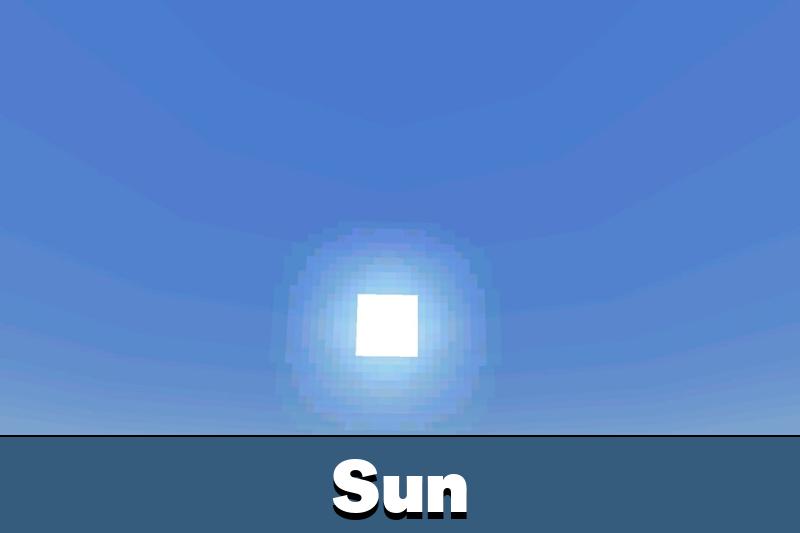
Lens flare adds another visual detail when looking toward bright light sources. The effect complements outdoor environments without completely changing the original block textures.
Glowing ores also become more noticeable in underground locations. This visual improvement helps mineral blocks stand out against darker cave surfaces.
IzH RD requires a compatible RenderDragon loader or patch. Simply importing and activating the shader in the original game is not enough.
The shader is especially suitable for users who prefer a natural atmosphere rather than heavily saturated colors or dramatic graphical changes.
Clouds and Water
Clouds are one of the main visual features. They have a more realistic appearance, with improved colors that complement the lighting and sky.
These effects make the shader a useful choice among Shaders for Minecraft for users who want subtle environmental improvements.
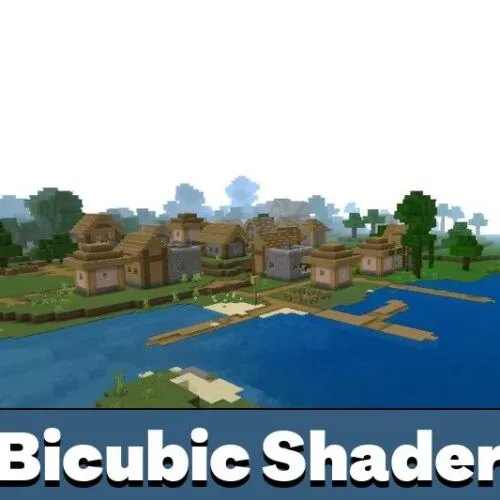
Water receives realistic reflections and animated waves. Rivers, lakes, and oceans look more dynamic, particularly when the sky and surrounding landscape appear on the surface.
Cloud reflections have also been refined to reduce transparency issues. Their appearance remains more consistent when viewed from different locations.
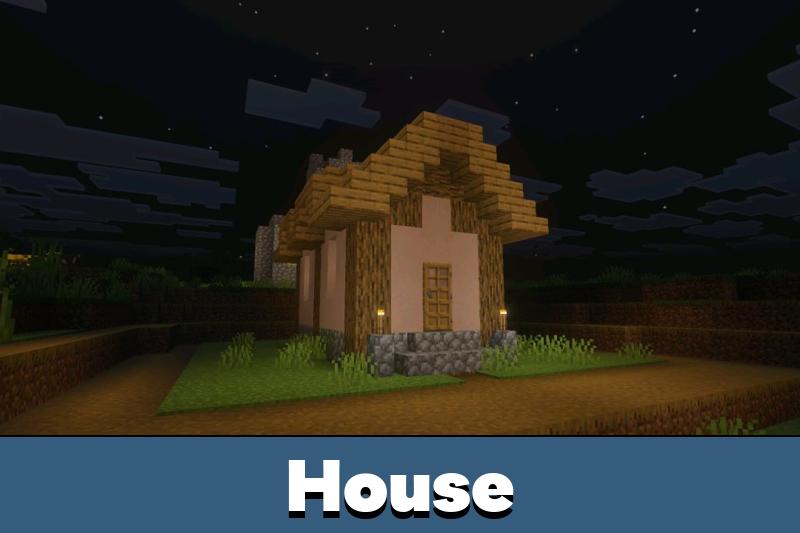
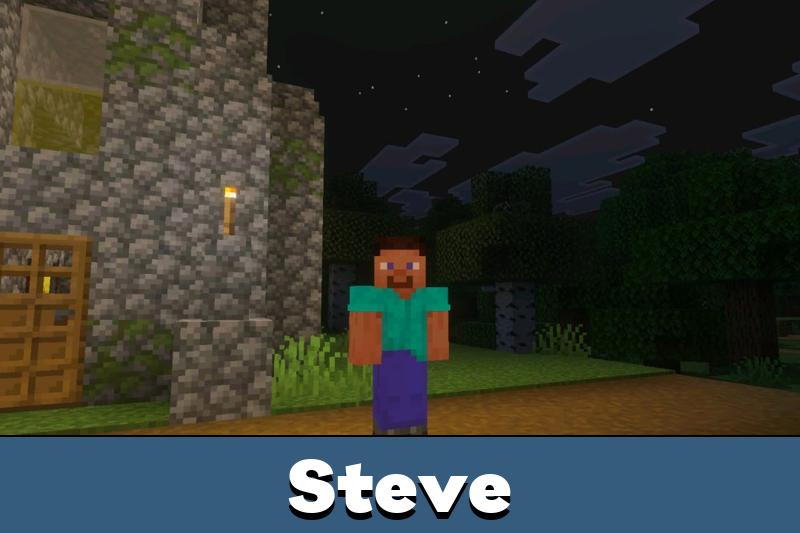
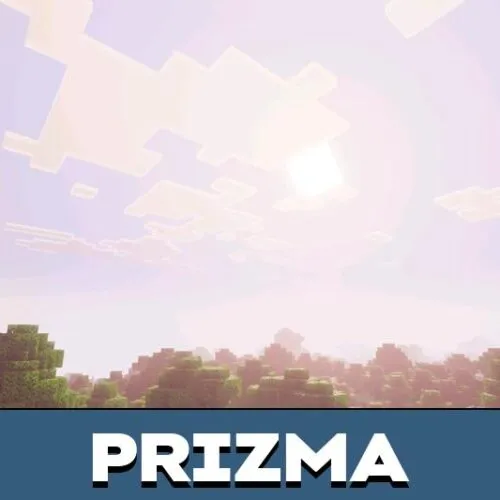
The night sky has improved colors, giving exploration after sunset a more distinctive atmosphere. These adjustments work together with the warm daytime lighting to create a coherent visual style.
For those interested in changing other visual details, Texture Packs for MCPE offer additional customization options beyond the lighting and environmental effects of this shader.
Installation
IzH RD Shader needs additional software because standard Minecraft Bedrock does not officially load custom RenderDragon shaders. Installation depends on the operating system.
Android
Android users can install the shader with MB Loader. This application launches the game with support for compatible custom graphical effects.
Follow these steps:
- Download and install MB Loader from Google Play.
- Launch Minecraft through MB Loader instead of opening the game normally.
- Import the IzH RD Shader file into the game.
- Open Settings and activate the shader under Global Resources.
- Enter a world and check whether the lighting and water effects are working.
The shader should remain activated through Global Resources when using this installation method.
Windows
Windows users can load IzH RD through Wyvern Loader. This method also requires activating the shader globally rather than assigning it to an individual world.
Download Wyvern Loader and complete the installation. Open the application, launch Minecraft, and press Inject after the game starts.
When injection succeeds, the game title should change. Import the shader and enable it in Global Resources.
On Windows, activate IzH RD in Global Resources, not in individual world settings. World-only activation will not load the shader correctly.
If graphical effects fail to appear, check whether the loader supports your installed game version.


Tried getting the lighting working on my phone and totally missed the loader step at first lol. The water reflections and warmer sky look really nice once everything is set up.